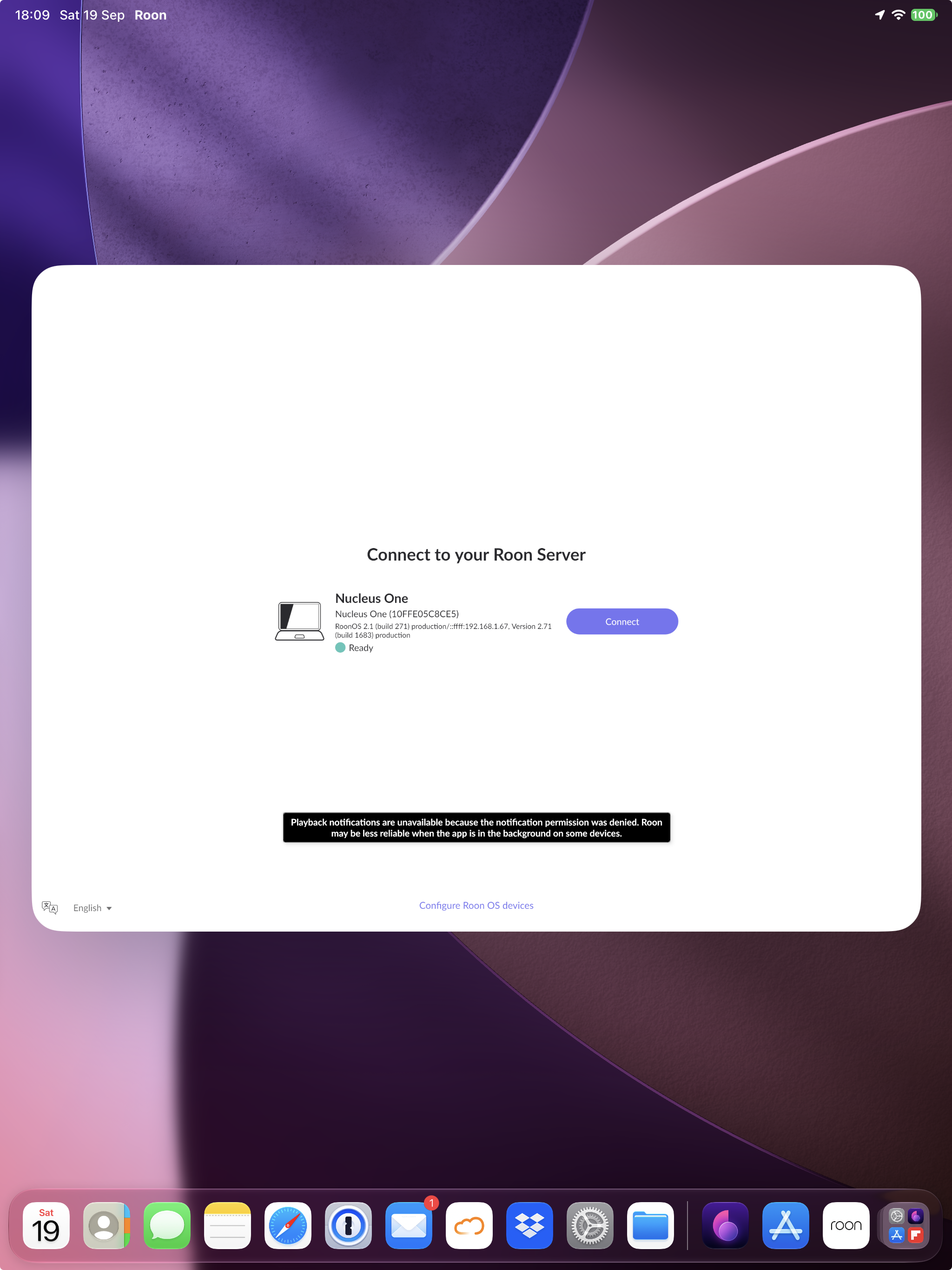
Is Roon Server running?
· Yes, Roon Server is turned on and running.
What do you see on your screen?
· I see something else
When you try to connect, what screen do you see?
· Just the Roon logo
Please try to restart your network setup by unplugging, waiting 30 seconds and then replugging in your networking gear.
· No, the issue remains the same
Please select how you've connected your Roon Server to the internet
· Roon Server is connected by *Ethernet*
Have you checked your firewall settings to ensure that Roon is allowed through?
· Roon still won't connect even after checking this aspect
Have you verified that Roon Server is on the same subnet as your Remotes?
· My Remotes and Server are on the same subnet and I still can't connect
Sometimes the issues can be resolved with a reinstall of your Roon Remote app. Let's try to perform a reinstall and see if it helps.
· I've reinstalled the Roon Remote but it did not help
What is the operating system of your Roon Server host machine?
· *Nucleus*
Select any of the following components that are present in your local network setup
· None of the above
Describe the issue
Core Machine: Nucleus One, serial number 10FFE05C8CE5. RoonOS 2.1 (build 271). Roon Server Software 2.71 (build 1683).
Network: MEO Fiber, with a DMZ configured on the router for the static IP 192.168.1.67, assigned to the Nucleus One. DNS changed from 192.168.1.254 to 1.1.1.1.
Description of the issue: When trying to authorize the Tidal account in Roon, the authorization process is accepted in the browser, but the Roon app gets stuck loading and never opens, entering a loop that always returns to the beginning.
What has already been tried, without success: restarting the Nucleus One; changing the DNS to 1.1.1.1; confirming that the static IP and network configuration are correct; checking the Tidal account for devices connected to Roon (none was found); completely reinstalling the Roon app on both iPhone and iPad. The problem remains exactly the same in all cases.