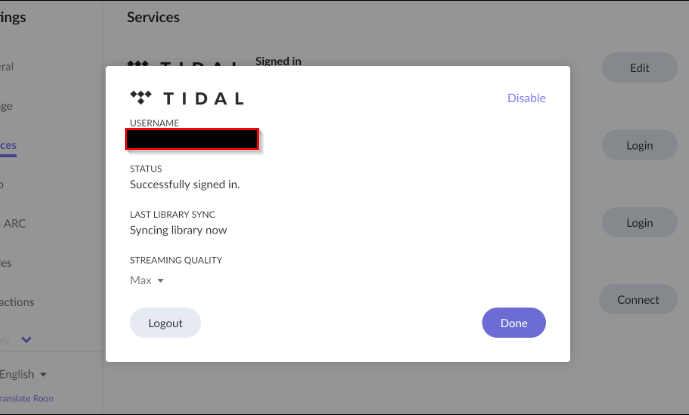
When I log in with my Tidal account to sync my library it stay in "syncing lybrary now" indefenetely but then only a small fraction of my albums and artist that I have on tidal appear under my album and artists on Roon. I tried loggin in and out of tidal, quitting and reentering roon and even desinstalling and reinstalling roon completely many times but the problem still persistst. Interestingly the same exact limitet albums and artist appear. My network connection is solid and the computer I run the Roon core is powerful enough (durin operation I had never more than 50% of the RAM in use and way less of the CPU power). Another point is that evertime i start Roon it takes so long to load albums and sometimes it shows only one song of the entire album. All of my music but for a couple of tracks are from tidal. I have no other services linked. Kind regards, JOnas
Describe your network setup
Macbook pro as Roon Core, Connected to WIFI to thee router (UPC Connect Box)
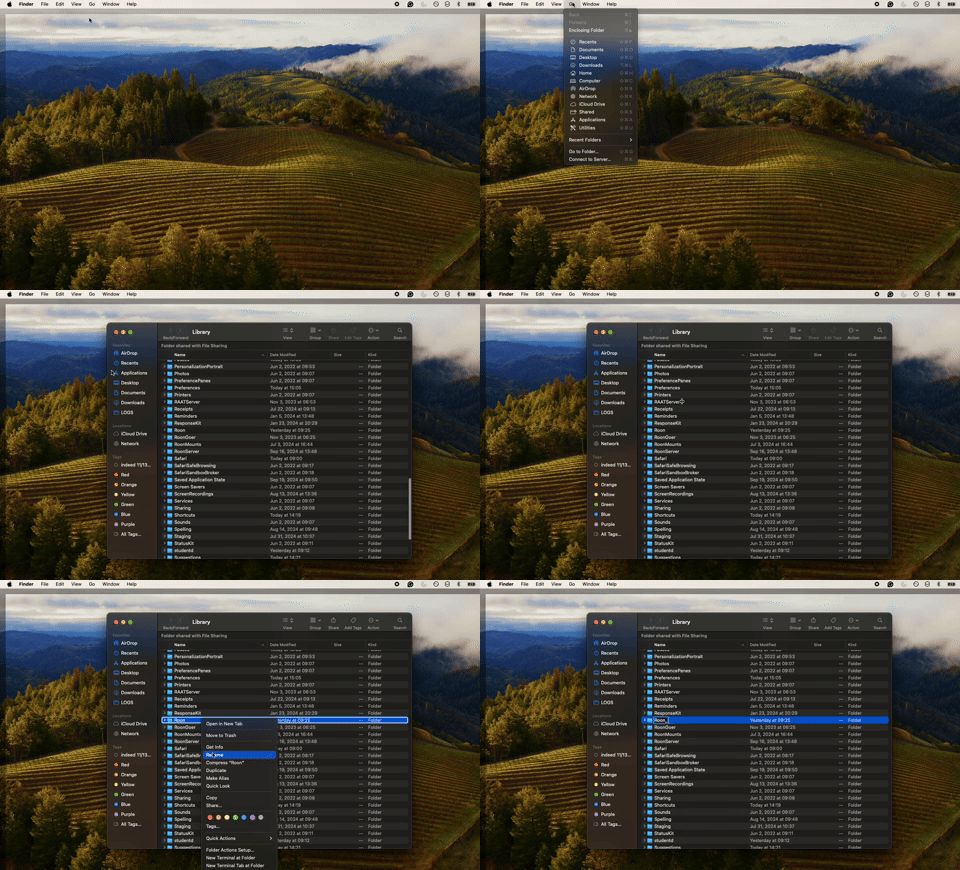
Welcome to the forum and thanks for reaching out! I’ve edited your screenshot to obfuscate personal details, since the email address was showing. When you mention that you tried reinstalling Roon, did you also set aside your previous RoonServer database? Let’s try to clear out your cache folder first, and then if that doesn’t work, you can try a database reset of RoonServer.
Thanks for giving that a try! If you could, please bring your Roon Server back online and we’ll enable diagnostics to take a closer look into what might be going on behind the scenes.
In the meantime, it may help to test out using a different DNS server as well. Common choices are:
Cloudflare DNS: 1.1.1.1 and 1.0.0.1
Google DNS: 8.8.8.8 and 8.8.4.4
Quad9 DNS: 9.9.9.9 and 149.112.112.112
Let me know if this changes any of the behavior - thank you!
Logs have reached out server and pinpointed several errors.
The request from RoonServer to Tidal’s API to sync your library is being rejected.
One possibility is that the country code (CH) doesn’t match the network pathway Tidal expects for your Roon account. Are you using a VPN or a proxy server? Try disabling this, or changing the geographic location.
Another possibility is that a local security layer is rejecting the TCP connection - this could be a firewall (a third-party firewall you’ve installed on your Mac or a router-level firewall) or a feature in any antivirus software. We recommend adding RoonServer as a safelist item to be sure if you have any third-party security software.
Please also try the DNS reassignment suggested in the post above.