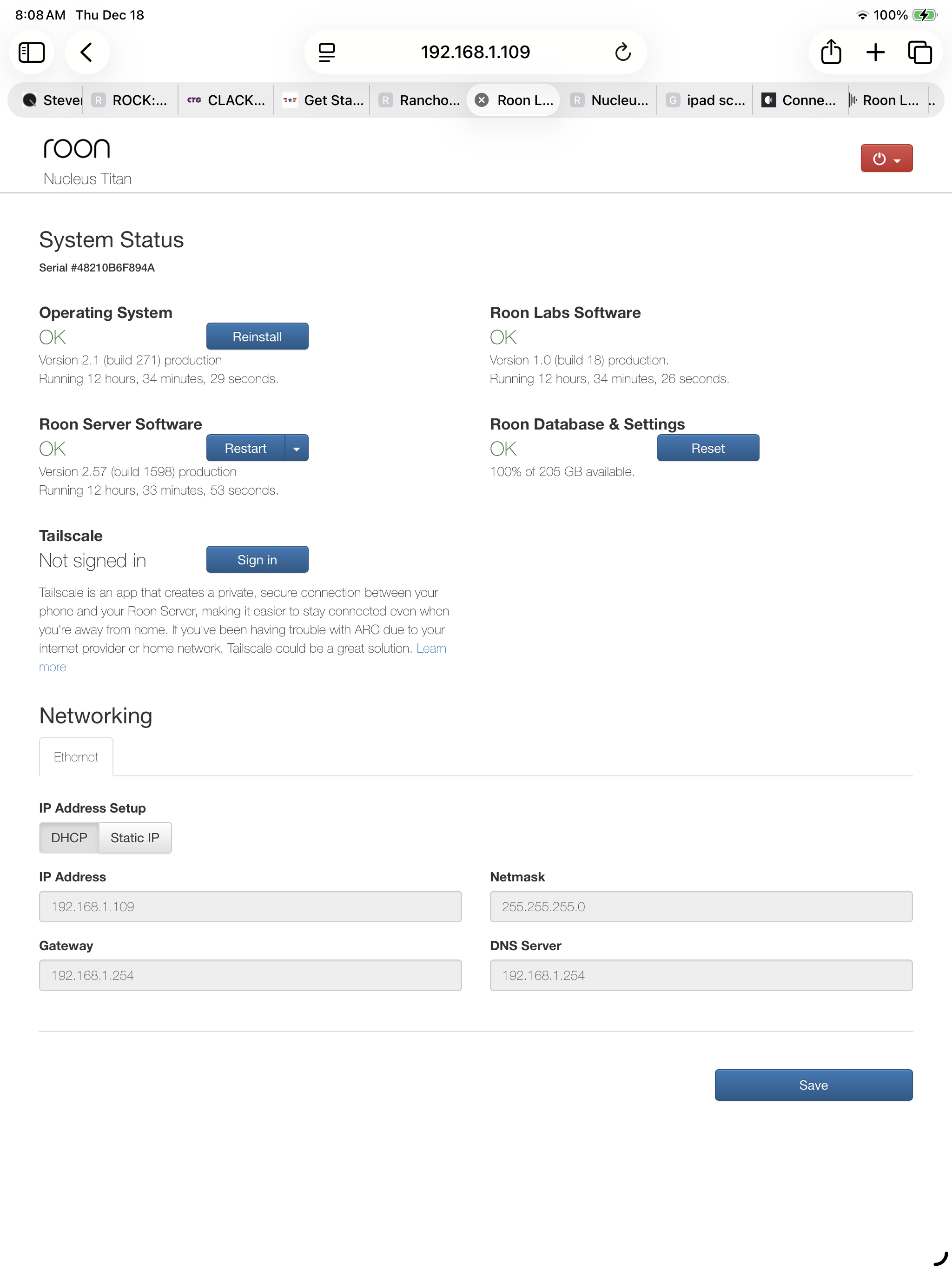
· Purchased a Titan. Took the drive from my broken Nucleus and installed it in the Titan. Tried to load music but no folders. Can’t create folders, page is blank. Put new sata drive in and it doesn’t seem to be recognized. Nothing shows up to format in the web interface. It doesn’t appear to see the drives. Done the reinstalls and stuff but no go. Getting discouraged.
Have you tried to install this disk to some other machine(your PC f. i.) and test if it’s working with a cross check ?
Also, can you please try to access the internal storage of titan from some other machine and check if it’s working , you can find an instruction on how to do that here:
Try to low-level format the drive so it contains no more data using a vendor tool and then try again (maybe check the BIOS and settings before; is the drive showing there, is it of the right type {UEFI}).
I tried both drives with a sata to usb cable on windows 10. Didn’t show up in drive management. Tried on my Mac mini and it says they are not recognizable. Hard to believe I have two bad drives with one being brand new.
We’re sorry to see you are facing this problem with your drives.
Probably, it is a problem with the connector you are using to connect it to the PC or with the disks itself, we can’t say for sure.
We’d recommend you to try to format disks to format exFAT . if that is not possible to do with your computer, then you can try to contact the repair shop and ask them to confirm whether the disk is alive.
So I took the drive I purchased back and got another one. Installed and went to the web configuration tool. Drive does not show up again. I think it’s time to box it up and return it.
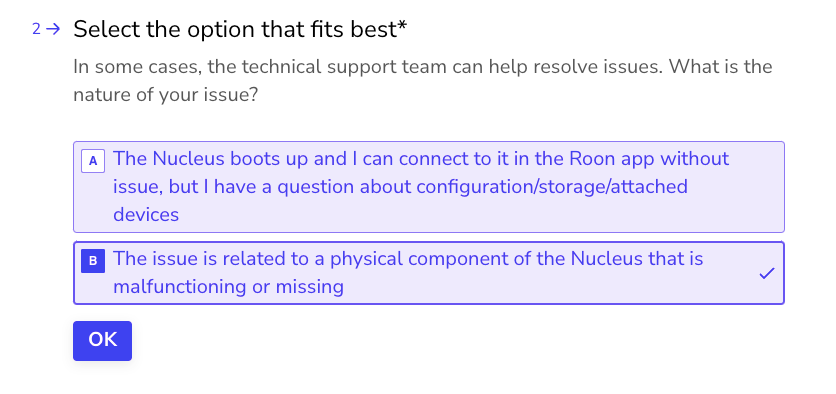
Thanks for the update, and I’m sorry to hear you’ve hit some hardware issues with your Nucleus. The best next step here is to get in touch with our RMA department directly, as they’re in charge of all hardware-related Nucleus issues. To do so, open the Typeform link below and select ‘Other’ followed by 'This issue is related to a physical component".