· Earlier today, I received a notification that someone logged into my account from a location I wasn't at. I changed my password just in case, but after opening Roon, tracks now stop and skip to the next song after playing for only 29 seconds.
I've already tried rebooting the Roon Server as well as logging out and back in, but the issue persists. Could you please help me resolve this?
Tell us about your home network
· Hi Roon Support team,
Earlier today, I received a notification that someone logged into my account from an unfamiliar location. I changed my password just in case. Since then, when I play Tidal through Roon, every track stops at the 29-second mark and skips to the next song.
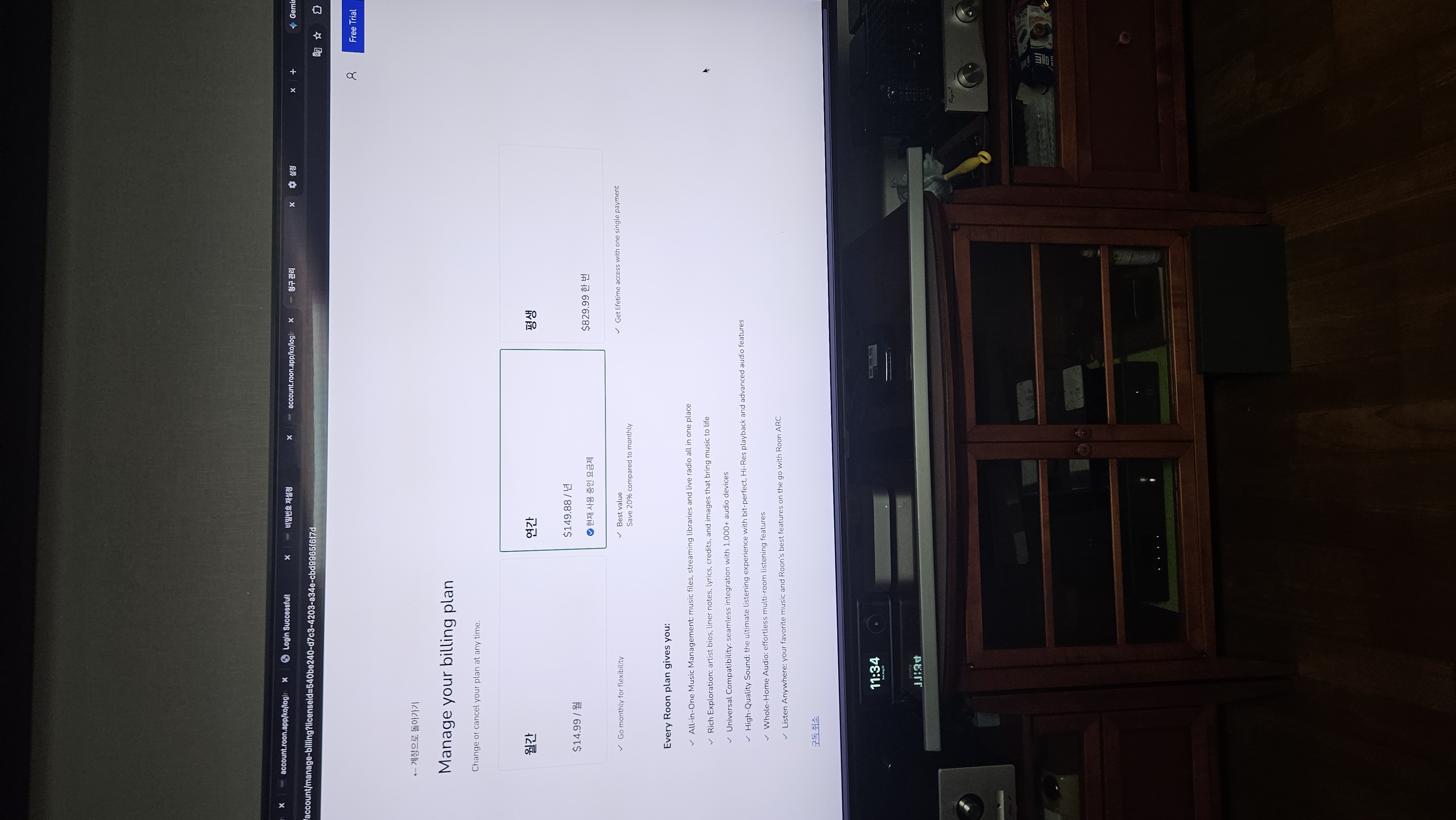
The automatic payment for converting my trial into a 12-month subscription went through on August 8th, and it seems the issue started occurring right after that. Up until then, everything was working without any problems, and I haven't made any changes to my setup or audio equipment.
I've already tried rebooting the Roon Core server, clearing the Roon cache, and logging out and back into Tidal within Roon, but the issue persists.
Could you please help me resolve this issue?
Thanks,
AceRimmer
("I’m not just a hero; I’m a legend!")
2
Local files or from a streaming service?
If streaming then its the fact that Roon does not see your streaming service as being authenticated.
You would need to log out inside Roon and log back in making sure correct username and password is used for the streaming service.
Diagnostics indicate that there might be multiple Roon Server instances associated with your account on the same network. Both a Mac and Windows 11 machine are both hosting an active Roon Server instance with the same number of tracks in the library.
So that we know we’re gathering logs from the correct machine, which is the actual Roon Server you’re using? The Windows 11 machine, or the Mac?
We’re going to merge your report with another user who reported the same symptom in the same geographic region.
Do you have any network security or consumer VPNs active? Please sign out of Tidal and back in via Roon Settings → Services → Tidal. Please also navigate to their account page directly and verify your credentials work on the same machine in a browser.
Since the day the trial version converted to a subscription, Tidal music suddenly started playing for only 30 seconds before continuously skipping to the next song. I tried logging out and logging back into Roon and Tidal, but the problem persisted. When I checked my main Tidal account, I was told my account was deactivated and that I needed to re-subscribe to reactivate it. I am dumbfounded. I subscribed to Tidal because I was told it would be integrated with Roon, yet this ridiculous situation has occurred. I would appreciate it if you could either reactivate Tidal immediately or provide me with a new Tidal ID.
Please stop posting in other topics - your issue is not the same as the subject of that thread, and your issue is already being investigate by Roon Labs support.
I suspect that your issue lies with Tidal to resolve - nothing to do with Roon Labs “activating” your Tidal account. However, let Roon Labs respond to you on this.
Roon Server logs associated with your account indicate that there are two Tidal accounts associated with this Roon Server that are both attempting to login via the Tidal API.
It was our mistake to have associated your thread with @wonyong_lee, as we have no indication of a geographic or CDN issue with the Tidal API serving Roon in the region from which both of your accounts are based.
Diagnostics indicate that your Tidal account is currently at the intro tier. This is the account tier/level the Tidal API returns for the credentials with which you’re signing in via Roon.
Please verify your Tidal account tier directly on their accounts page here.