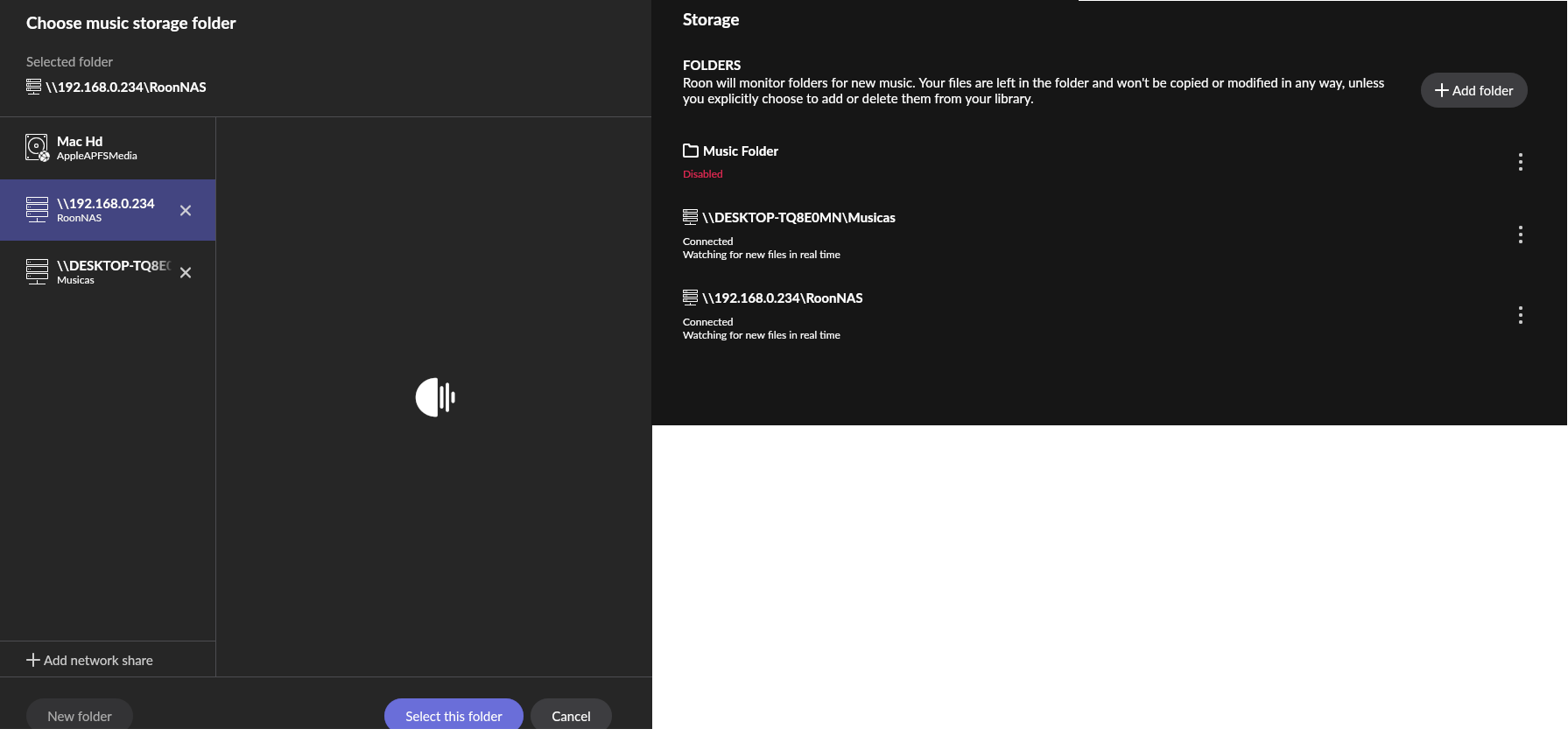
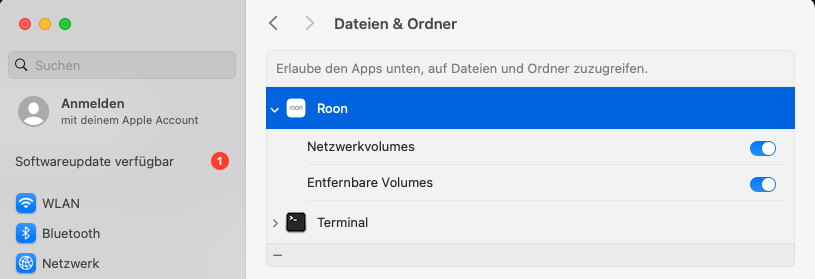
· Hello, i need support adding my musics from my NAS, i have 2 NAS, a trueNAS in a gen3 intel old pc and OMV with RPi5, both are SMB/CIFS configured. My Roon is running in a Mac mini dedicated to audio and using a RPi4 with ropieee to streaming.
I can reach my NAS anywhere from my network, the problem is adding to Roon, in storage i can add network share location, but the Roon don't add my musics to roon player, don't know what to do. Can you help me?
Tell us about your home network
· ISP to edgerouter X router then another edgerouter X configured as a switch, in this switch Roon (mac mini), Ropieee, NAS. No VPN
Thanks for reaching out and sharing your setup details. I’ve reviewed the diagnostics report, and it pinpoints why the music isn’t appearing.
There are two distinct issues happening here.
1. Permissions (Read-only) When Roon Server tries to access the folder \DESKTOP-TQ8E0MN\Musicas, the system returns a “Read-only file system” error. Even though Roon Server can see the folder, it cannot import files successfully due to this restriction.
To resolve this, please access the administration panel of your NAS (where Musicas is hosted). Ensure that the user account you entered into Roon (the SMB credentials) has Read/Write permissions for that share, not just “Read only.”
2. Connection Timeout on the Second NAS For the storage location at \192.168.0.230\dados, the logs show an “Operation timed out” error. The Mac mini is unable to establish an SMB connection to this specific IP address.
Please verify that the IP 192.168.0.230 is correct and static. Also, check that no firewall rules on the router or the NAS itself are blocking SMB connections from the Mac mini’s IP.
Next Steps Once you have updated the permissions to Read/Write for the main folder:
Go back to Roon Settings > Storage.
Edit the folder connection or remove and re-add it.