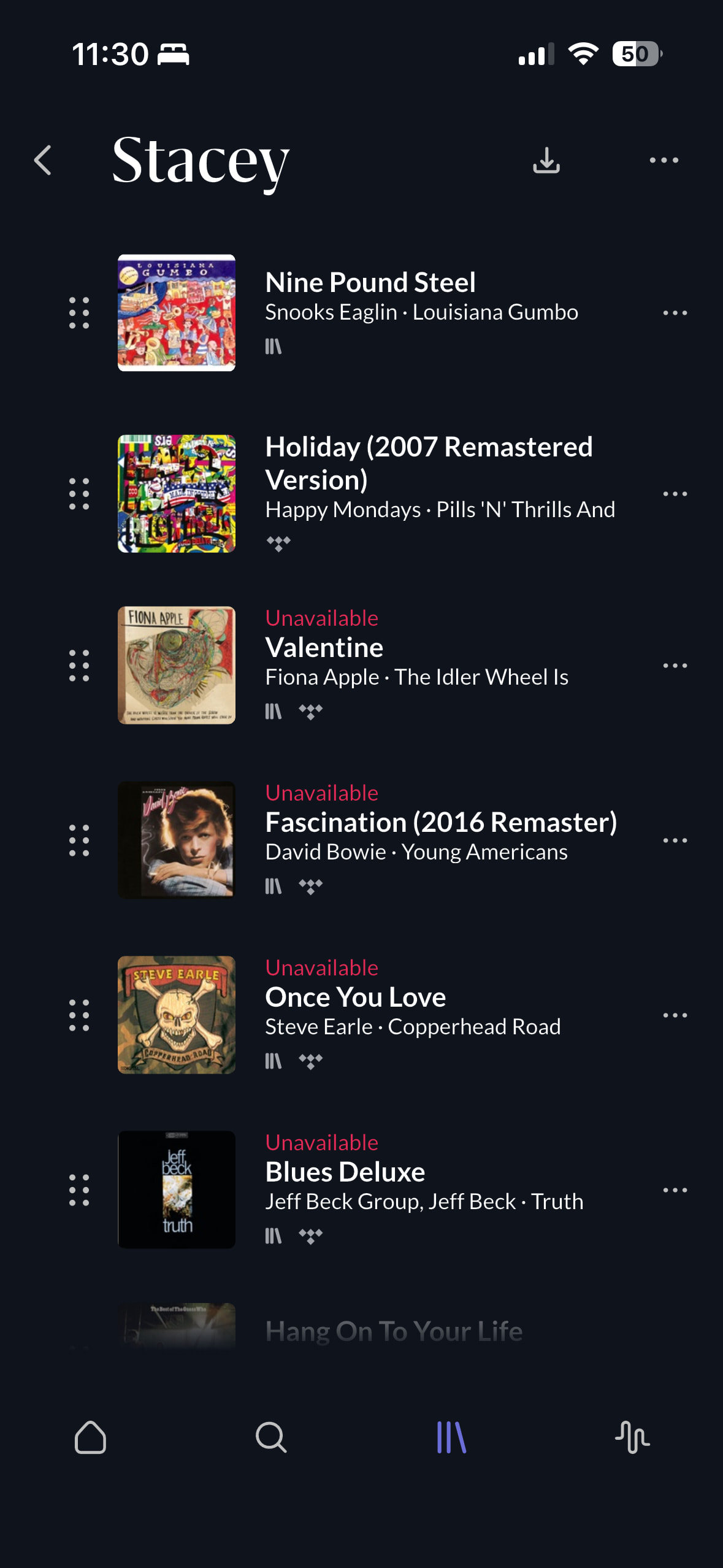
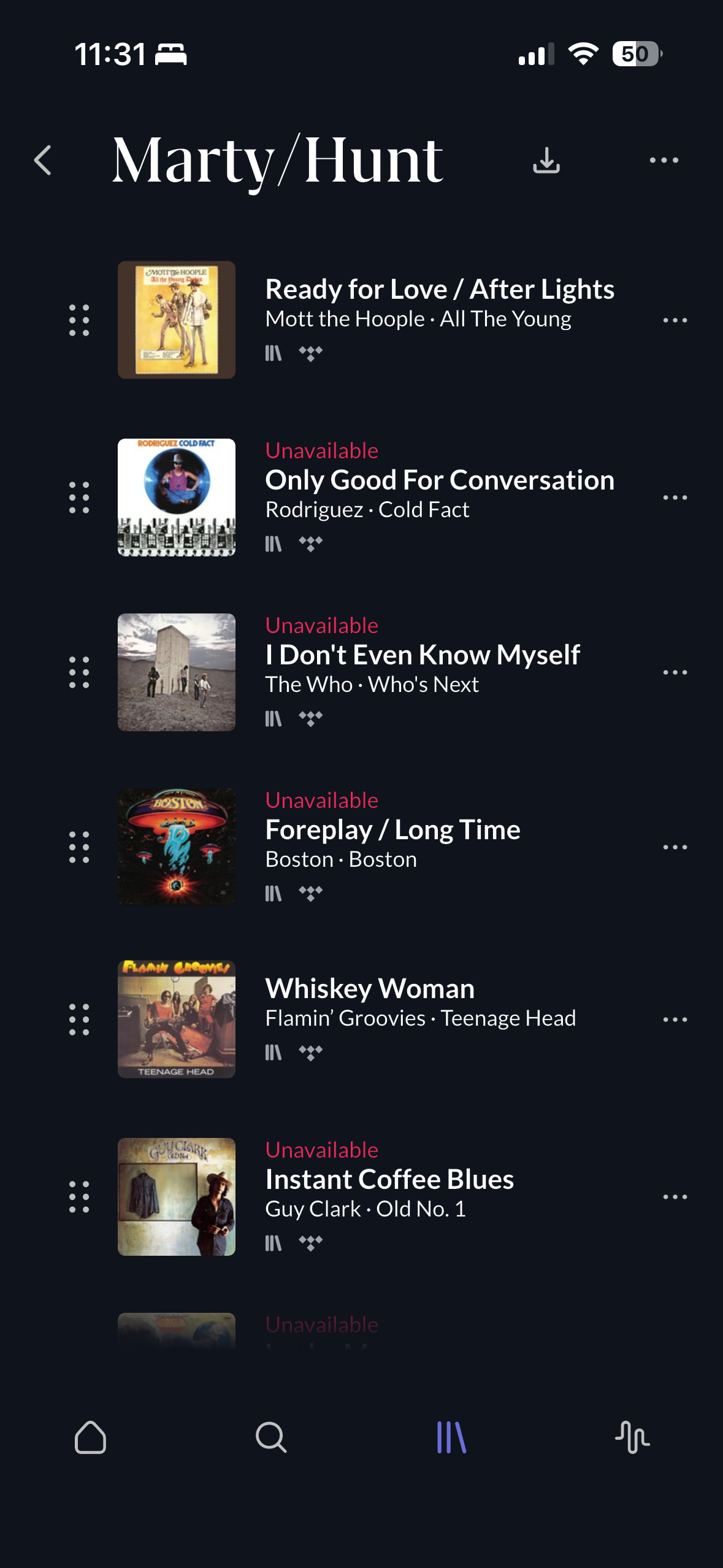
· I recently updated Roon ARC to version 1.83.427 (Build 427) and am having trouble playing songs from my library. My Roon Nucleus is also up to date.
I’m currently traveling and connecting to my library through ARC, and I’m finding that many, if not most, of my music files are showing as unavailable. I use TIDAL, and the same tracks that show as unavailable in ARC are available and stream normally when played directly through TIDAL.
The tracks that are available through ARC are a mix of local files and TIDAL tracks, so the issue does not appear to be limited to TIDAL connectivity.
Tell us about your home network
· AT&T fiber internet with Nucleus connected directly to modem/router via ethernet. No VPN use, switches or extenders.
We looked at your Nucleus logs. On October 2 at about 1:48 pm CT it restarted without a network connection, and Roon’s TIDAL login did not recover once the network returned, so your TIDAL tracks were missing from the library and ARC showed them as unavailable. The Nucleus was restarted on October 3 at about 12:51 pm CT, TIDAL logged in, and the library has been complete since then.
Would you kindly clarify if you are still facing the issue?
I’m still experiencing the problem. I’m still travelling, but had a friend reboot the Nucleus. It remains that some Tidal tracks play and some don’t and show unavailable. The attached screenshots are prime examples.
We have turned on extra logging for your Roon ARC account so we can see what is happening on the phone side. The new setting only takes effect after restarts, so please follow these steps:
Please restart Roon Server (if you are traveling, your friend with access to the Nucleus can do this).
Please fully close Roon ARC on your phone (swipe it away from the app switcher) and open it again.
Please repeat steps 1 and 2 once more.
Please try to reproduce the problem in ARC, then reply here with the exact time and your time zone. Please keep ARC open on the screen while you reply, so we can pull the logs from the phone.
Thank you for letting us know, glad it is working again. If tracks start showing as unavailable again, please note the exact time and your time zone and reply here with ARC still open on the screen, and we will pull the logs from that moment.