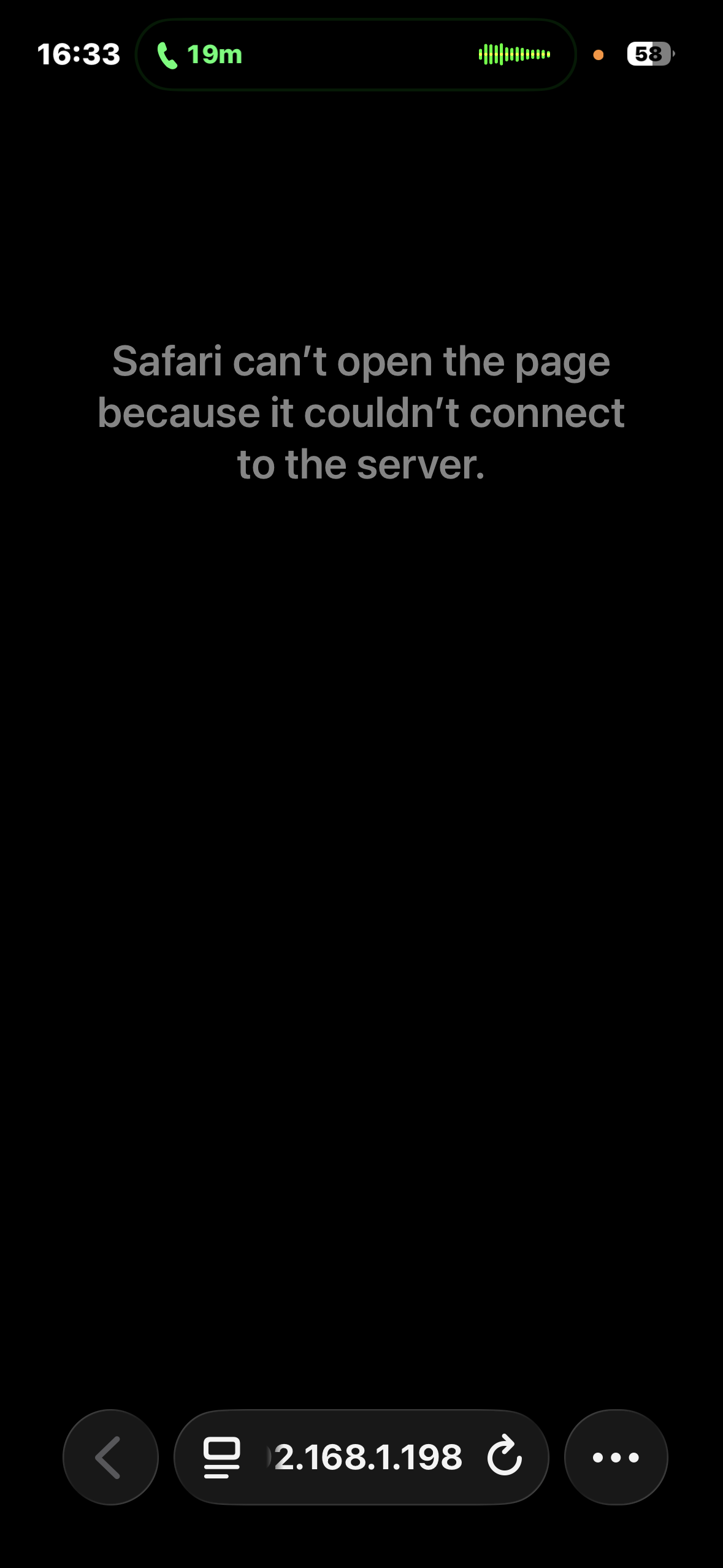
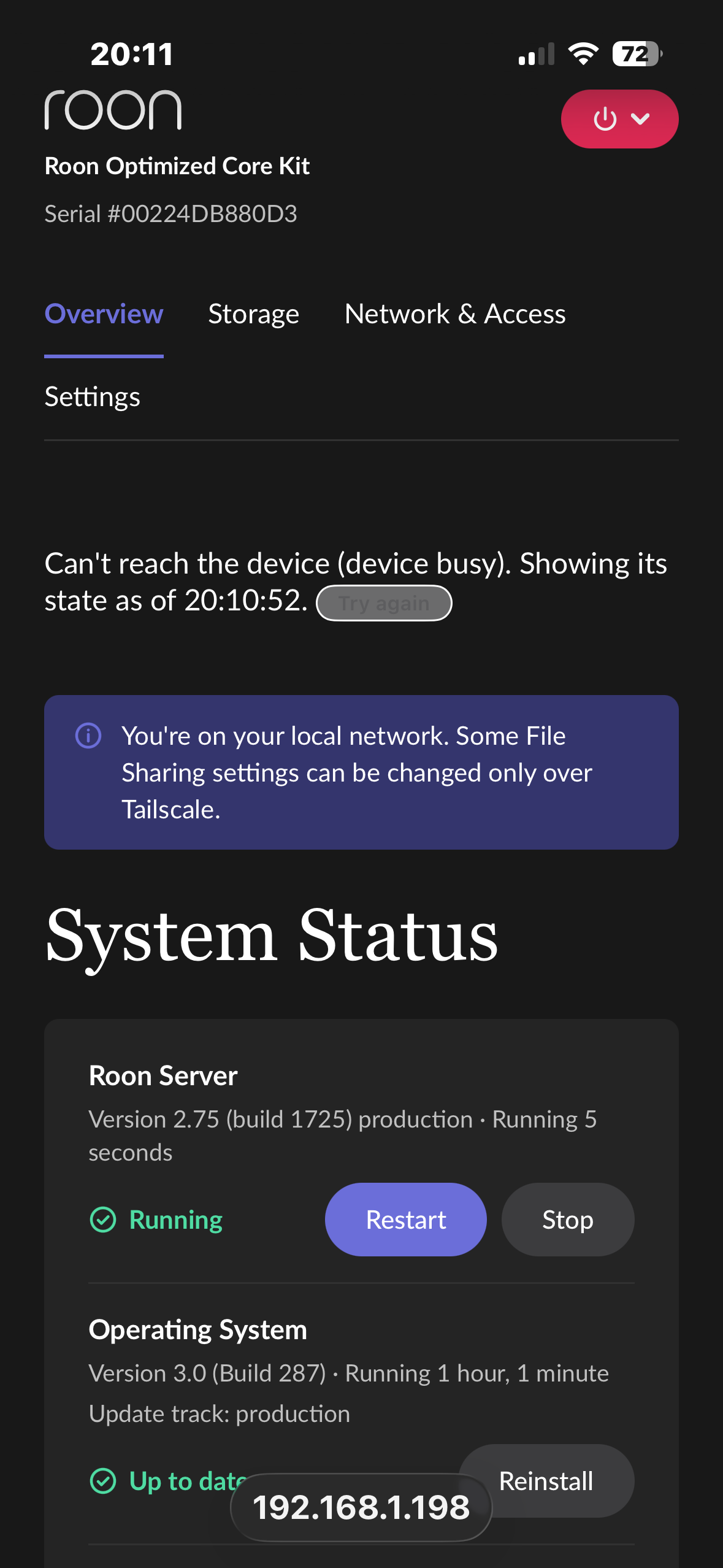
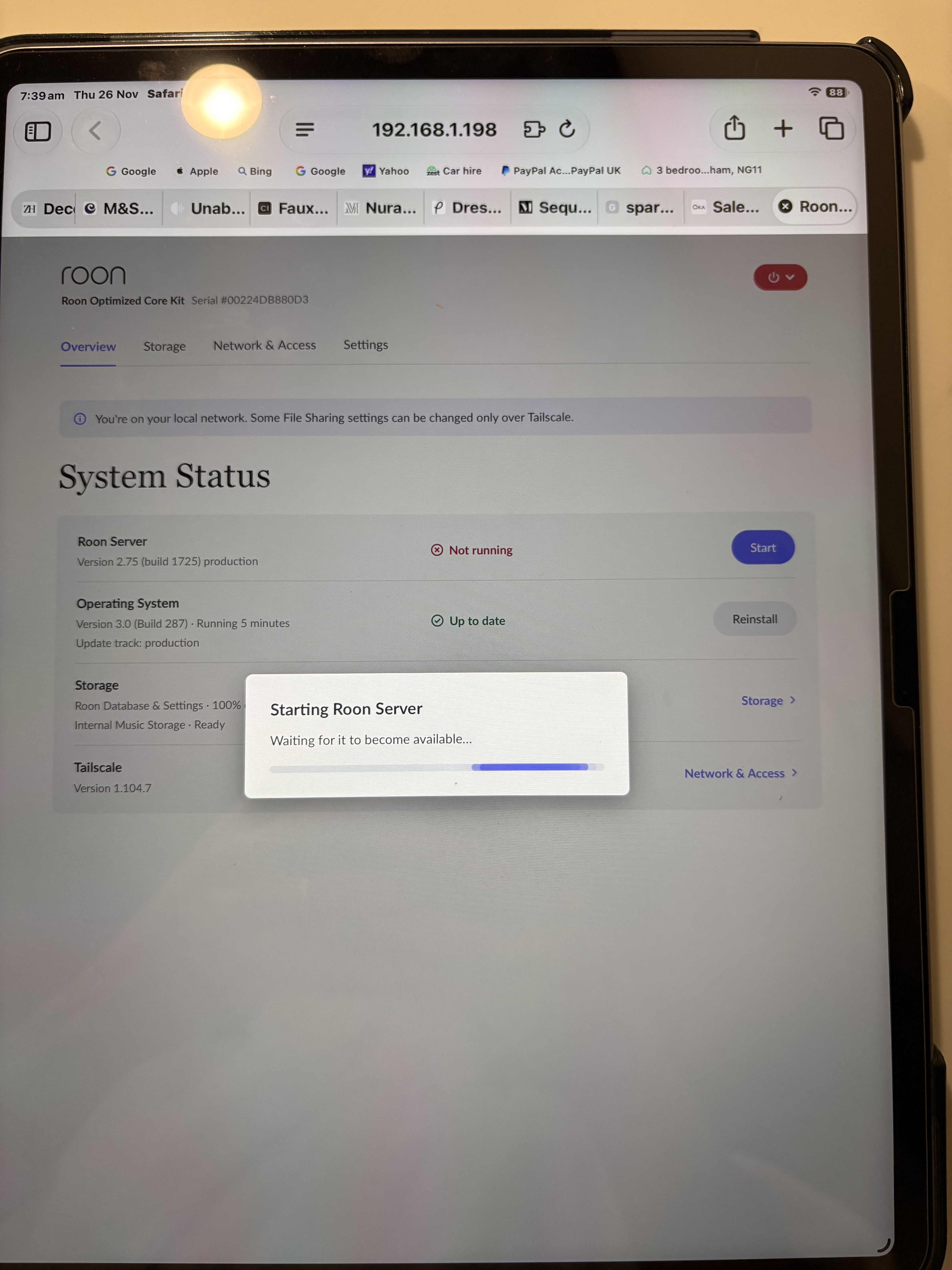
· Since the latest update we can’t connect to the server on any IOS device. We have tried restarting router but because we can’t get settings on Roon can’t check the IP address matches
Your router setting looks fine, and your iPhone and iPad can see the ROCK at 192.168.1.198. From what we can see, the ROCK itself is running after its update to RoonOS 3.0, but Roon Server on it isn’t. That’s why the apps can’t connect, and why Settings isn’t available.
Please try:
On a computer, phone or tablet on the same network, open a browser and go to http://192.168.1.198
Check the Roon Server status there. If it isn’t running, restart it from that page, or restart the ROCK from the power menu.
Update the Roon app on your iPhone and iPad from the App Store. They’re on 2.74, and the current version is 2.75.
More about the web page:
If Roon Server still doesn’t start, post a screenshot of that web page and we’ll take it from there.
Still unable to connect. Had a long call with BT yesterday checking broadband - they could see the ROCK and all looked ok at their end. There are sending a new hub to try but I don’t know enough about the ROON system to know what could be causing this?
A quick troubleshooting step that might help (if you haven’t already tried this) would be to fully delete/remove the Roon remote app from your mobile device, and perform a fresh install.
Let me know if you’re able to connect afterward, thank you!
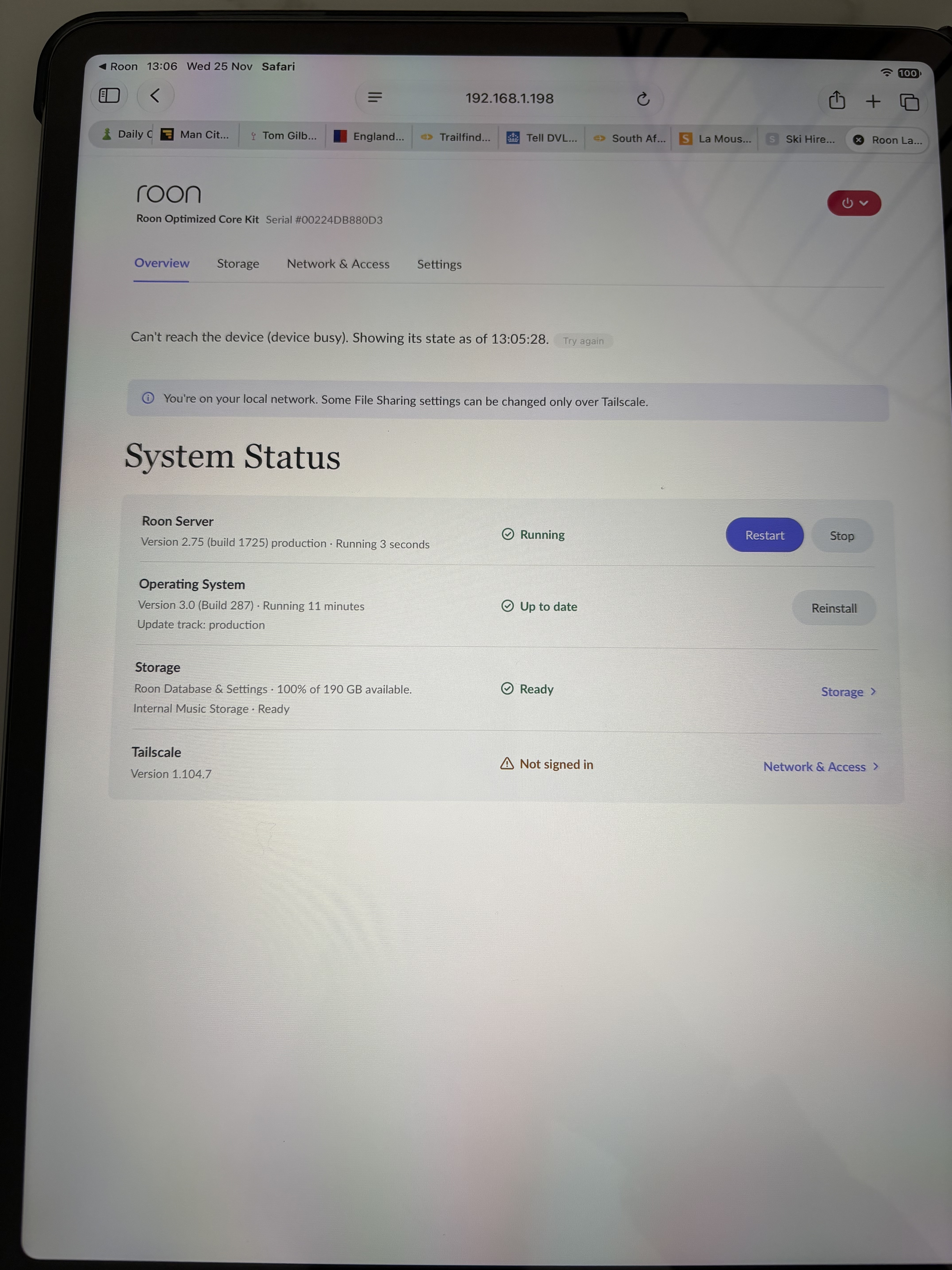
Thanks for the photo, it’s a big help. You’re already talking to technical support: this thread comes straight to our support team, and we’ll keep working on it with you here.
One detail in your photo stands out. RoonOS has been running for 11 minutes, but Roon Server shows “Running 3 seconds.” Add the “device busy” message and the fact that Roon Server hasn’t checked in with our servers for six days, and it looks like Roon Server keeps restarting instead of staying up. That would explain why the app never connects.
Could you try the following?
Plug the ROCK into a LAN port on the new router with a single Ethernet cable, without the splitter. What kind of splitter is it: a network switch, a passive Ethernet splitter, or a powerline adapter?
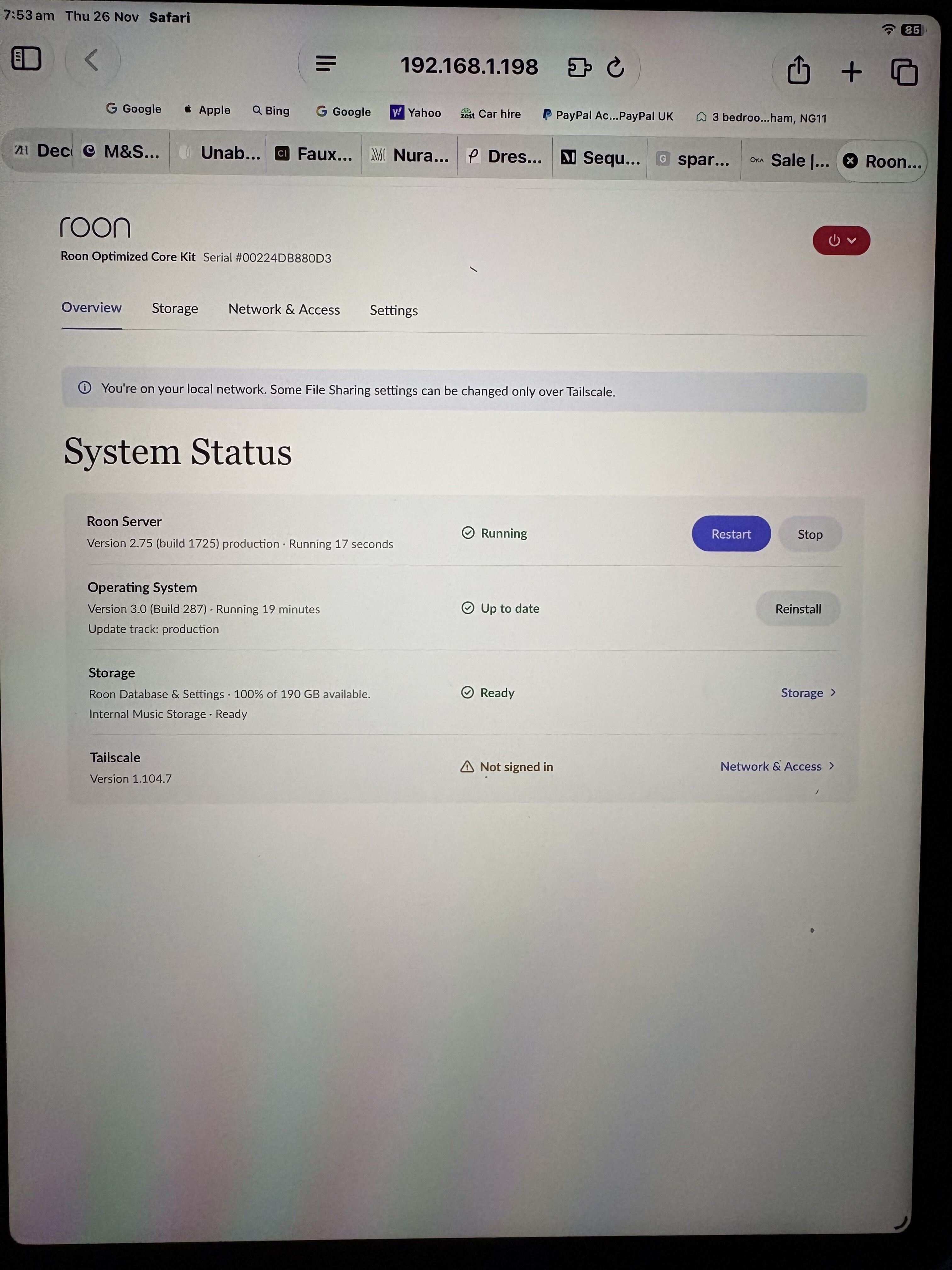
Reboot the ROCK, then open the RoonOS Web Administration Interface and refresh the Overview tab a few times over about five minutes. Does the Roon Server running time keep going up, or does it keep dropping back to a few seconds?
While you test, connect your iPhone or iPad to the router’s own Wi-Fi rather than one of the extenders. Our Networking Best Practices guide explains why extenders can interfere with Roon.
Let us know what you see, and we’ll look more closely at your ROCK’s diagnostics from there
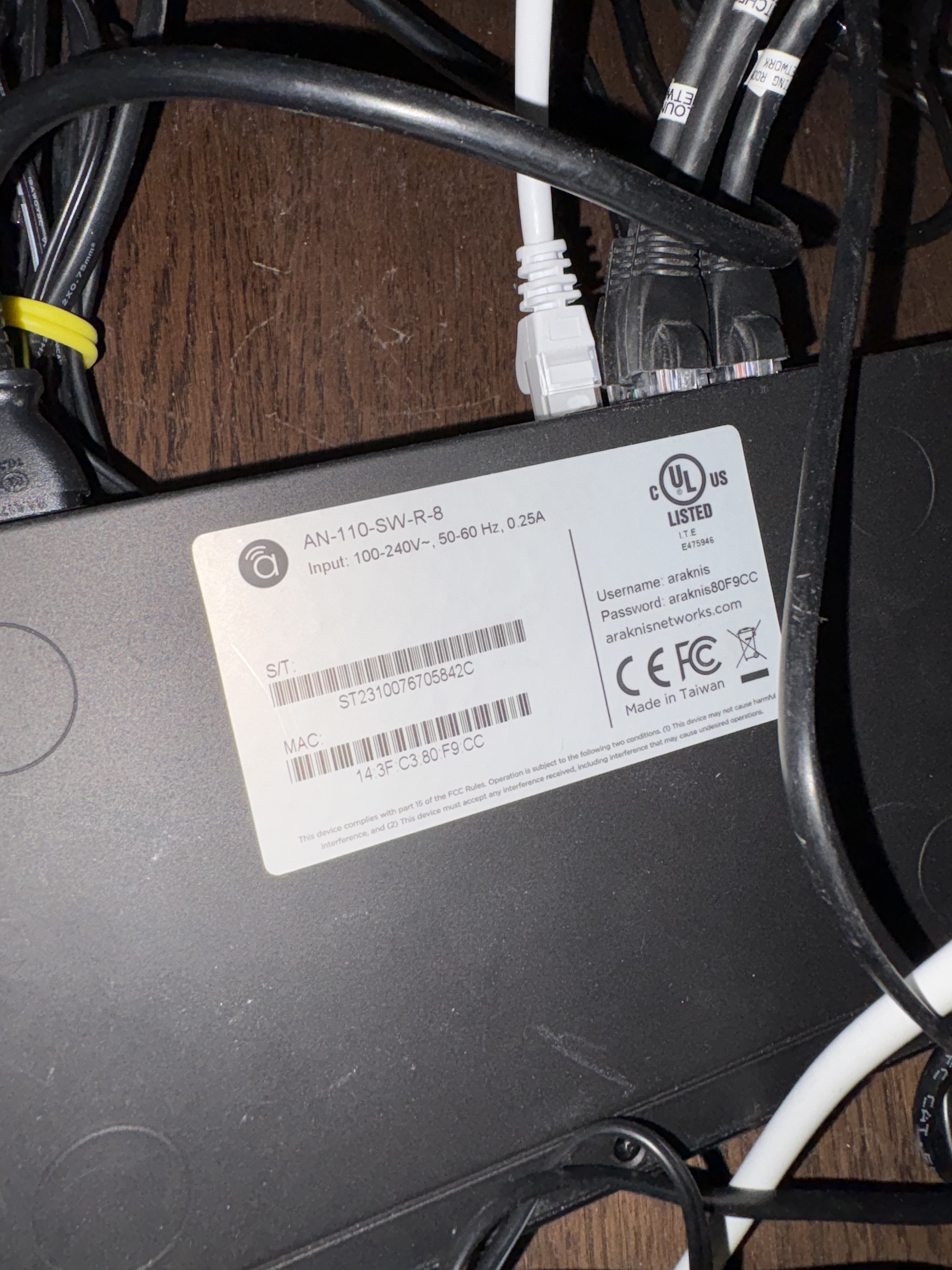
I’ve done everything you suggested, ROCK directly into router, switched WiFi extenders off. the admin page suggests the same thing happening. I’ve included a photo of the splitter which is used for the meridian speakers & a Naim Muso soundbar - everything is hardwired. We haven’t encountered this problem before.
Thanks for testing all of that. With the ROCK plugged straight into the router and the same result, we can rule out your network. Roon Server on the ROCK keeps restarting a few seconds after it starts, and because it never stays up, its logs can’t reach us.
We’re investigating a similar problem on some Intel NUCs since RoonOS 3.0. To check whether yours is the same, could you tell us:
which NUC model your ROCK is (it’s printed on a label on the bottom)
whether the ROCK is connected to a TV, AV receiver or other display by HDMI
If there’s an HDMI cable connected, please unplug it, restart the ROCK from its web page at 192.168.1.198, and check whether the Roon Server running time now keeps going up.
Thanks for the photo. That’s a Meridian Media Core 200, which runs our RoonOS, and it has no display output, so we can rule that out. The problem started right after it updated to RoonOS 3.0, and since then Roon Server restarts a few seconds after it starts.
Two things would help:
Contact Meridian support or your Meridian dealer. The Media Core 200 is Meridian’s hardware, so they’re best placed to check the unit itself and confirm how it should run with the latest RoonOS. Please let them know it stopped working after the RoonOS 3.0 update.
Send us the Media Core’s logs. Copy them from a computer on the same network:
Mac: in Finder choose Go > Connect to Server and enter smb://192.168.1.198/Data.
Windows: type \192.168.1.198\Data in File Explorer’s address bar.
When asked to sign in, enter Guest as both the username and the password. Open the RoonServer folder, zip the whole Logs folder, name the zip with your forum name, and upload it using the Logs Upload Server link in Accessing Roon Logs. Then let us know here.
Are you sure about this? I ask as the Meridian MC200 is a Sooloos Core & Endpoint not a Roon Core.
I appreciate that it is possible to upgrade the MC200’s hardware so it can run RoonOS, is that the case here?
UPDATE: From the image it does look like PSU connector has been replaced with a direct wired PSU cable… may be because the internal motherboard board inside the MC200 has been replaced.