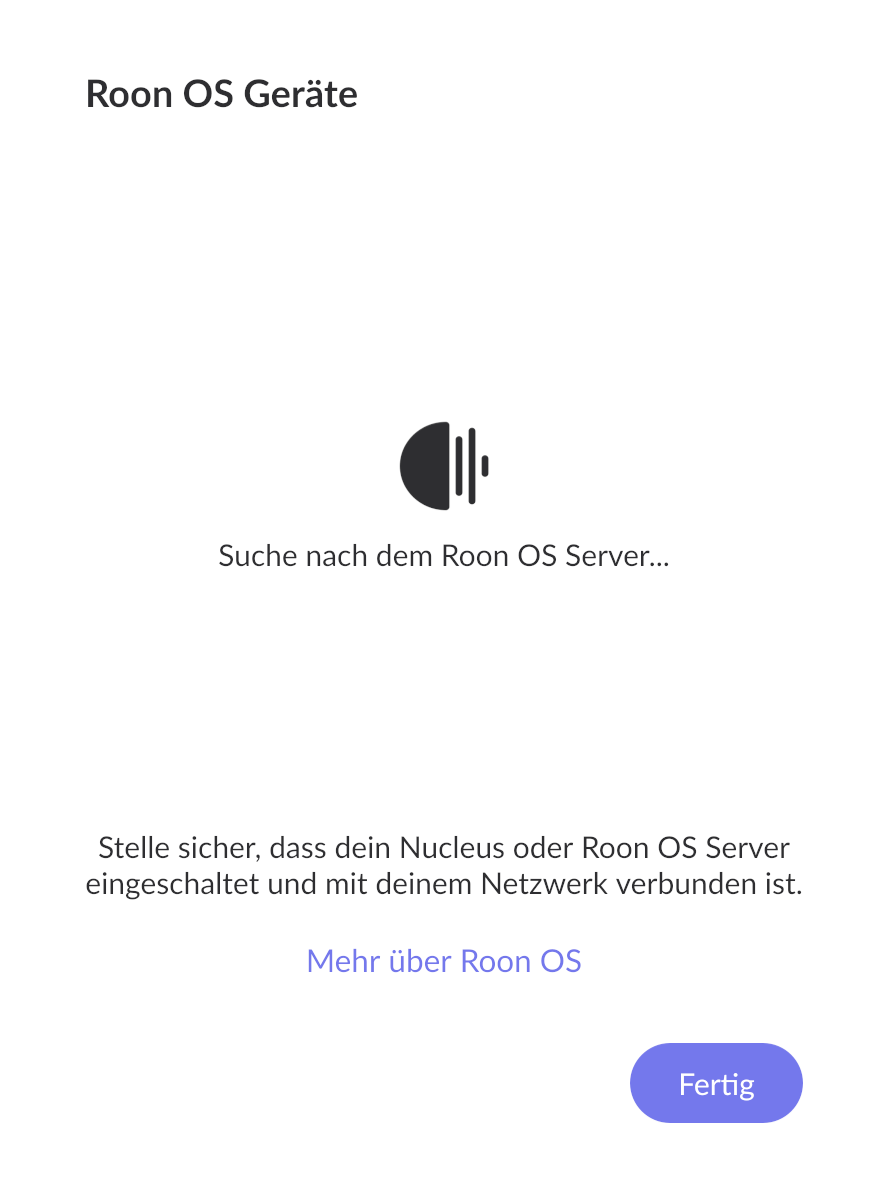
What best describes your playback issue?
· Music doesn't start when I press "Play"
What type of Zone is affected by this problem?
· *All of my Zones* are affected.
Does the issue affect all file formats?
· The issue affects *multiple/all* file formats.
Does the issue happen with local library music, streaming service music, or both?
· *Both streaming and local* *library* music are affected.
Do you encounter any playback errors with the "System Output" Zone?
· The System Output has the same problem as my other Zone.
Do you have a complex network setup?
· Both the device and RoonServer are connecting to a *single router*
Please try rebooting your router.
· No, I'm still having trouble
Do you have an approximate timestamp of when the issue last occurred?
· May 9, 2026, 10 a.m.
What are the make and model of the affected audio device(s) and the connection type?
· LAN, RoPiee
Describe the issue
As of today, I can't access my playlists on Tidal or my local music library. Everything was working fine yesterday. Tidal is connected, and all my playlists appear in the Tidal app. Nothing has changed in the meantime. This is unacceptable. How can this be fixed?
Describe your network setup
Connection via LAN to a FritzBox.