What is the operating system of your Roon Server host machine?
· Nucleus
What kind of device are you using to perform the login?
· Windows
Where are you trying to login?
· I can't log into TIDAL or KKBox
Have you been redirected to the Tidal/KKBOX login page in your browser?
· Yes
Please try clearing the browser cache and cookies for the [l](https://account.roon.app/)ogin page where you have been redirected
· No, the issue remains the same
Content / Popup Blockers
· No, the issue remains the same
Temporarily try to use a different browser
· No, the issue remains the same
Please try to restart your Roon Server by closing the Roon Server app in the taskbar (MacOS), task manager (Windows) or rebooting your Roon Server machine.
· No, the issue remains the same
Different device
· I am able to switch to the diffrent device
Are you still facing the issue on the different device
· No, the issue remains the same
Record the timestamp
· 4:37 PM Arizona Time (AKA Mountain Standard Time)
Describe the issue
Tidal will not authenticate in Roon. I've tried logging in on both PC and Android mobile. I've cleared the cache on the browser and PC program files. I've removed the pop up blocker all together. I've rebooted the PC and Titan several times. Nothing is allowing me to log in to Tidal. I just updated to Windows 11. I've checked the Windows Defender Firewall and Roon.exe has access to private and public networks. I get a successful Roon + Tidal webpage and then the wheel of death in the app. All was working on 10. My local library is moved and connected to the new 11 desktop. It plays as it should.
Describe your network setup
ISP is Cox Communications. Router is TP Link Archer AX11000. Titan is on a static IP address via ethernet and a TP Link 10 port switch.
@Vadim I powered down the Titan. Cleared cache from the Roon application in Roon/Cache. Rebooted Titan, signed into Tidal and received confirmation from weblink that Roon + Tidal were successfully linked. The Roon app on PC timed out with a message that “We couldn’t verify your account in time”
I don’t know if this bears mentioning, but I have both a Roon and RoonServer folder in AppData/Local/. The RoonServer folder does not have a Cache folder - only the Roon folder had a cache folder and I moved its contents to a folder on my desktop.
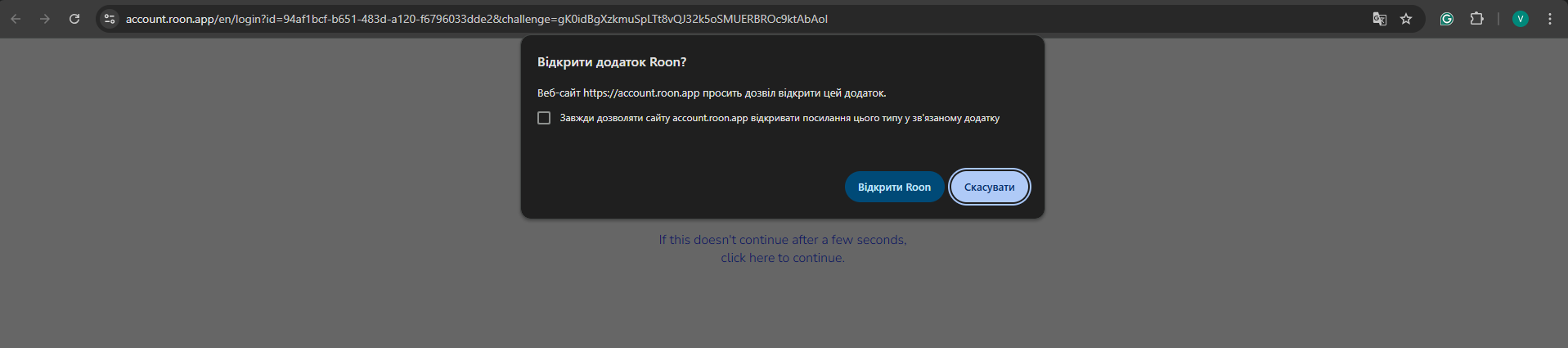
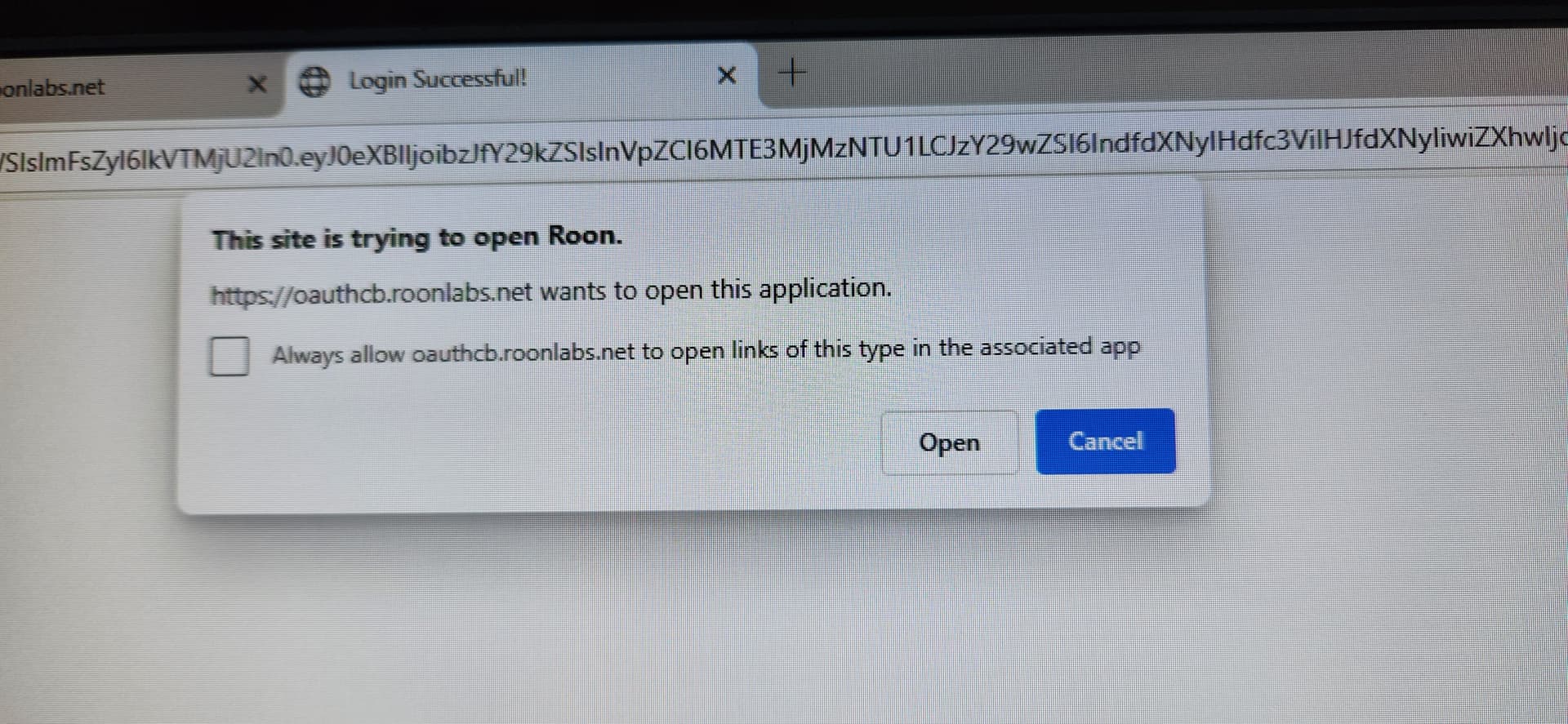
After this step, did you see a pop-up message stating that we need to return to the Roon app? It looks similar to the one shown in the screenshot below.
Right after you click Log In in the Roon application, please copy the URL that opens in your browser.
Then, open a different browser — for example, if Chrome opened automatically, try Safari or Edge — paste the link there, and proceed with the login process.
Please let us know whether the login completes successfully using the alternate browser.
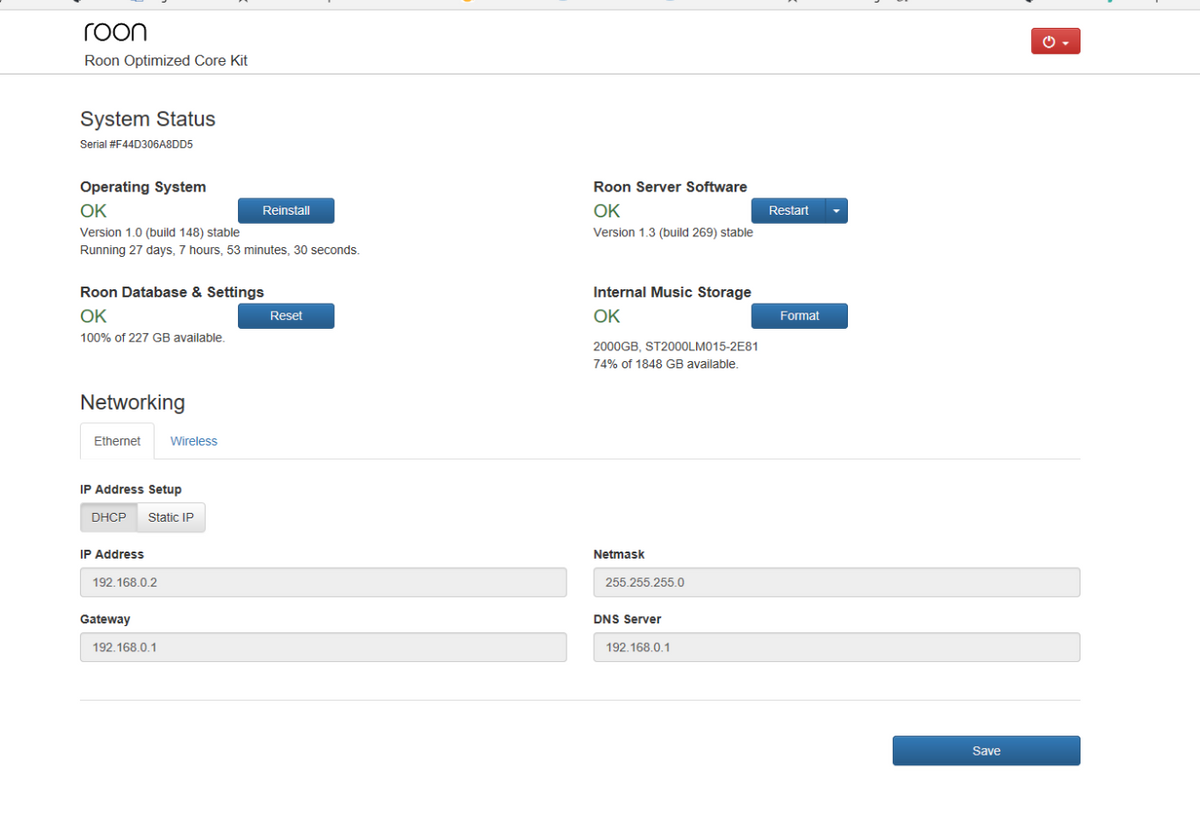
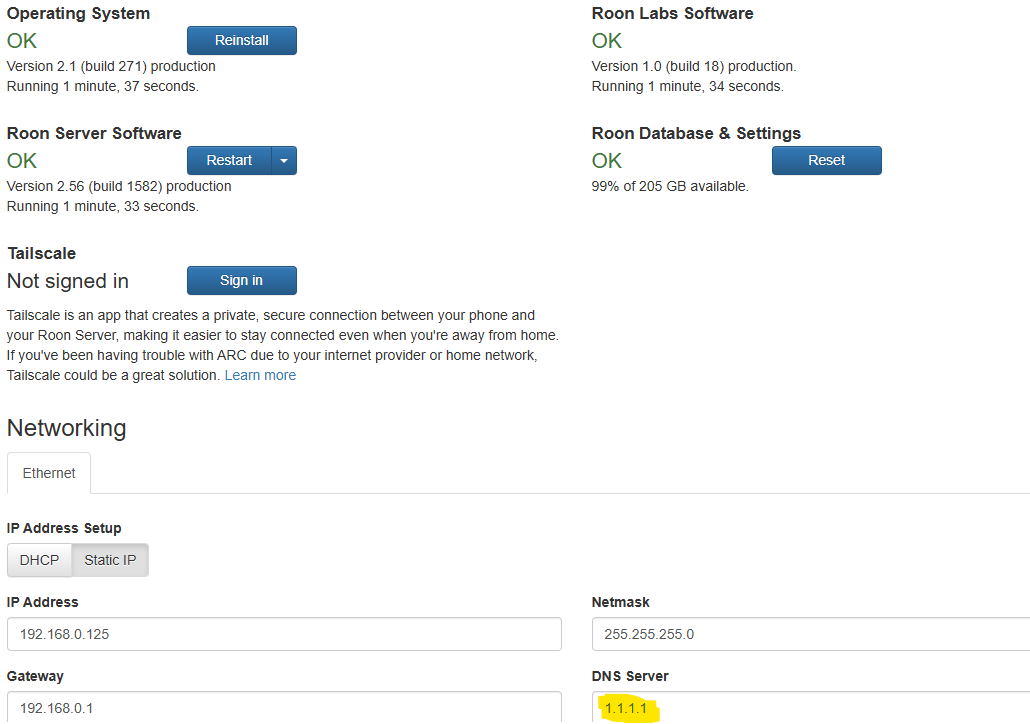
Then, can you please try to reboot your Nucleus and router, access your web interface like on the picture below and set DNS address to 8.8.8.8 or 1.1.1.1 ?
This might solve the traffic resolving problem if there is any.
Thanks for giving that a try. I attempted to enable diagnostics mode for your Nucleus, but this diagnostic request also failed, suggesting that there is something else potentially blocking the Titan from proper communication. Are you making use of any additional firewall hardware, such as a PiHole or similar gear?
When the Roon Server was on your PC, did you have issues with logging into services as well? If you don’t recall, you can temporarily switch the server over to your PC by going to Roon Settings → General → Disconnect → Use this PC on your PC’s Roon app.
Good Morning @noris ,
It looks like I have to unauthorize the Titan in order to use the PC since my subscription only allows me to sign into 1 Roon Server. This is no man’s land for me. If I unauthorize the Titan, how do I reauthorize it later?
Answer to your other query regarding PiHole, etc. I have no additional firewall hardware. I have signed up for a duck.com email mask for my gmail account, but my understanding is that affects email only and the Titan has been working on my old OS (WIn10) with that mask in place.
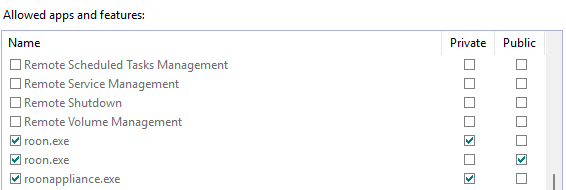
However, when I moved to Win11 I did receive a popup from Defender Firewall saying that it was blocking some activity specific to Roon. I selected “allow” in the dialog box and forgot about until now with your query about Firewall. Attached are the firewall settings for Roon.
You can easily reauthorize it the same way you’re swapping authorizations with the windows machine now! You can always access your Roon Settings>General> X disconnect - to select a new server (your Titan) and then you’ll be able to reauthorize.
Make sure all Roon apps are checked for private - not public.
You can use these instructions to add the exceptions and the executables themselves would be located in your Database Location/Application folder path.
I would also add these exceptions to any Antivirus or other Firewall blocking applications you may have and ensure that you connected to your network via a Private network, not a Public one, see this guide for more information.
So, thanks for the network review. I’m good on Public/Private settings, I was ignorant on whether Roon needed both Public and Private network access to operate. I turned off all Public settings.
Also, great news - after connecting through PC my Tidal authenticated. So, what are the steps to get Titan working again?
Thanks for letting us know that TIDAL is working on the PC, this means we can focus our efforst on the Nucleus further. If you try to login back and re-authorize the Nucleus, does this work properly? If you have a backup of your Roon database (or don’t have anything you need to preserve), you can try to perform a database+settings reset from the Web Interface if you can’t authenticate.
Unfortunately, the fix was temporary. While I did initially access my Tidal account (I was able to load a playlist and began playing a song) I was subsequently logged out. I came back to a blank screen with a dialog box saying Tidal login failure. I’m back to “We couldn’t verify your account in time.” All of this occurred on PC, I didn’t try reauthorizing Titan.
Thanks for confirming the issue also happened on the PC. In this case, it is likely to be network related. Is the router up-to-date on firmware? I wonder if there could be some additional firewall on the Cox modem?
@noris , I believe I’ve got things resolved. It wouldn’t have been possible without your help. I was certain the issue was Win11, but you pointed me to the real culprit, which was my network VPN. After you concluded it was a network issue I disabled my VPN and Roon came to life. The odd thing is I’ve had the VPN in place for quite some time and all was working fine on my Win10 PC with VPN enabled. When I made the switch to Win11 that all changed (making me think 11 was the issue). When you pointed me to the network I did a search of the community and found VPN is a no go with Roon. I thought I had Roon sitting outside of my VPN, but apparently it was not. I’ve changed my setting on split tunneling and added all Roon app features to bypass the VPN and I’m back online. I’m grateful for your assistance - I never would have figured this out. It’s great to be listening again!