Hi,
I am having trouble connecting to Roon ARC as I keep getting this error:
{
“connectivity”: {“status”:“NetworkError”,“status_code”:504,“error”:“error: Error: ETIMEDOUT, response code: undefined, body: undefined connected? undefined”},
“external_ip”: {“actual_external_ip”:“86.127.225.66”,“router_external_ip”:null},
“natpmp_autoconfig”: {“status”:“NotFound”},
“upnp_autoconfig”: {“server_ip”:“192.168.1.1”,“found_upnp”:true,“error”:“Did not find UPnP service with WANIPConnection on network”}
}
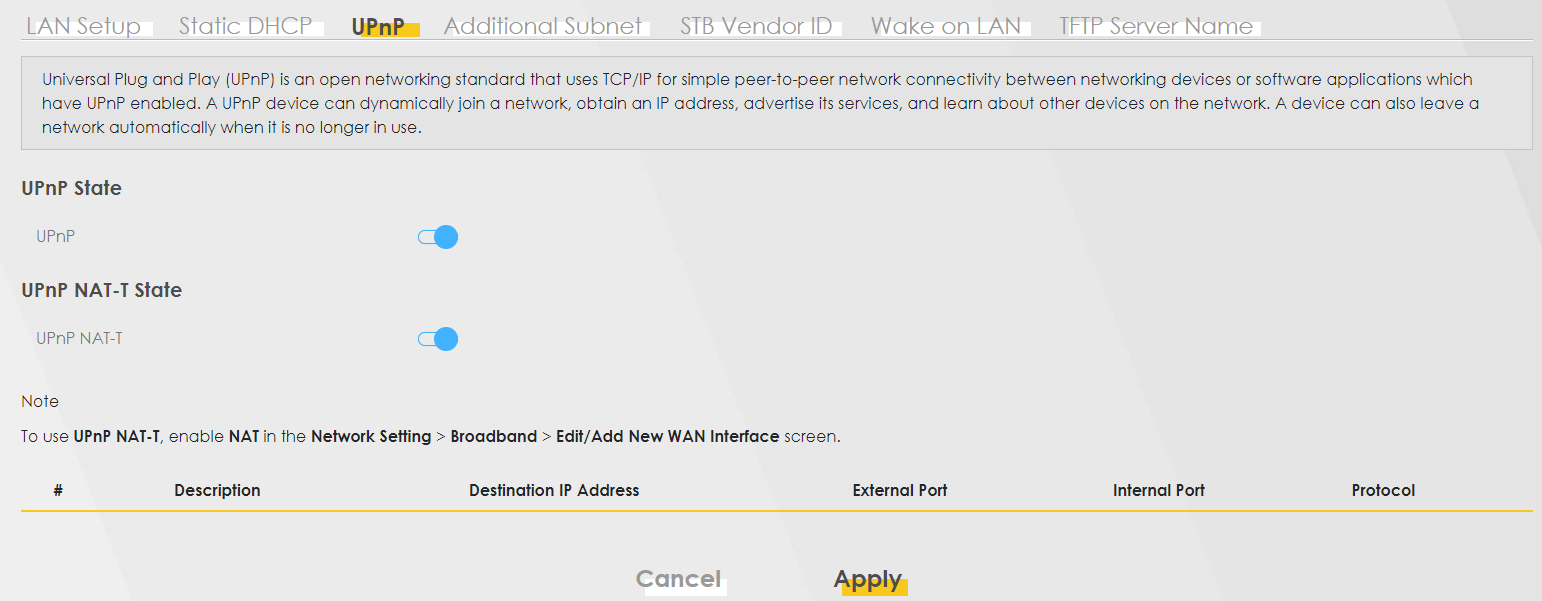
despite enabling UPnP in the router:
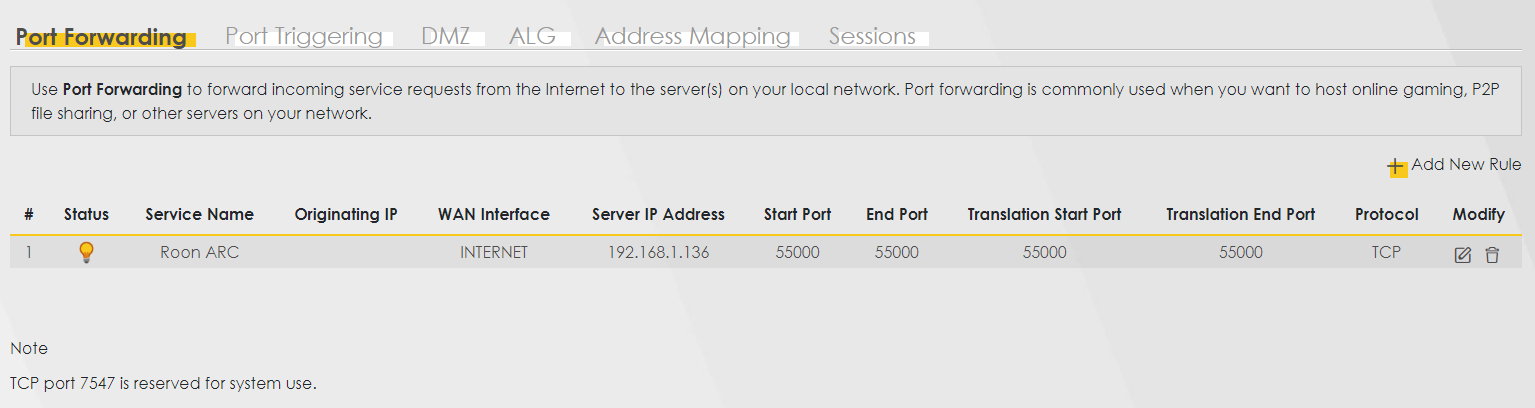
Same error message here (“Did not find UPnP service with WANIPConnection on network”). I tried enabling UPnP in the router and the doing port forwarding.
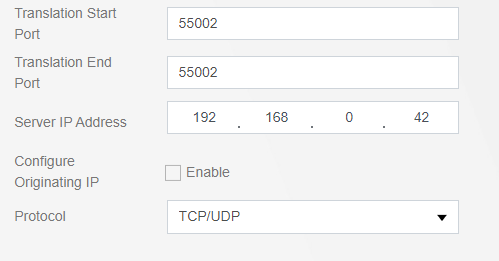
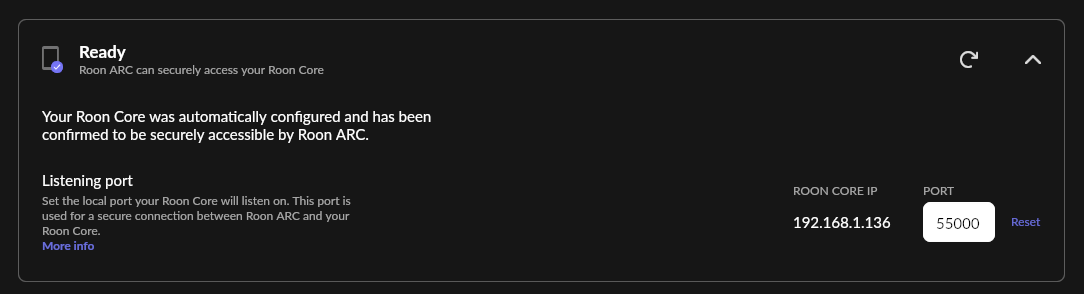
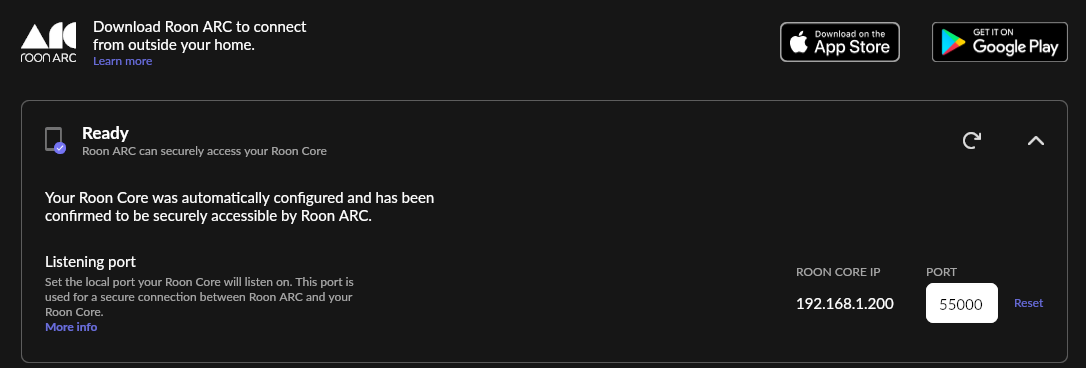
Find the port that needs to be forwarded in Roon: Settings → Roon ARC. 55000 is not ‘default’, mine is completely different (probably randomized). That’s the port that needs to be forwarded on the router.
Your Roon Core is installed on a Windows 10 machine, which probably has its firewall enabled. Does it allow incoming connections from that port? One test (entirely at your own risk) is to disable Windows Firewall for a (very) short time. Much better is to create a Firewall rule which accepts incoming connections on that port.
There are websites out there which can check if a port is open. Canyouseeme dot org is one of them. You need to perform the check on the machine where your Roon Core is installed and active. Usually your external IP is already filled in. (The website knows your external IP, since that’s the IP which sends the requests to the webpage). If the test fails, Roon ARC won’t work, and something is wrong with the port forwarding / firewall configuration.
I did try turning off the Windows Firewall, recheck that the port shown in Roon is 55000 and used canyouseeme to confirm the port is still shown as closed. Yet I think I found the reason why I can’t connect.
It seems my internet provider (DIGI) is using CG-NAT which if I am understand correctly bundles together multiple users under the same IP so it basically has its own NAT at the provider level which I can’t interact with.
Supposedly if I pay an extra euro to the provider I will be removed out of the CG-NAT and then the port opening should work (here is a link and another link about this in Spanish). I’ll call them this week and let you know if it worked.
I am using a Zyxel AX7501-B Router with DIGI ISP from Spain and in this router Port Forwarding was not enough, I also needed to redirect the DMZ to my NAT IP for it to work. I will try Port Triggering too as it seems that might be a more secure alternative if I understood it all correctly. The UPnP-NAT is also activated but still I needed to use the DMZ for whichever reason.
I tried connecting from my mobile through Roon Arc - using 5G so I am outside my NAT - and I was able to reproduce a couple of local-stored songs from my old band, so it sure did work!
Thanks for the support and keep up the good job!
PS If anyone knows how can I make it work without the DMZ or why is not enough with the UPnP-NAT let me know - I might be missing something with this new options
PS2 How can I exit Roon Arc from an Samsung 22 Ultra? The Roon Arc overlaps the on-screen buttons for menu or return… I can’t get out!
Glad to hear the issue has been solved. I do want to let you know that setting your router into DMZ is a dangerous option, it can be a security risk, please see my post here:
I have re-opened this thread, have you been able to configure ARC to work without the DMZ? If not, please disable DMZ and we can work through manual port forwarding.
I did try turning off DMZ and using Port Forwarding only - as I have been doing since 2000s - but with my Internet Provider it does seem to not work. Since I am supposed to be outside the CG-NAT I don’t know if this is because of the ISP or my setup. But whatever I tried (Port Forwrding only, Port Forwarding + Port Triggering, w/o UPnP-NAT, …) I couldn’t make canyouseeme show the port as open whilst I could with the DMZ turned on.
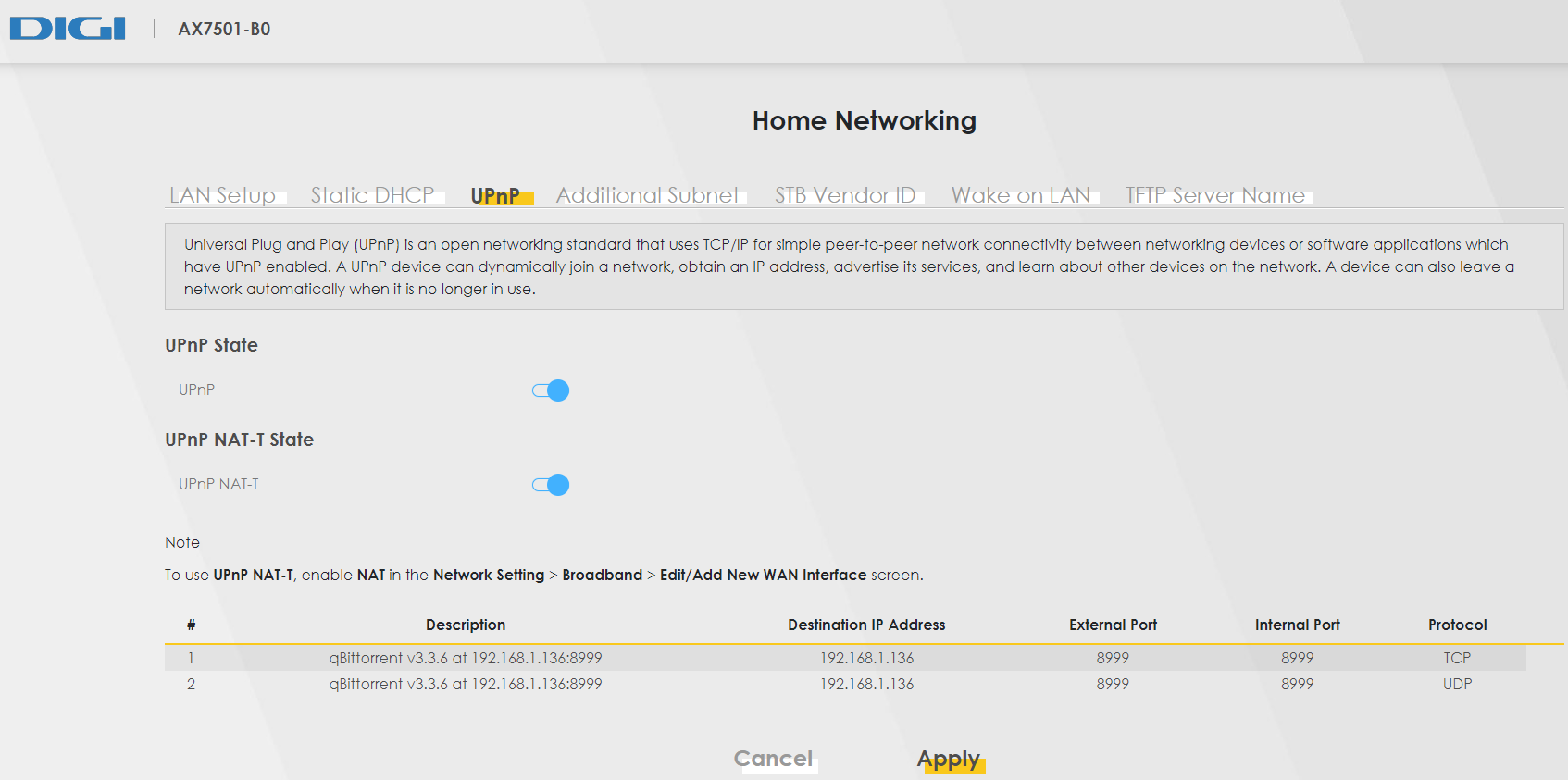
It is also true that UPnP is working without the DMZ for my Torrent ports so maybe there is something else going on thant the DMZ. When I was tesdting things I was wondering why UPnP was working to automatically open the port in the router for qBittorrent but not for Roon ARC. Maybe that’s a direction to explore there? I’ll share a schenshot of what I see for qBittorrent in my router UPnP section.
Apologies, I missed your earlier message. Are you still seeing this issue? Have you made any progress on getting the router to work without DMZ mode turned on? It sounds like the router is not passing the port forwarding configuration properly, I would check to see if there is a router firmware upgrade or try to use a different router. Also, there is sometimes the need to do port forwarding on both Router and modem, so you may have to check the modem for port forwarding as well.
Hi @noris,
no worries. I had not made any progress with this issue; it is still connecting using the DMZ but if you have any suggestions I will try them out.
About port forwarding both on router and modem I don’t know your meaning here; I have only one piece of equipment which is the Zyxel’s AX7501-B Series that works both as an ONT and a router with a single 10G Ethernet port for XGS-PON networks.
The firmware version installed is V5.17(ABPC.1)b4_F0_20210714 which I don’t know if it is current or not - I have never updated the router firmware before. This is the router that the ISP provides and I have no intention of buying another one at the moment.
Please accept our apologies for the long lapse here. Picking up where we left off, diagnostics indicate that Roon ARC has been connecting on-the-go, although with some connectivity failures and strain, in the last week.
Have you been able to successfully configure port forwarding without the DMZ? Please share any updated diagnostics you see from the Roon → Settings → Roon ARC page if your port test is failing.
We’ll be watching this thread to assist promptly. Thank you for your patience.