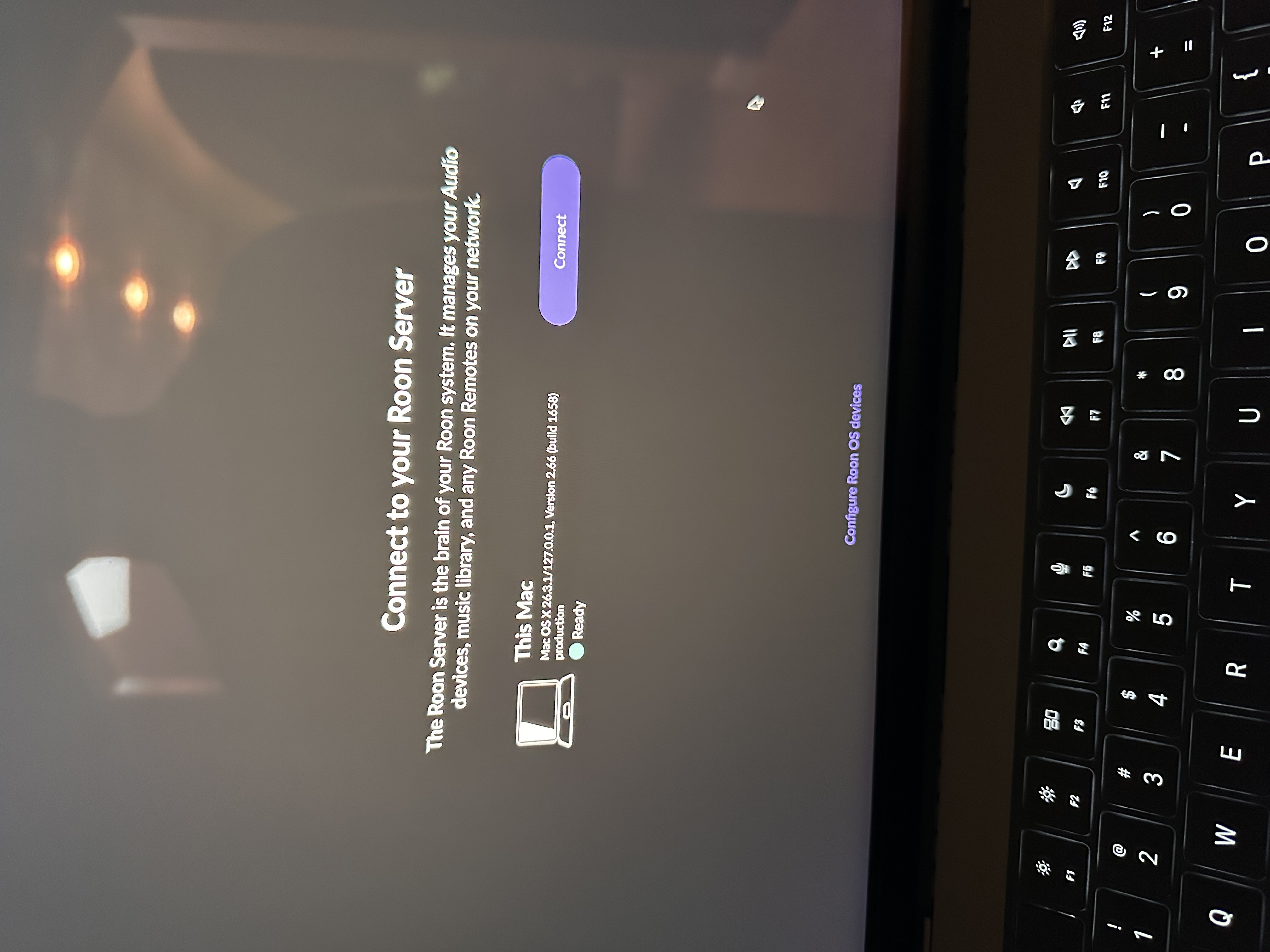
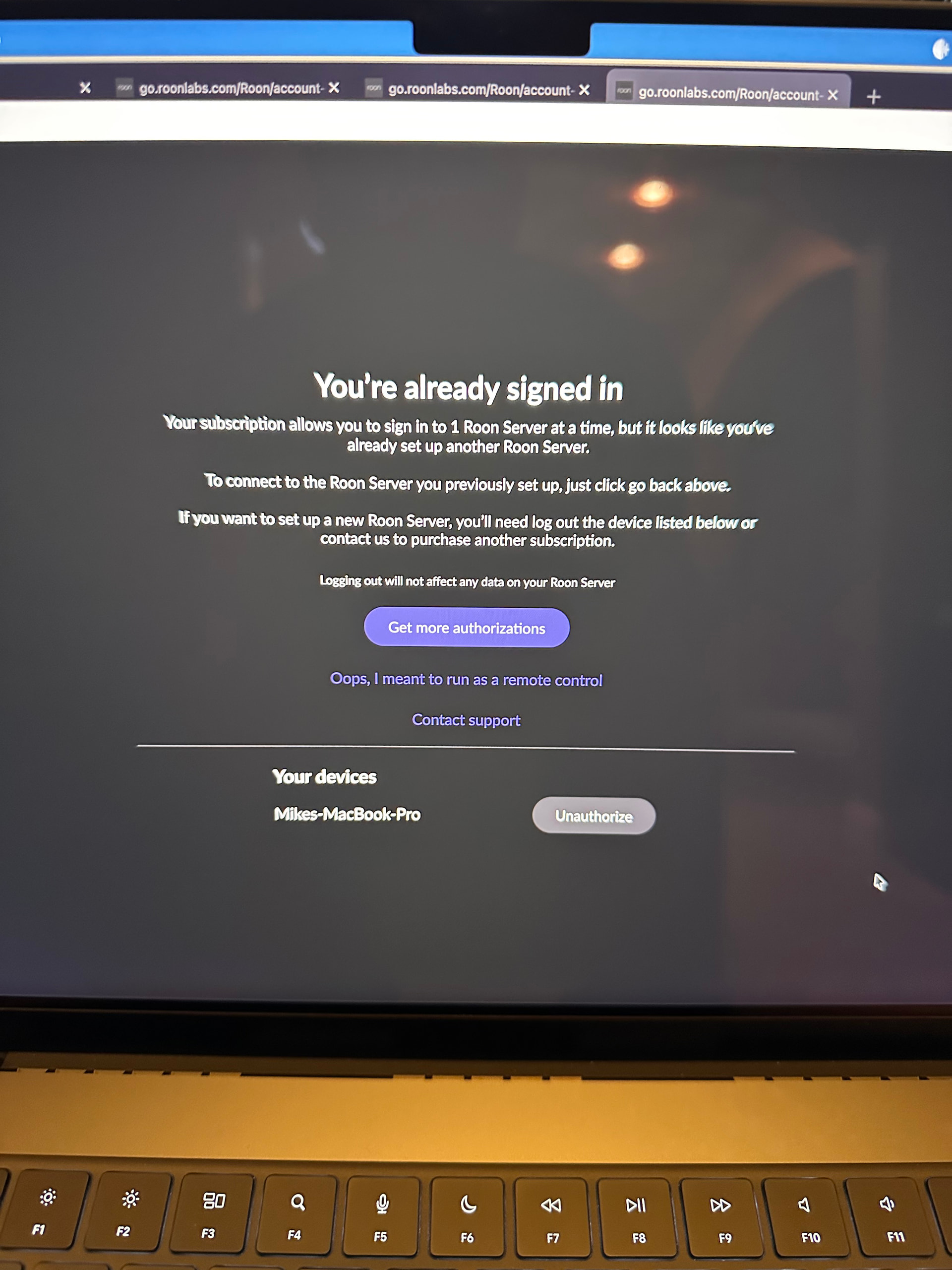
· Cannot connect to Roon server after update. When I hit the connect button on the connect to Roon Server screen, I get the little ball that looks like it’s working?
That never connects, this has been since Monday night. I need one of you wizards to tell me how to fix this. I need my tunes 😎😉
This is running from a MacBook Pro,( which is the Roon Server ) to a Cambridge Audio Streamer using Tahoe 26.3.1
Tell us about your home network
· WiFi through Xfinity Mesh router. Usually get about 200+ MBPS
We’ve enabled diagnostics, so please try turning on the Mac once more and we’ll check the logging. In the meantime, since you’re running macOS, the behavior you’re seeing can be consistent with the newer, stricter Local Network permission controls in recent macOS releases.
Please try the following steps:
Open macOS System Settings > Privacy & Security > Local Network.
Make sure Roon and Roon Server are both enabled.
Even if they are already enabled, please toggle them off and back on.
Fully quit Roon Server from the macOS menu bar or task bar.
Reboot your Mac.
After reboot, launch Roon again and check if you are able to connect
Once these permissions are refreshed and the system restarted, please let us know if the issue persists, and we’ll continue from there.
Hello Norris, I tried these steps but no luck. I did notice that in the local network there are 2 Roon 2 and also 2 Roon servers listed. This is strange because I always used Roon and not Roon 2. I also tried to use Roon 2 but no luck there either. I will leave the MacBook on so you can check logging.