Full form submission
What’s happening?
I'm having trouble connecting to Roon
What type of connection issue?
*None* of my remotes can connect
I can not contact to Roon server with any of my remotes
I'm having trouble connecting to Roon
*None* of my remotes can connect
I can not contact to Roon server with any of my remotes
@kalervo.kaarre, can you please complete this form with the requested information? Nothing can be started around troubleshooting your request until more information is provided:
Include your operating system and machine info (Model, CPU, RAM)
Your network gear (model of routers/switches) and if on WiFi/Ethernet
Specify what devices you’re using and their connection types, like USB/HDMI/Chromecast, etc.
Tell us how large your music library is, eg. “30,000 tracks”
Tell us about the problem you’re having in as much detail as possible. Screenshots are always appreciated!
Hi Robert, I’ll try to answer these questions, but sorry, I do not know all these details.
I have used Roon successfully many months, but suddenly it stopped to run?
I am using HP, year 2015 model, and HifiRose RS150B wireless.
My network should be ok, because speedtest is giving numbers 83,7 and 120.
Music library I do not have. As remote I am using iPad and Lenovo12 tablet.
I am sorry I sent my first question message two times, but that was my mistake, I was not sure how this is working, please forgive me. I still hope you can help me, I really would liek to use Roon.
Best regards
Kalervo
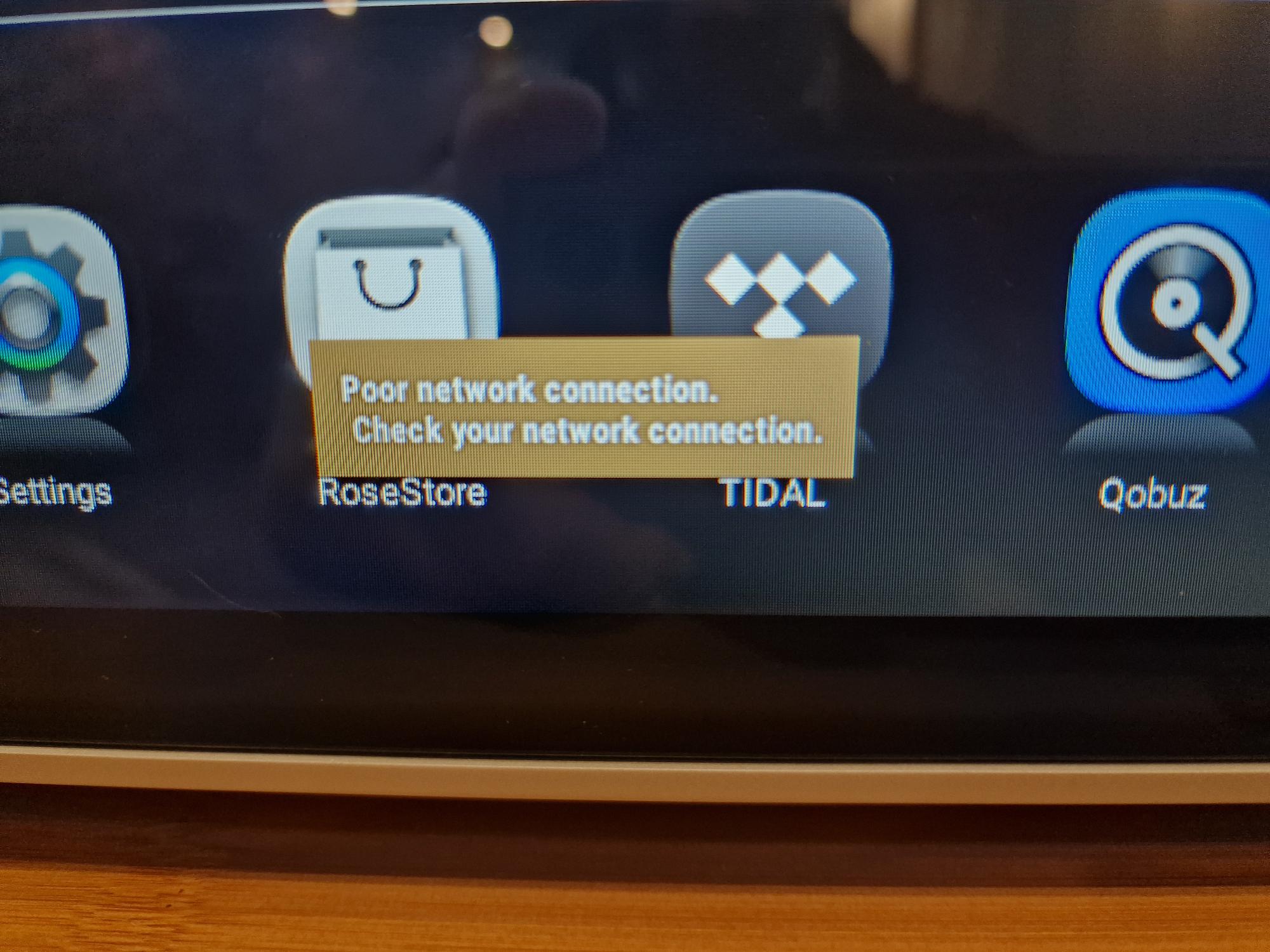
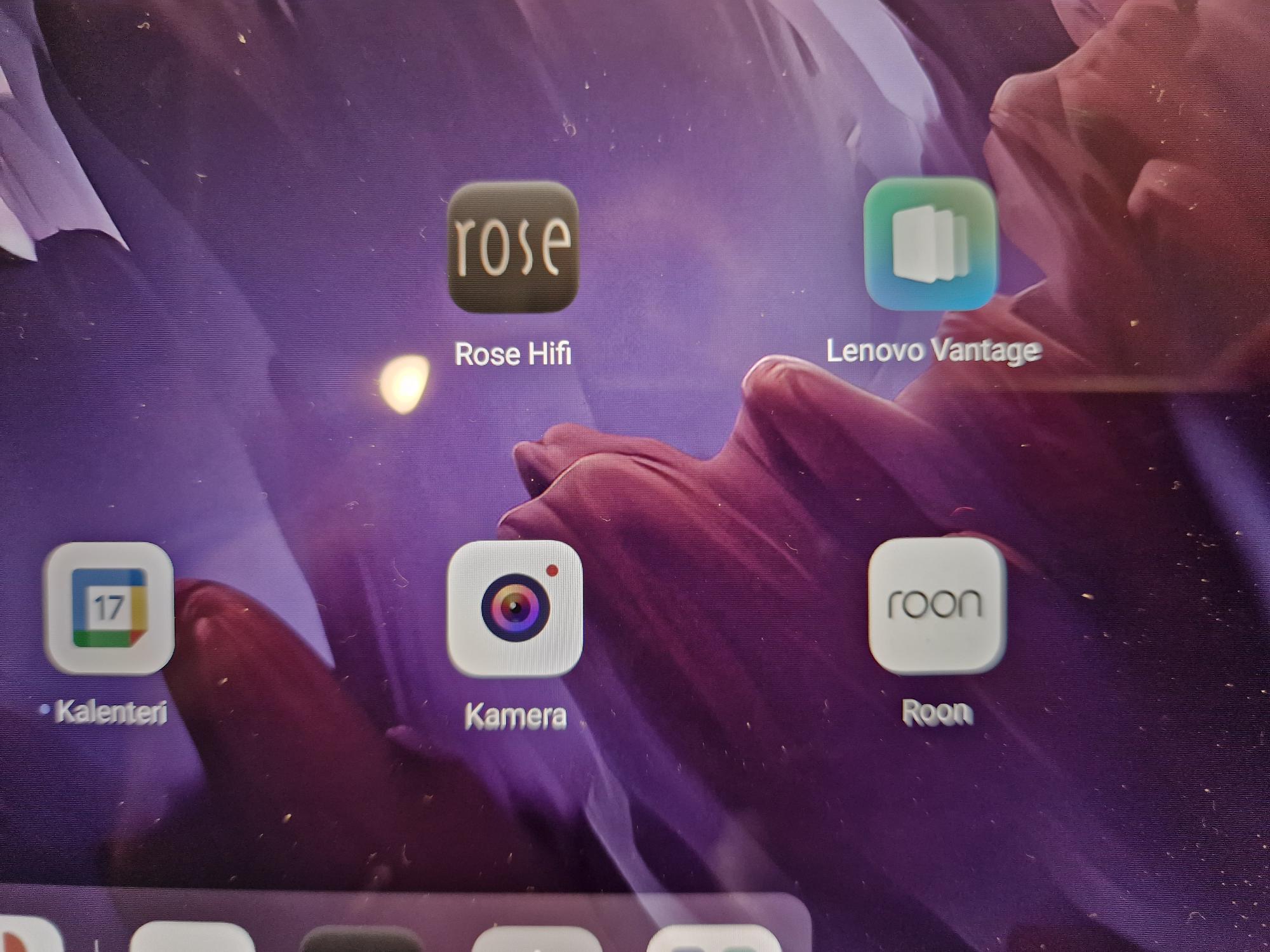
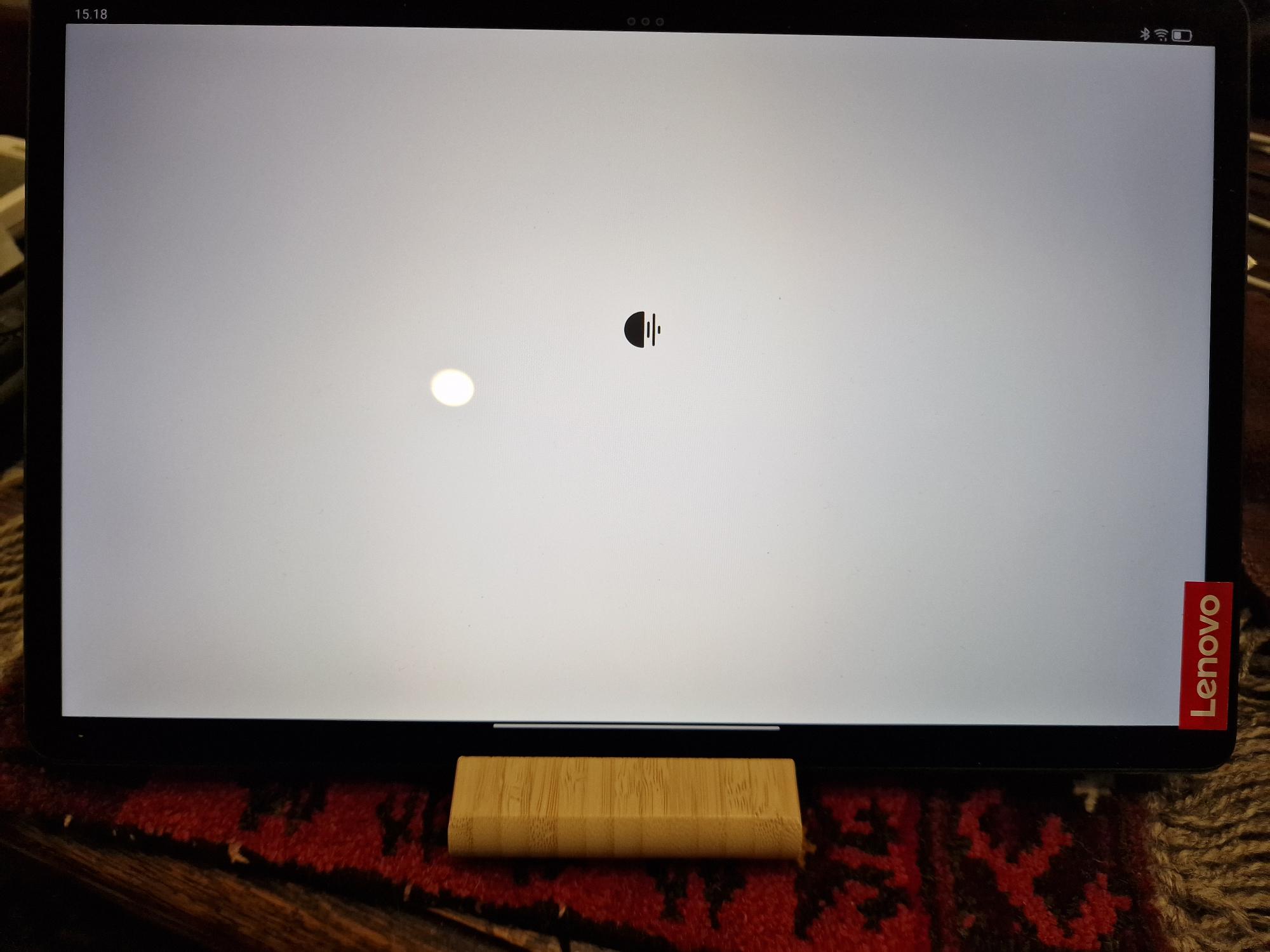
Here are some screenshots, I hope these can tell you the problem:
@kalervo.kaarre, no worries about the double posting. Let’s see what we can do to get this working. Roon is demanding on your home network, not as much on the Internet connection to/from your home.
How is your Roon Server PC, the 2015 HP, connected to the network, WiFi or Ethernet cable? Does Roon work properly on this PC? Does Roon work properly on your iPad? Can you open your library and play from it locally on the PC? If so, then there may be an issue with your home network.
What is the brand and model number of your router?
My HP is connected with Ethernet cabel to the network
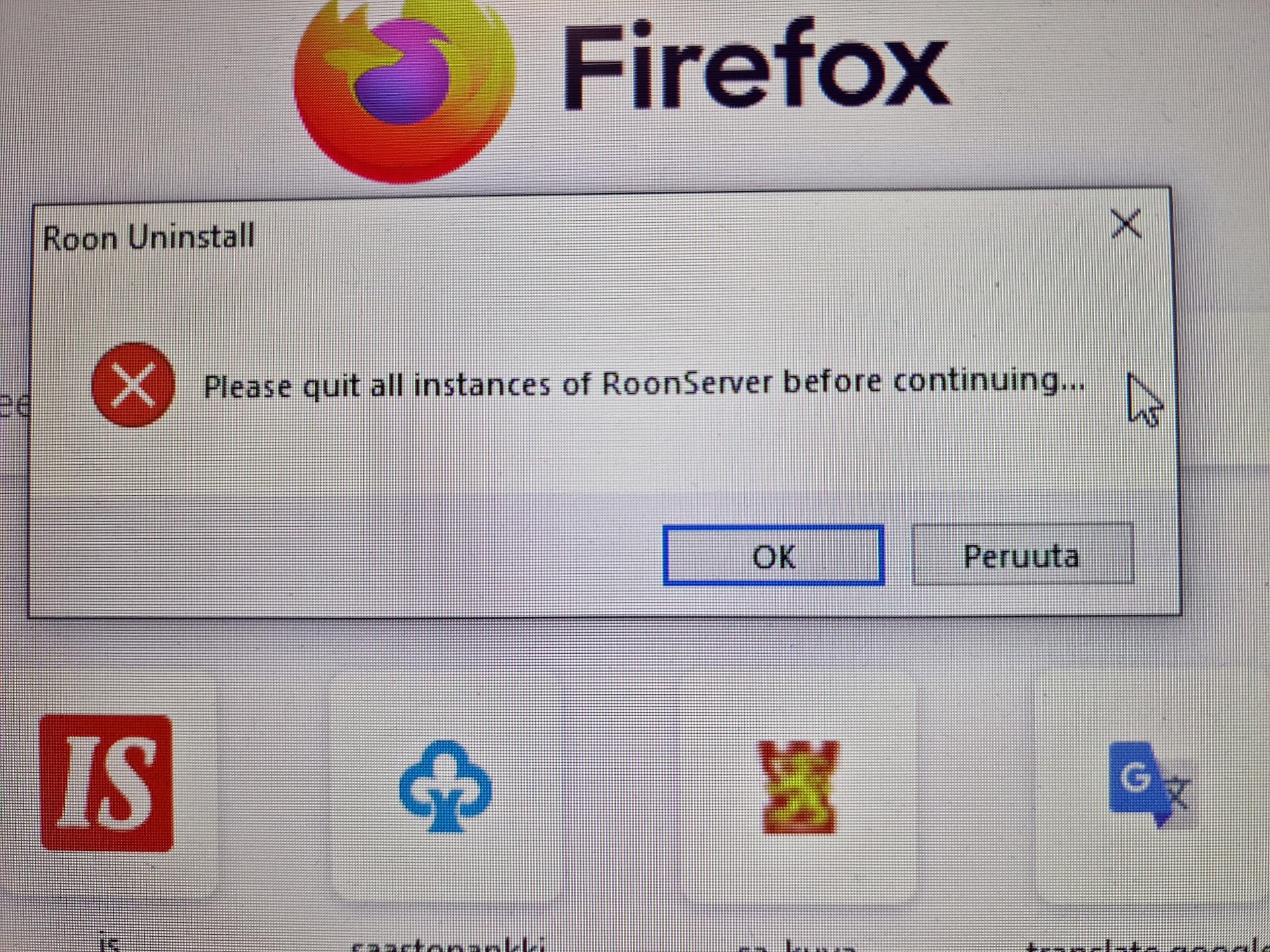
Roon has worked well in my PC, but now after download it gives me error " Please quit all instances of RoonServer before continuing".
IPad or any devices I try to open Roon, the came only eternal white display screen, so I can not open roon.
My router is tp-link, look at photo. It is WiFi.
If the problem is in home network, how to measure it?
My Tidal is working well in Rose with all devices.
BR Kalervo
Why is this appearing on your HP Roon Server? What are you trying to do, uninstall Roon and reinstall it, or something else? It appears Roon Server is running on the HP (which is why you are seeing the warning message). Does the iPad work as a Roon Remote?
I have tried to reinstall HP RoonServer.
Yes iPad work as Roon Remote
That means Roon Server is working correctly on your HP computer. Is it possible to post the IP addresses of the Roon Server HP computer, your iPad, and the Lenovo Tab M10?
I thing RoonServer is not working at all. I have to correct my previous story: I tryed to uninstall Roon in my PC in order to reinstall it, but no succest, only come this error: “Please quit all instances of RoonServer before continuing”.
I have also reboot my PC, but no use.
What does it mean? Where I should quit all instances?
Everything else is running well, Rose, Todal, Qubuz, iPad, Lenovo12. Only this my loved Roon and its…quit all instances…??
BR kalervo
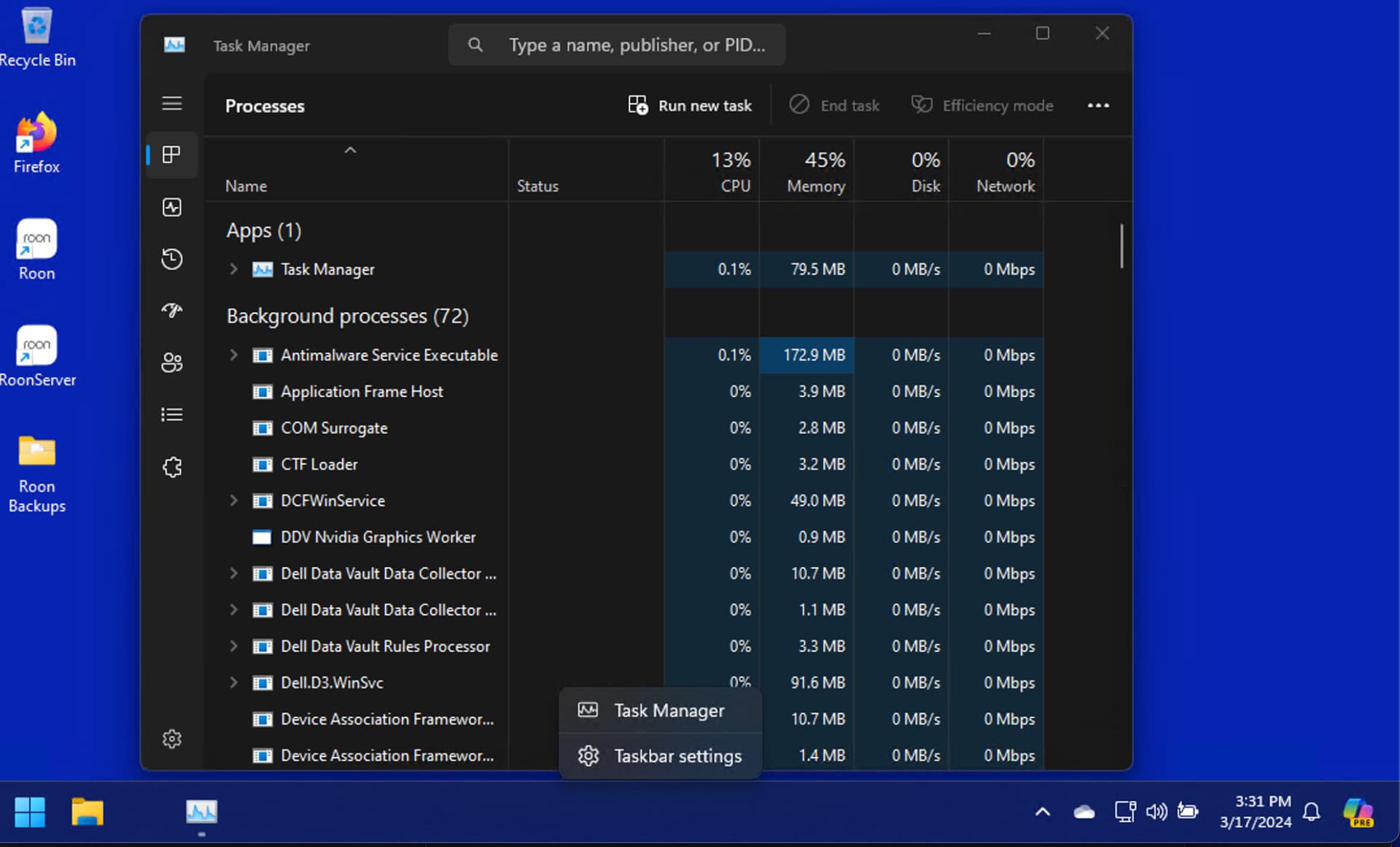
That error message means Roon Server is running on your HP computer. If you want to reinstall Roon, you need to stop the Roon Server application. The easiest way is to end Roon Server via the Windows Task Manager:
The Windows Task Manager should appear
Scroll down until you see “RoonServer”, right click on it and select “End Task”
Then you can reinstall Roon over the existing version, or uninstall first and reinstall Roon.
Hi Robert, this is unbelievable. I did all according your advices, I stop RoonServer running and reinstall it succsfully, but when I tru to open the Roon, it ask me to Connet HP-840G2, which is ready for green small ball, I push the Connect, and it only try and try to open and show me only white screen, but nothing else is happening. I even removed the old roon installation from my telep, and Lenovo tablet, but all the same. Even my computer can open roon.
Is there anything we can do?
br kalervo
@kalervo.kaarre I am tagging @support for assistance. I am not sure what else to recommend.
Ok, let´s hope they can help.
If I delete all applications and get instructions from support how to start all over and what to pay attention to.
P.S. Although in the past the roon has worked flawlessly
edit: [RESOLVED. Solution: I had to select a new Roon Server on all my remotes. That reconnected the remotes back to the server. Not sure why it was lost, but hope this helps anyone who might run into the same issue.]
Adding on that I’m having the same issue.
Been using Roon for years with no issue, but since the last software update (Roon Server v2 b1388, Roon Remote v2 b1388—on an MBP M1 running Sonoma 14.1), all of my remotes (iPad, Android phones, different MBP) can’t connect to the Roon Server.
Roon Server is running fine driving my main audio system connected via WiFi, with Roon Remote software as interface on the MBP that’s running Roon Server.
All devices on the same WiFi network, same subnet.
This topic was automatically closed 36 hours after the last reply. New replies are no longer allowed.