Unable to connect to RoonServer on QNAP after Docker installation (ref#G3D64L)

Hi! What’s not quite right with Roon?

· None of the above quite fits

None of the above quite fits

· None of these quite match

Tell us what's going on

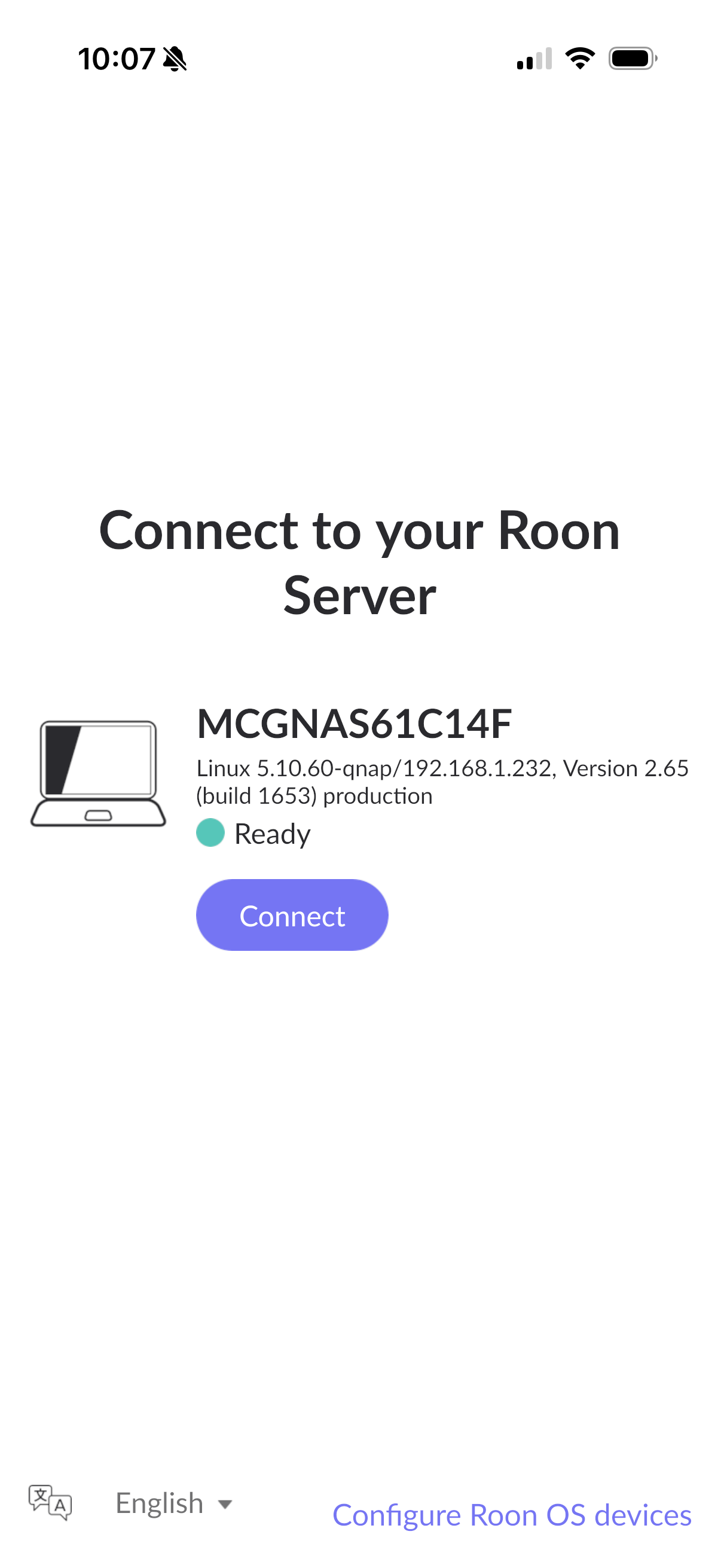
· After installing docker image on QNAP - I can't connect to the running server.

Tell us about your home network

· After installing docker image, it detected another running server. After I hit connect. I just get the spinning roon logo.

Hello @bruce.mcgregor22

Thank you for reaching Roon support.

To troubleshoot the connection hang after migrating your QNAP Roon Server to a Docker container, perform the following steps:

  1. Restart the Container: Open QNAP Container Station and restart the Roon Server container.
  2. Provide YAML Configuration: Share the exact YAML code you used to deploy the container so we can verify the network mode settings.
  3. Toggle Local Network Permissions: On your remote device (iOS or macOS), open the system settings, locate the Roon app, and toggle the "Local Network" permission off and back on.
Provide the YAML code so we can review the configuration and proceed.
This topic was automatically closed 7 days after the last reply. New replies are no longer allowed.