· Cant Create New Server -Trying to move from Roon Rock to Mac
Tell us about your home network
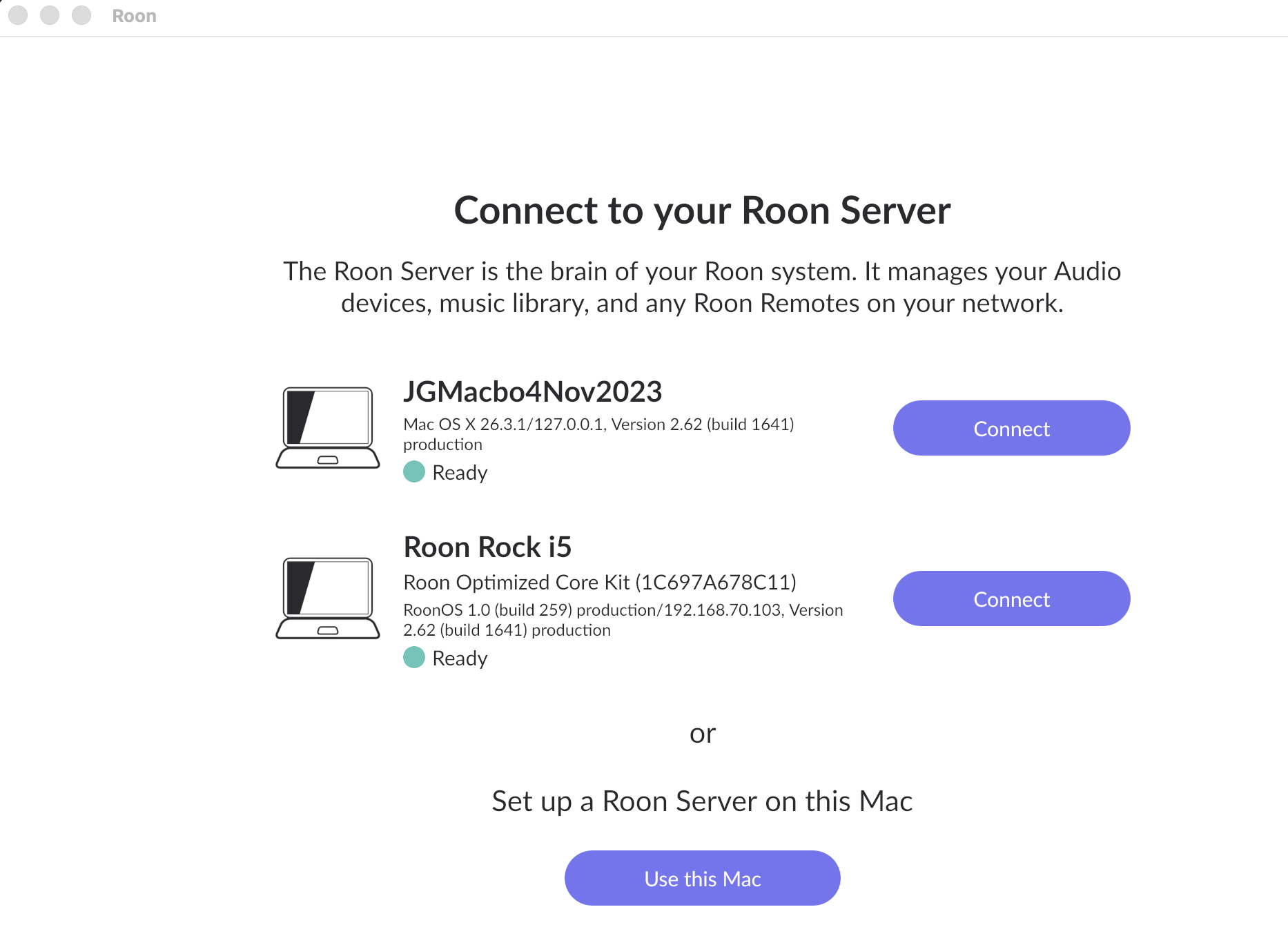
· Installed Roon App on Mac, pressed Use this mac then roon hung. Tried again I see the name of the Macbook as a choice but clicking it and roon simply hung again. Tried cleaning out any files called roon, tried Use the Mac again but still hangs
I would also like to add that my old Roon Rock i5 seems to be still active, accessable from other roon clients - is that part of the problem? I now logged out of the original core (roon Rock i5)
still the same problem - hung on Macbook no matter if I try “use this mac” or “connect’. I am on the latest version of everthing Tahoe 26.3.1
Now I can’t log into the old Roon Rock i5 - just loops
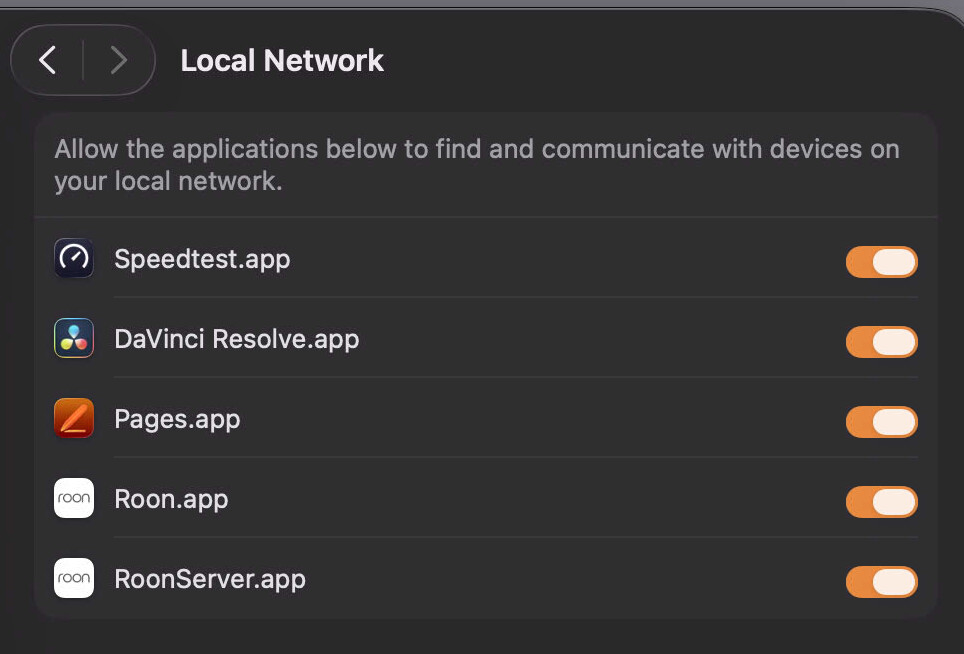
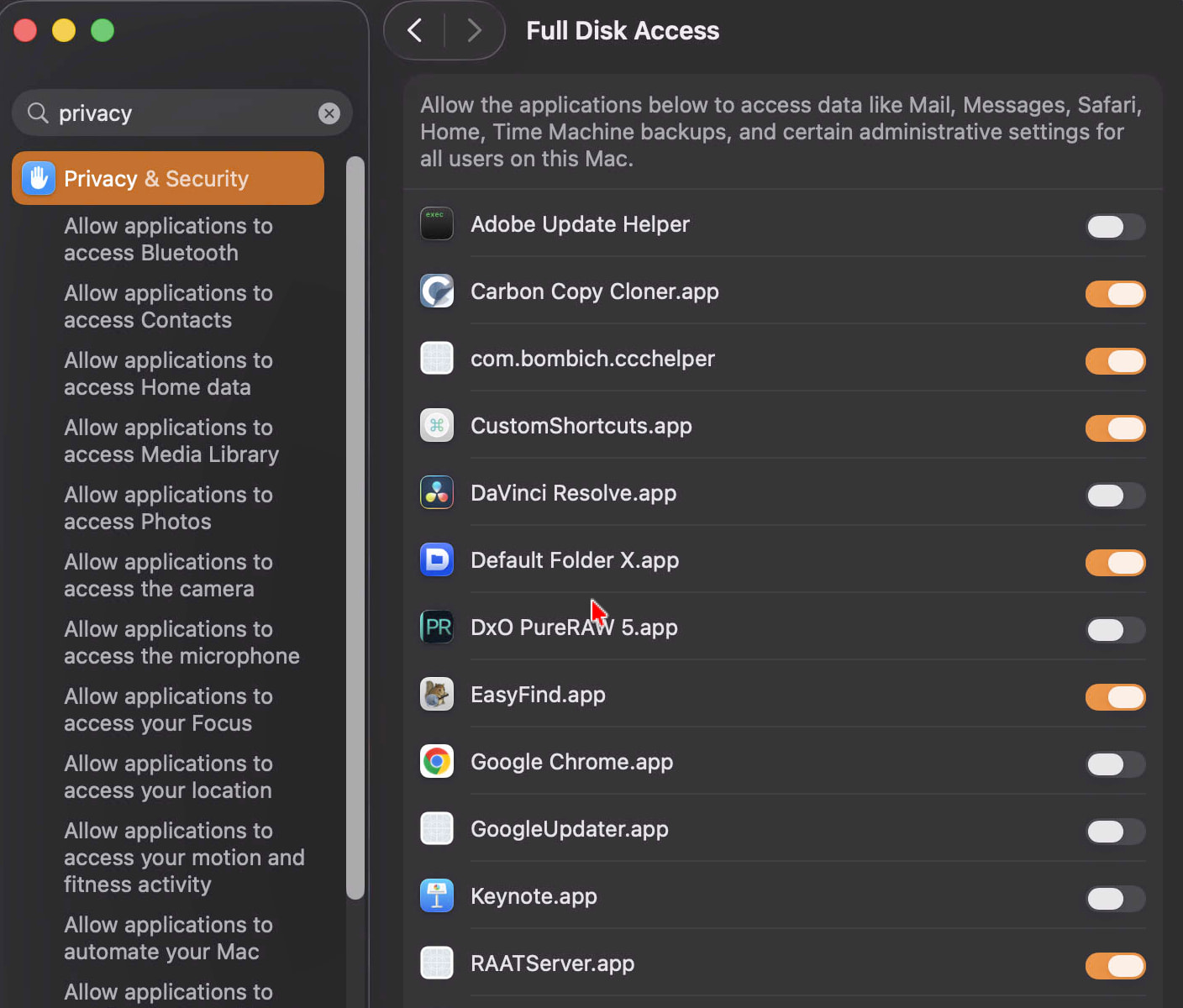
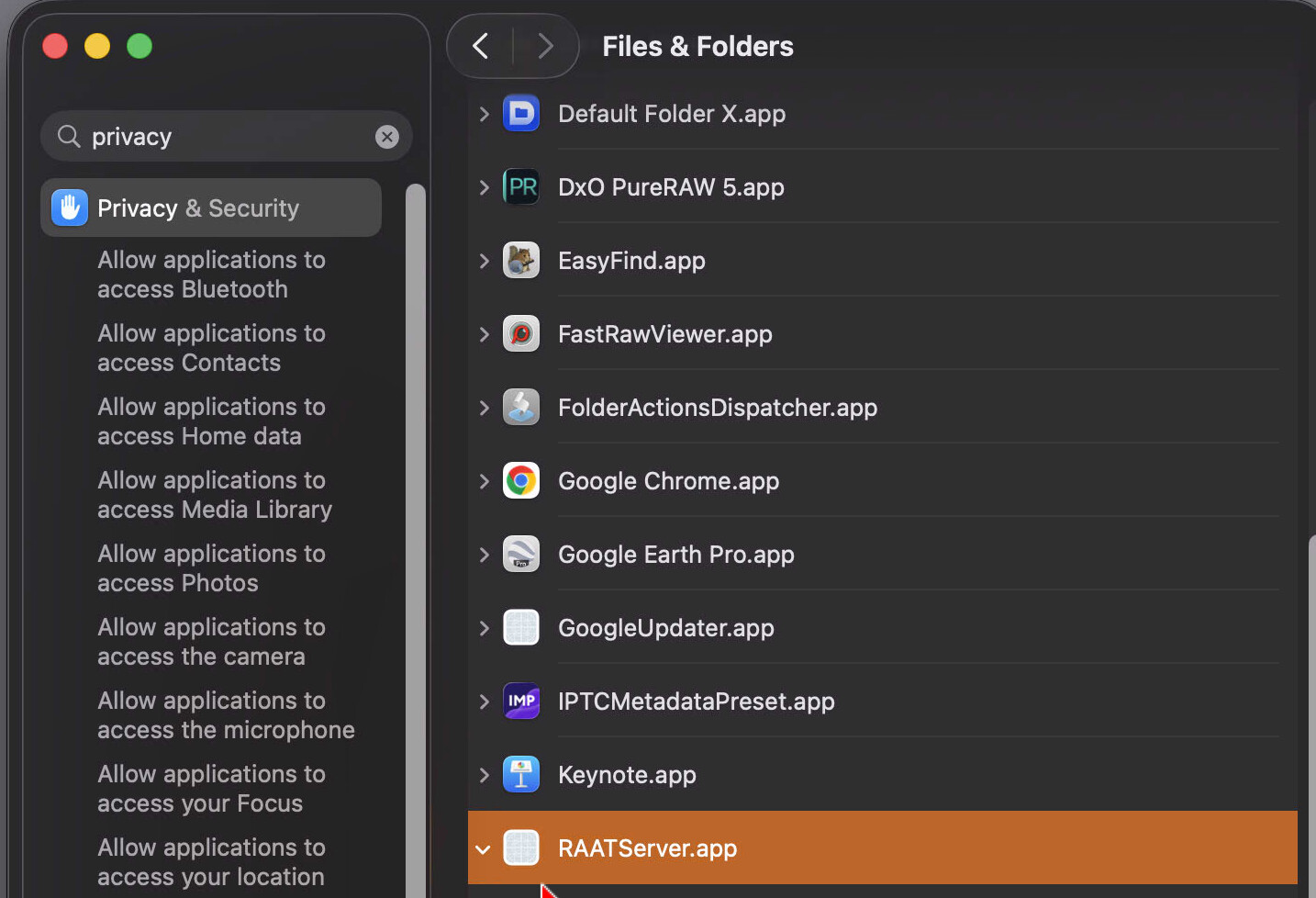
OK - after waisting a morning I was able to get this working - all without any help from Roon! When installing most new apps on a Mac, the app causes the OS to put out Privacy/Security messages. At no time did I see any so I rebooted and got a message from the OS to allow access to the network to find other devices. I then replied Allow, and Roon stopped looping. I then got nowhere with accessing the backup USB till I figured out RAATserver.app needed to be provided with Full Disk Access.
I did look up the instructions Roon Support provides for moving the core from one machine to another, no mention of any of this.