Hello @Simon_Jeffrey
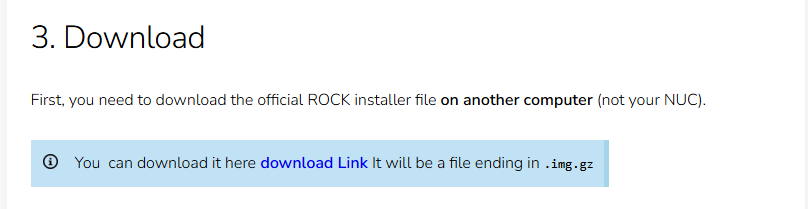
The link is fine. We have checked it from our side, the certificate is valid, and Geoff was able to use it too. So the problem is happening somewhere between your network and our server rather than with the download itself.
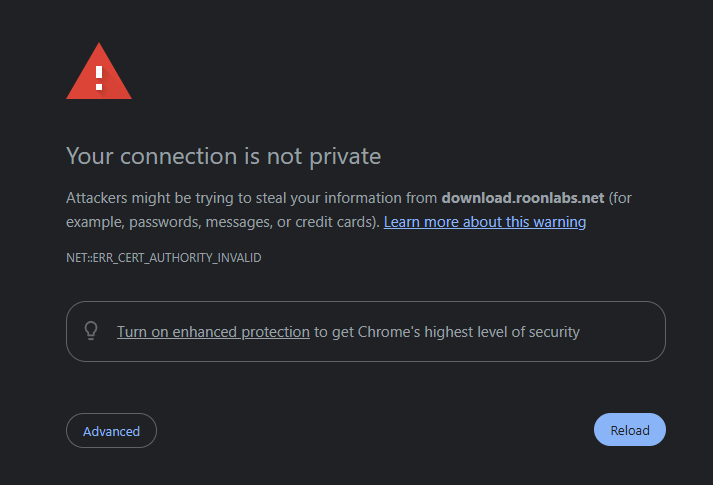
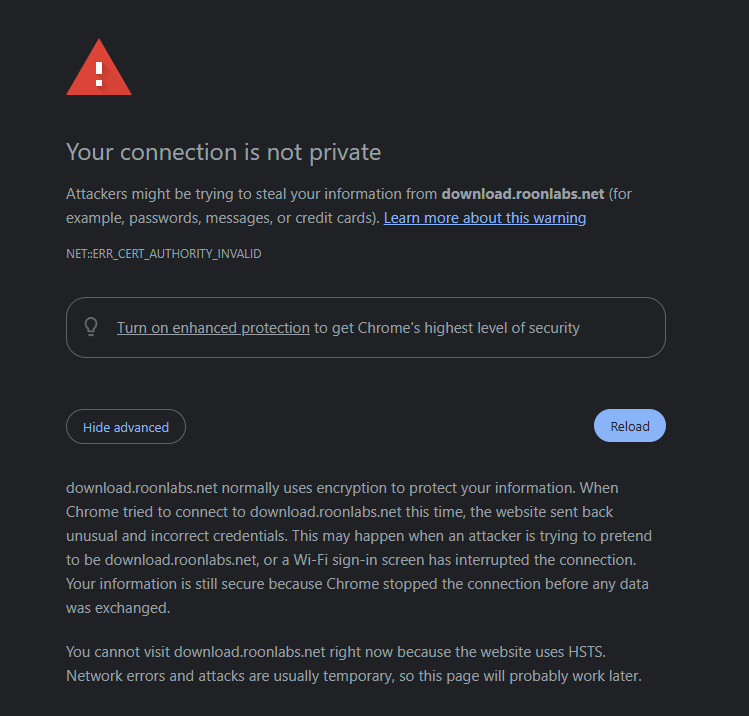
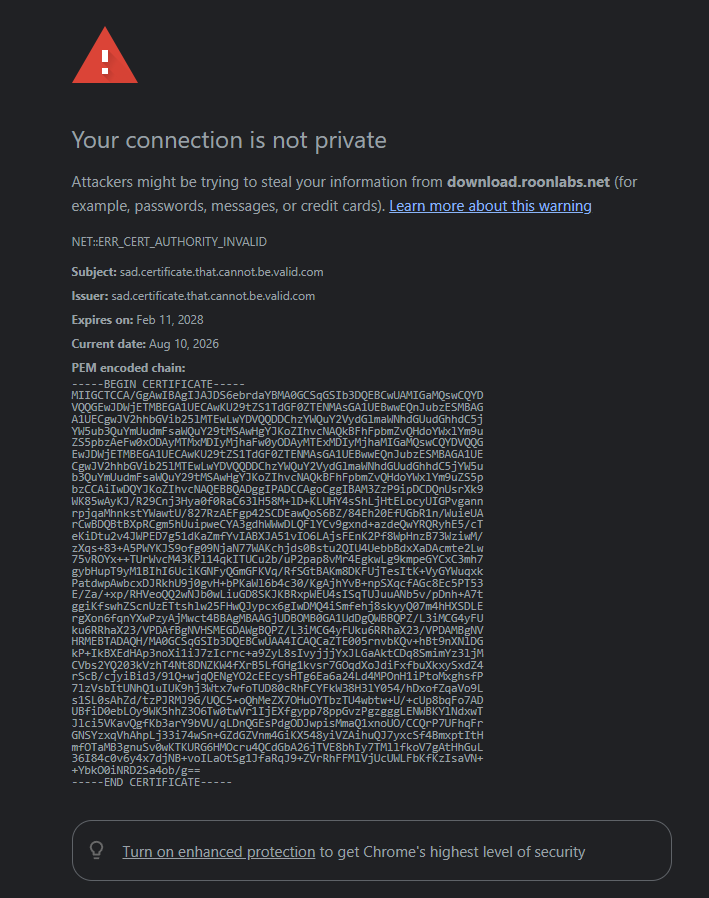
What produces exactly this symptom is something on the path inspecting HTTPS traffic. It terminates the connection, re-signs it with its own certificate, and your browser correctly reports that certificate as untrusted or expired. Router-level web filtering, an ISP security or parental-control service, or a security suite on the network will all do this. The fact that it fails on several PCs and in several browsers is the strongest clue: that pattern points at the network, not at any one machine.
This is worth pursuing rather than working around, because it probably explains the real problem too. ROCK gets its updates from our servers over the same kind of connection. If something is interfering with that, ROCK would silently fail to update, which is what sent you looking for a manual download in the first place. One cause, two symptoms.
Please do this one test first, because it settles it quickly. On your phone, turn WiFi off so you are on cellular data, and open the same download link. If it downloads without a warning, the problem is on your home network.
Then please send us:
A screenshot of the warning your browser shows, and the certificate details behind it. In Chrome or Edge, click the warning, then “Certificate is not valid”, and tell us what the Issued by field says. If it names your router, your ISP, or a security product rather than a normal certificate authority, that confirms the interception.
Whether your ZYXEL router or your ISP has any web filtering, safe browsing, or parental controls switched on. Some UK providers enable network-level filtering by default.
What the ROCK Web UI shows when you try to update. If there is an error message, please include it.