Is Roon Server running?
· Yes, Roon Server is turned on and running.
What do you see on your screen?
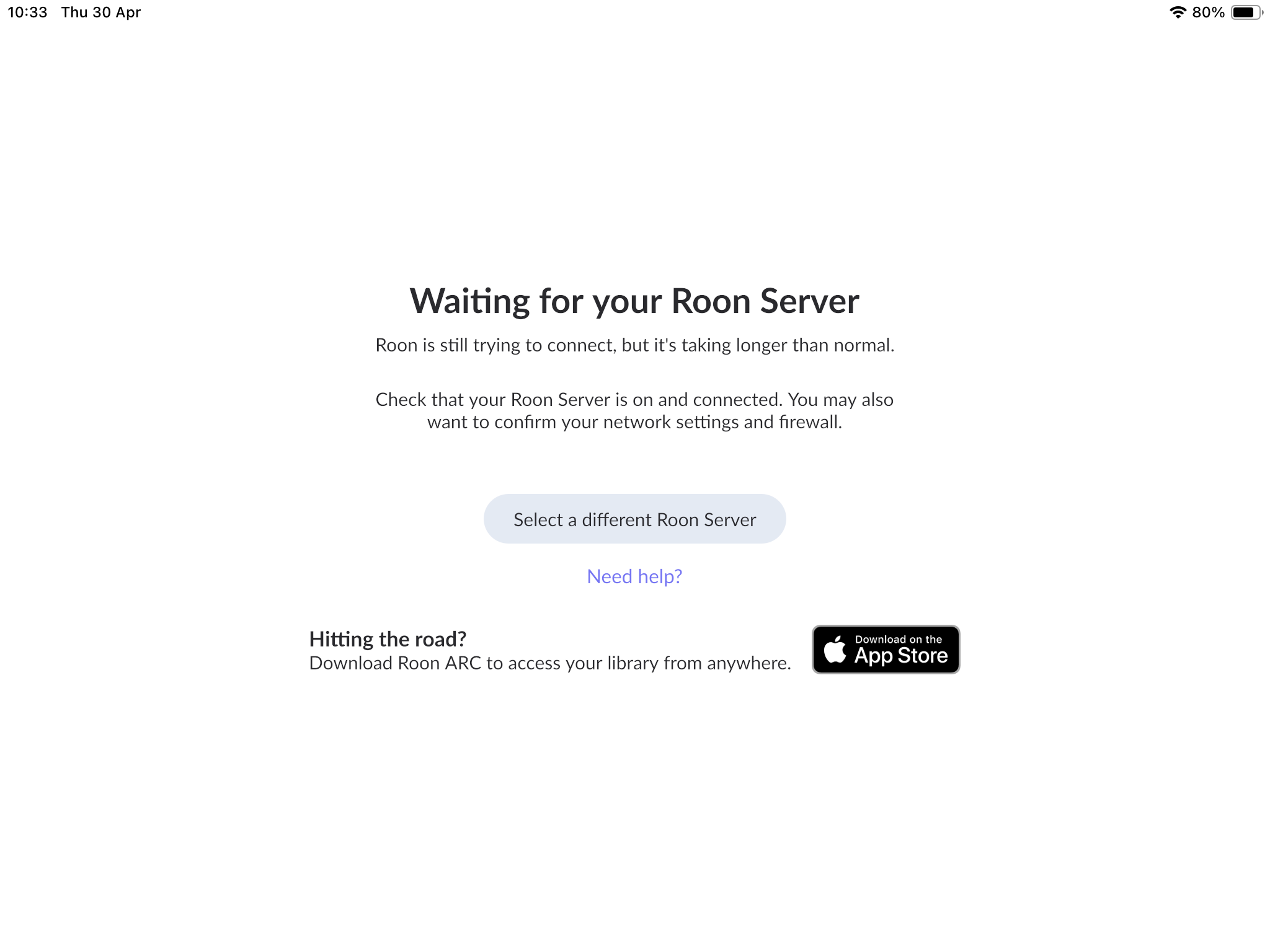
· "Waiting for your Roon Server"
What happens if you press the "Select a different Roon Server" button?
· I don't see Roon Server.
Please try to restart your network setup by unplugging, waiting 30 seconds and then replugging in your networking gear.
· No, the issue remains the same
Please select how you've connected your Roon Server to the internet
· Roon Server is connected by *Ethernet*
Have you checked your firewall settings to ensure that Roon is allowed through?
· Roon still won't connect even after checking this aspect
Have you verified that Roon Server is on the same subnet as your Remotes?
· My Remotes and Server are on the same subnet and I still can't connect
Sometimes the issues can be resolved with a reinstall of your Roon Remote app. Let's try to perform a reinstall and see if it helps.
· I've reinstalled the Roon Remote but it did not help
What is the operating system of your Roon Server host machine?
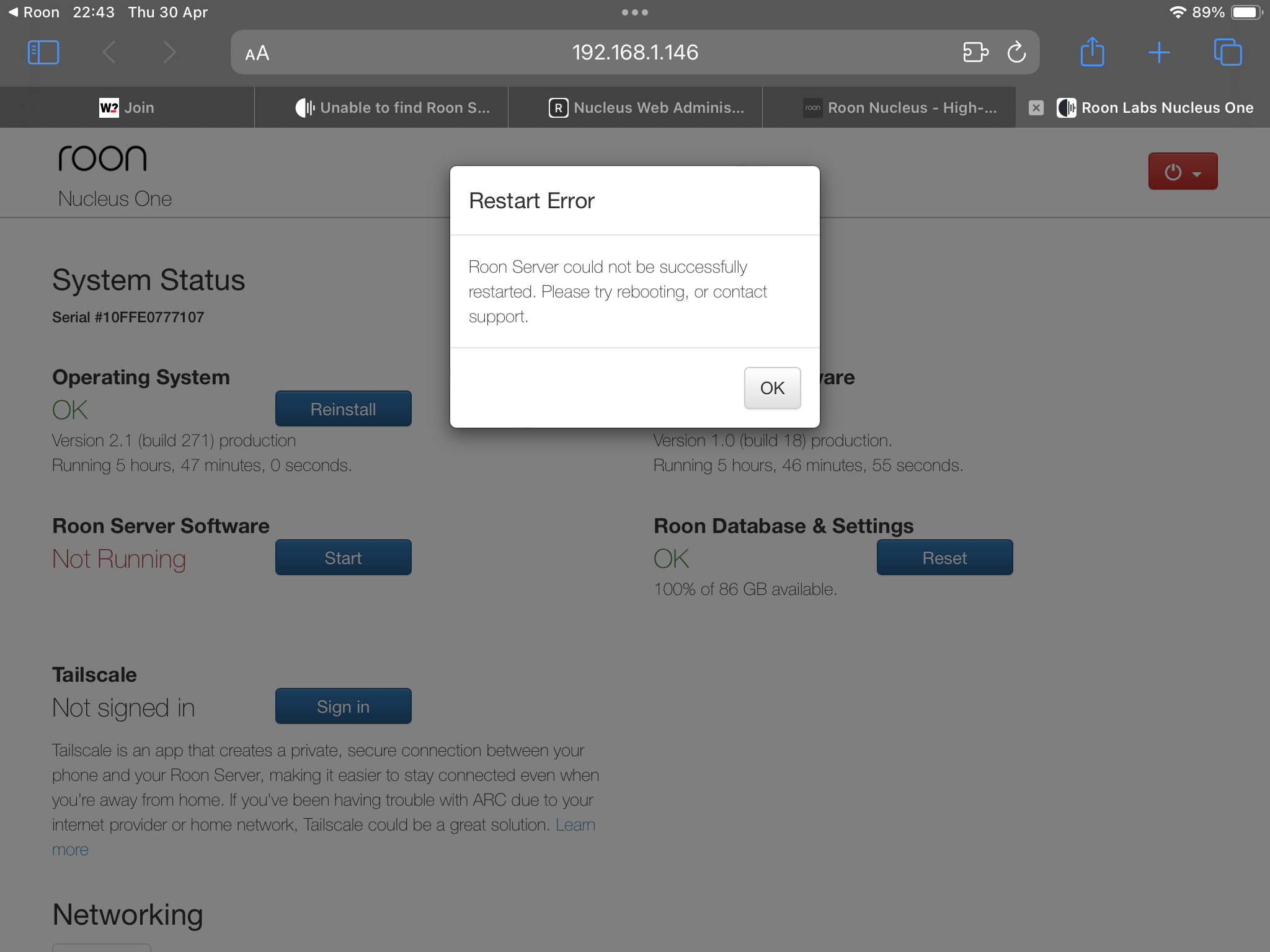
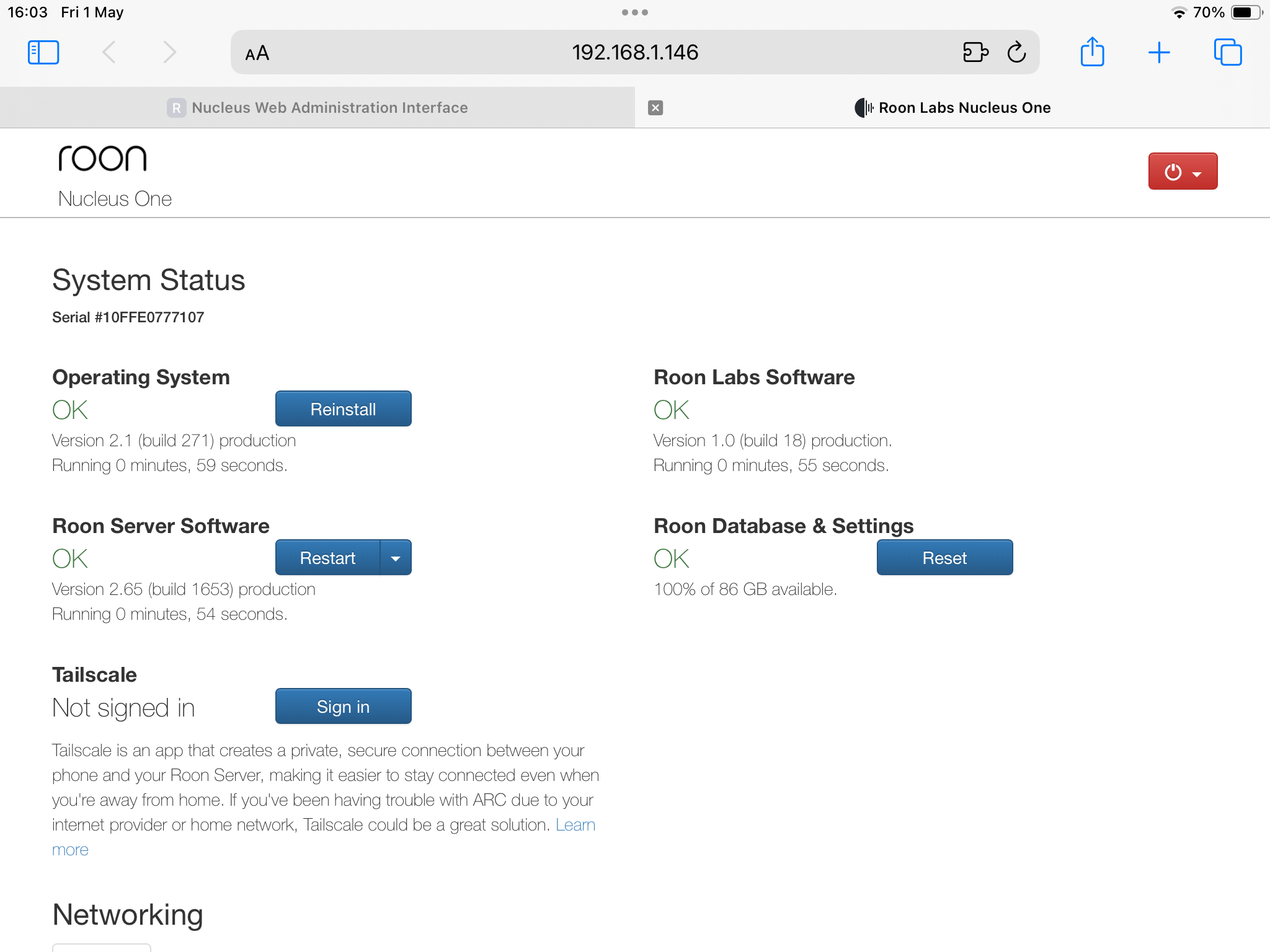
· *Nucleus*
Select any of the following components that are present in your local network setup
· None of the above
Describe the issue
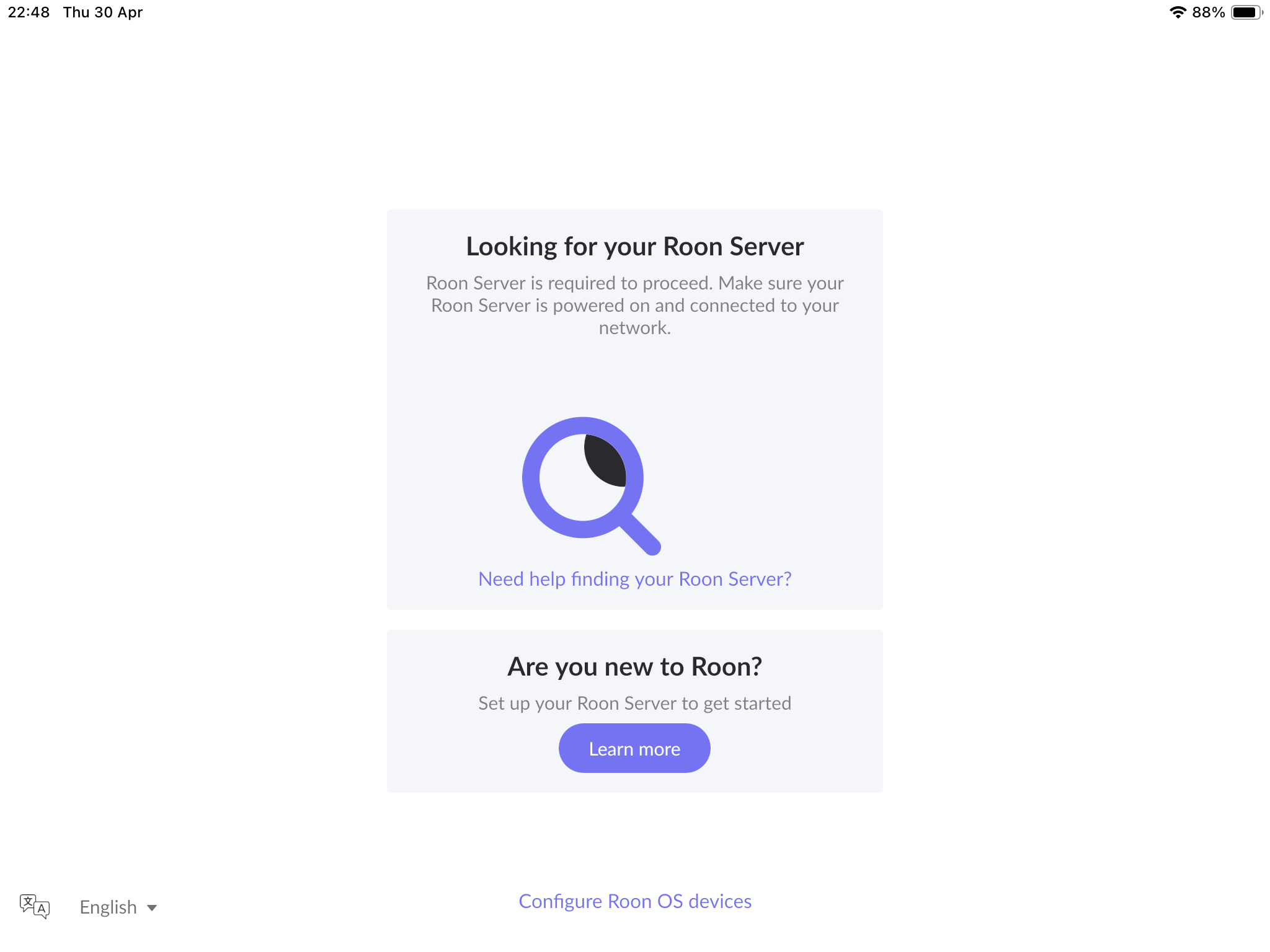
Cannot find Roon Server
I have been using Roon for about 6 months with no issues once all was set up. However, since Monday (27 April) I have been unable to run Roon as my Roon server cannot be found.
My system is simple: I have a standard BT (I am in the U.K.) router less than a year old; this is connected to my Roon Nucleus (6 months old) by an Ethernet cable. My music is served from a Melco N1ZH/2 EX (Roon ready) which is connected to the DAC in my Accuphase E4000. The Melco is connected to the same router by an Ethernet cable.
I have repeatedly shut down and restarted every part of my system. I have tried different Ethernet cables and I have deleted the Roon app and reinstalled it on my iPad which I use to control the system. I have been through every stage of the Roon troubleshooting process but the problem remains. Nothing on my system has changed so I am at a loss as to how to proceed.
All advice welcomed.