I currently cannot log into my nucleaus, both on my Ipad, mac and Iphone, when logging into the roon app, it asked me to autheticate and once that is complete sends me straight back to the login back and asks me to log in again. greatful for any advice?
This usually occurs when browser content blockers keep intercepting the URL redirect back to Roon from the login page.
On iOS, the default app for login redirect will be Safari. Navigate to Settings → Safari and make sure any content blockers are temporarily disabled.
On MacOS, you’ll need to ensure that any custom popup blockers are disabled in your custom browser. We additionally recommend ensuring that Privacy & Security → Local Network has permissions toggled on for Roon.
Link works fine, can login via the web app, just cannot log into the room app. I have also just tried it on a windows laptop and got exactly the same problem.
Thanks for checking that, and for confirming the same login issue on both iOS and a Windows laptop. Since you can sign in at https://account.roon.app/en/login
but not in the Roon app itself, we would like to try an Operating System reinstall from the WebUI page next.
Please perform the reinstall from the WebUI, then let us know whether that changes anything. If it does not help, we will take the next step from there.
From diagnostics, you have a Roon Server instance installed on a Mac that is currently connected and pinging our servers. We’ll need to delete the erroneous second server unless you intend to use it. This won’t affect login but it will be necessary to reconnect with your Nucleus.
On your Mac, please close out of RoonServer in Activity Monitor, then navigate to the database location and delete the RoonServer folder.
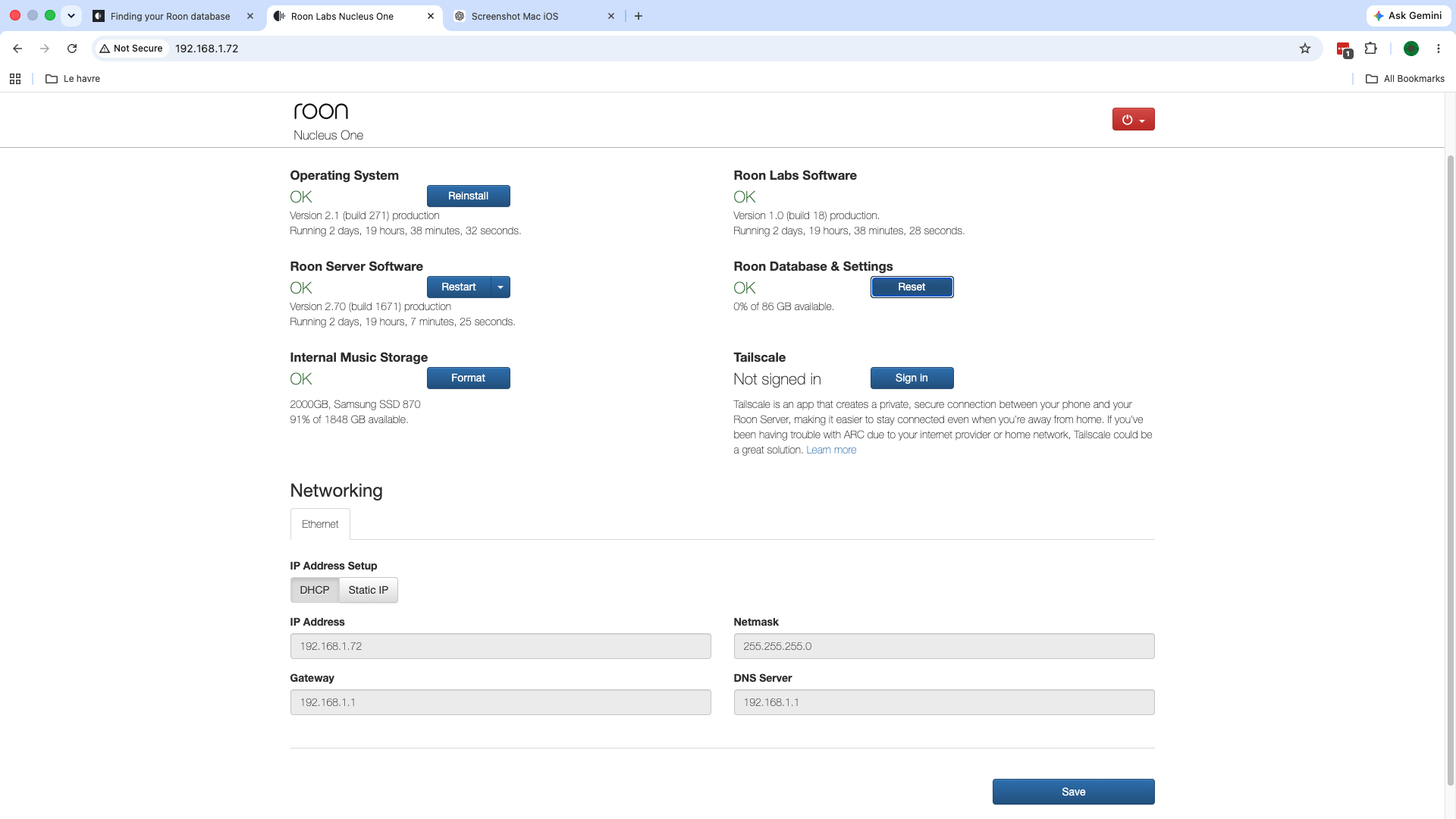
In the meantime, please also share a screenshot of your Nucleus Web admin page.
In the Roon accounts web page, scroll to the bottom of the page and sign out of any active sessions you see.
Just to clarify as it’s not entirely clear: do you have a PiHole or any additional security installed on this network? This would include antivirus software, firewalls installed in your router, or any stateful security software that can selectively block traffic.
Sorry for the back and forth on this. Let us narrow it properly.
One thing worth saying first: the same failure on iOS, on your Mac and on a Windows laptop rules out the browser content blocker angle we started with. Three different operating systems do not share a content blocker. So please stop chasing that, it is not the problem.
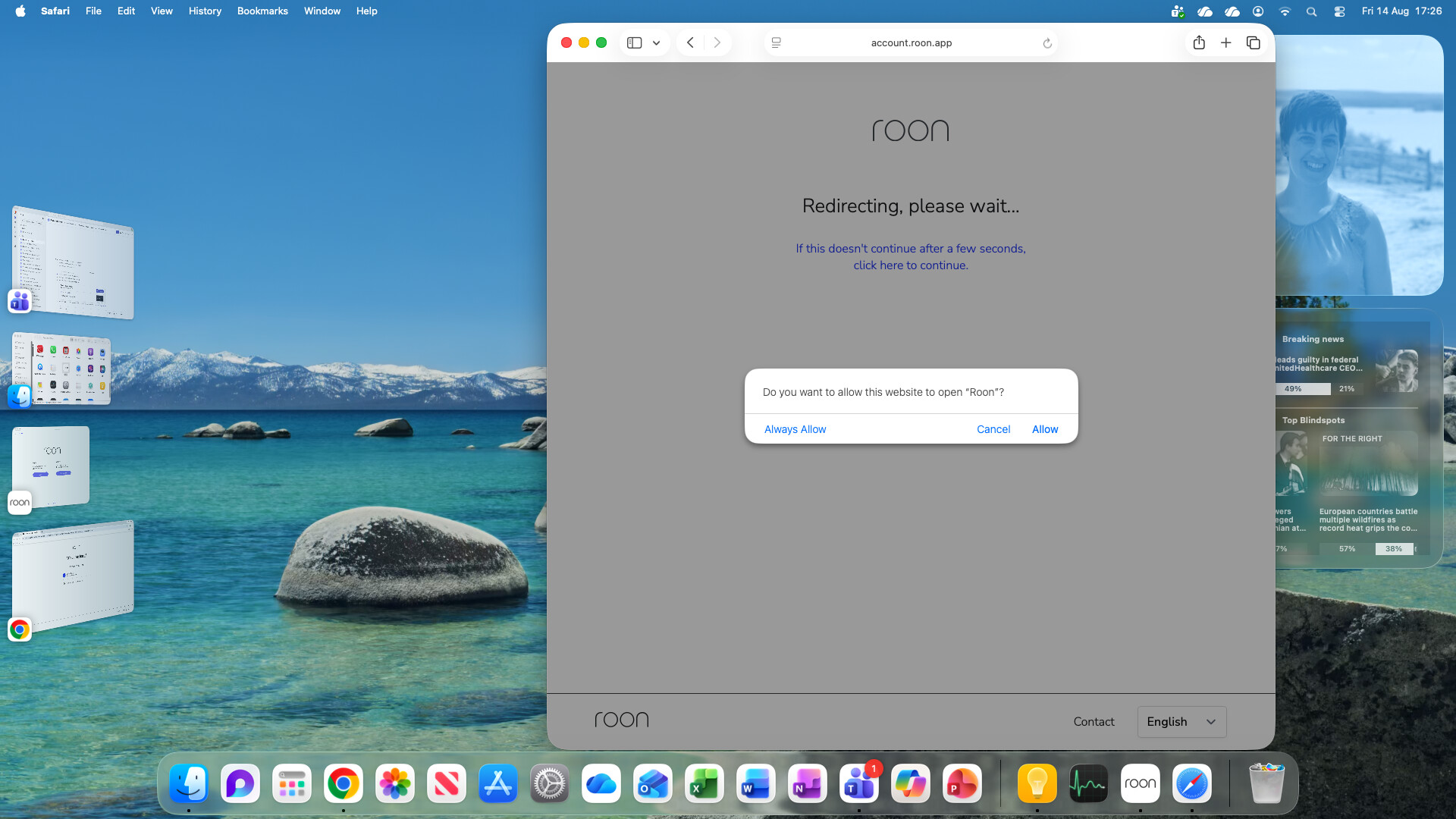
What is happening is that Roon hands you off to a browser to sign in, and the redirect back into Roon afterwards is not completing. That is why you land back on the login screen having authenticated successfully.
Please try this next, as it both works around the problem and tells us where it is failing.
In Roon, press the login button as normal.
When your browser opens, copy the entire URL from the address bar before doing anything else.
Paste that URL into a different browser, Chrome if you have it, and complete the login there.
Then go back to Roon and see whether it has signed in.
Please tell us what happens at step 3: does the login complete, does it show an error, or does it end up somewhere unexpected? A screenshot of whatever page you land on would help.
We have requested the diagnostic data from your account, but it never reaches our servers; that also may be the case with the login. Can you please use the directions found here and send over a set of logs to our File Uploader? Once logs have been uploaded, please let us know so that we can check the server for your files, thanks!
Logs show the second Roon Server hosted on the Mac appears to still be active on this network. It’s throwing Unauthorized errors and attempting to reach Roon’s login servers.
Are you positive that you fully deleted the RoonServer folder hosted on the Mac, not the Nucleus One?
This will be in the ~Library folder of the Mac itself:
Wanted to follow up on this and see whether you’ve had a chance to check the Mac itself for the extra RoonServer folder, since the logs still point to a second Roon Server on that network trying to log in. Were you able to fully delete the Mac-hosted database folder from ~Library, and, if needed, review the database location instructions before trying again? If that clears things up on your end, let us know what you’re seeing and we can take the next step.
Please note, if we don’t hear back from you this thread may close automatically soon. If the thread auto-closes and you need further assistance, please submit a reopen support request via the technical support help form below and specify that the issue should be reopened. Thank you.