What is the operating system of your Roon Server host machine?
· Roon on a NAS (Synology, QNAP, ASUSTOR)
What kind of device are you using to perform the login?
· iOS
Where are you trying to login?
· I can't log into Roon
Please try to restart your Roon Server by closing the Roon Server app in the taskbar (MacOS), task manager (Windows) or rebooting your Roon Server machine.
· No, the issue remains the same
Different device
· I cannot switch to a different device
Are you still facing the issue on the different device
· No, the issue remains the same
Record the timestamp
· 4:13 AM, 2026/5/1, Beijing GMT+8
Describe the issue
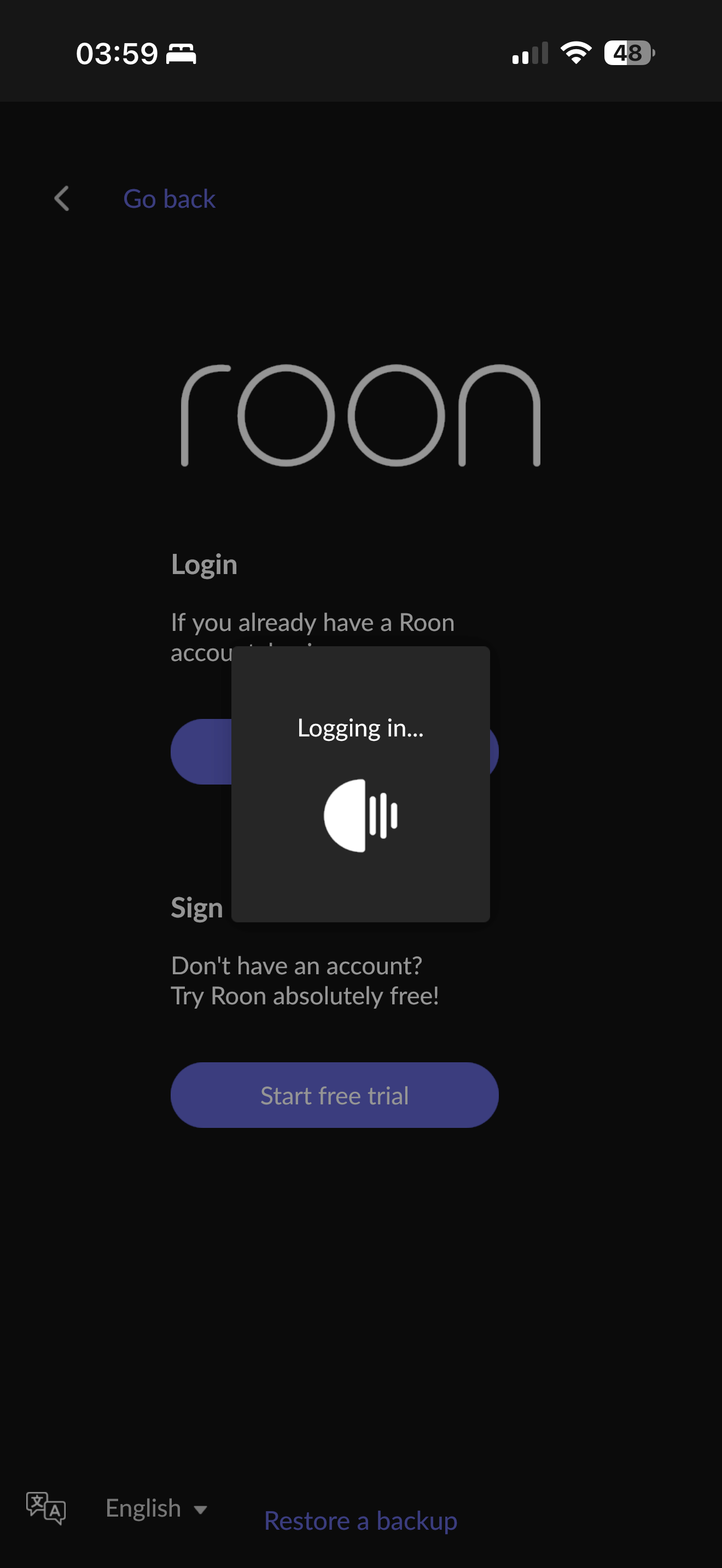
I just setup roon on my new Synology NAS which has the DSM 7.3. Everything seems OK, I can see the server on my ios and my PC, but when i try to log in, after jumping to the website of roon and choosing my account, redirecting back to roon, nothing happened, it still cannot login! I checked my network, it seems fine because I can easily login in my PC roon server.
Login loops are commonly caused by the content blocking extensions in your browser itself. This can intercept the URL redirect back to Roon. Please first try clearing the cookies/cache and disabling adblockers in your default browser.
If you use a consumer VPN, try disabling it or changing the network pathway.
I believe there is no problem for my network setting, although i use vpn to make sure connect to Roon smoothly, I setup a new roon server on my PC this morning which under the same network environment, it works fine. So maybe something wrong in the nas version of the roon server.
Did you try disabling adblockers in your browser? What about trying a different device to login altogether?
Roon’s login servers are often blocked by georestriction at the ISP level for users in the region associated with your Roon account. It’s entirely possible that the PC uses a separate network pathway, even with the same VPN, or otherwise responds differently to geofencing under the same network conditions.
We’d generally advise relying on whichever server machine offers the most stable connection to cloud services in the setup you’ve configured. Unfortunately, it’s outside our capacity to assist with the specifics of navigating georestriction.