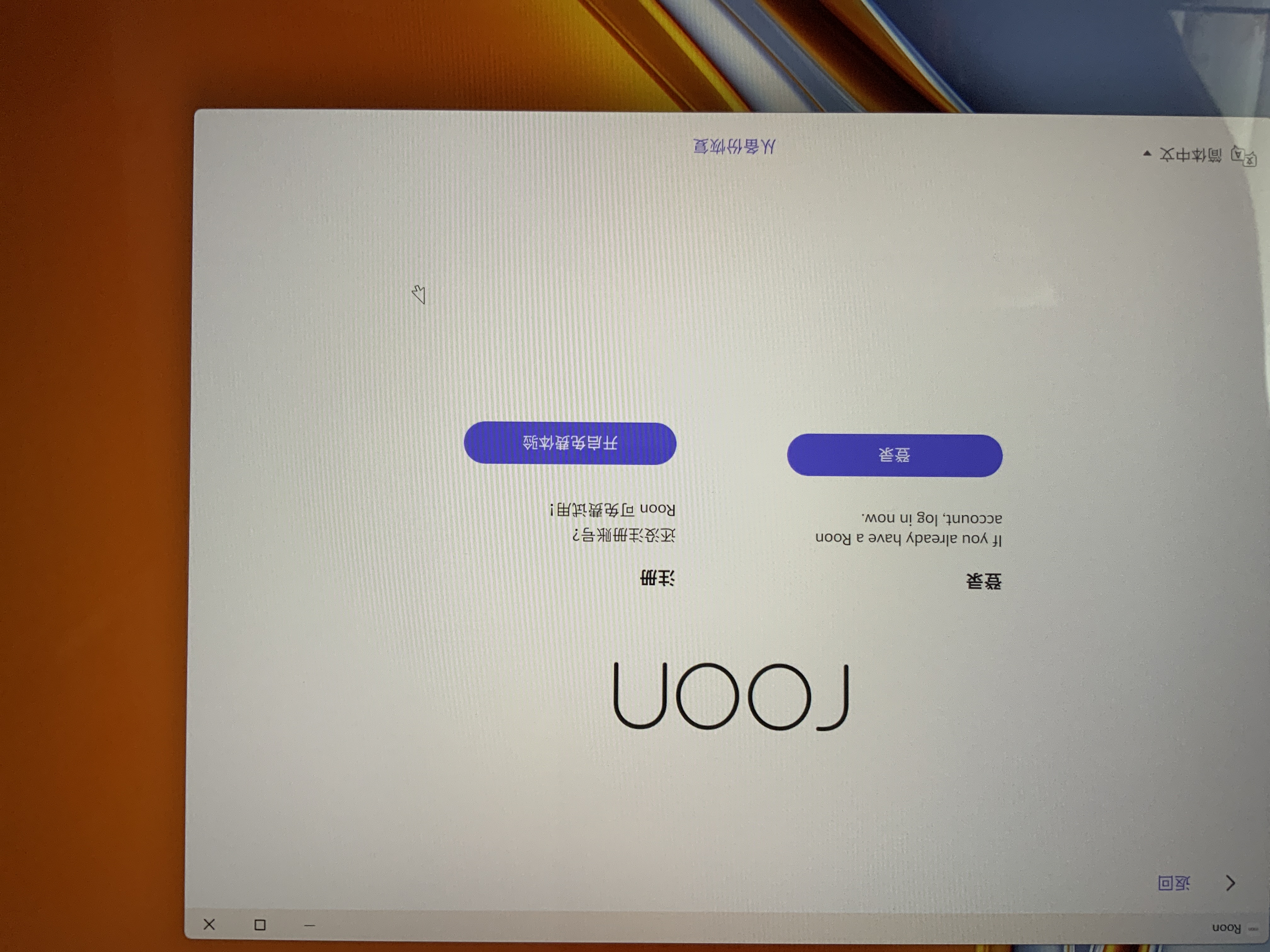
The computer of the Windows operating system cannot log in to its own account, and the iPad Pro of the Apple system can log in to its own account, but my roon core is installed on the computer of the Windows system, so I can’t log in since August 16, and I can’t use roon (man many music lovers around me also encountered my situation) tried to uninstall the roon and reinstall it, but still couldn’t log in! The “forgot password” on the login interface can jump to reset the password and successfully complete the process of resetting the password, but when you return to the login interface, you still can’t log in, and you can only see any prompts when you turn around. Even if you change your computer to log in, you still can’t log in!
Core = Windows
Roon Core Specification
I only know how to use simple software on the computer, and I don’t quite understand the things of the computer itself. In a word, this computer was used well by roon before August 16th. On the 16th, when I opened the roon, it prompted me to log in. Since then, it has been unuseable. The 16th has become the dividing line between roon’s useable and unuseable! I confirm that the computer settings have not been changed!
Home Network
I don’t understand these things. I can say that the location of the roon has not been moved, that is, the network equipment has not been changed in my own home, the connection method has not changed, and nothing has changed. The only change is that the roon can’t be used when I get up on the morning of the 16th.
Thank you for reaching out. I am looking over your account details and I saw that you are located in China, and it is possible that your connection to Roon is being blocked by your ISP. Do you have a VPN you can try to use to log in? Are you able to change your DNS to Google (8.8.8.8) or Cloudflare (1.1.1.1) and see if you can log in afterward?