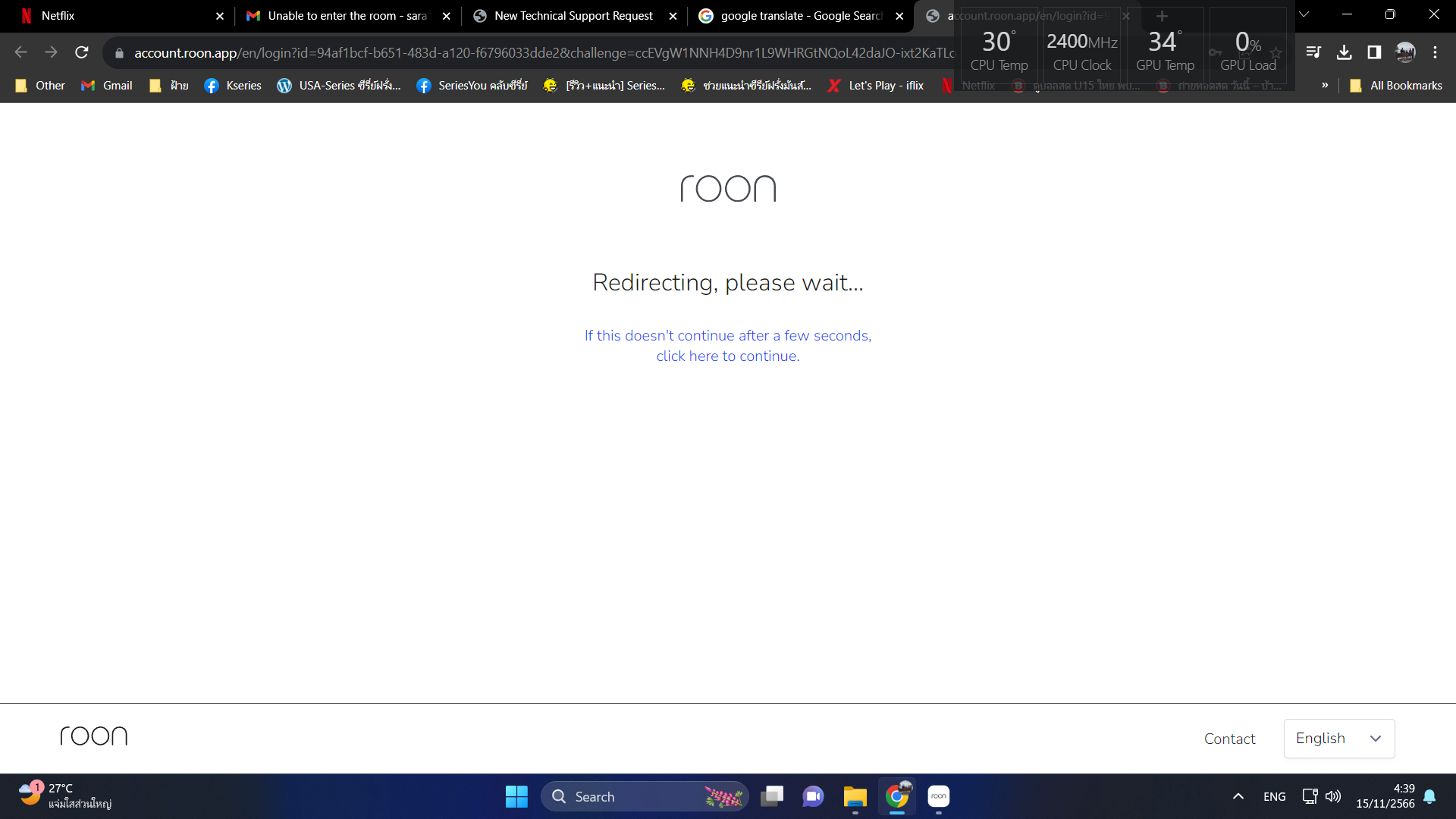
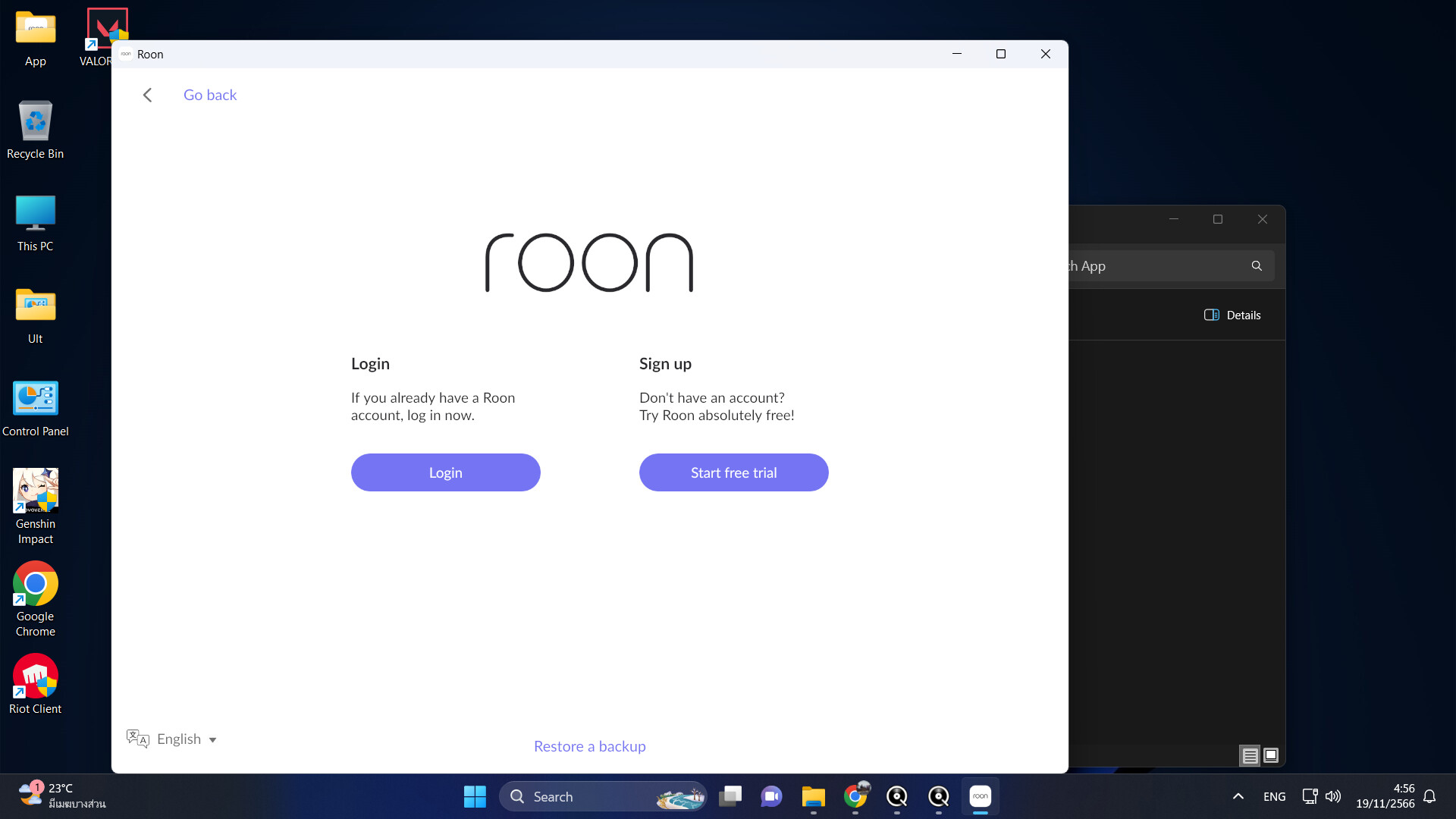
After I upgraded to Windows 11 and then I reinstalled Roon I couldn’t log in.
I am a lifetime member.
It just pops up on this page and switches back and forth.
After I upgraded to Windows 11 and then I reinstalled Roon I couldn’t log in.
I am a lifetime member.
It just pops up on this page and switches back and forth.
Make sure that you don’t have pop-up blockers, cookie blockers, or similar enabled - or exclude Roon from such block lists
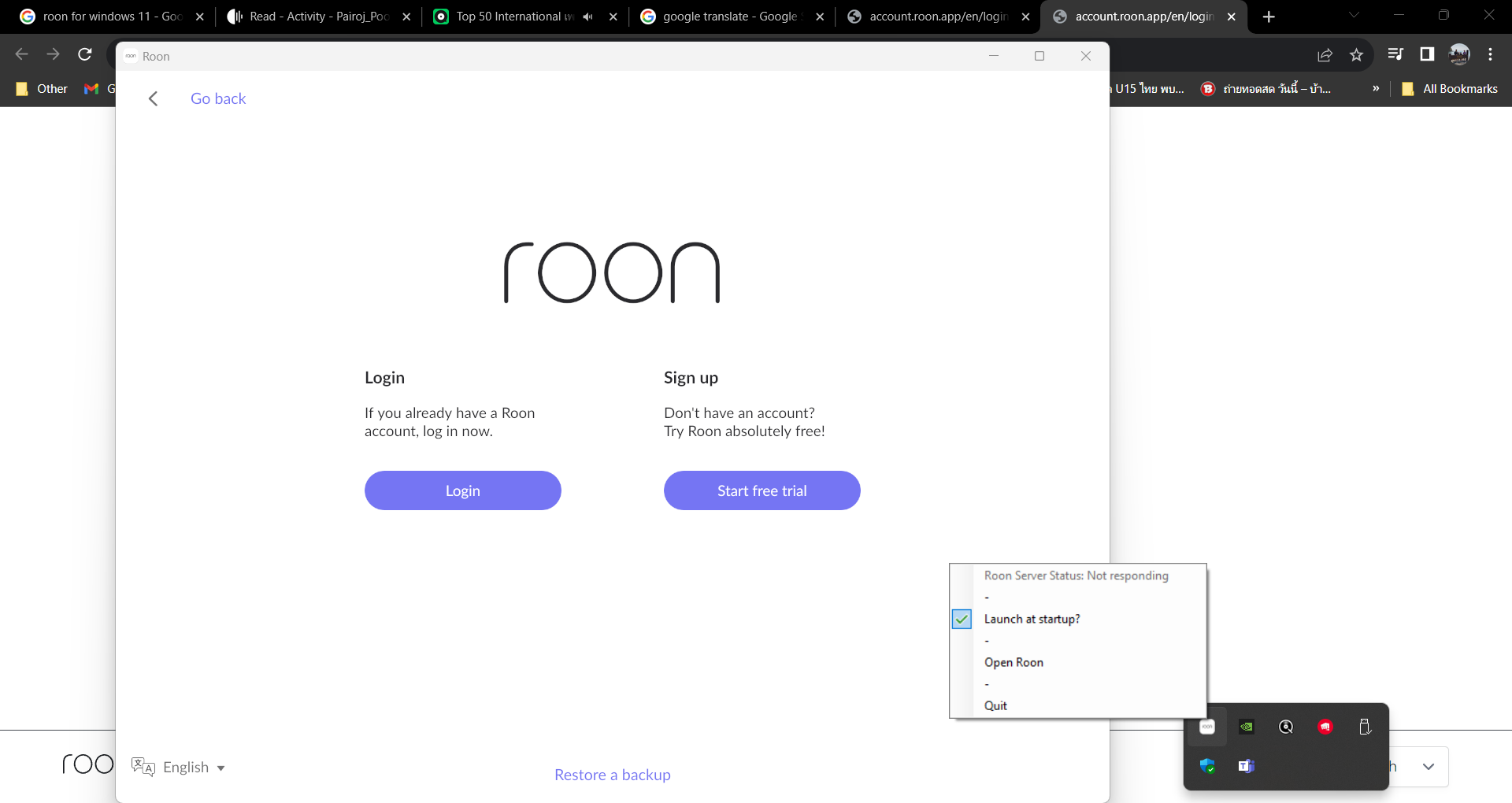
Can you help me identify where I need to check my cookies?Then I noticed that in the task bar below the roon server it said not responding. I’m not sure what the problem was.
Good point. Does it work now?
I’m sorry, my English is not very good. I don’t know what the good point you are talking about is.
I meant it’s a good point to notice that the server was „not responding“. Does it work after restarting the server?
ของผมก็เป็นยังแก้ไม่ได้เลยครับ ไม่ทราบว่าแก้ได้รึเปล่าครับ
I use a Roon Core computer, originally running Windows 10, but when I upgraded to Windows 11, this problem occurred. Restarting the computer didn’t fix it.
ไม่ทราบว่าเคยใช้ได้ใช่ไหมครับ มีการเปลี่ยนแปลงระบบอะไรไหมครับถึงใช้ไม่ได้ อาการเป็นอย่างไรครับ
OK, so this situation with Roon server being „not responding“ is still not fixed?
I still can’t find a solution.
Ok, it sounds to me like this is the bigger problem - as long as the server is not responding, the log-in probably cannot work.
I don’t know how to fix this because I never used Roon on Windows. Hopefully some other Roon user has a recommendation, or the official Roon support in the next days. Good luck! 
Thank you very much for coming to recommend.
Hi, I suspect I have the same problem as you. My Core Server will no longer start after I accepted the Roon Upgrade All message on my remote. I have a support topic ‘Core Server unable to start’ I am just trying to zip up my logs to send them in to the support team.
Can you fix it? Please advise me.
No, not yet, I’m awaiting a reply to mine that I posted yesterday. I’ll let you know when I do
Thank you very much
In the end I uninstalled roon from my windows 10 mini-PC using the standard uninstall option in windows, but did not select the uninstall the database option. I then reinstalled roon onto the PC and it’s all now working after a restart of the PC.
Thank you very much for keeping me informed of your progress. I’m at a loss for finding the problem. Yesterday I switched from windows11 back to windows10 and can now use roon normally.
This topic was automatically closed 45 days after the last reply. New replies are no longer allowed.