I can't migrate Roon data base to new Nuc One, even tho Nuc is the active server...
Describe your network setup
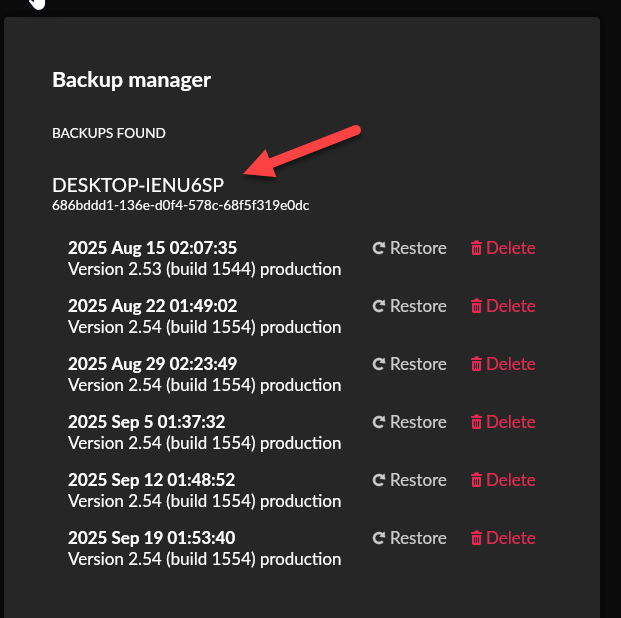
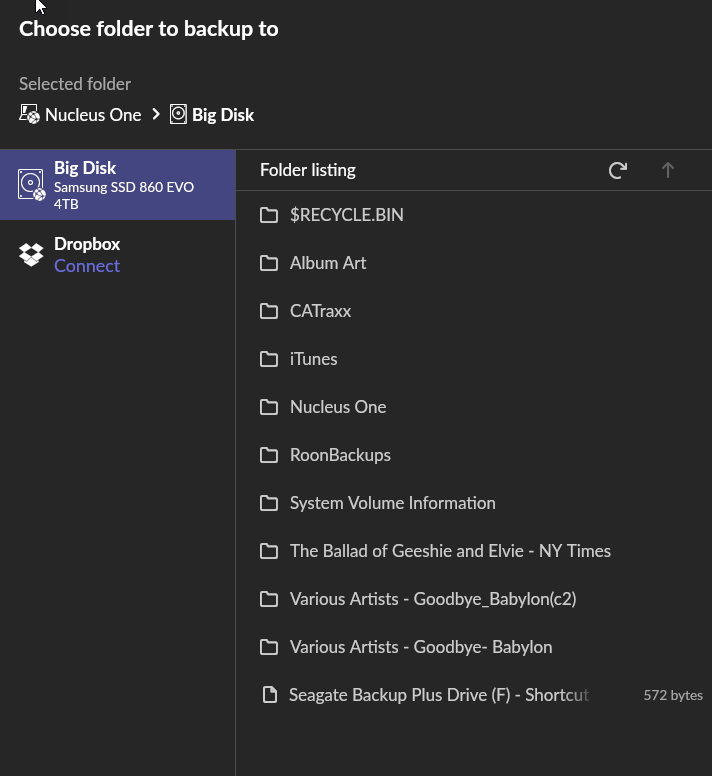
nothing unusual ethernet to netgear box that splits cables to desktop (where legacy Roon is), network player, and Nuc (where new Roon is to be), When I attach external SSD with Roon DB backup to Nuc via USB, click on backup, it pulls up old backup files from desktop, not current backup on attached SSD. Can't save to NUC...NUC has internal 4TB SSD installed....frustrating but I must have missed something.After two days gave up and contacted you. P.S. size limits I can only post one screen cap but the initial link with external drive in USB port in back of Nuc indicates: Nucleus One>Big Disk [external SSD]> Roon Backups, when I click on the latter I get pulled off NUC and back into desktop, like this: {appreciate any help}
Thanks for your response and suggestions, I apologize for slow reply, got pulled away…
So I did the switches of USB cable and USB port, but no improvement.
Thanks for the diagnostic report but that may be scanning the backup directories illustrated in the screen cap above all of which are old by several months (from desktop) whereas I thought better to use more current copy as saved to external SSD?
Let me level set to explain what I expected to be the process: setup Nuc One to give Room its own environment, install internal SSD to avoid dangling external SSD, then copy latest DB backup and music library from desktop via external SSD and plug and copy into Nuc.
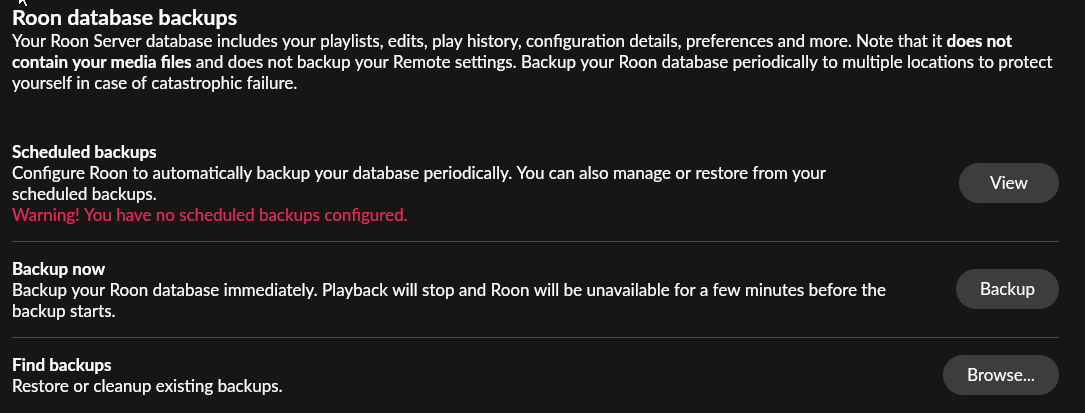
Below is view of Backups view. Roon is not reading SSD, is that correct?
How is the external SSD formatted, is it an NTFS drive? If you try to create a new folder and make a manual backup to that folder, does that backup show up properly and can be restore?
Hello Noris thank you very much for responding.
The external SSD is an NTFS drive.
I can try to set up a dummy backup but not sure how to do that. The Roon help document “Restoring from a Backup” seems complicated, as my tech skills are not advanced. My apologies on that score.
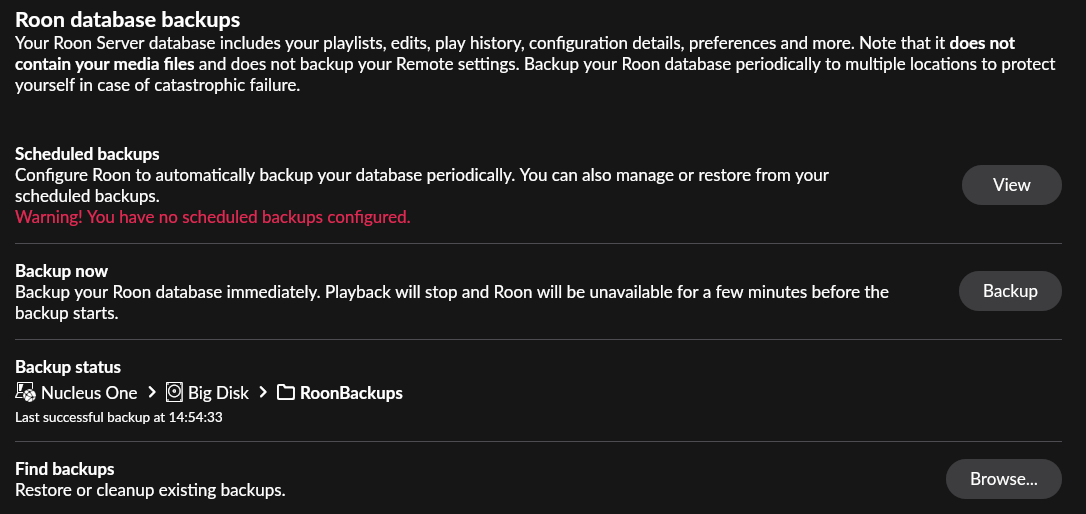
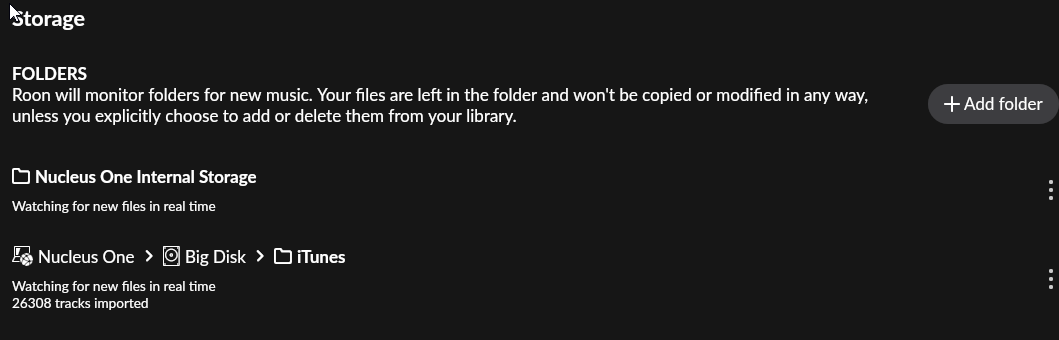
For that matter, the backup functionality seems to be in limbo since I have closed out Roon server on my old desktop and set it up on my Nuc One. The exernal SSD (“Big Disk”) plugged into the back of the NUC holds backups, music library, etc. but backup doesn’t function properly, it backs up to the same external SSD.
The music library is available and functions fine, both iTunes and Qobuz, but again is on the external SSD and not the internal storage.
When I try the approach in the documentation by clicking on “Restore a Backup” link before logging in I am taken back to “Connect to Roon Server” option. Not being able to restore Roon Backup also means that tags and playlists do not appear.
I attach some screen shots, hope they fit size limits in the notes. Any help you might offer would be great.
Thanks for the additional information! From what you’ve mentioned so far, it could be the case that the NTFS drive is mounting as read-only on the Nucleus One.
NTFS formatted drives often mount read-only, which means the Nucleus can read the files (your music library works) but cannot write, which breaks the backup/restore function.
Ideally, reformatting the external drive to exFAT may help - but in doing so, that process completely wipes the drive itself, so you’d want to first move all the contents of the drive to a safe place temporarily. Here are some next steps if you’d like to do this:
WARNING: This will erase the SSD, so you must copy off any needed files first.
Steps:
Connect SSD to your desktop.
Copy entire “RoonBackups” folder and your music library to your desktop temporarily. Any files you wish to KEEP - transfer them.