What best describes your playback issue?
· Music doesn't start when I press "Play"
What type of Zone is affected by this problem?
· *Network Zones* are affected.
Is the affected network Zone connected with Ethernet or WiFi?
· Ethernet
Does the issue affect all file formats?
· The issue affects *multiple/all* file formats.
Does the issue happen with local library music, streaming service music, or both?
· *Both streaming and local* *library* music are affected.
Do you encounter any playback errors with the "System Output" Zone?
· The System Output has the same problem as my other Zone.
Do you have a complex network setup?
· Both the device and RoonServer are connecting to a *single router*
Please try rebooting your router.
· No, I'm still having trouble
Do you have an approximate timestamp of when the issue last occurred?
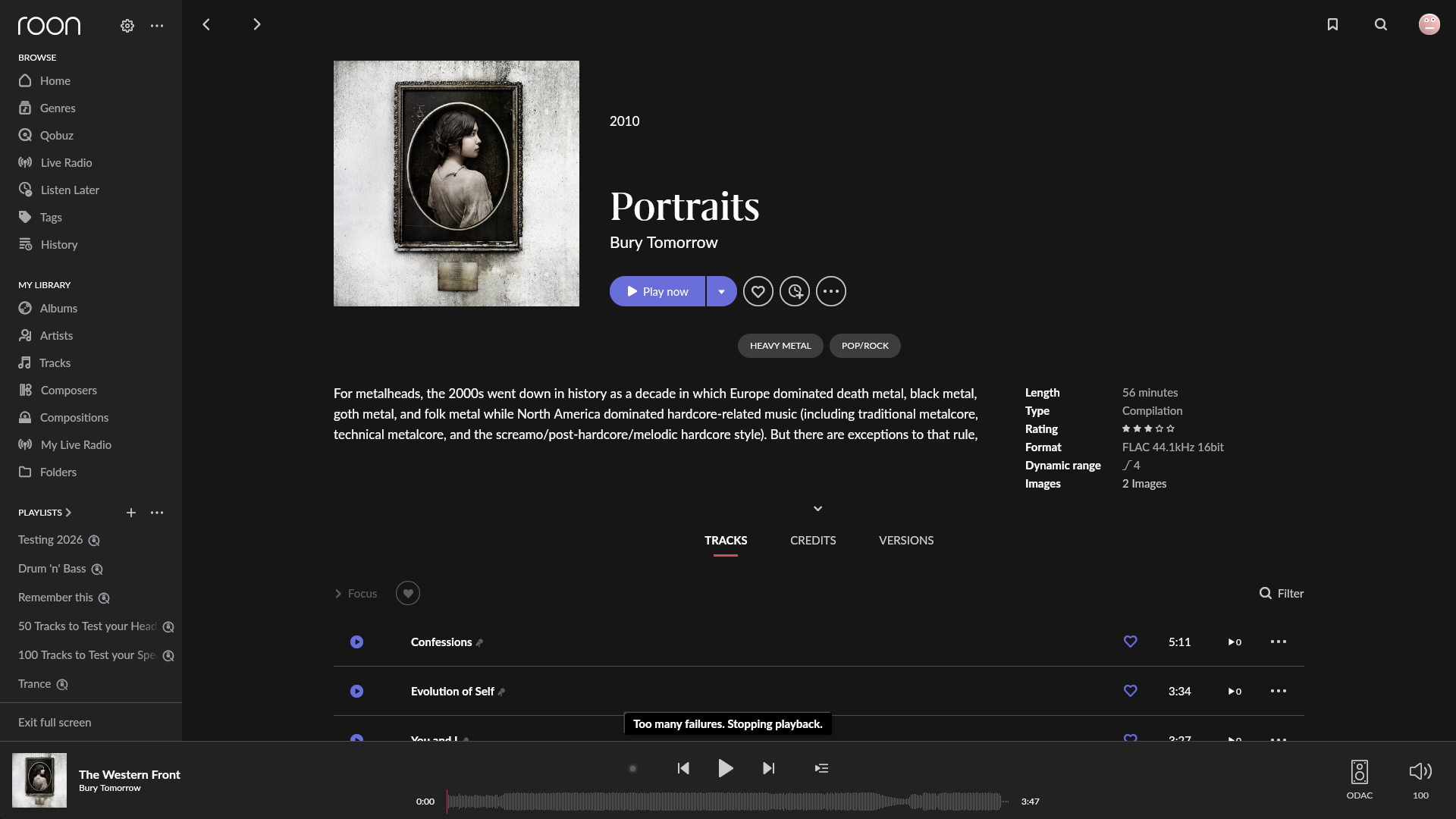
· 14:25 4th July 2026 - Confessions by Bury Tomorrow
What are the make and model of the affected audio device(s) and the connection type?
· Objective 2 DAC (ODAC), Chord Mojo 2 and anything else I use at my PC.
Describe the issue
I'm unable to play audio on my PC. My PC and Roon Nucleus One server are connected directly, with only a switch in between. Both are wired through an ethernet cable.
The Roon app gives me a "Too many failures. Stopping playback." error.
It's worth noting I can still access my Roon storage through my PC, by browsing to C:\Users\User\AppData\Roaming\Microsoft\Windows\Network Shortcuts\Roon.
Describe your network setup
Router connects to my switch, switch connects to my Nucleus One and PC. Router also directly connects to my BlueOS Node, which has no issues playing Roon.