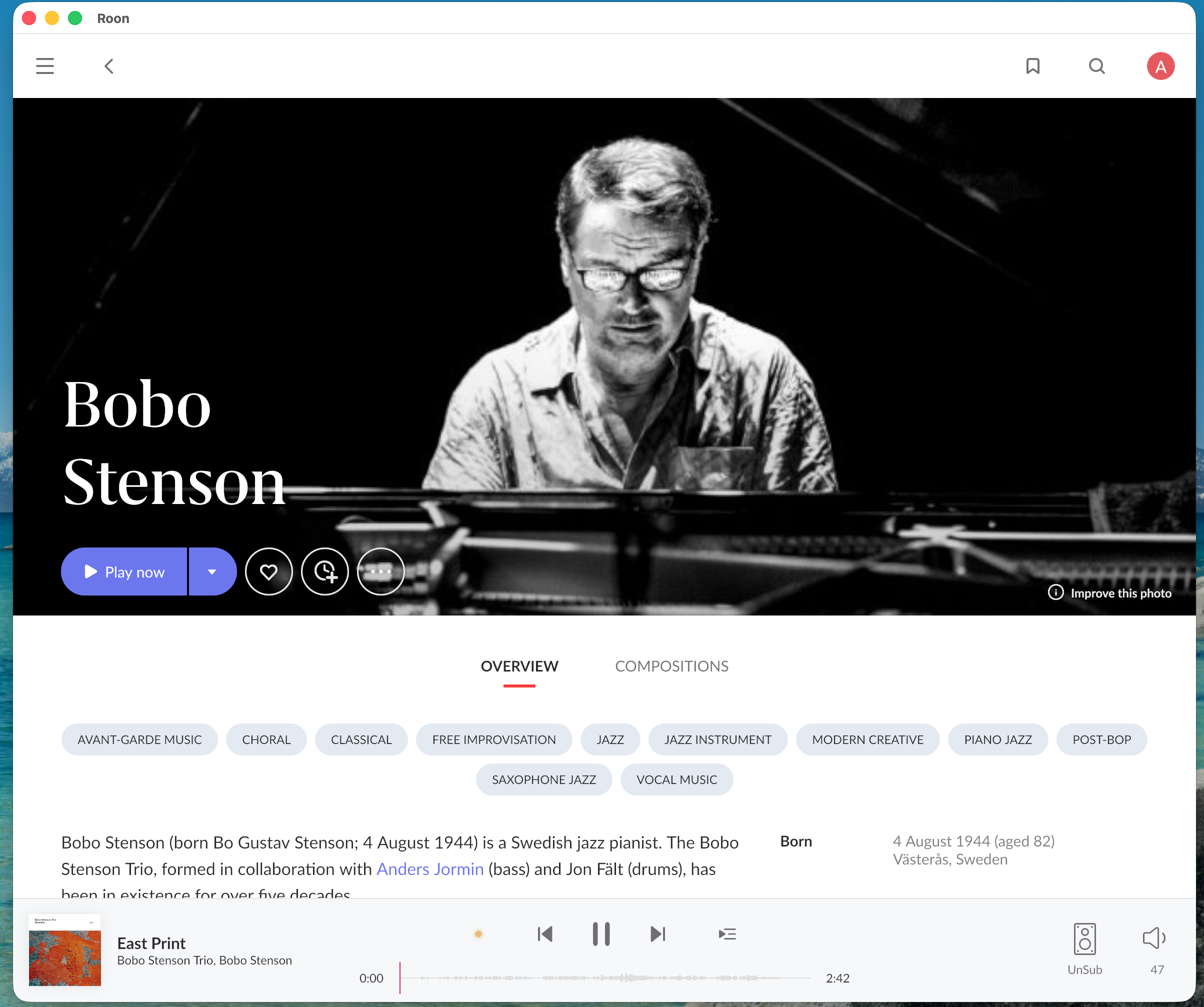
· Roon Server 2.71 on ROCK, Remote 2.71, Bridge2.6, macOS Tahoe 26.5.2. I installed Roon on my Mac as a trial, but wanted a standalone device for this purpose and so then installed ROCK and migrated my music files and database to the NUC/ROCK. In the process of doing this, I lost the ability to play music via Roon on my Mac. I set up the computer as a zone. When I try to play a track, the name of the track is displayed at the bottom of Roon app, but nothing happens -- no music, and the time counter does not move forward. I then installed Roon Bridge, but that did not make a difference. I need suggestions, please.
As a background, my objective is to play music over dedicated devices (like a HiFiBerry) as well as on my various Macs around the house.
Tell us about your home network
· My router is a G1100 (Verizon), and I have a Cisco (gigabit) switch, for which I don't recall the name. Primary internet connection through Verizon Fios, 1 Gb. No VPN. I also have a MESH network using an ASUS "ZenWiFi AX."
Since you’re running macOS, the behavior you’re seeing is consistent with the newer, stricter Local Network permission controls in the recent macOS releases.
Please try the following steps:
Open macOS System Settings → Privacy & Security → Local Network
Make sure Roon and Roon Server are both enabled
Even if they are already enabled, please toggle them off and back on
Fully quit Roon Server from the macOS menu bar / task bar
Reboot your Mac
After reboot, launch Roon again and check if the devices is avaliable again.
Once these permissions are refreshed and the system restarted, your audio devices should reappear.
Please let us know if the issue persists after these steps, and we’ll continue from there, thanks!
OK, it is working now. Not sure what made the difference, but I turned off Roon Server starting up on boot (on MacOS) and then made sure all the network permissions were correct. Reboot, then all is well.
I may have missed this, but I don’t recall the Migration instructions calling out the Roon Server startup on boot. I saw the little Roon icon and found that the setting there. Amazingly, it started up despite my deleting the Roon Server Folder from applications as it found the Server in the Roon App folder. Go figure.