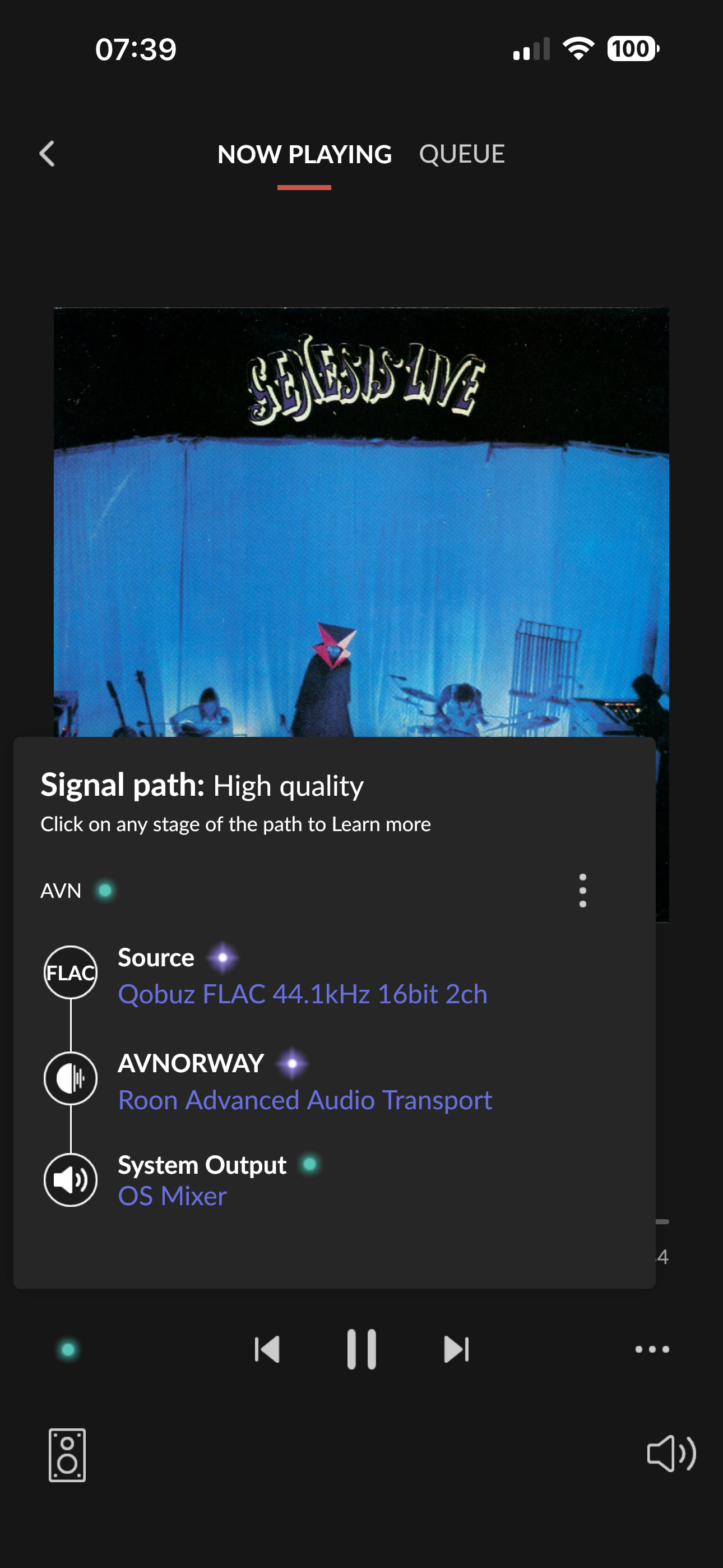
As Edgar mentioned above, it looks like that specific show is currently playing fine on his end.
Could you please check and confirm if this was just a temporary glitch and if the tracks are now playing successfully for you in Roon as well? Or are they still showing up as greyed out and unavailable?
If you are still experiencing the issue, would you like me to enable diagnostics on your account so our team can take a closer look at what’s happening?
The Nugs shows show up fine in my Roon interface - Roon Server 2.62, Roon Remote (PC) 2.62
Prior to the upgrade I had a Nugs membership so I signed in through the Services in Settings. That went successfully and shows Signed In in Services
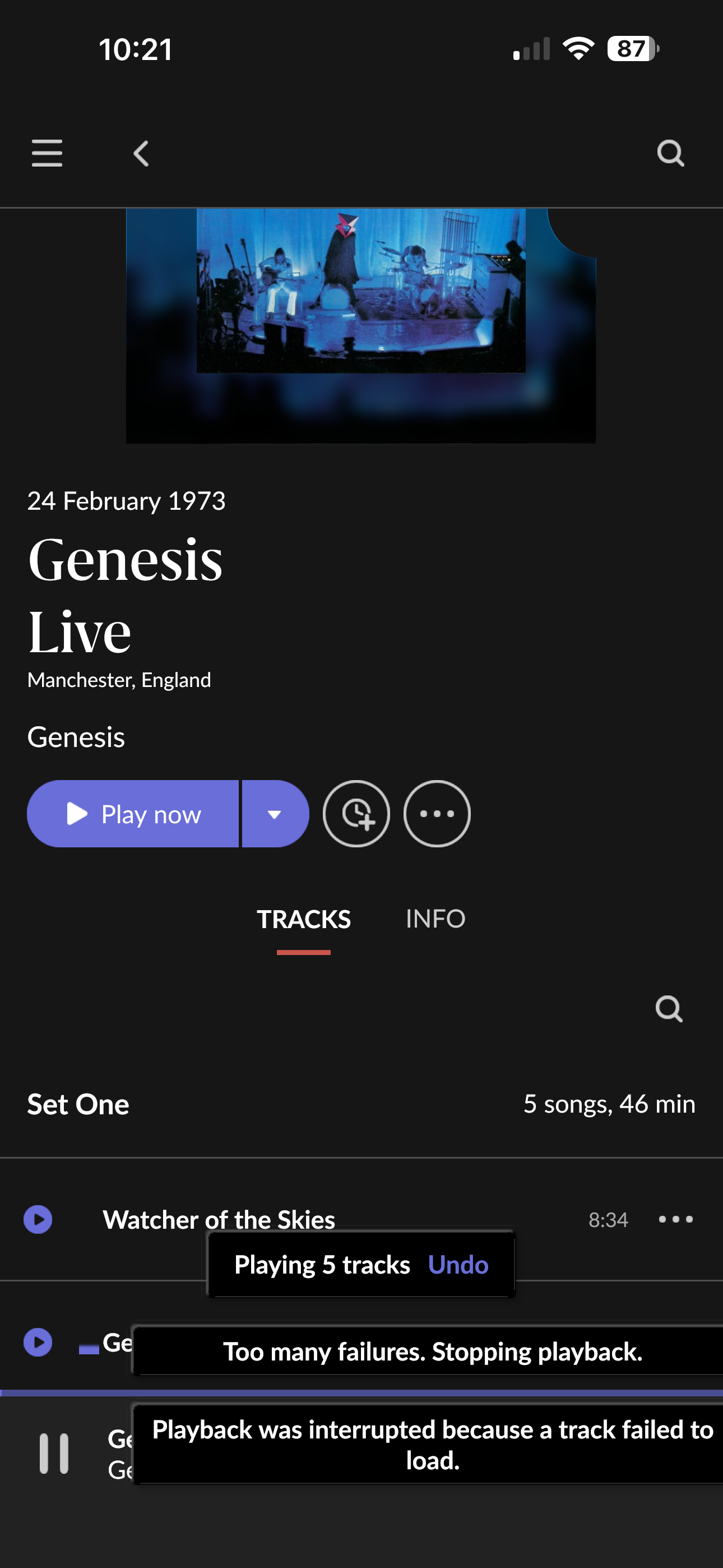
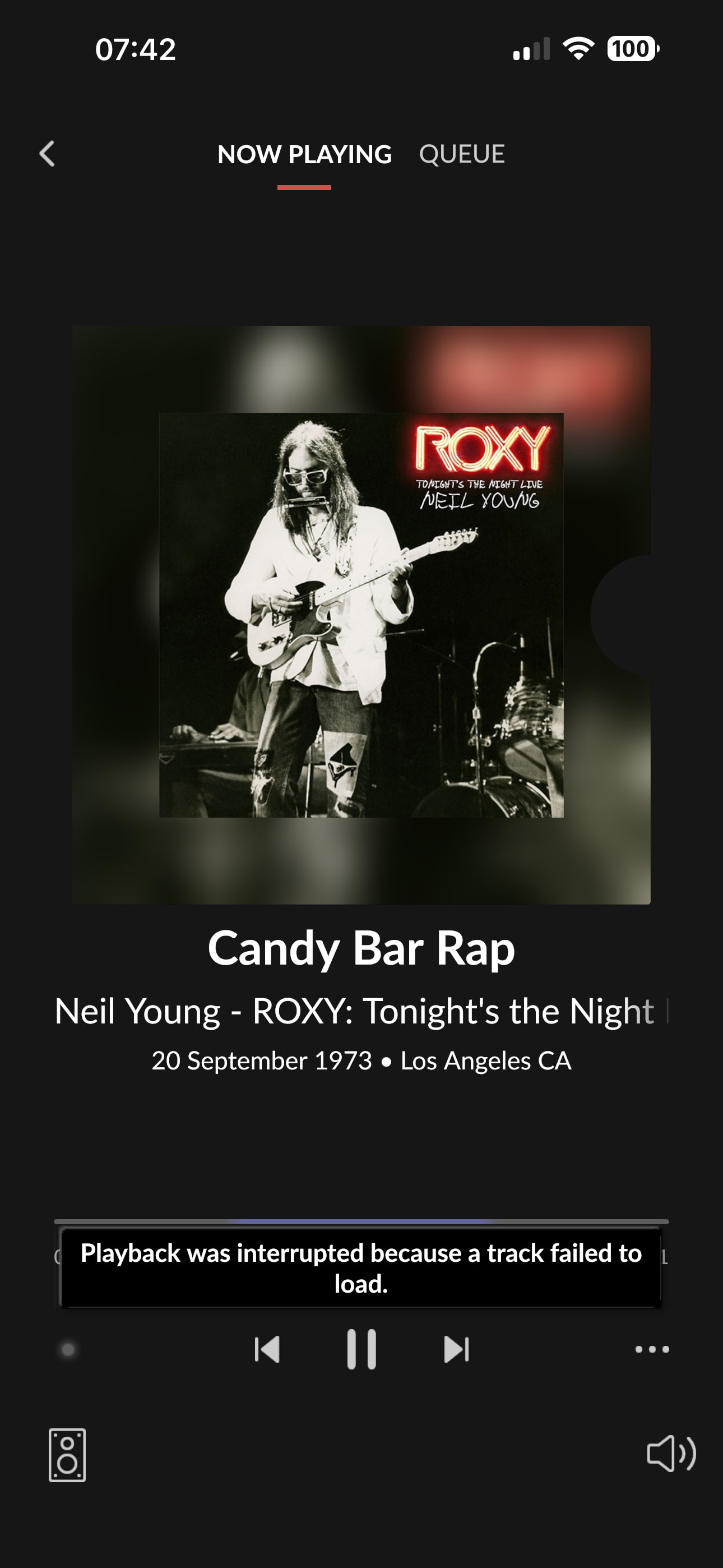
Tried a number of Dead & Company shows and the Genesis Live show above and they act the same. A track sits at 0 like it’s loading and after 10-15 seconds gives and an error ‘Track skipped because it failed to load’ and moves onto the next track where the same thing happens.
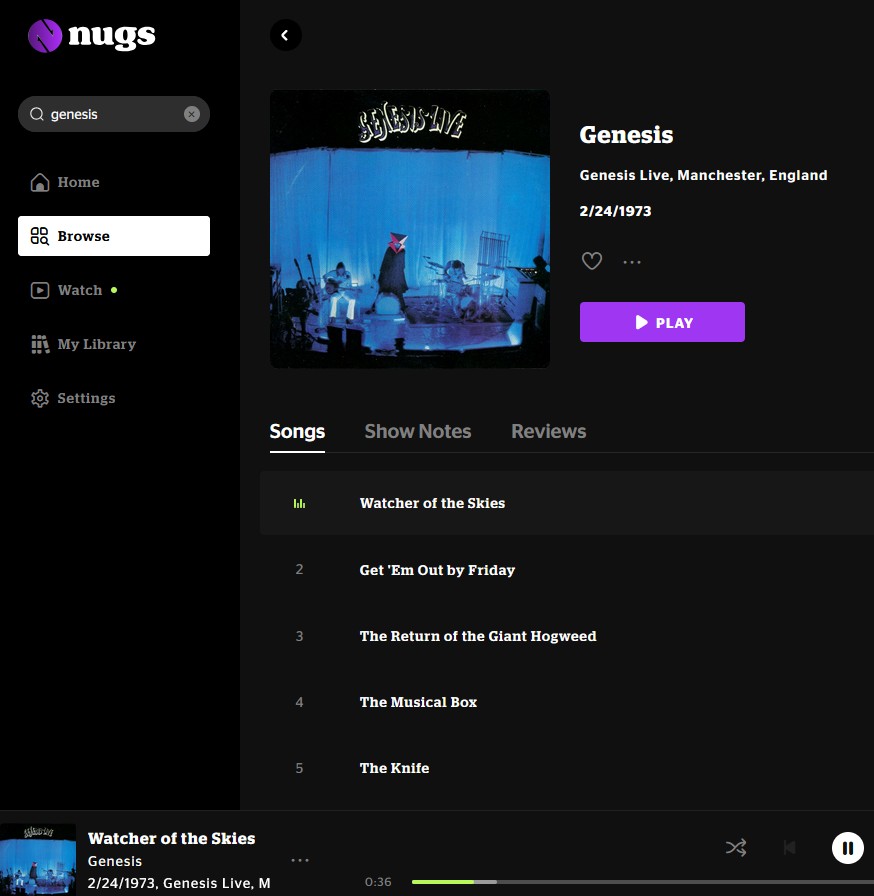
When I log into Nugs.com and try the same shows, they play fine.
Attached is the Genesis Live album playing on Nugs.com
Running the server on a QNAP NAS. The NAS and the PC are attached to the same router/Wi-Fi network.
Do I need to update something to give permission for Nugs to feed to Roon?
Looking over the error logging one more, we are still seeing the same errors as the ones listed for the geofencing thread:
Have you by any chance created your nugs account in a different region than the one you are currently located in? Perhaps in one case the account created region is being used, while in another case the current location is being used.
Thank you for confirming that this happens across all your endpoints and remotes. That helps us completely rule out your local playback hardware and focus entirely on the server’s connection to the outside world.
I took a deep dive into the network configuration logs from your Roon Server, and I found a massive clue that explains exactly why the Nugs app works seamlessly on your phone, but fails inside Roon.
When Roon requests the audio stream from Nugs, the content delivery network (Akamai) is instantly rejecting the connection with a 403 Forbidden error. Akamai actively blocks connections if its security algorithms detect a VPN, a proxy, a SmartDNS, or certain network-wide ad-blockers.
Looking at your Roon Server’s internal routing table, your main router (192.168.68.1) is directing all of Roon’s DNS traffic to a custom address: 192.168.10.1.
Because this DNS server is sitting on a completely different subnet than your Roon Server, it is highly likely that this is a dedicated Pi-hole, AdGuard Home, network VPN, or SmartDNS device.
The Nugs app on your phone or tablet is likely bypassing this custom DNS (using cellular data, Apple Private Relay, or a hardcoded mobile DNS), allowing the stream to play.
Roon Server is strictly following the router’s rules and routing through 192.168.10.1, which is causing Akamai to flag the traffic as a proxy/VPN and immediately block the Nugs stream.
To confirm if this custom DNS routing is the culprit, could you temporarily log into your Roon Server’s Web Administration interface (or your main Deco router settings) and set the DNS to a standard, public address like Google (8.8.8.8) or Cloudflare (1.1.1.1)?
Once that is changed, reboot the Roon Server and try playing that Genesis Live album again. Let us know if the stream finally connects!