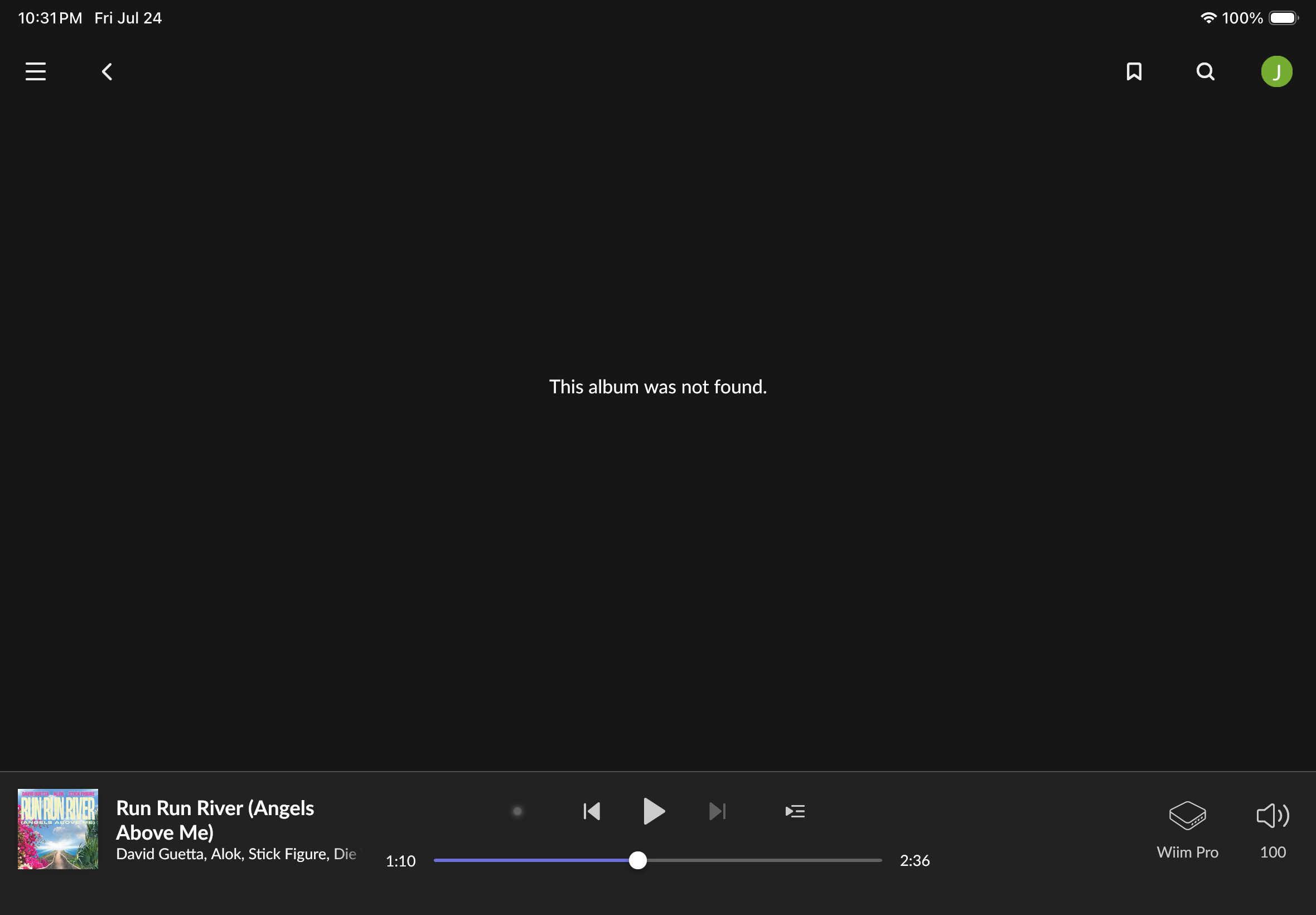
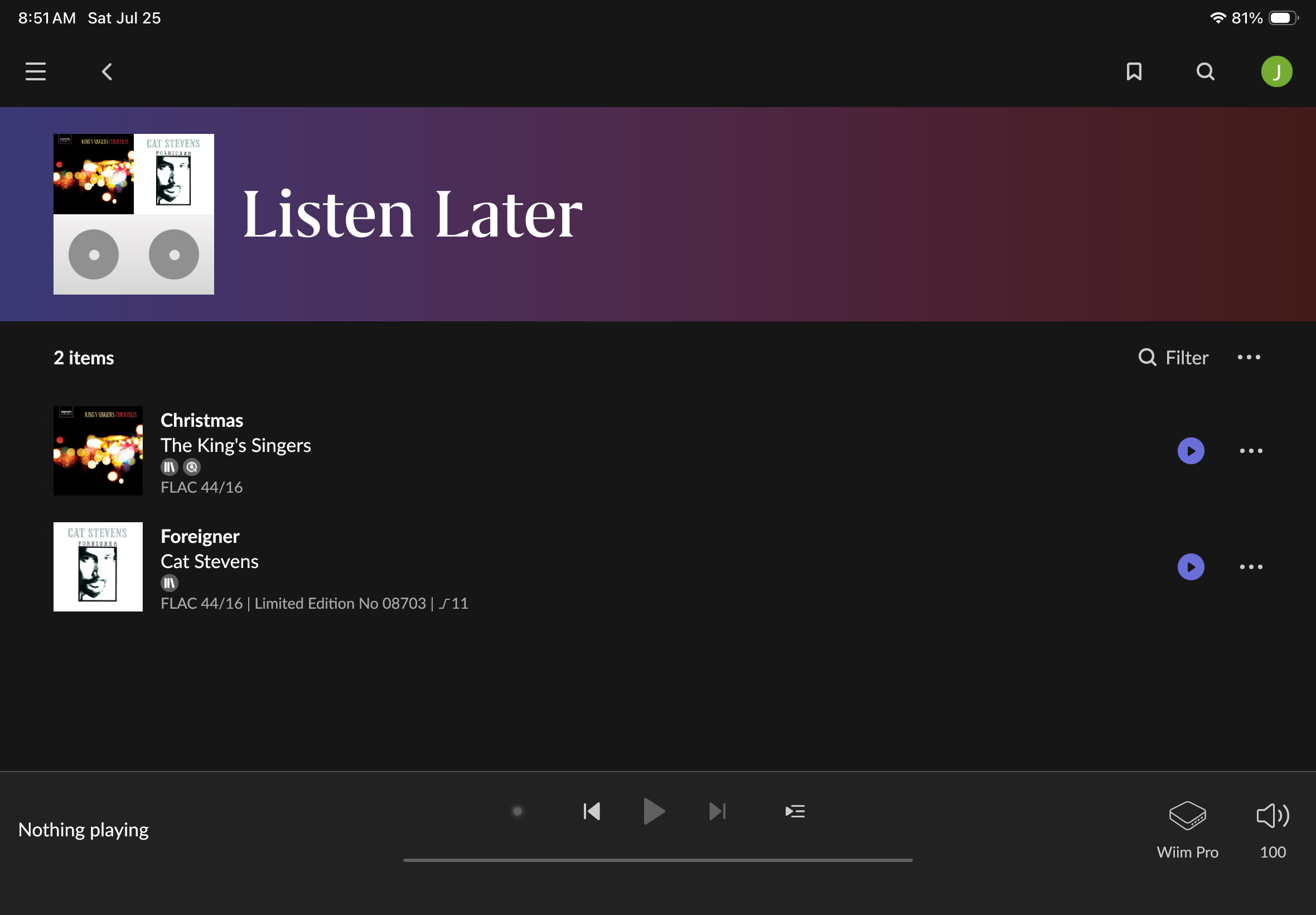
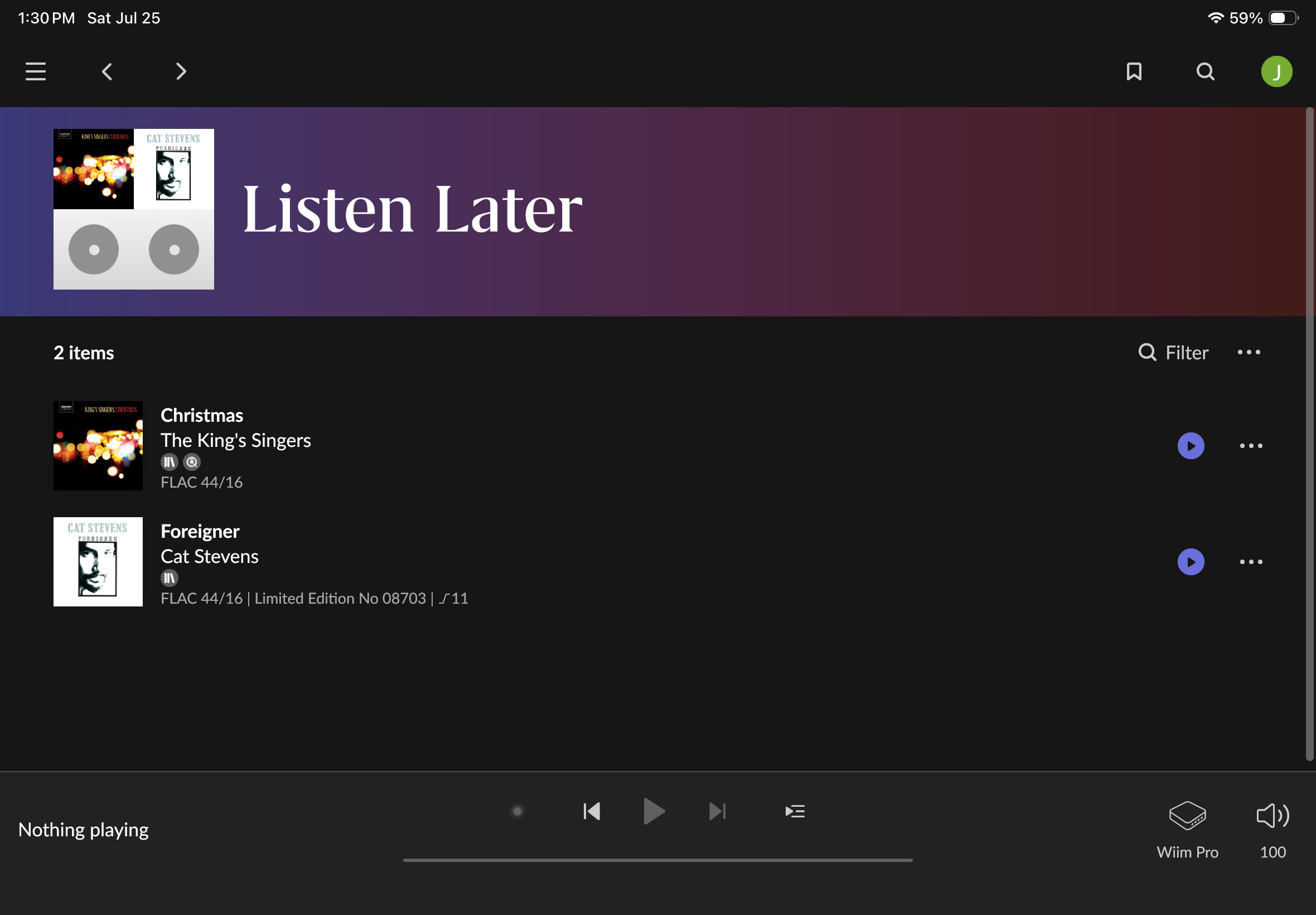
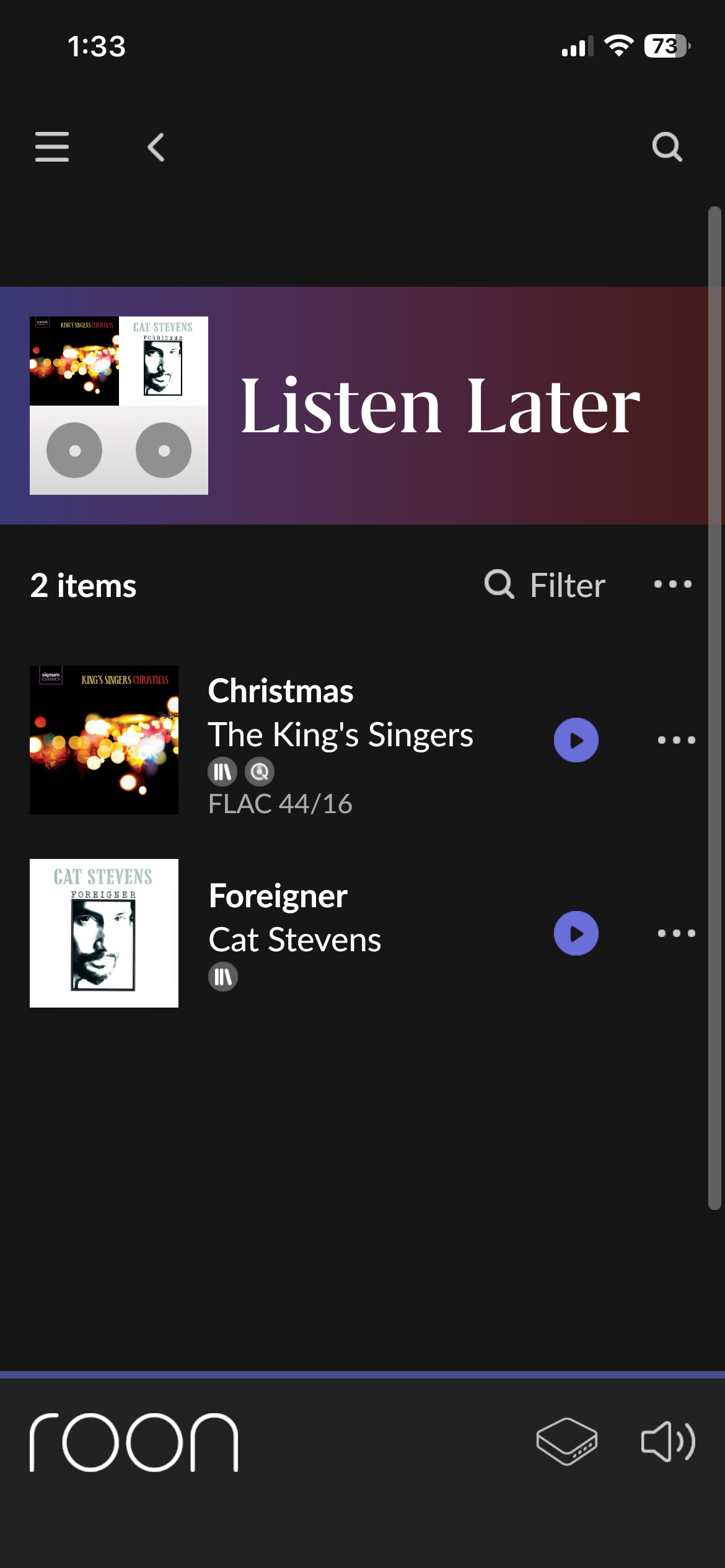
I added this Qobuz title to my Listen Later queue some time ago. I did not add it to my library. I finally got around to wanting to listen to it, but all I get is the message, “This album was not found”. Thinking it may not be available from Qobuz anymore, I tried to delete it from my Listen Later queue, but I keep getting the same message I cannot remove it from the LL queue.
I see in the Qobuz app, this title is still available, though perhaps the version on Qobuz is a replacement for the version in my LL queue?
How can I remove this from the LL queue? I found other posts about this issue, but they all involved titles that were already in their Roon library. The solution was to remove the title from the library, then remove it from LL. However, in my case the title in question isn’t and never was in my library.
After several more attempts, I got it to delete from the queue.
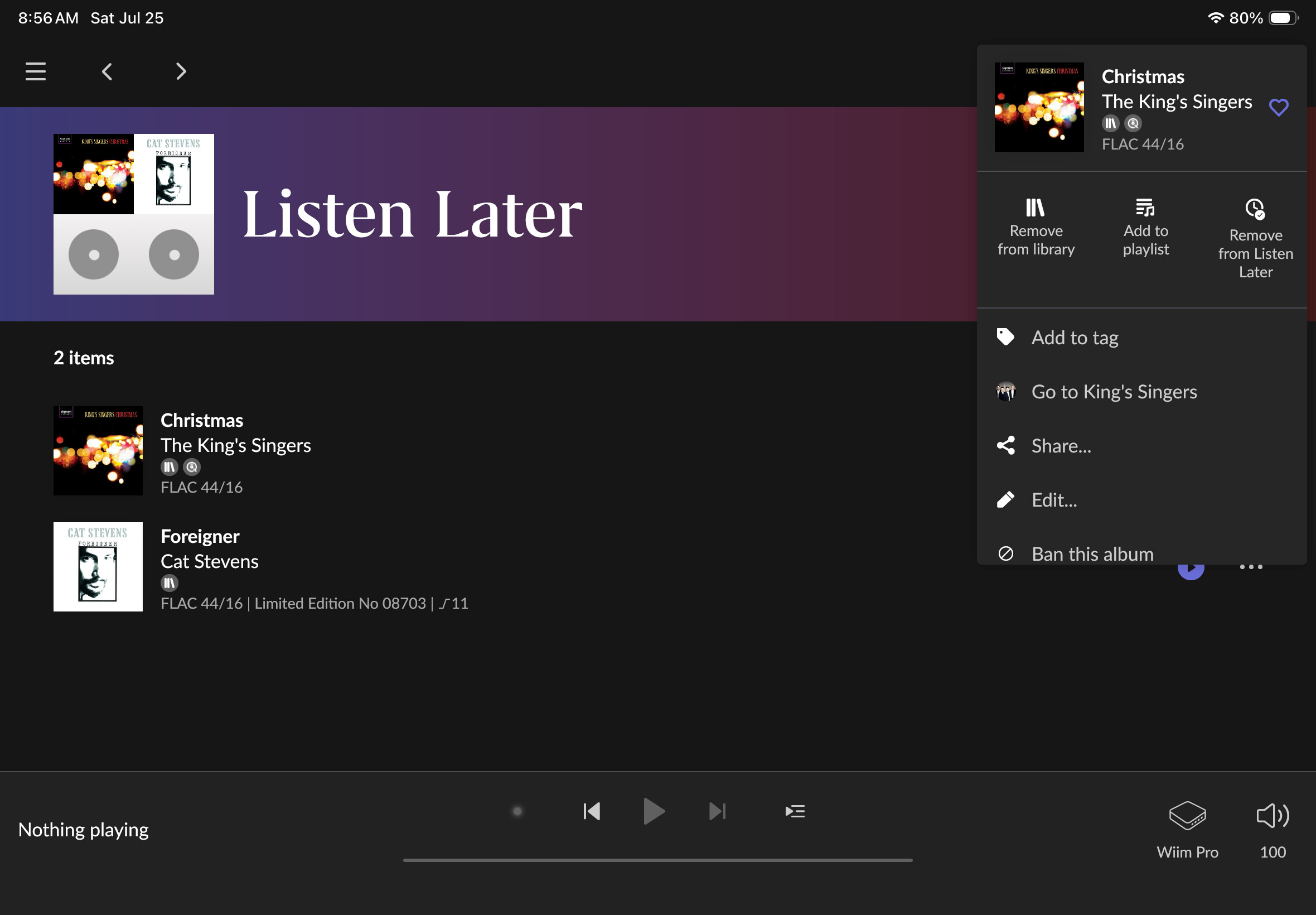
I think the issue is something else I’ve noticed about the using the LL queue on my tablet (iPad). I’ve noticed when I try to click on the 3 dots to the right, most of the time it takes me to the album page and not the menu that gives the option to remove from LL queue. I have to tap the 3 dots exactly in the precise right spot to get the menu to come up to remove from LL. It seems it’s extremely finicky about touching the precise spot on the 3 dots to bring up the menu to remove from the LL queue.
I believe in this case it was trying to take me to the album page for a version that no longer exists on Qobuz. After multiple attempts, I finally touched the 3 dots exactly right to bring up the removal from LL option and was able to delete it.
I wonder if others using a touch screen tablet are having the same issue?
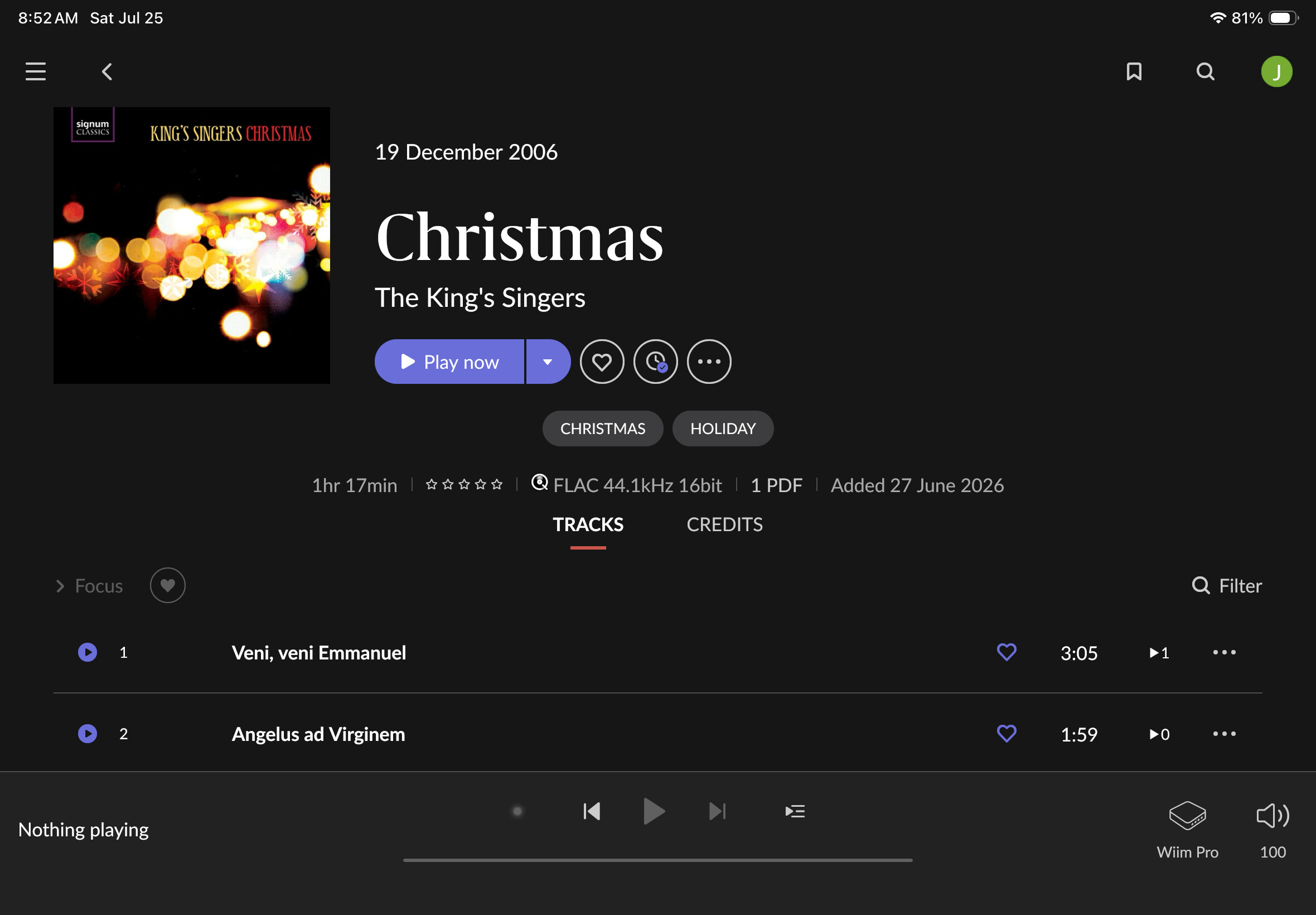
PS - Before, as a work around, when trying to select the 3 dots, taking me to the album page because I didn’t touch it just right, I would just touch the LL icon on the album page and it would remove it from LL.
This is the first time I came across an album that was no longer available, which threw me off, thinking there was a problem/bug.
I think I just found a better work around. If I long press on an album in the LL queue, highlighting it, then an option to Play Now with 3 dots beside it appears at the top of the screen. Selecting these 3 dots on my iPad is no problem and the option to remove from the LL queue then appears. I suspect this would have worked on the Qobuz album that was no longer available.
I had the same problem recently. The solution is to click More on Home > Listen Later, and then you have a menu for each item, even the removed one, where you can still delete it.
RoonLabs will look for a neater solution and created an internal ticket:
Thank you for that link. I didn’t see that one in my search.
For clarity, I always go to the LL screen you mentioned with no issue. It’s when I want to remove an item by selecting (using my iPad) the 3 dot menu to the far right of the item, most of the time it erroneously takes me to that album’s overview page, not the menu where I can select to remove it. It seems I have to touch the 3 dots in precisely the right tiny spot for the menu to pop up. Any variance from the perfect tiny spot and the album’s overview page comes up instead.
To illustrate, I can get to the LL page no problem either from the Room Home page as you described, or the Roon menu > LL.
In the past, when it erroneously took me to the album overview page, I would just touch the LL icon next to the Play Now button to remove it from LL. But in the case I just ran into where the album is no longer available, this work around doesn’t work.
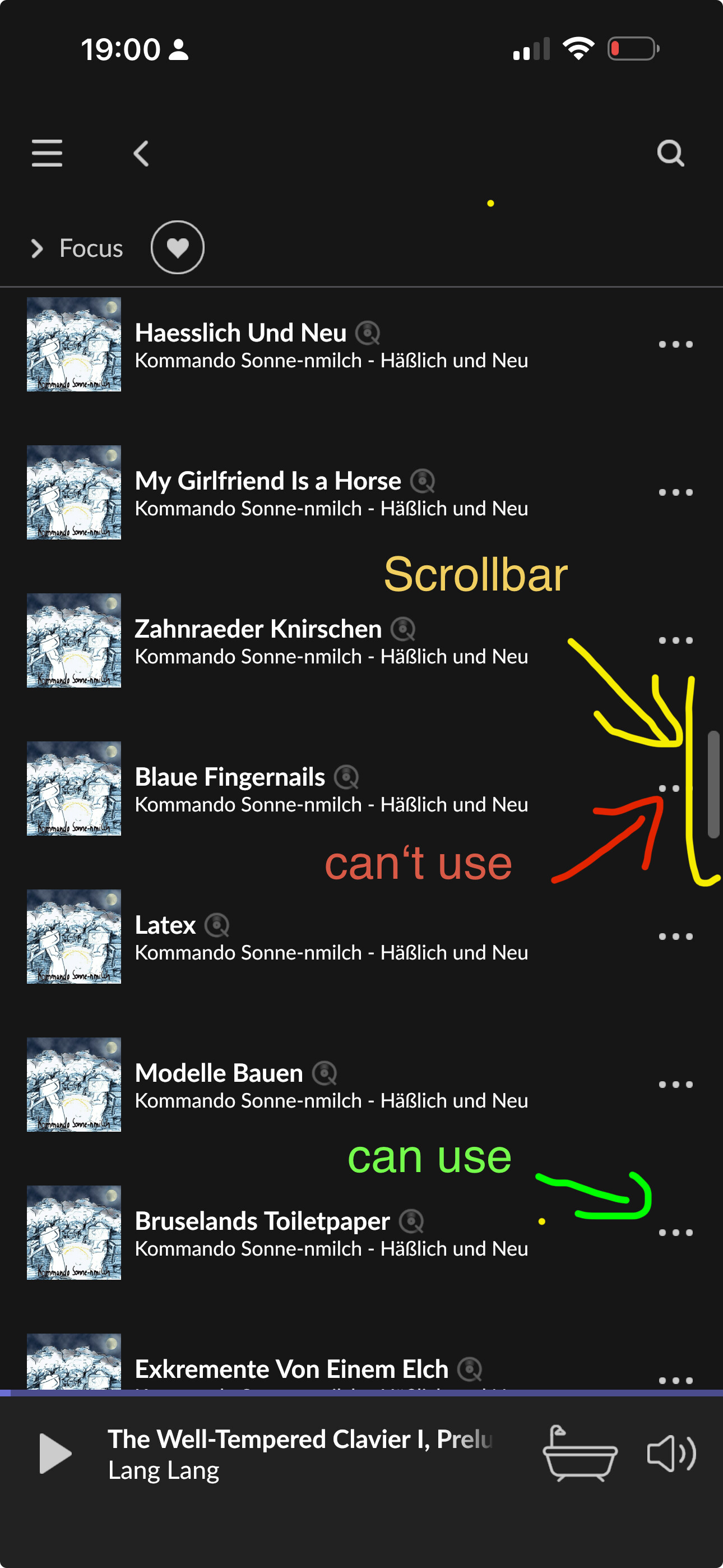
Do you have a vertical scroll bar? At least on the phone I found that the … menu can’t be touched if it’s close to where the scroll bar thumb is.
Anyway, maybe add your scenario to my support thread because they said the would be looking at the deletion flow when an album was removed from streaming
If I touch to the right of the 3 dots menu, I do see the vertical scroll bar and don’t have trouble using it. It just the 3 dot menu itself that seems so finicky.
Yes, but is the … menu more finicky when the scroll bar is at the same height, and less finicky when they are in different positions? For me on the phone