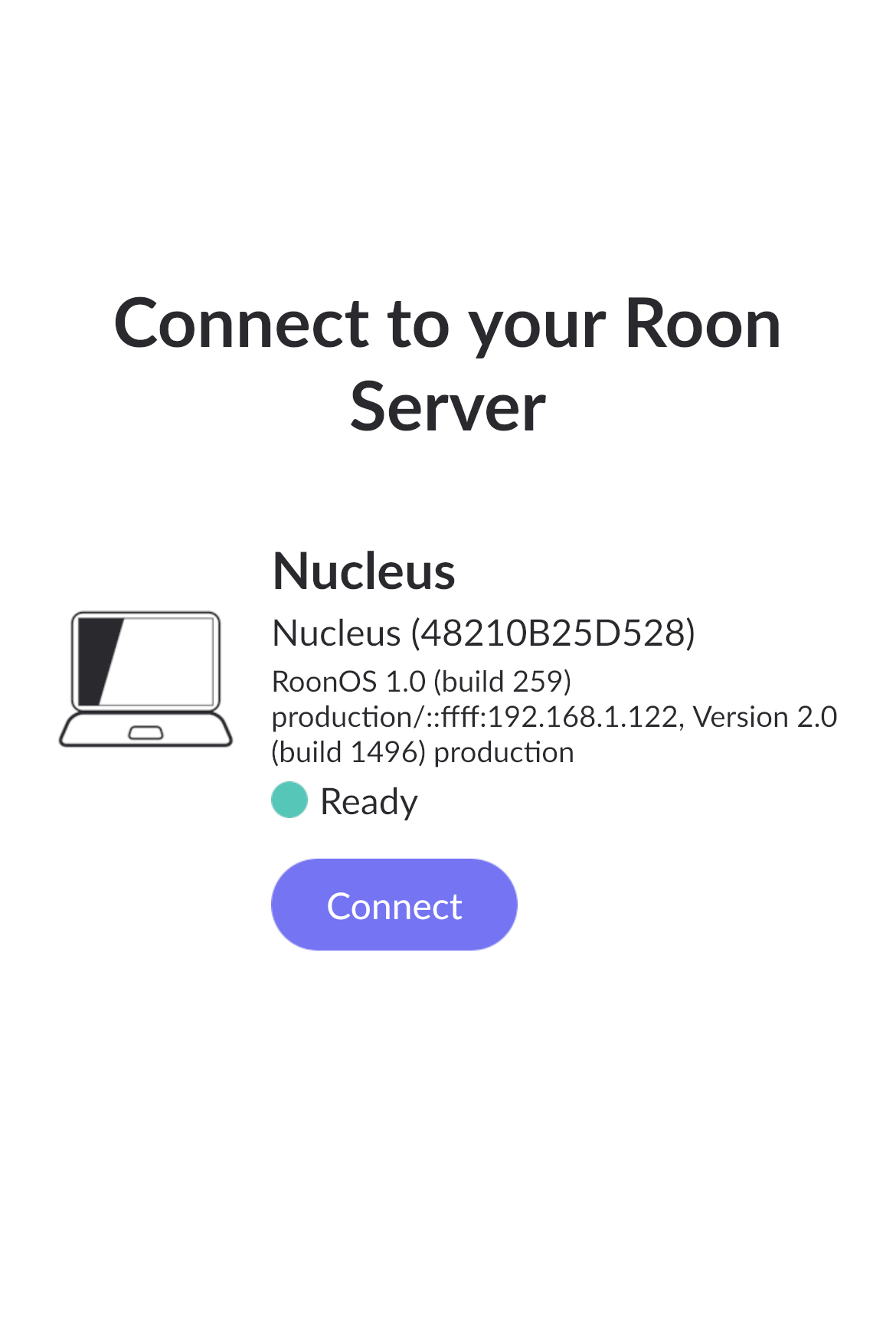
What is the operating system of your Roon Server host machine?
· Nucleus
What kind of device are you using to perform the login?
· iOS
Where are you trying to login?
· I can't log into Roon
Please try to restart your Roon Server by closing the Roon Server app in the taskbar (MacOS), task manager (Windows) or rebooting your Roon Server machine.
· No, the issue remains the same
Different device
· I cannot switch to a different device
Are you still facing the issue on the different device
· No, the issue remains the same
Record the timestamp
· Now 12.00 noon easter standard time US 12/12/2025
Describe the issue
Nucleus; save roon core running on 192.168.1.122
Describe your network setup
AT&T fiber, Nucleus is hardwired into the network at home and I can see Nucleus is running on 192.168.1.122