@BlackJack and @Suedkiez,
Thank you for your help!
In case others are facing the same issue, here’s what finally worked.
First I signed in to the NAS using my default admin user/password rather than the “everyday” login I had been using. I then removed the prior Roon Container app, deleted the Roon folders in the Container folder on the NAS. I also moved the Roon NAS Server on the SSD to a new folder" “Old NAS Server”.
I then used the settings below per your suggestions above:
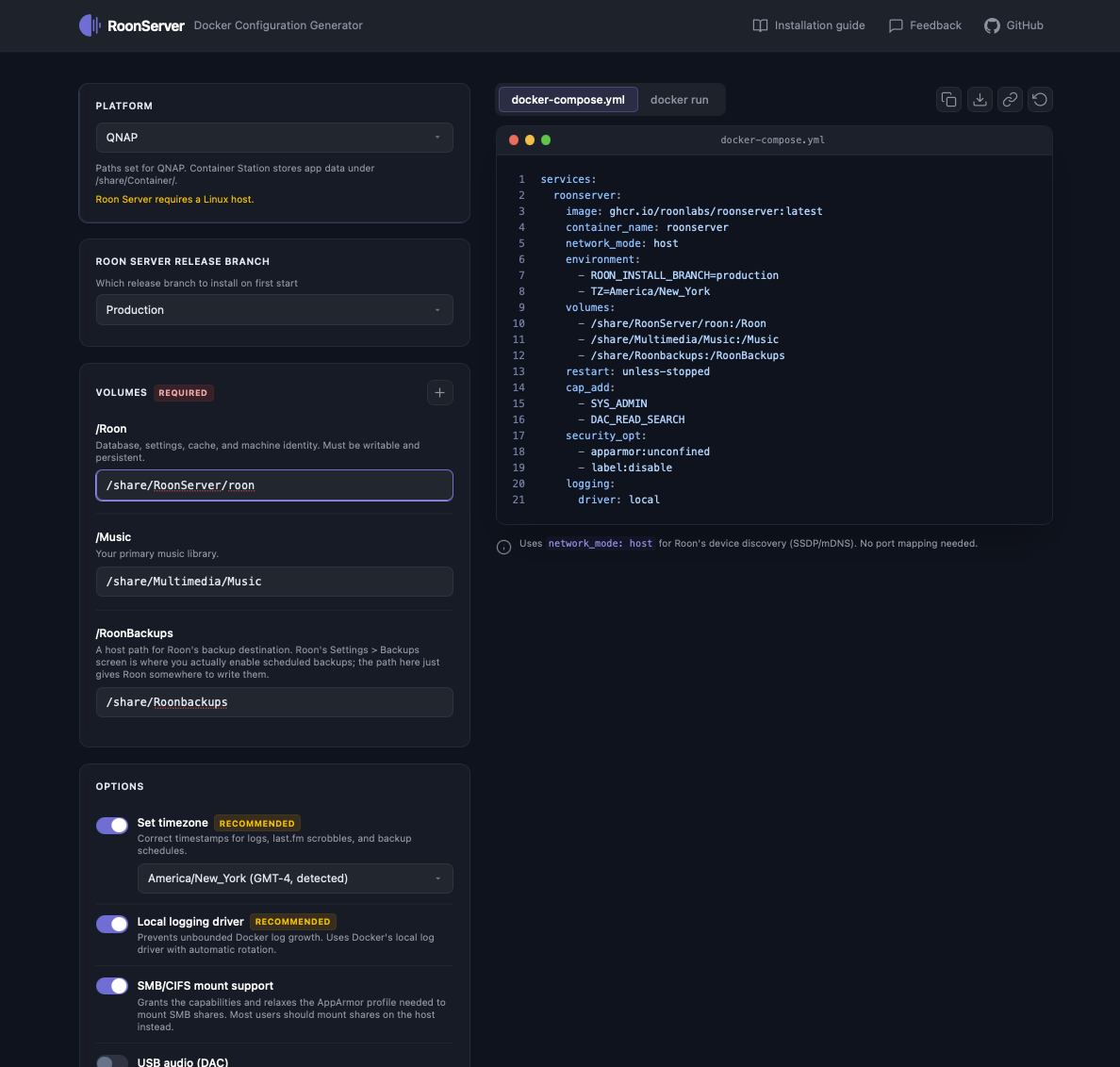
Once Roon started, I was able to access the new “Roonbackups” shared folder on the “Music” NAS drive and restore the backup.
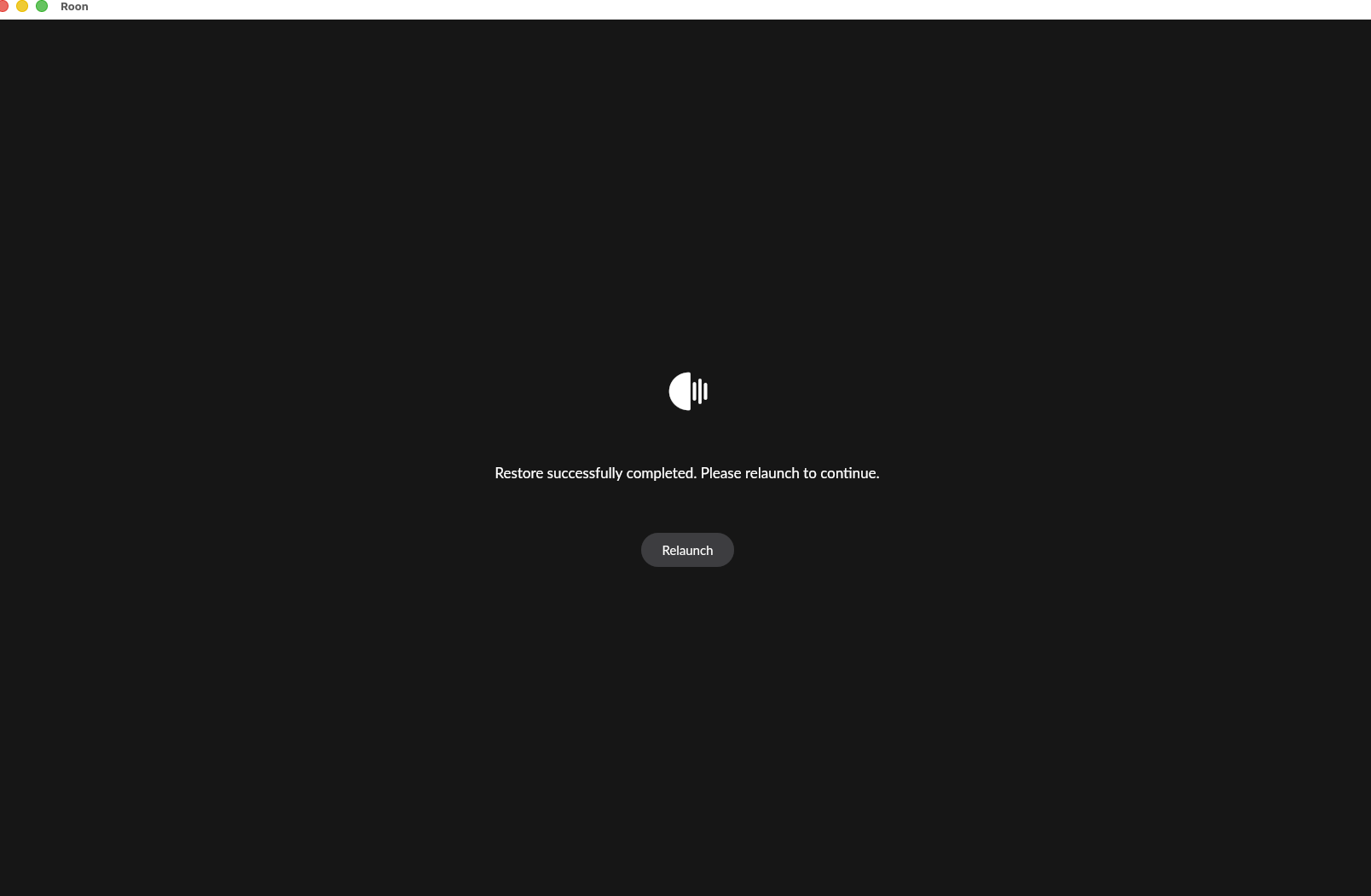
Unfortunately, after Relaunching, I was back at the screen asking if I wanted to Login or Signup or Restore a backup. Because I was expecting that Roon would start on my Home page, I selected to Restore a backup.
The second time around I got wise and selected to Login. At that point I ended up having to deauthorize the prior Login and Roon launched perfect.
Thanks again for your help!