What app are you having the slowness issue with?
· Roon
What kind of performance/speed issue are you experiencing?
· The app takes a long time to respond to commands
Please try to reboot your Roon Server
· No, the issue is still the same even immediately after a reboot
Please try to reboot your networking gear (Router/Switches/etc.)
· No, the issue is still the same even after a reboot
Is there any change in behavior if you try to navigate to Roon Settings -> Library and set both Background and On-Demand Audio Analysis to Throttled or Off?
· No, the issue is still the same
Does the issue happen on multiple Roon Remotes (controllers) or just one?
· Issue happens on multiple remotes
Router Domain Name System (DNS) change
· I don't know how to do this
What is the operating system of your Roon Server host machine?
· Nucleus
Which model Nucleus do you have?
· Nucleus Titan
Timestamp of issue occurrences
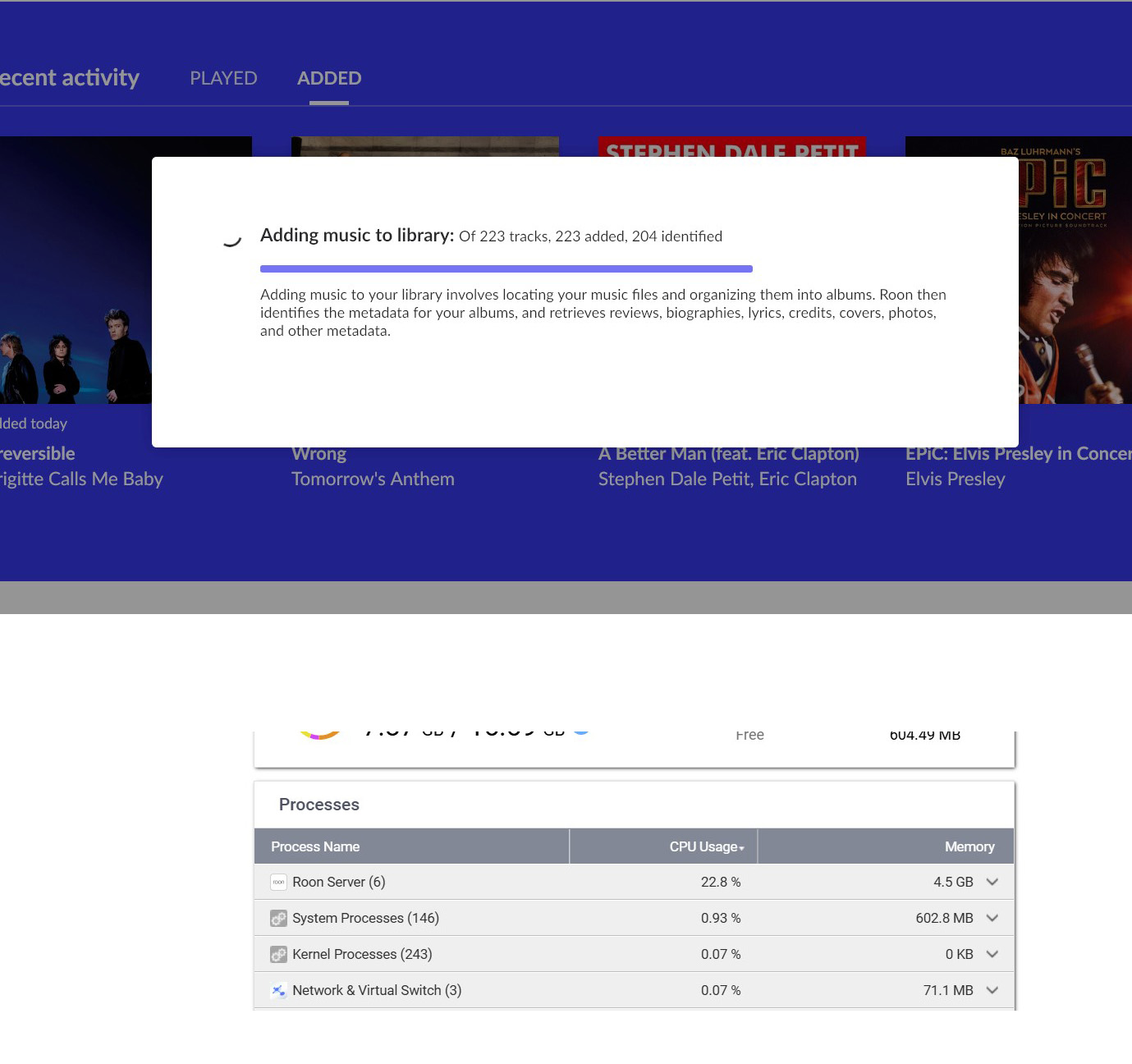
· Constant. Roon is unacceptably slow. Searching causes playback stops, my network resourcing shows Roon using inexplicably large amount of processing and ram. I DID NOT have this issue with my SonicTransporter. And my system operates PERFECTLY using JPlay or Lumin's native app.
Describe the issue
Upgraded to Roon Nucleus Titan and Significantly Downgraded Performance
Describe your network setup
Roon Nucleus Titan, QNAP TS473A, 16 GB ram. Asus GT-AXE16000, Xfinity Gigspeed