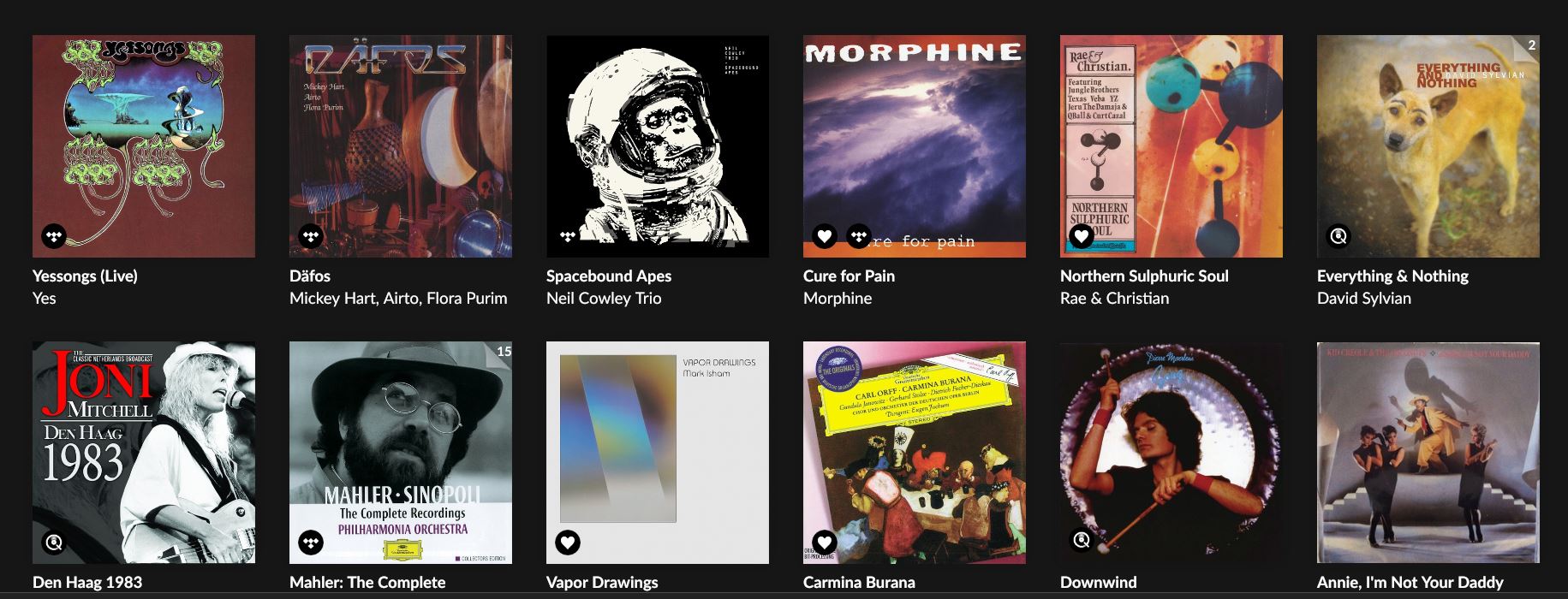
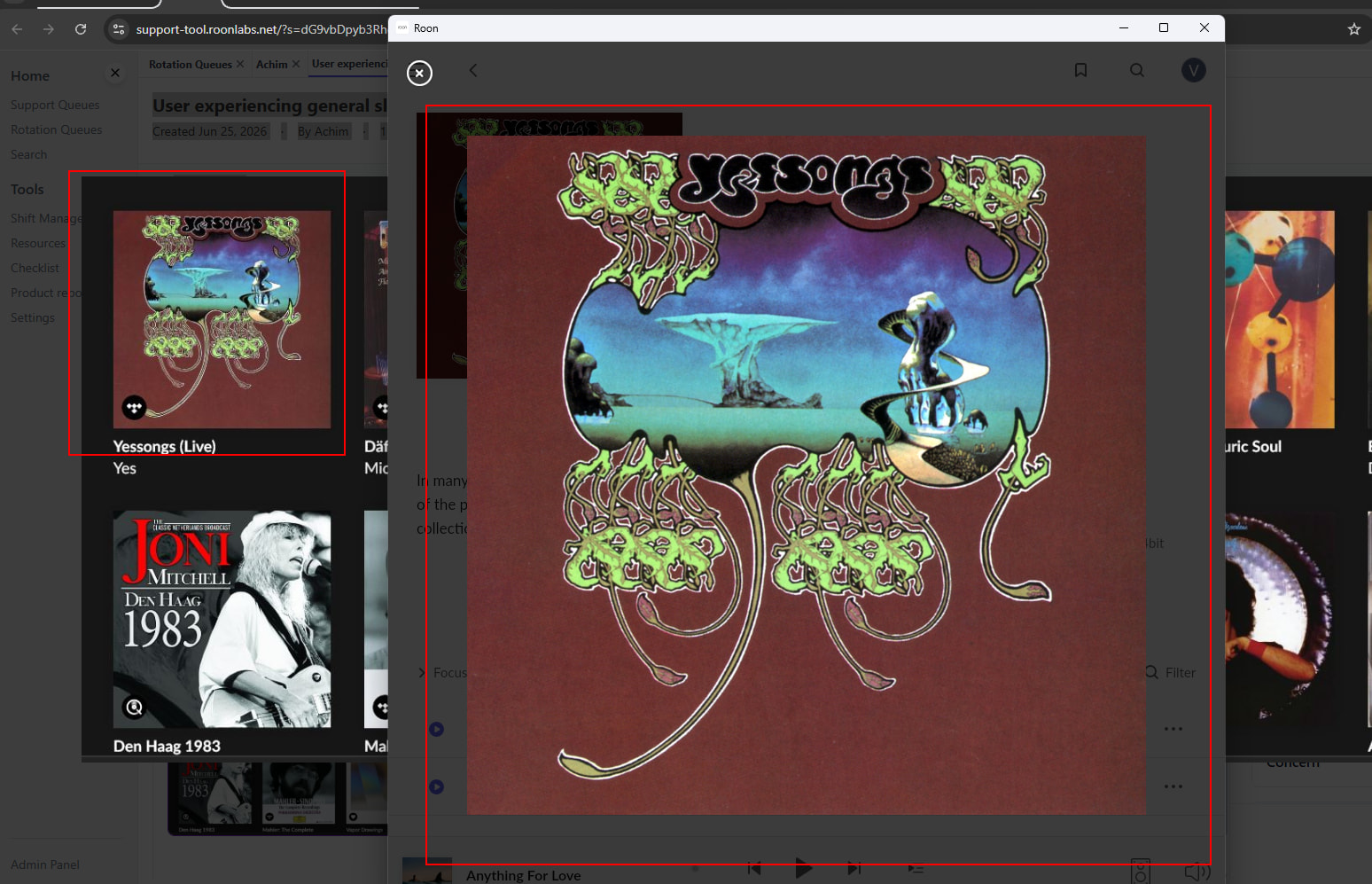
after updating to the most recent version 2.67 all images have too much colour saturation, especially red. Some images also have a shift towards a darker shade. They also seem over-sharpened. Before the update everything was fine.
This is on the Win10 client on a device with Intel UHD605 graphic card.
I have already tried and cleared the image cache, to no avail.
Thank you for the screenshot. We compared it against how the same album art renders on our end, and they are identical - so there is no change in how Roon is delivering or rendering images on our side.
This means the issue is most likely at the display level on your system - possibly a color profile, Intel Graphics color enhancement setting, or a Windows update that coincided with the Roon update. Could you check the following:
In Intel Graphics Command Center, look for any color enhancement settings (saturation, contrast, sharpness) and reset them to default
In Windows Display Settings, check if a custom color profile is applied and try switching to the default sRGB
Could you also let us know your current Intel UHD 605 driver version?
There were no changes made to any other component in Windows when I did the Roon update. The change in colour against the previously installed version was immediately recognizable (at least I thought so).
But: I checked a few “colourful” webpages in Firefox now, and I get the same oversaturated impression as in Roon. So the reason should be elsewhere.
Thank you for checking - this is actually very helpful! Since the same oversaturation appears in Firefox, this confirms the issue is not Roon-specific but a system-level color rendering change on your machine.
Since your Intel driver is already up to date, the most likely culprits are:
Windows color profile - Go to Settings → System → Display → Advanced display → Color profile and make sure it is set to sRGB or the default profile for your monitor
Intel Graphics Command Center - Check for any saturation or color enhancement settings that may have been reset to non-default values
Also, please check the physical cable connection.
Since this is outside of Roon, Windows support resources would be the best place to look for further guidance.