Roon Core Machine
Server is ROCK on a NUC 8i5.
Versions:
ROCK Version 1.0 (Build 259) PRODUCTION
Roon Server version 2.0 (Build 1354) EARLY ACCESS
Networking Gear
Synology RT2600ac - ROCK is wired direct via ethernet
2 x Synology MR2200ac - mesh points
Roon Remotes / ARC devices:
Problem Devices / Versions: all running version 2.0 (build 1354) EARLY ACCESS
Phone Samsung S23 - Android 14 - version 2.0 (build 1354) EARLY ACCESS - problems connecting
Phone Samsung S6 Lite - Android 13 - version (build 1354) EARLY ACCESS- problems connecting
Huawei Media pad M5 - Android 09 - version 2.0 (build 1354) EARLY ACCESS - problems connecting
OK Devices / Versions: all running PRODUCTION builds 1352 & 1353
Phone Samsung S23 Ultra - Android 14 - version 2.0 (build 1352) PRODUCTION - connects as normal
Linux Mint - Bottles - Windows app Version 2.0 (Build 1353) PRODUCTION - connects as normal
Roon Arc (on Samsung S23) - Version 1.0.44 - connects as normal both inside house and when in car / Android Auto.
Number of Tracks in Library
93806 (roughly 50/50 local/Qobuz)
Description of Issue
Before latest round of EARLY ACCESS updates last week my system ran as normal, server accessible by all remotes and arc, no issues streaming to any endpoints / audio devices.
Updated the Server and Remotes last week on release day.
Immediately after updating server and the remotes, all remotes that run EARLY ACCESS encounter problems connecting to server.
Note - my wifes S23 Ultra is still running version 2.0 (build 1352) PRODUCTION and this still connects to updated server as normal.
My S23 and her S23 Ultra have exactly the same battery / network settings.
These devices running version 2.0 (build 1354) EARLY ACCESS are all experiencing the same problem:
S23
Media Pad M5
S6 Lite
The problem is that a fresh install of the remote app goes through this cycle:
- New app “Looking for Server” for at least 5 minutes
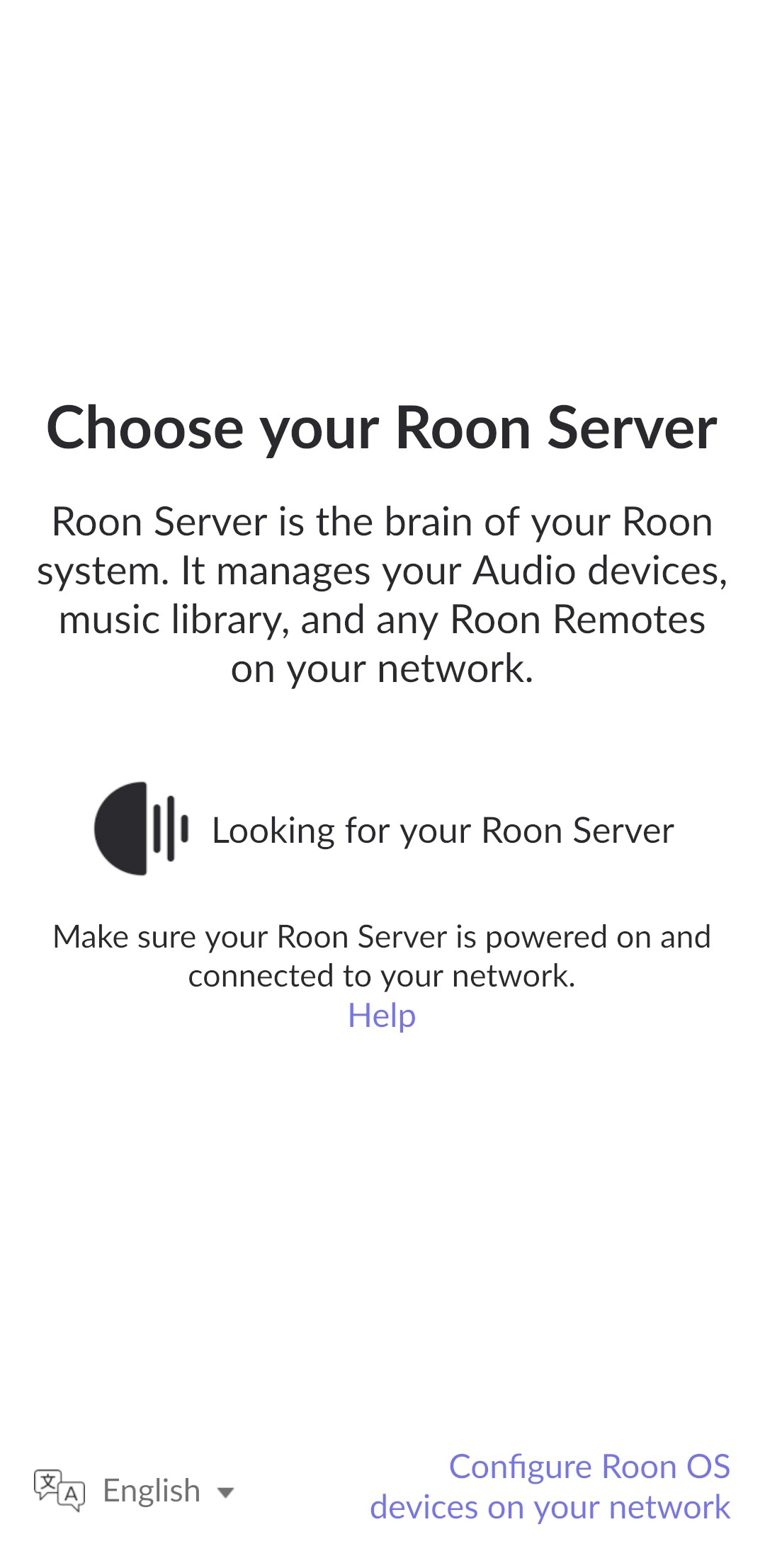
- If I click the “Configure Roon OS devices on Network” my server is visible:

- Roon Server then found (after around 6 - 8 minutes average):
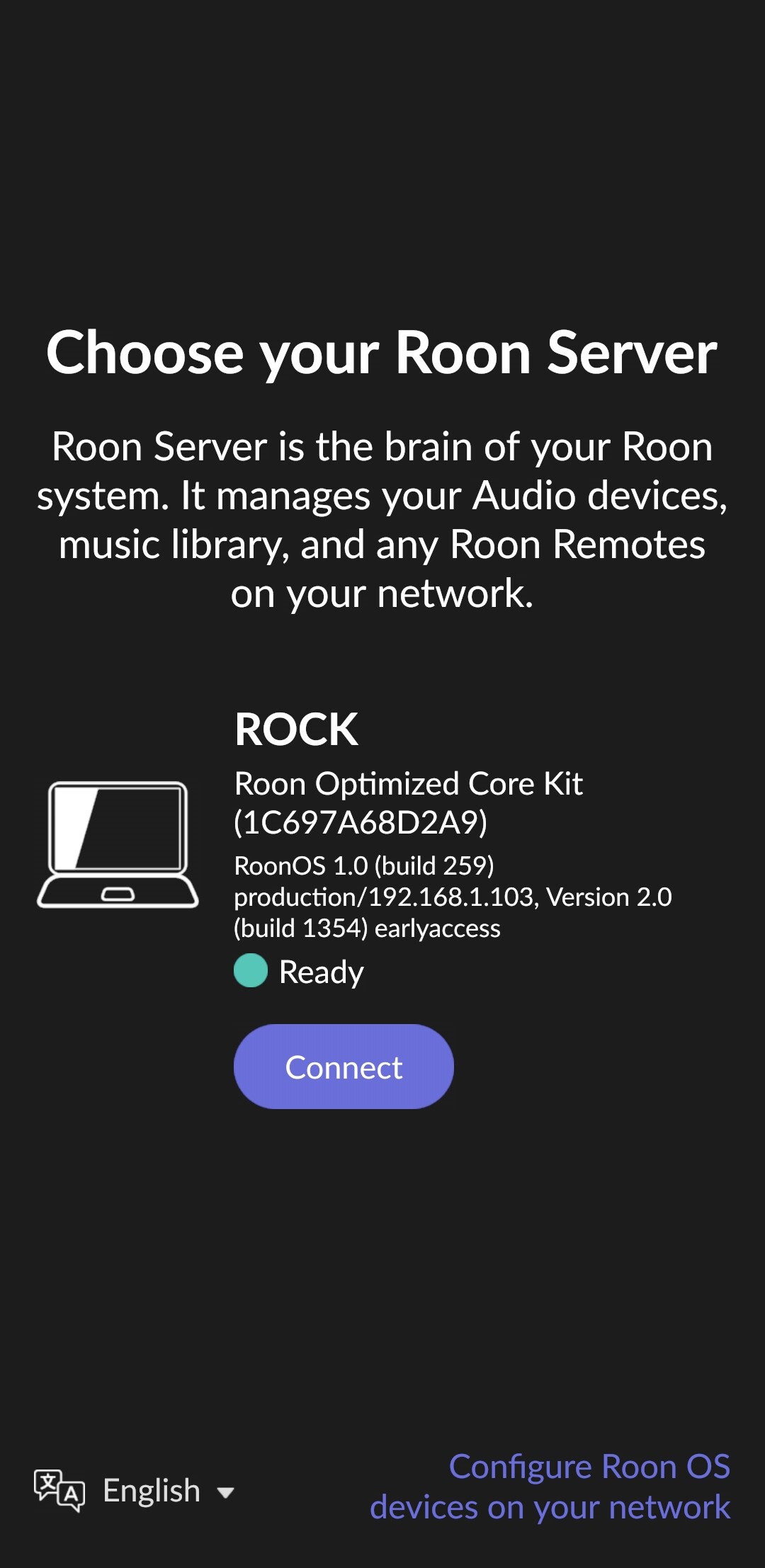
- Can use app for matter of seconds then this happens:
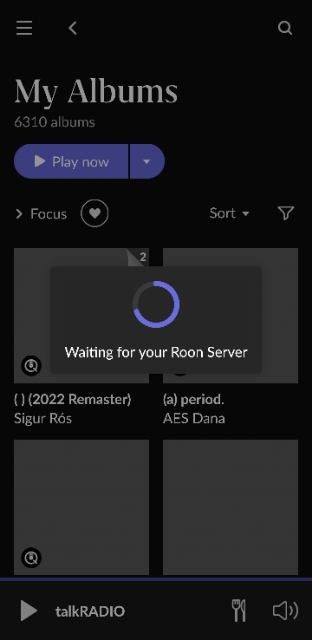
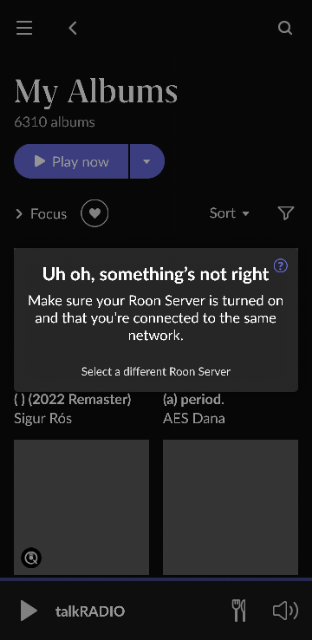
- After app kill & restart it then it just goes back to stage 1 above and the same loop happens.
Have tried a number of things including:
- IGMP settings on router
- reboot server
- reboot router
- reboot remotes
- reinstall server
- clear cache in apps
- delete and reinstall apps
Non of the above helps, all I get is the endless loop in the screenshots on all remotes running 1354 EARLY ACCESS.
I installed version 2.0 (build 1353) PRODUCTION on the S23 and the endless loop still occurs.
Roon worked perfectly fine last week before the update, since the update 3 of my remotes are now useless.
My wifes remote running version 2.0 (build 1352) PRODUCTION, and the Linux Mint - Bottles - Windows app Version 2.0 (Build 1353) PRODUCTION - both still connect as normal.
What do Roon @support recommend here: remotes running version 2.0 (build 1354) EARLY ACCESS will not behave with server running version 2.0 (Build 1354) EARLY ACCESS.
@support Where can I find the android app for version 2.0 (build 1352) PRODUCTION so I can try that on my S23 phone as that works 100% on my wifes S23 ultra with the exact same battery / network settings…
Cheers.