mjw
(Father! Father! Resist not! Let us destroy the core! Set us free!)
3
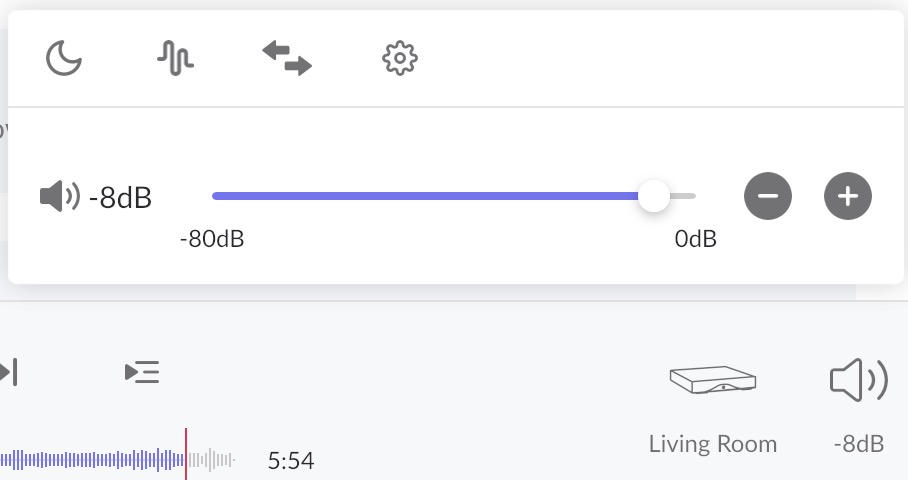
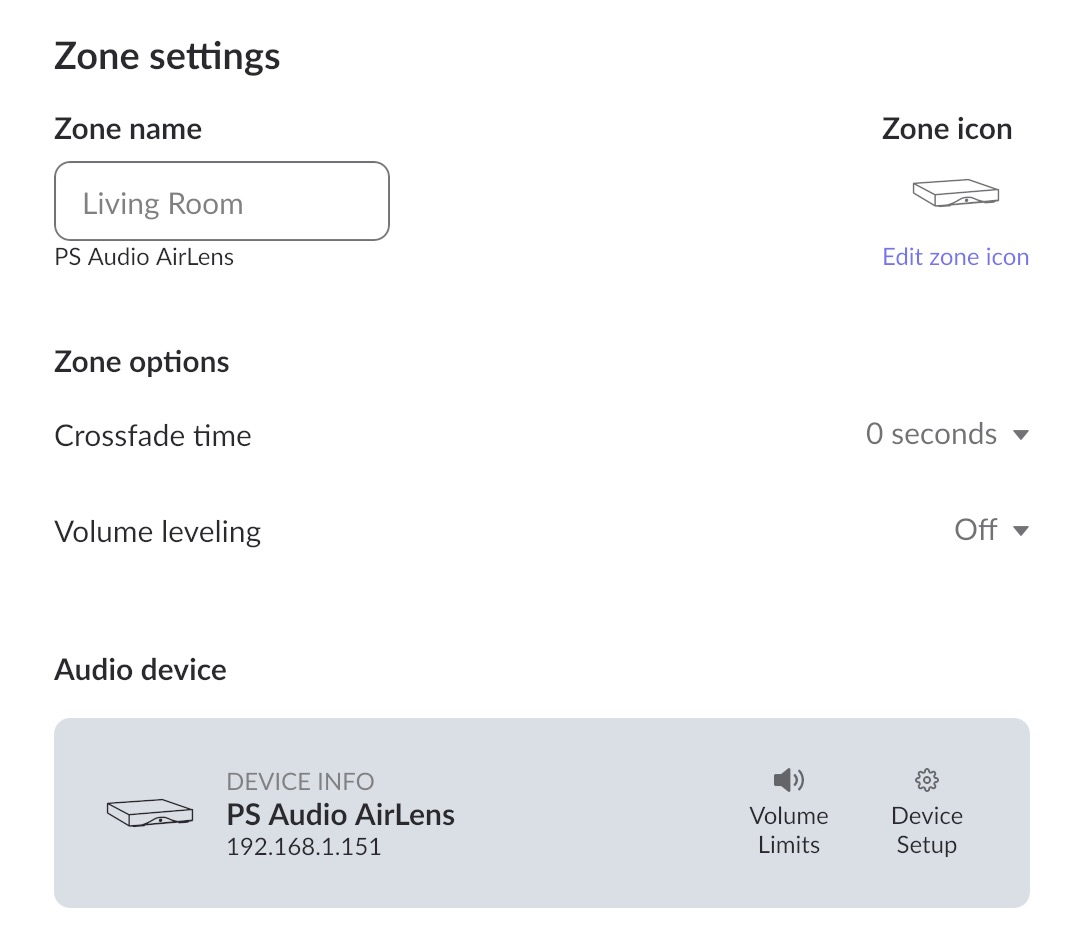
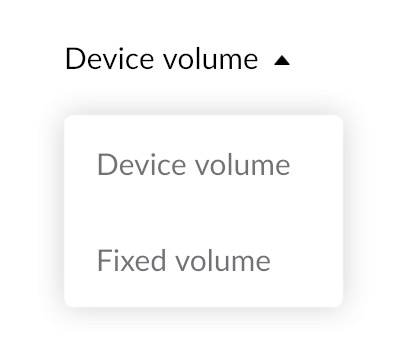
Since dB is displayed, it would seem that Roon is controlling volume using DSP. It would appear that the AirLens doesn’t offer hardware volume control via Roon. This can be confirmed from Device Setup > Volume control–please share a screenshot of the dropdown. What options are selectable?
Thank you for posting and we’d be happy to provide some clarity.
If the Volume Control on the AirLens is set to the Up position, this will force a Fixed Volume setting in Roon (displayed as the gain, in dB, rather than a volume percentage).
Please set the Volume Control to “Enable” (I believe this is the down position). You may then need to adjust the Device Setup settings for the AirLens Zone as @mjw suggested above. Please let us know what dropdown options are available for Volume Control. You should see either DSP Volume or Device Volume available.