· When playing an album or playlist 1 or several tracks play well but the music suddenly stops at a next track. Showing No Audio Device is selected, automatically shows the existing Audio Device but the music stops at exactly 4 seconds after it started this track. This issue started some weeks ago and tried the following: Several times, almost every day some reboots of my Nucleus Plus Running latest Software update Switched Off TIDAL and Qobuz Switched Off all folders/maps with located libraries
None of the above helped
Tell us about your home network
· Location in The NL’s. No VPN, all Wired connections. Modem, Ziggo (Dutch provider) Orbi RBR20 by Netgear as router with 2 Satelites, type RBS20. From the RBR 20 to A switch, Buffalo ■■-GS2016 to a Netgear switch GS108E, from here to the Audio Set by a NorBit switch. From Here a Nucleus Plus and a Wadax Studio Player as DAC
Playback stopping on a track change like this usually means we need to look at the server, the network path, and the zone handoff a bit more closely.
To get a clearer picture, a few things would help:
When the track stops at 4 seconds, does it happen with one specific zone, or with every output you try?
What does the Signal Path show right before it drops to "No Audio Device"?
Did this begin after any network change, router update, device update, or hardware swap?
In the meantime, please check whether the Wadax Studio Player stays visible and stable in Settings > Audio when the issue happens, and if possible try a different output zone on the Nucleus to see whether the behavior follows the zone or stays with the server.
Please let us know the above and we can take it from there, thank you.
Thanks for your reply, I ran several test and it doesn’t seems to happen with several of Sonos speakers. It only happen with the Wadax Studio Player. This one and the Nucleus plus both running at the latest firmware updates. Yesterday all day, Roon was playing track after track without any stops after 4 seconds at the Wadax. So great news… Unfortunately this morning the music stopped again after exactly 4 seconds at the beginning of a new track.
At that particular moment I wasn’t in the living so I could not take a screenshot. The tracks the music stops at random tracks by library or Tidal or Qobuz, so not predictable at all.
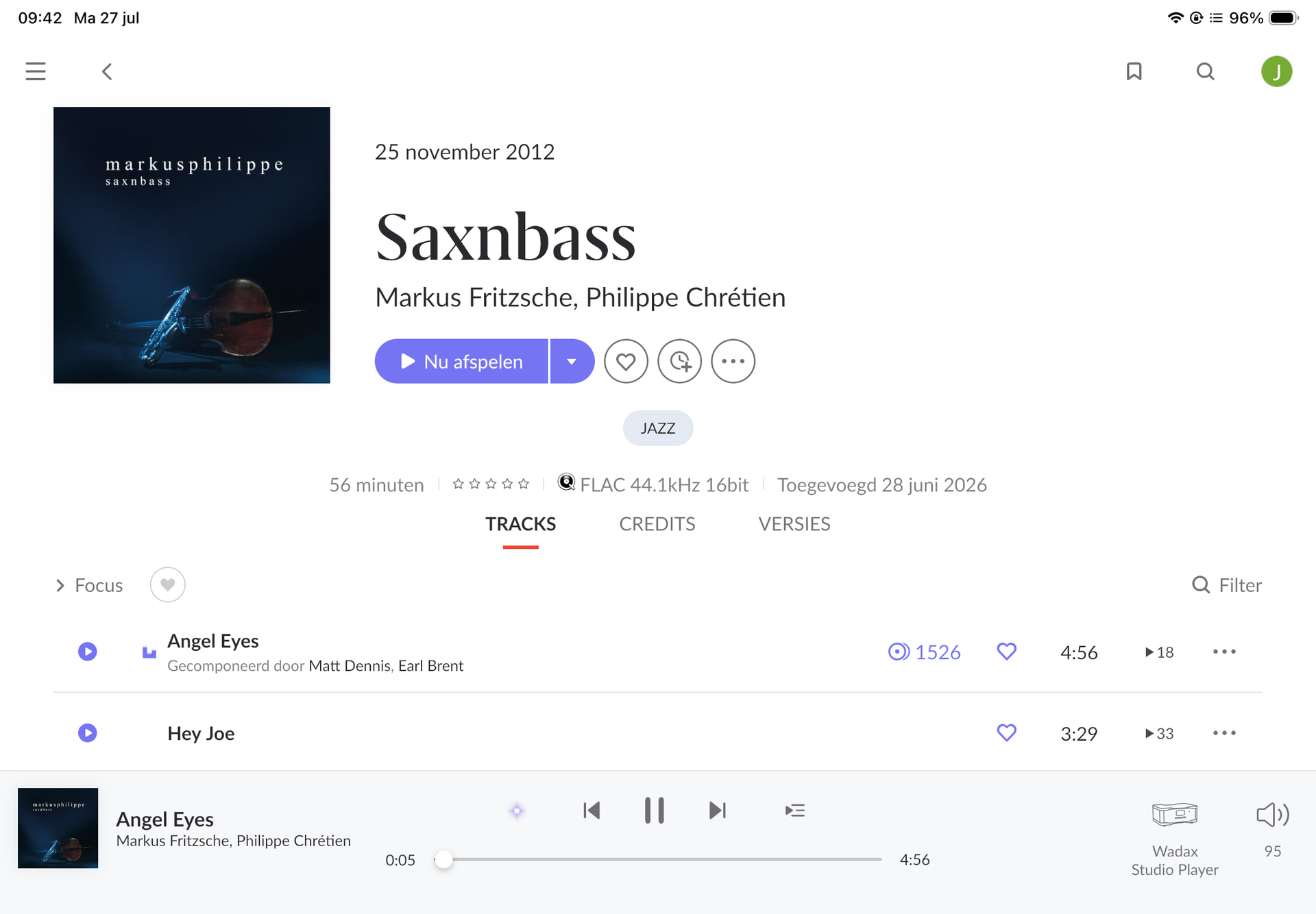
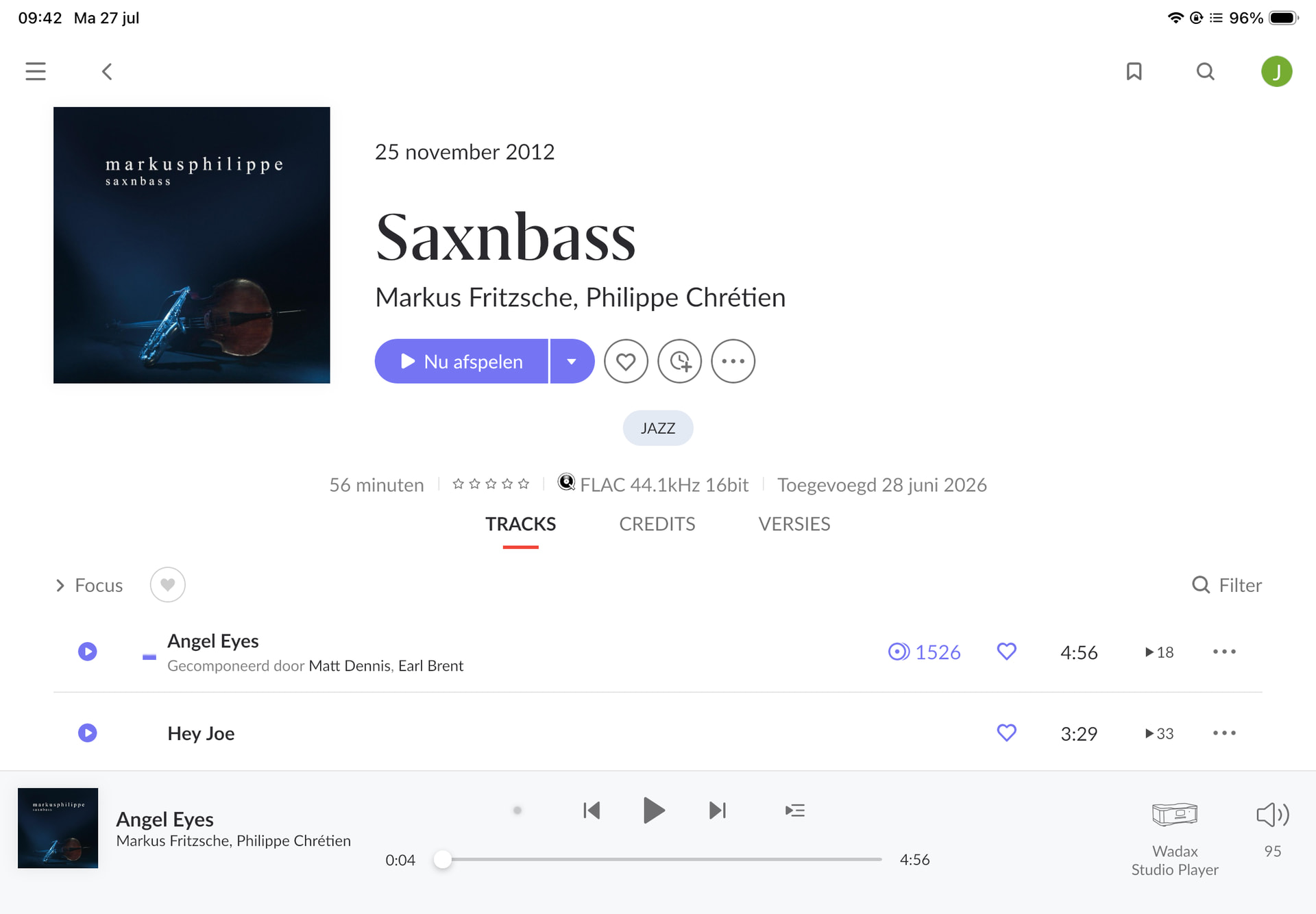
Hi Noris, just a picture to show the music stops after 4 seconds after started a random track. Pushing start and the music start again from this 4 seconds.
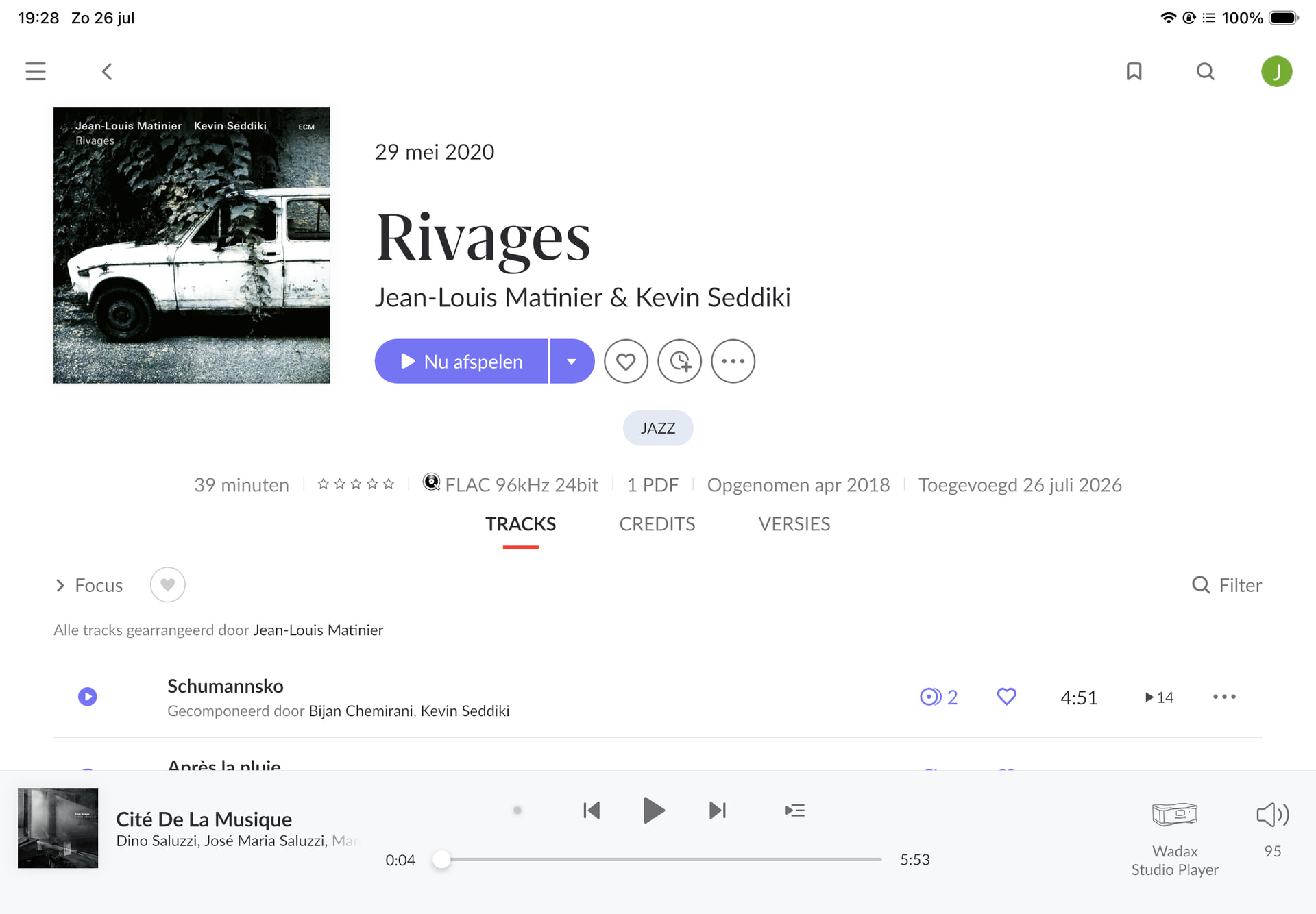
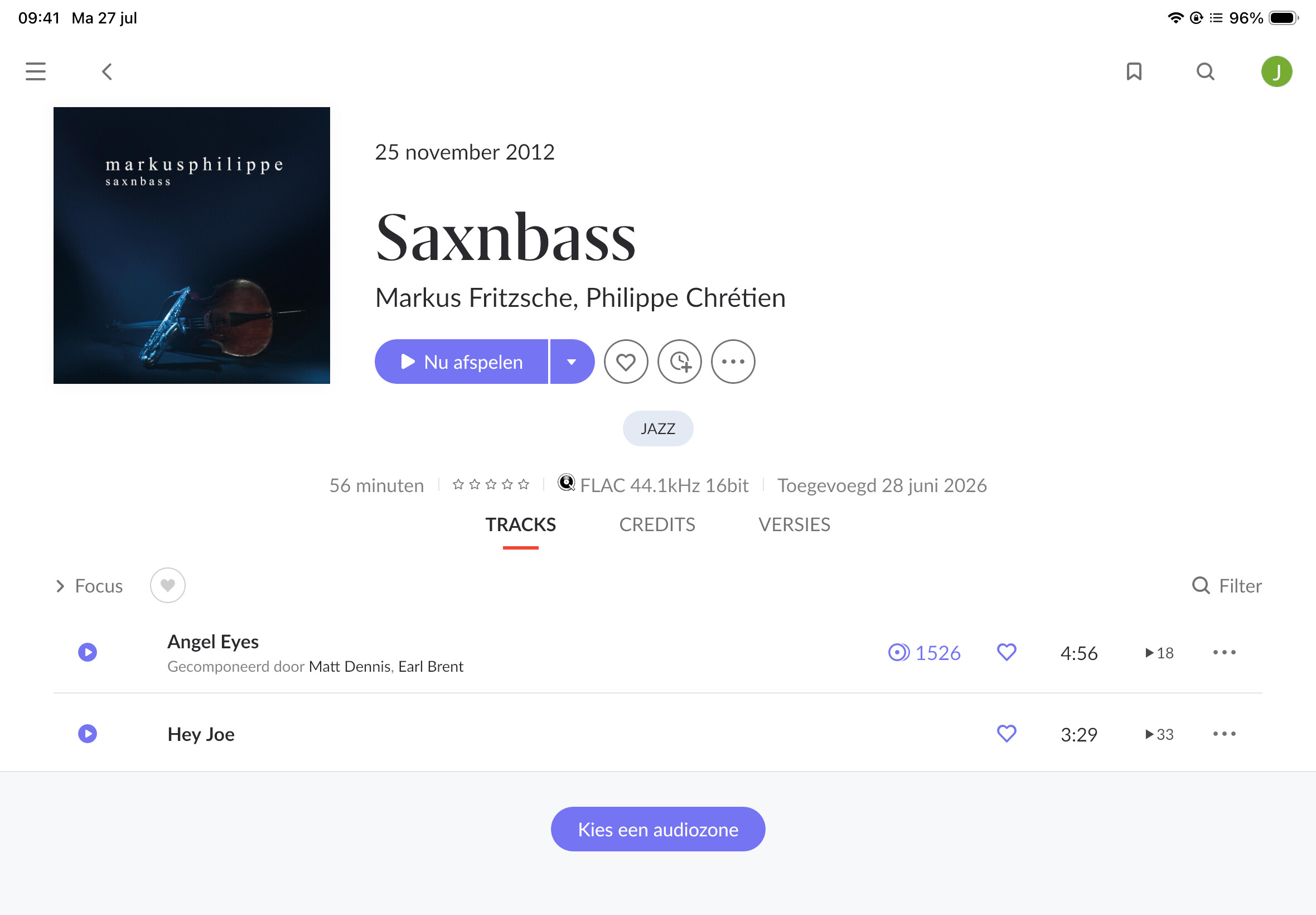
Hello Noris, since yesterday the problem is completely back again. This morning I tried to play a CD, after starting (without hearing any music) after 4 seconds of the First track, all stopped. Now I was able to make a screenshot. Choose an Audio Zone was the message. Immediately after it choose the Wadax as Audio Zone but still not playing. Pressing start and the music started again. See the screen shots attached
Thanks for the screenshots and for testing across zones, that detail is the key. We dug into your server logs and everything points to the same conclusion you reached: the problem is isolated to the Wadax Studio Player and its network path, not Roon or the streaming services (it happens on local files, Tidal, and Qobuz alike, and never on your Sonos).
What the logs show is that the Wadax’s connection to Roon drops a few seconds into a track, and Roon is simply reacting to the endpoint disappearing, which is why you see “No Audio Device” and can restart playback right away. Two things stand out:
At the moment playback stops, we see the audio connection to the Wadax reset ("Connection reset by peer") and the device reported as lost. In other cases the Wadax reports its own Roon input as "deselected."
The Wadax's IP address changed during the trouble window (from .6 to .19), which means it re-registered on the network / picked up a new DHCP lease. If that happens mid-stream, it cuts playback exactly like this. The "4 seconds" is just how long Roon's buffer lasts before it needs the live connection again.
A few things to try, roughly in order:
Reserve a fixed IP for the Wadax in your Orbi (DHCP reservation) so it always gets the same address.
Simplify the network path temporarily. Right now it runs Orbi → Buffalo switch → Netgear GS108E → NorBit switch → Wadax. Try connecting the Wadax directly to one switch (or the router) to see if the drops stop, then add hops back one at a time.
Disable Energy Efficient Ethernet / "green"/power-saving on the managed switches (the GS108E has this setting), it's a known cause of intermittent audio drops.
Swap the Ethernet cable and try a different port on the switch feeding the Wadax.
If the "input deselected" behavior persists, it's worth checking the Wadax's firmware and any auto-input/standby settings, since that message comes from the device itself.
Steps 1–3 are the quickest wins. Let us know how it goes and we'll take it from there. 👍
Later I will check, change or correct those settings as you suggested.
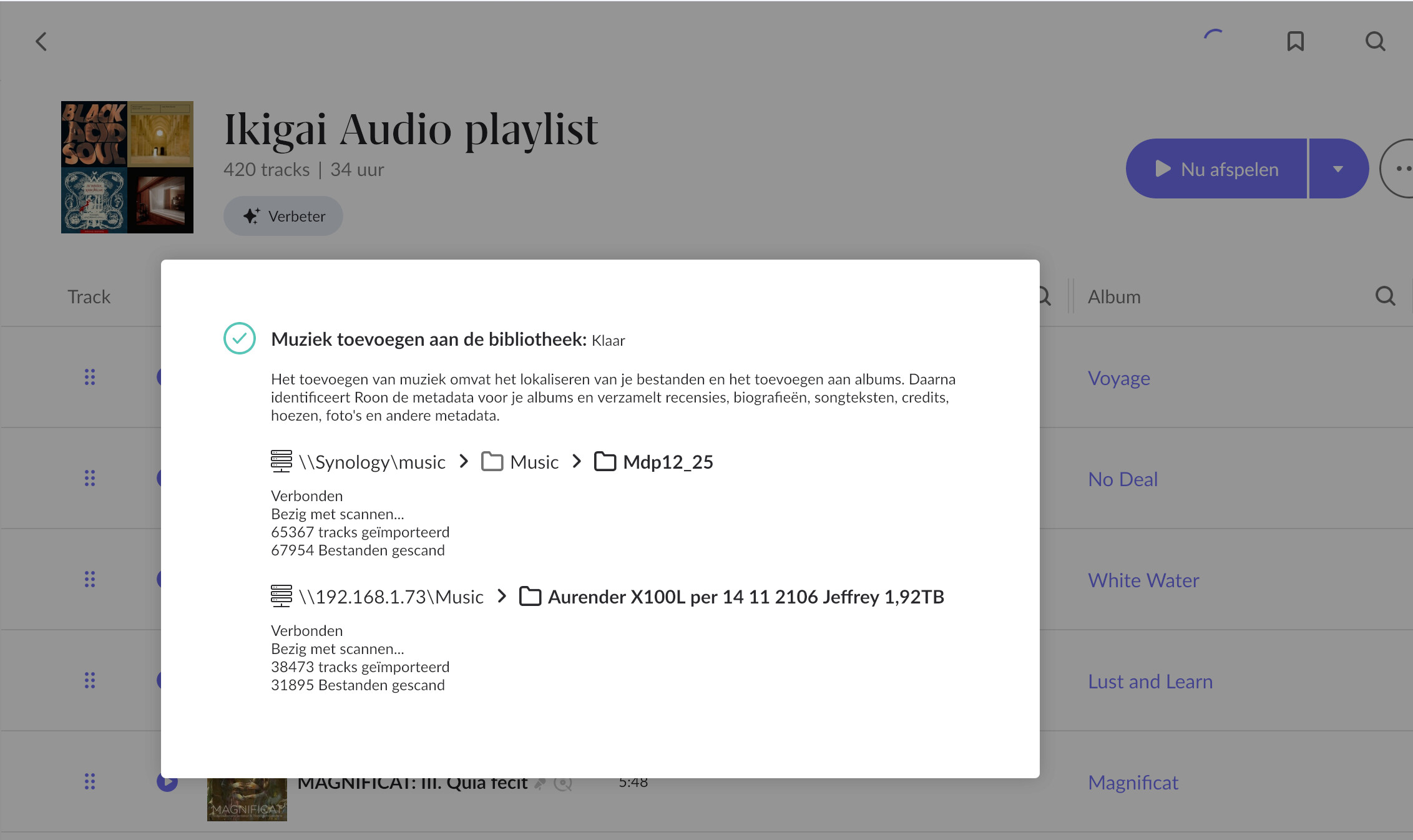
Does this also cause the checking and analysing the of my library every time and is this the reason Roon is no longer connected to my Wadax Studio Player? See attached picture.
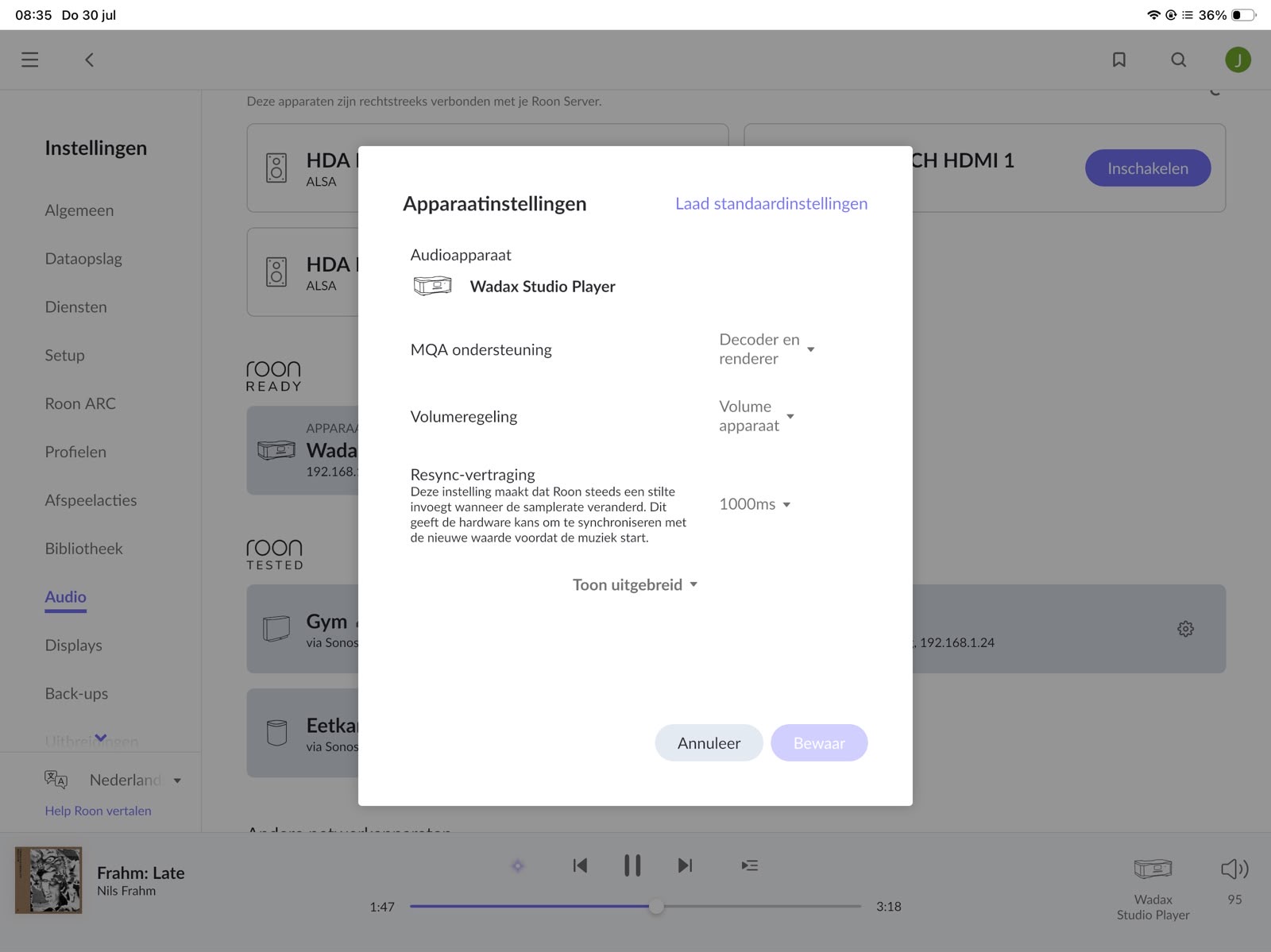
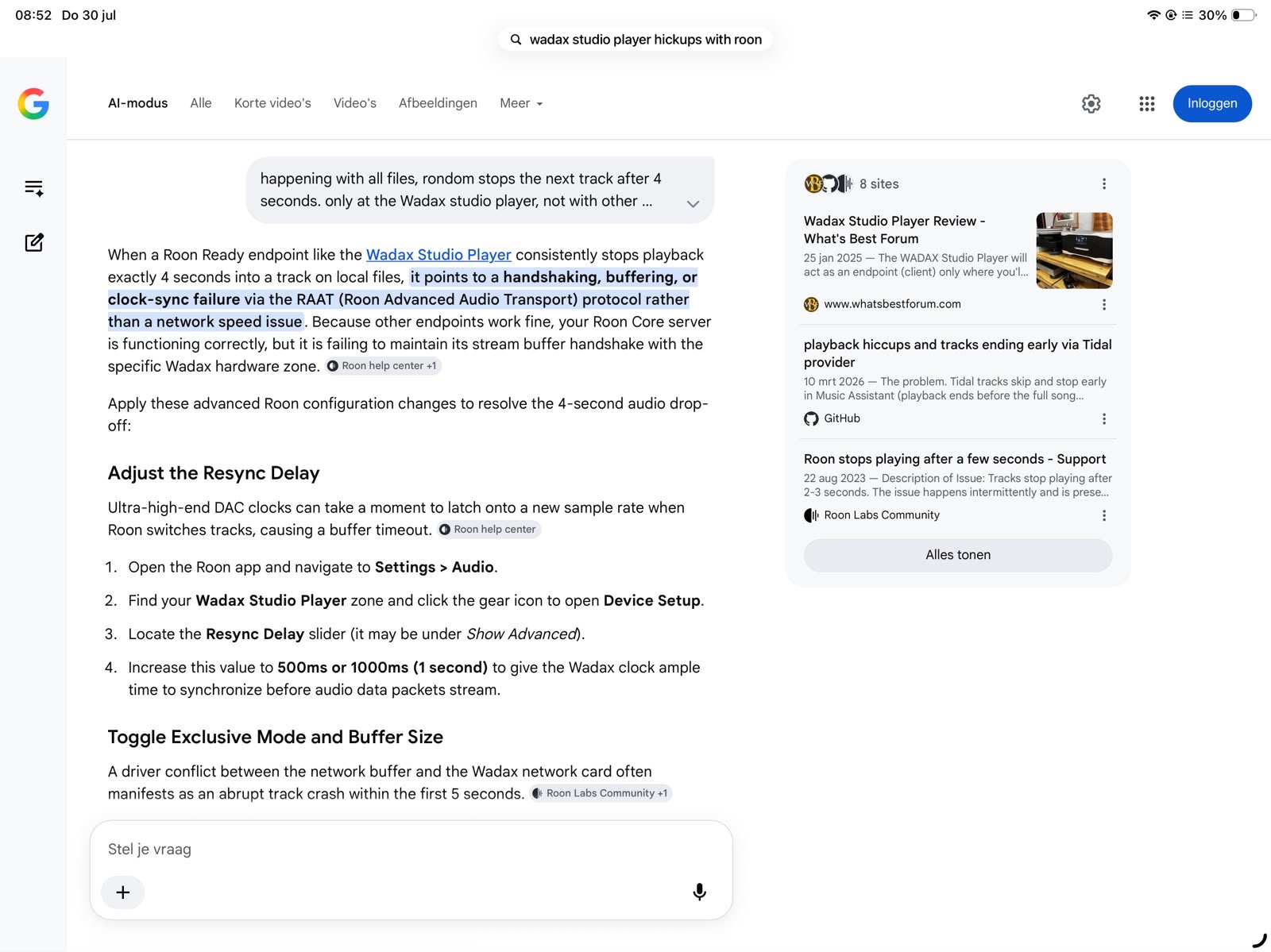
Hello Benjamin, I tried all possible suggestions but unfortunately the problem has not been solved with those. I asked AI for a possible solution and it came up with the following suggestion, which makes sense to me.
Adjusting the resync delay for just this Wadax device. Standard -0 seconds, now brought it up to 1000 milliseconds. Only made this change since last night but so far so good and the music didn’t stop at all. Fingers crossed
Glad to hear that helped. In most cases, Resync Delay only helps when sample rates are changing, so it is a little unusual that it made a difference here as well. Please keep testing it and let us know how it goes after a bit more time, thanks!
@noris Hello Noris, I have to report my “fix” wasn’t The one I was hoping for. It didn’t solve the problem and after I tried All suggestions and my own possible solutions I asked for the help of my local dealer of all my HiFi equipment in The NL’s. They forwarded this issue to Wadax Distributor and they asked for help at Wadax.
One other Customer of my dealer is having The exact same problem with the Wadax Studio Player and Roon. He uses an Innuos streamer as a Roon Core and in my system I am using a Nucleus Plus. So 2 different systems but the same problem: random stops at a new track After 4 seconds or at least showing this information
That last detail is the most useful thing in this thread. Another owner of the same Wadax Studio Player, on a completely different Roon Server, with the same failure at the same point. Two different servers, two different networks, one device in common. That points at the Wadax rather than at Roon or your network, and it means the switch, cable and DHCP work was never going to fix it.
Please keep us posted on what Wadax come back with. If they confirm a cause, we can point other owners straight there instead of having each of them work through network changes that will not help.
One detail worth passing to your dealer: our logs show the connection to the Wadax resetting a few seconds into a track, and in some cases the Wadax reporting its own Roon input as deselected. That message comes from the device itself, so it is probably the most useful starting point for their engineers.
Thanks for your reply and fully agree to your suggestion. I came to the same conclusion which as a result I asked for help with detailed information of the dealer and distributor.
I sent your reply and for sure helpful information for Wadax…
@benjamin Hi Benjamin, I tried the following as well which worked for just a couple of days and than back to the same issue. Stops after track … after 4 seconds again.
switched of all internet related devices from nr 1 Modem to the last switch. Switched off Wadax and waited 5 minutes and switched on all device in the same sequence after each of it came online. Last was the Wadax. This worked perfect but unfortunately only for a few days. So there needs to be a problem with the communication with the Wadax Studio Player and Roon.
Thank you for testing that, and for reporting honestly that it only lasted a few days. You can stop making changes to your network now: you have done the DHCP reservation, simplified the switch path, disabled Energy Efficient Ethernet, changed cables, tried Resync Delay and a full staged power cycle, and none of it held. That is a result in itself.
Something has come up that your dealer and the distributor should know about. Another Wadax owner has been dealing with a different Roon problem on the same equipment, and on 13 August Wadax came back to him and acknowledged there is an issue at their end with how their DACs process information. His thread is here:
Please be careful with that, because we do not want to overstate it. His symptom is different from yours: his two Wadax units will not stay in time with each other when grouped. So Wadax has not acknowledged your fault specifically. What it does tell you is that Wadax is already engaged on the behavior of their Roon Ready implementation, which is useful leverage for your dealer, and it means your case is not going to a cold start.
Taken together, the distributor now has three things to work with:
Your unit, stopping four seconds into a track, on a Nucleus Plus.
A second owner of the same Studio Player with the identical four second failure, on an Innuos server. Two different servers, two different networks, one device in common.
A third owner whose Wadax problem Wadax has already accepted as theirs.
From our side the picture has not changed: your logs show the connection to the Waday resetting a few seconds into a track, and in some cases the Wadax reporting its own Roon input as deselected. That message originates in the device, not in Roon, and it remains the most useful starting point for their engineers.