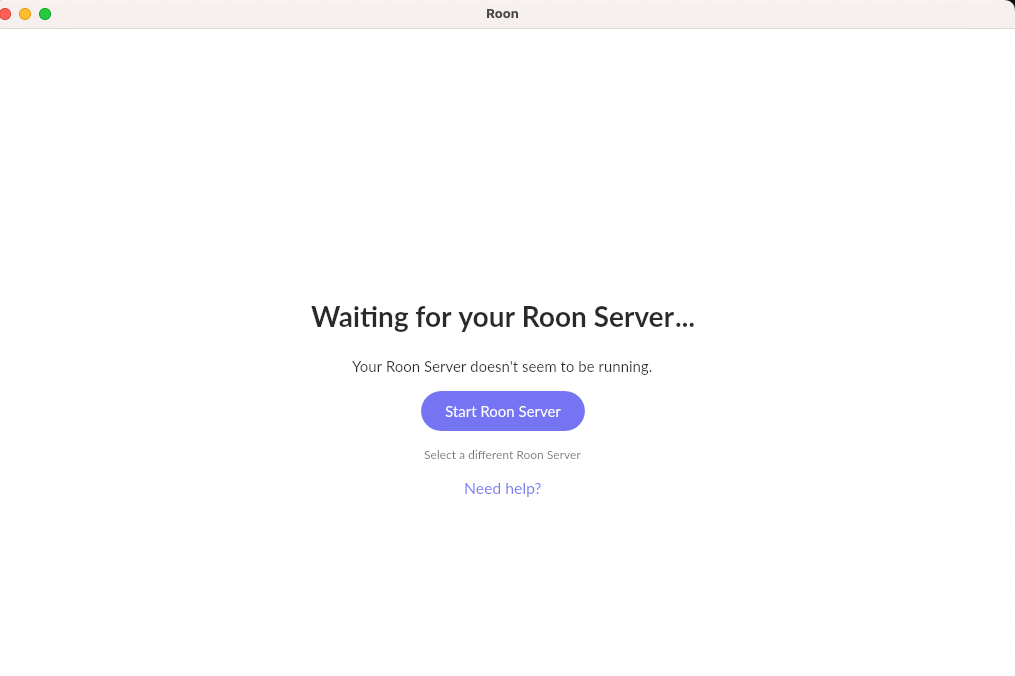
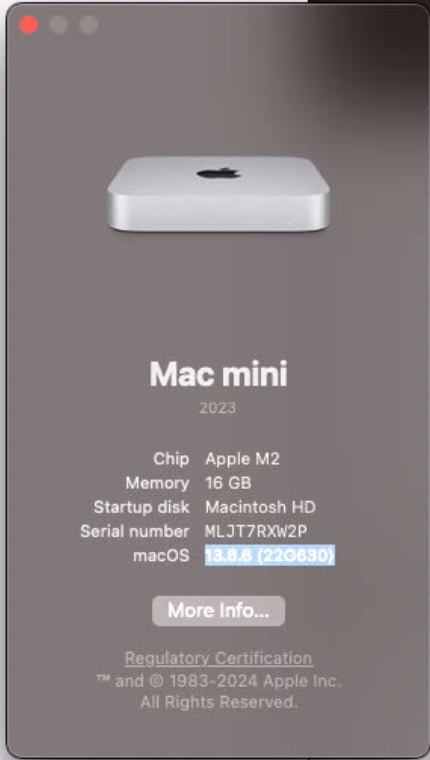
· After update to Roon 2.71, EDIT: Roon on core, remotes, or iOS have the following error
“waiting on your Roon server”
“Your Roon server doesn’t seem to be running”
Can’t play music. Can’t access Home. Can’t access settings. On Roon core when I choose menu item Roon > About Roon I do not get a dialog pop up with info.
Thank you for your message, and sorry to hear Roon Server didn’t come back after the update.
To help us figure out what’s happening, could you please send us the following:
Roon logs: please use the directions found here and send them over to our File Uploader.
Your operating system’s crash report: since this looks like Roon Server may be crashing on startup rather than simply not launching, we’d also like to see what your OS recorded at the time.
If you’re on a Mac, please open Console (Applications > Utilities > Console), select Crash Reports in the sidebar, find the most recent entry mentioning Roon or RoonServer from around when it failed to start, and export or copy that report.
Please include both the Roon logs and the crash report in the same upload, and let us know once it’s done so we can check the server for your files.
Please accept our apologies for missing this thread.
Diagnostics indicate that you might run Roon on the affected machine in the interim.
Are you still experiencing connectivity problems? If so, do they come and go intermittently?
Diagnostic logging shows a large number of errors with upstream requests and connections to Roon Remotes in early August around the time of your report. More recent logs show playback proceeding as normal, but we can’t confirm remotely whether or not this has actually been resolved.
We’ll watch for your response and proceed with next steps from there.