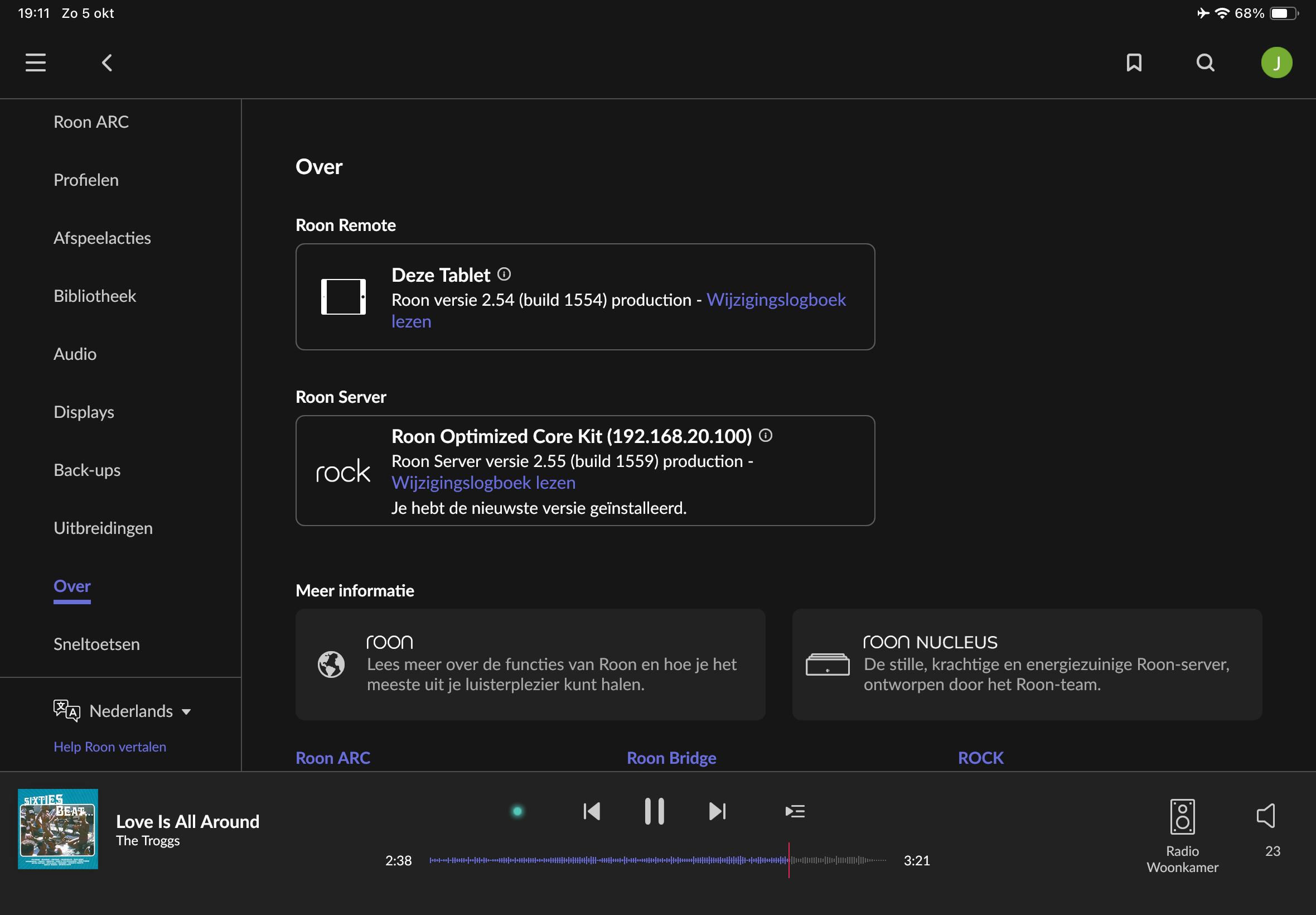
Since a couple of weeks I noticed that I have no iPad or iPhone as player anymore. Quite annoying because I also like to listen directly from my phone or iPad with a headphone. I use arc in the car but would like to use the normal Roon-app indoors.
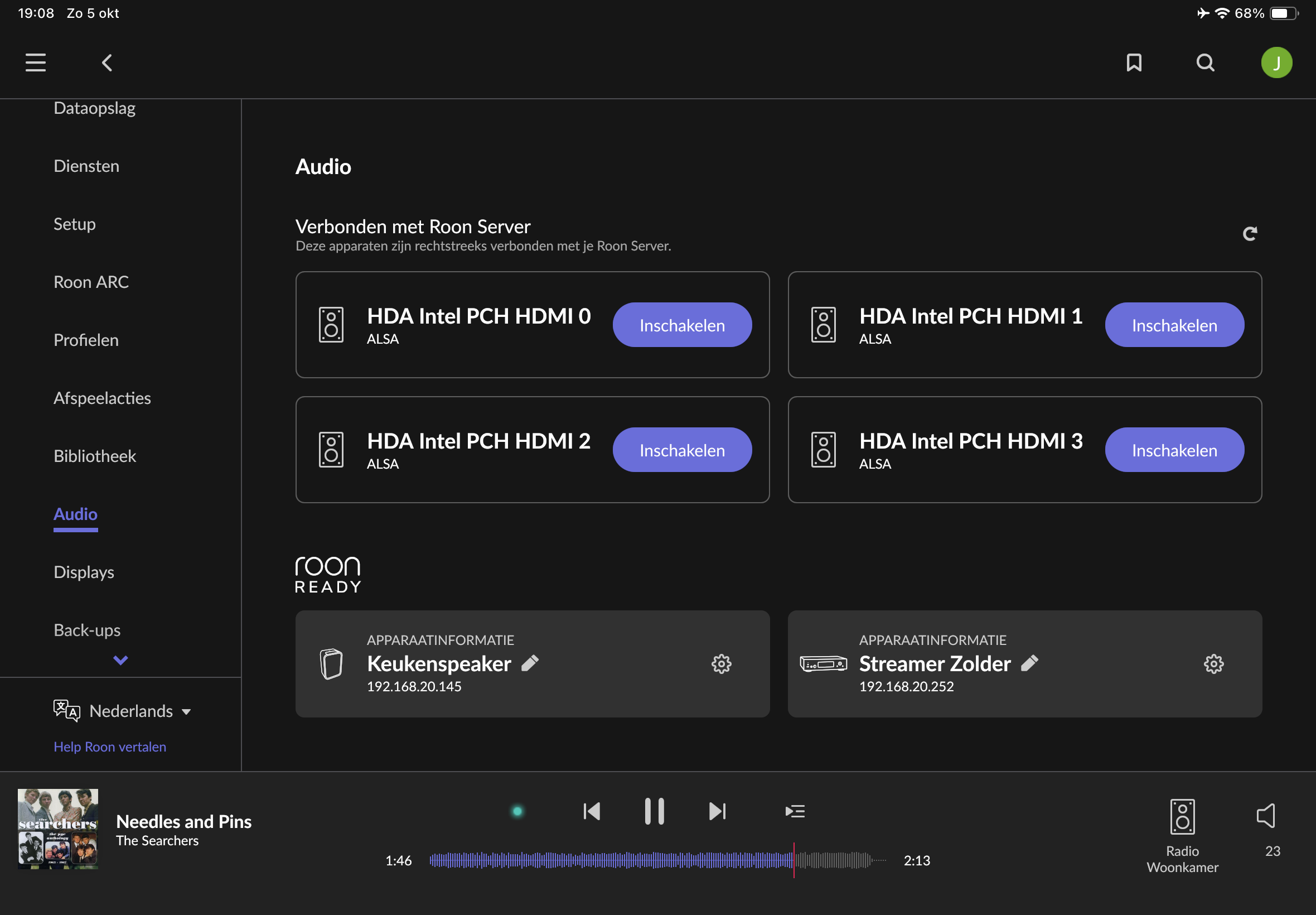
The picture shows the audio devices but no iPhone or ipad is shown on those devices.
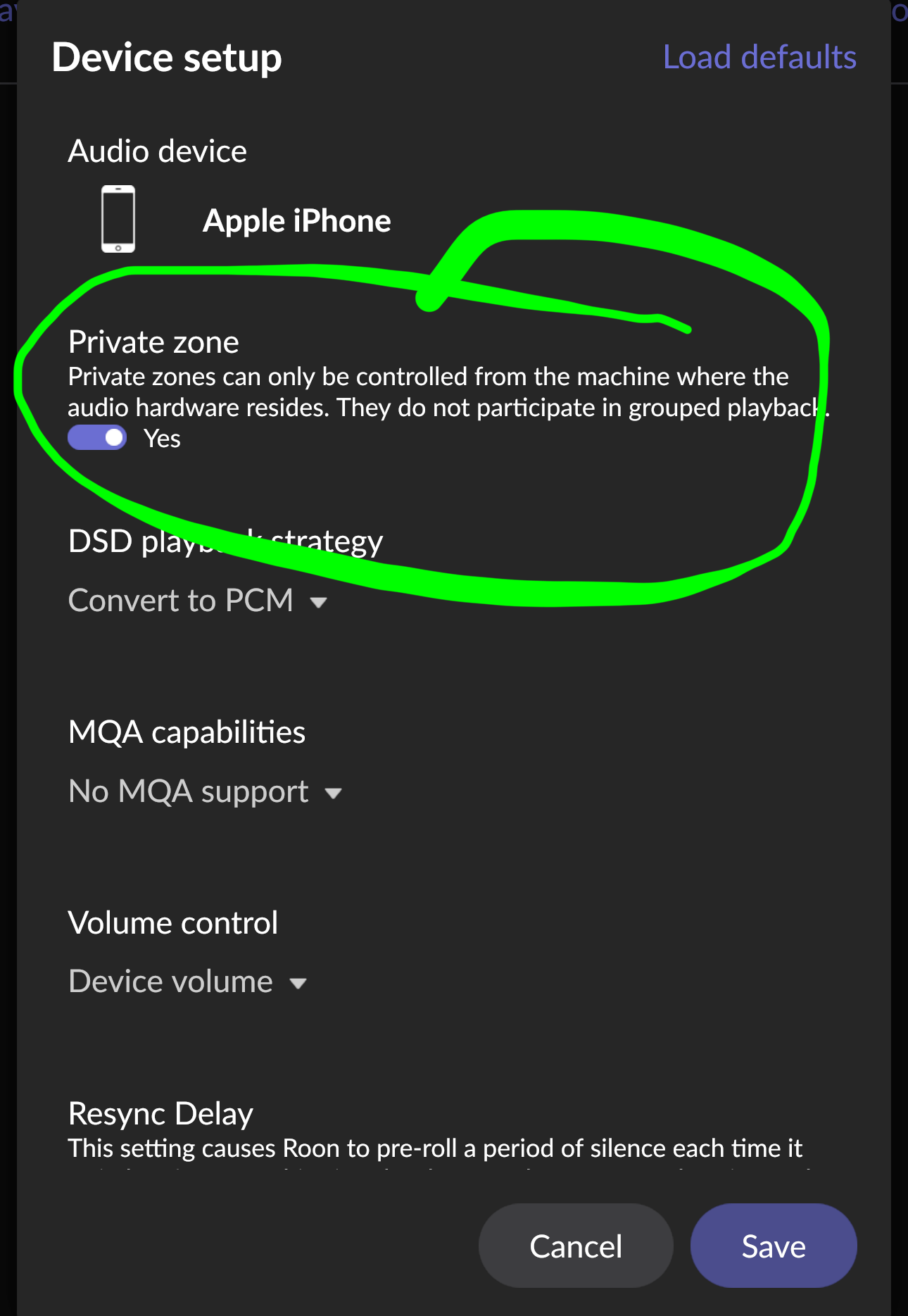
By default, phones and tablets are not shown as zones on other devices. This is to prevent accidentally blasting music to someone’s phone. By default you can choose the phone as output only directly on the phone.
You need to go to Settings > Audio > Device Setup on the phone/tablet and turn off Private Zone. Then they will show up everywhere.
They don’t even show up as a device at all, that’s my problem.
I know iPhone only shows up on iPhone and for iPad the same. But now I have only my speakers and streamers, no iPhone or iPad.
Phone and iPad are both still running on ios18.7.1
I had this problem after the update a few weeks ago that made lots of user’s devices disappear. If I remember correctly, a restart of Roon Server solved the problem for me.
 This has worked for me in the past.