Thank you @jussi_laako
As always appreciate your insight and responses to forum posts.
Happy Easter!
Thank you @jussi_laako
As always appreciate your insight and responses to forum posts.
Happy Easter!
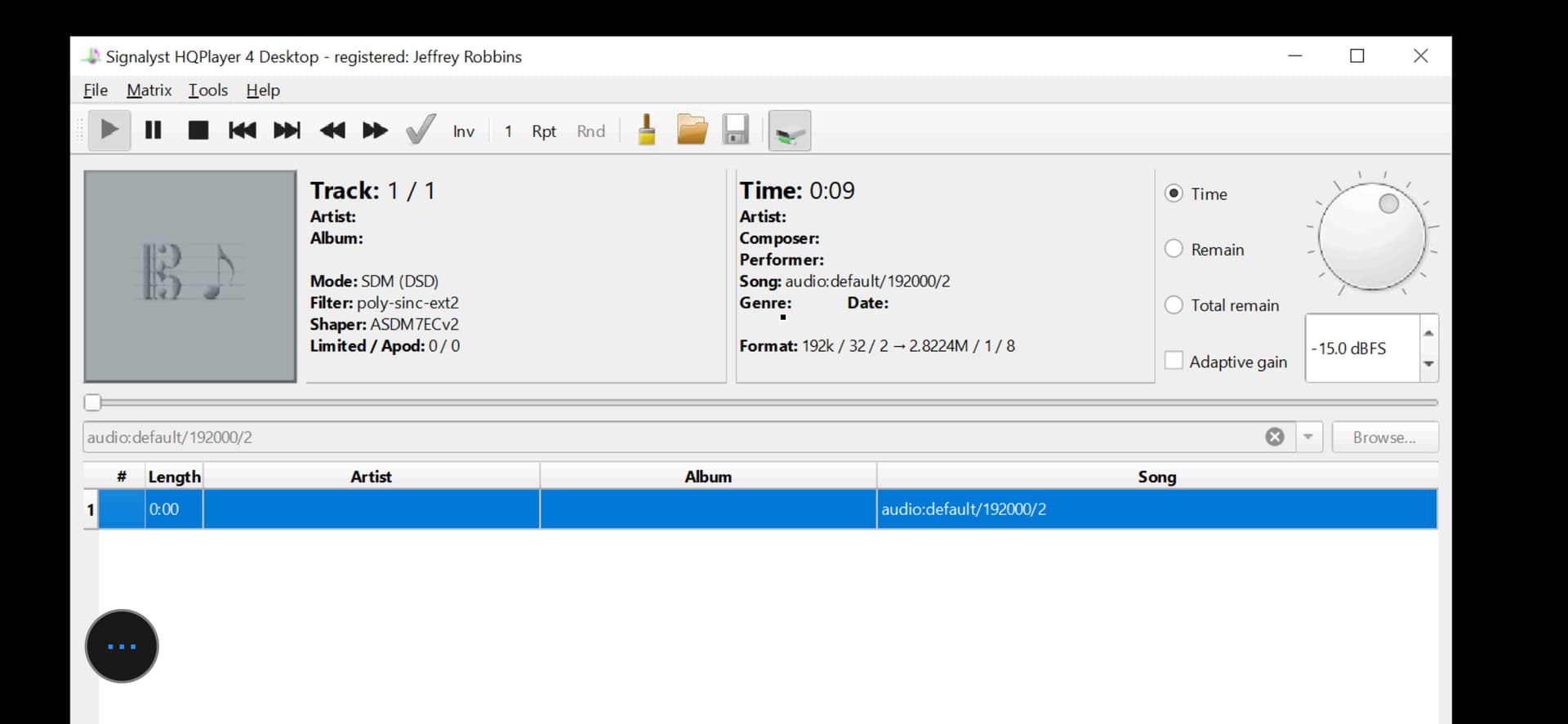
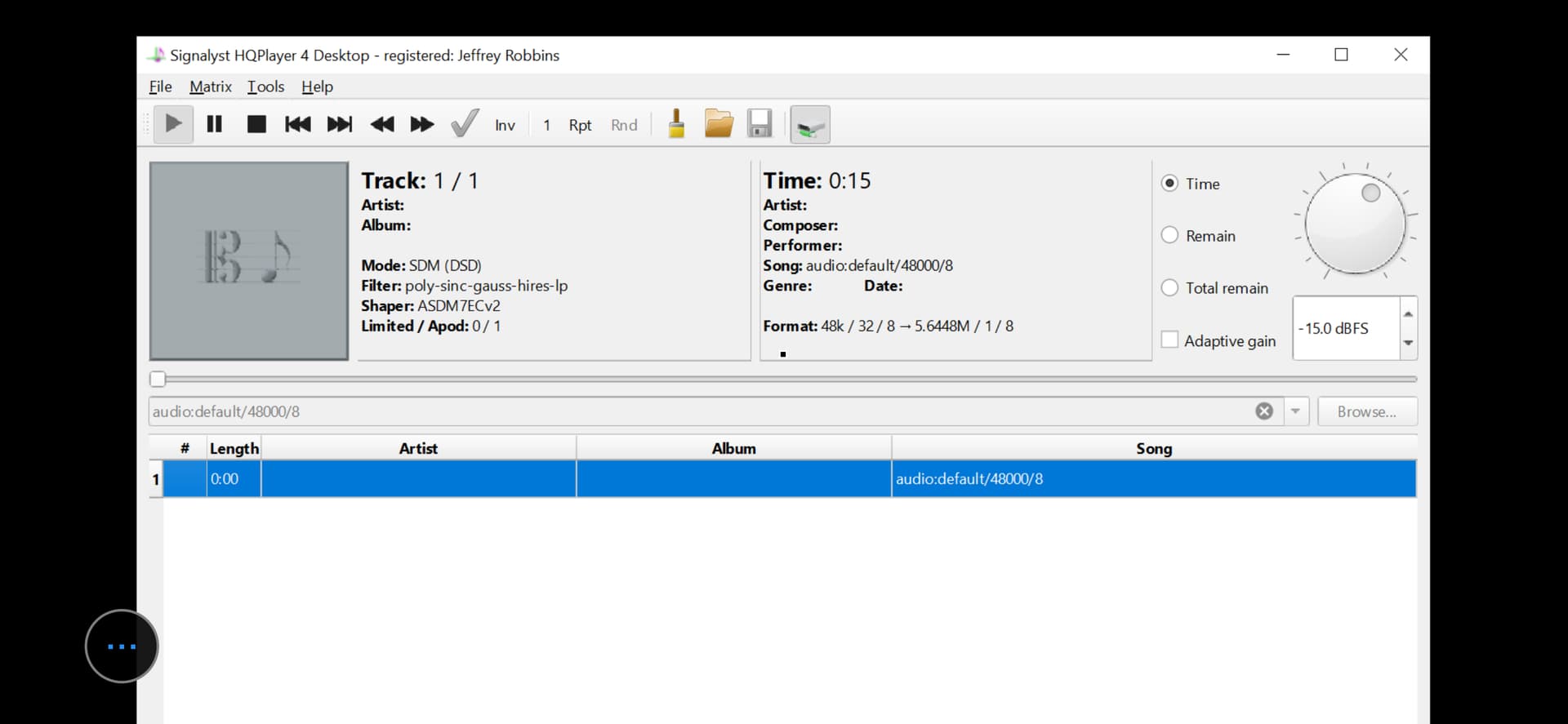
@jussi_laako , I have a potential feature addition for HQP for your consideration. In addition to using HQP for digital playback, I also use it to provide DSP and upscaling of Dolby Atmos from Apple (24/48 in 5.1.2 format) and for vinyl playback. In each case, when I switch, I import the appropriate settings I’ve saved. But, I have to manually select the input (for Atmos, 48000/8, with the “8” needing to be manually added to replace the standard “2”, and 192000/2 for vinyl) and then I must enter the selection and start play.
Could this not all be saved as part of the setting for the particular input, including automatically starting the play? Thanks. JCR
i think i read in an older blog post that you were planning to make an M1 native version of HQP for mac and stop supporting the Intel Mac? I noticed ver 4.17.2 still runs intel instructions. If there’s a native version, then will you be able to take advantage of the graphics cores like you can with cuda? basically, do you think there’s a lot of performance potential for a version optimized to run on M1? I ask because in the future I could always build another high-end PC, but after I got my M1 Pro laptop it was so good I sold my PC. in the future i’d like to stick with mac.
This is available in Embedded. And it is kind of there for Desktop too. But configuring it through GUI on Desktop would make the GUI quite complicated. And many consider it already rather complex. I am trying to consider very carefully adding more configuration options to the GUI.
I can think about adding some “history of recent source URIs” kind of thing. So you could pick from recent manually entered URIs instead of having to retype it every time.
Now the Settings dialog includes configuration only for one input. But the engine itself and the configuration file format supports multiple.
There has been native version for M1 since December 2020.
There are two packages, one for x86-64 and another for arm64.
At the moment there’s no CUDA style API to use Apple’s GPU, or any other suitable API.
Nvidia has this (CUDA) for Windows and Linux. And AMD has such (ROCm) for Linux only.
This already exists, try it out!
So, to be clear, @jussi_laako — right now, when I save settings, there is a way (in your words, “kind of there for desktop, too”) to save the URI and automate its beginning to play as shown below simply upon importing a saved setting? (I’m happy to do a bit more configuration if I could make the switching below become automated. :))
For phono:
For Atmos 5.1.2:
At the least, your idea of having recent URIs saved would be a big help. I make changes for desktop by remoting into my server via my iPhone, and it’s very small typing and pointing/selecting to get the job done!
One other related item. When I import a new setting, the filter listing doesn’t change on the screen to the newly selected import setting unless I import the setting a second time. Is that normal behavior for desktop?
Thanks much. JCR
If I am only upsampling to 16x rates (705.6/768k) and not limited to 16 bit in MacOS in order to reach 32x rates then 20 bit / LNS15 will work as well for the Pontus II, correct? It seems to match the Dynamic Range of the DAC (121dB = 20.167 bits) and 20 bit was what was initially recommended for R2R DACs earlier in this thread (and a few other forums as well). Am I missing anything with regards to 16 bit versus 20 bit for the Pontus II?
FWIW I tried 16, 18 & 19 bits as well, but 20 bits sounded better to my ears (music seemed fuller, more detailed) at 16x / LNS15
thank you! also, I saw the new 4.18.x release is out woot!
That is something you could potentially do easier with HQPDcontrol.
The display should get updated when you start playback. When there’s no active playback the display is pretty bogus.
20 bit is for Holo Audio. Denafrips is linear to about 16 bit, so you shouldn’t set it higher.
You need a linearity sweep measurement to determine how many bits you should be potentially sending to the DAC.
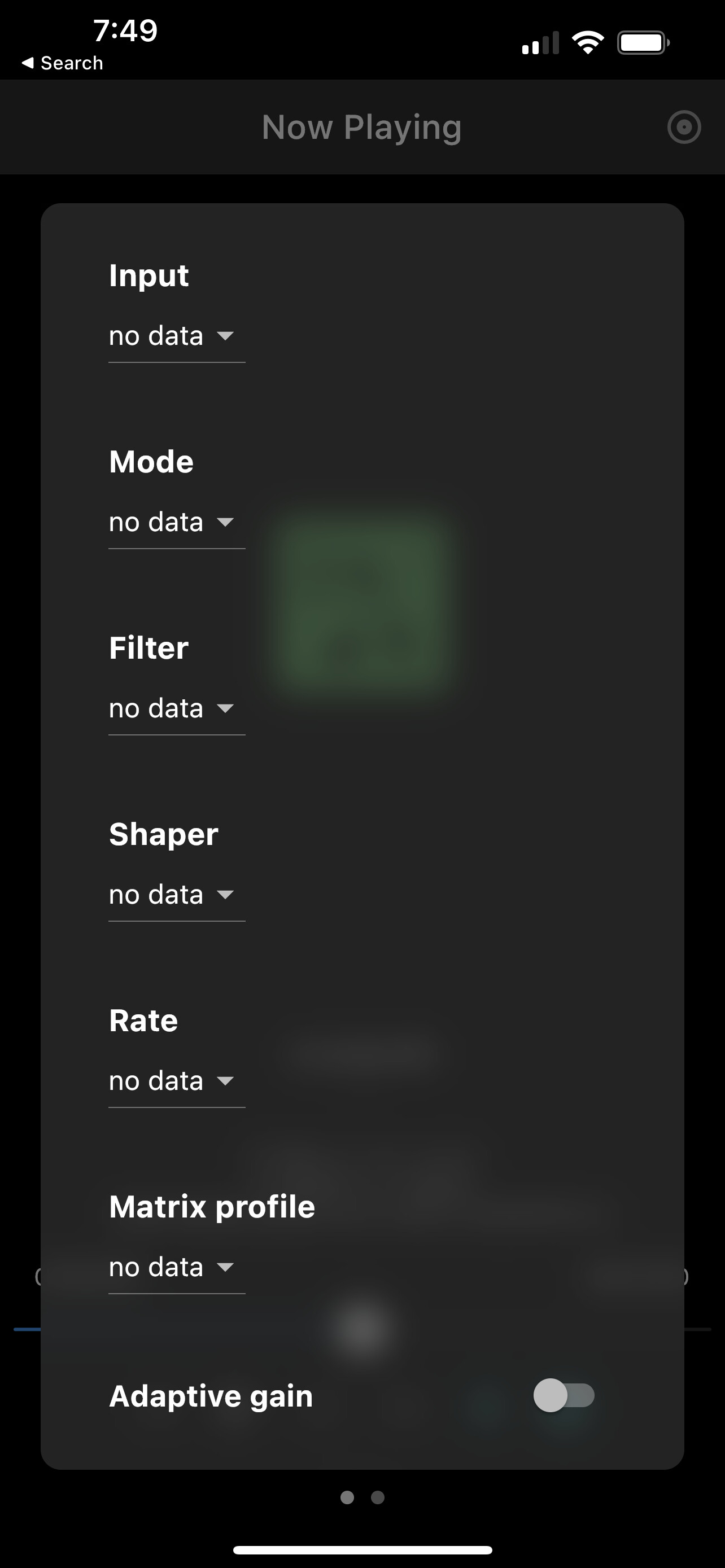
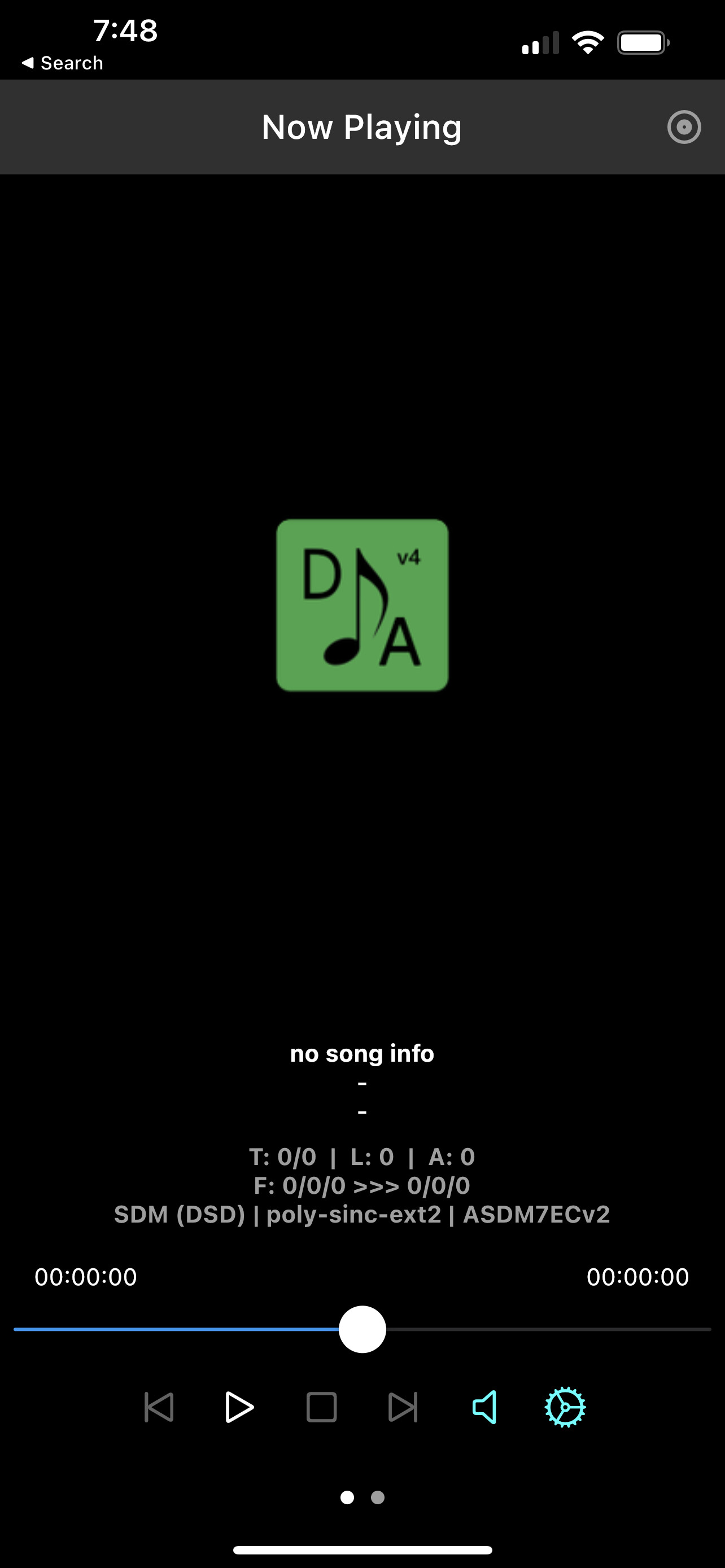
@jussi_laako , making changes in HQPDcontrol would be fine, but I see no way to do so there. This is what I have:
There is no place that I see to change the input or output devices or backends. The input above simply has cd as the only choice. Nor do I see a way to enter a URI or start play with one.
Am I missing something? Thanks. JCR
There is input selection at the top, first item. You could ask Ales (developer of HQPDcontrol) if he could change the drop list to editable combobox.
As unofficial thing for Desktop, you can also manually add named input devices to the configuration file. Essentially you can copy you existing input element and give it a name and sampling rate, etc.
<input channels="2" device="NNN" name="MyInput @44.1k" period_time="100" samplerate="44100"/>
As usual, @jussi_laako , you are chock full of good information. Editing the xml file that is saved and that will auto populate what I want is a perfectly fine solution.
But, of course also as usual, I don’t know what I am doing.
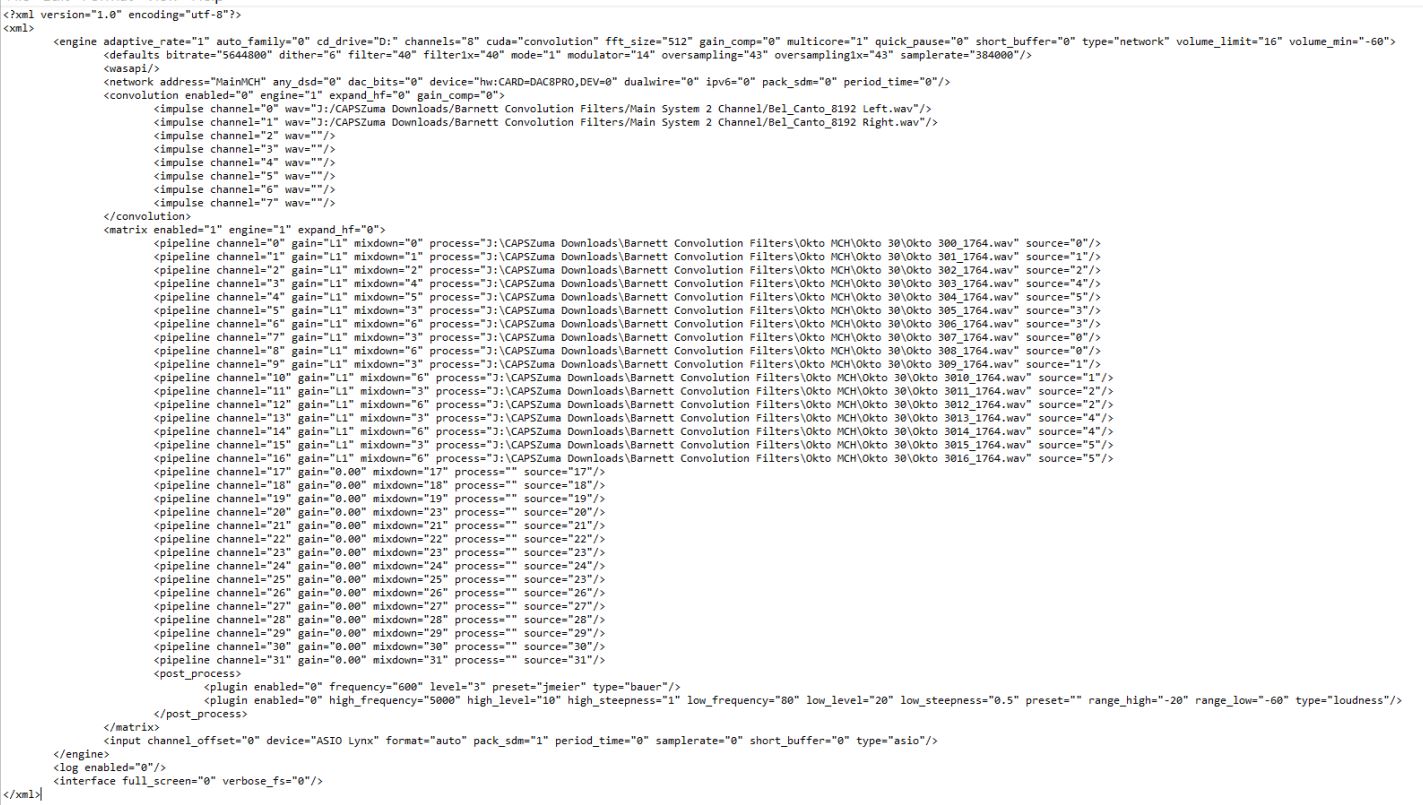
In the Desktop xml configuration file for my Apple Music Lossy, the first two lines below appear. I added the second two lines per your instructions above. After re-saving as an xml file, I selected the new xml configuration version. It loads up fine, but doesn’t populate 48000/2 in the URI nor does it start playing the URI (obviously, as it didn’t populate it). Should I have first removed all or part of the first two lines of the xml file below?
I don’t know how to copy code into this forum, so I have removed the opening “<” on the first line and the final “>” from the end of the fourth line below so this all will appear. I do have those symbols properly entered in my xml file itself. I’ve attached the full original xml file for your reference.
Thanks. JCR
input channel_offset=“0” device=“ASIO Lynx” format=“auto” pack_sdm=“1”
period_time=“0” samplerate=“0” short_buffer=“0” type=“asio”/>
<input channels=“8” device=“ASIO Lynx” name=“HQP Apple Lossy Music 2”
period_time=“100” samplerate=“48000”/
You need to use the “preformatted text” feature on this forum to avoid message getting corrupted due to XML parsing.
But basically you can just copy your existing GUI created input element line and add/edit the necessary properties such as samplerate. And then when you add “name” attribute to it, it becomes “named input” or “input device alias” and you can refer to it using audio: URI with the name instead of just “default” which is the unnamed one.
These named inputs should also appear on the remote control input enumerations.
@jussi_laako , it’s not working as expected.
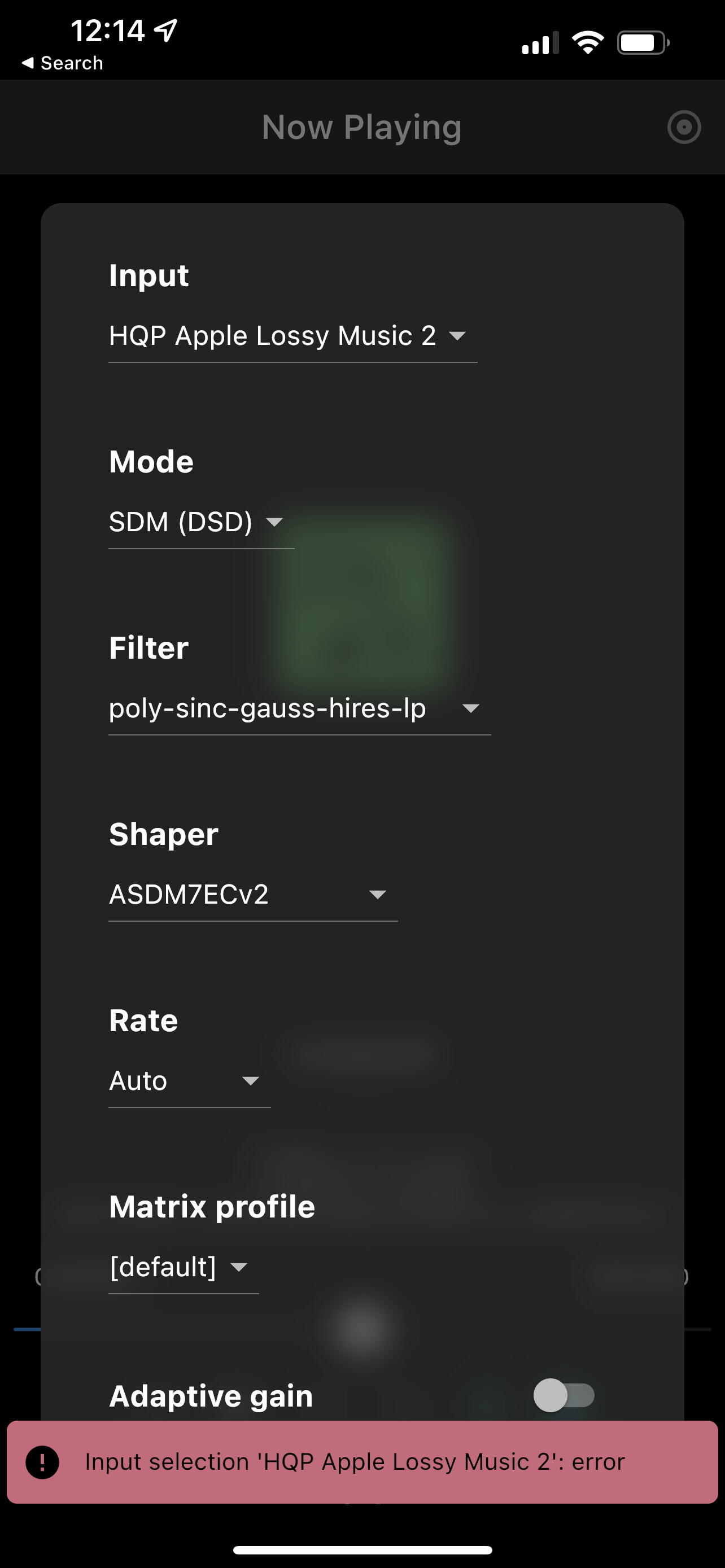
In HQPDControl, I only can select the “named” input if I first remote into my HQP server and manually input the HQP Apple Music Lossy 2 settings.
And then I get this error.
Back over in HQP in the server, the “named” input doesn’t even appear.
And nothing auto populates the URI, selects it and starts play.
What am I missing here? Thanks. JCR
It would appear only on the playlist. But not on the input URI field which is local the the server GUI.
It is good to check what HQPlayer log file says, it likely at least gives a hint about the problem.
@jussi_laako , here’s what the log file says:
2022/04/20 19:03:04 Set transport (5): HQP Apple Lossy Music 2
2022/04/20 19:03:04 found unnamed input
2022/04/20 19:03:04 found matching input: HQP Apple Lossy Music 2
2022/04/20 19:03:04 Audio transport: rate=48000 channels=8 format=auto buffer=100
2022/04/20 19:03:04 Input set channels: 8 (8)
2022/04/20 19:03:04 WASAPI input found endpoints:
2022/04/20 19:03:04 ‘Line In (High Definition Audio Device)’ (0)
2022/04/20 19:03:04 ‘Microphone (High Definition Audio Device)’ (1)
2022/04/20 19:03:04 ‘Mic 1 (Virtual Audio Cable)’ (2)
2022/04/20 19:03:04 ‘S/PDIF 1 (Virtual Audio Cable)’ (3)
2022/04/20 19:03:04 ‘Internal Record (nerds.de LoopBeAudio - Internal Audio Ports)’ (4)
2022/04/20 19:03:04 ‘CABLE Output (VB-Audio Hi-Fi Cable)’ (5)
2022/04/20 19:03:04 ‘Record 09-16 (Lynx AES16e)’ (6)
2022/04/20 19:03:04 ‘Microphone (High Definition Audio Device)’ (7)
2022/04/20 19:03:04 ‘Record 01-08 (Lynx AES16e)’ (8)
2022/04/20 19:03:04 ‘Line 1 (Virtual Audio Cable)’ (9)
2022/04/20 19:03:04 WASAPI input period time set
2022/04/20 19:03:04 WASAPI input open audio endpoint GUID: ASIO Lynx
Wish there was a thread that actually discussed the filters. 
Looks like type=“asio” is missing from the input statement…
But maybe it would be good to start another thread about this topic.
Agree! And how about some blind testing? All I see is anecdotal impressions, probably with a lot of expectation bias.