@Brandon Good to know. As you can see I’ve had this issue for quite a long spell earlier. Back then it was recurring even when the service was restarted.
It went away after I updated my OS and everything got restarted. But now it magically appears to be back. I’m thinking there’s a “rare condition” that causes this, and that’s all there is to it. Meanwhile, you can see the stark difference since I restarted the service ~20 minutes ago:

UPDATE Already up to 6.6G of RAM and considerable CPU spikes after only 12 hours:
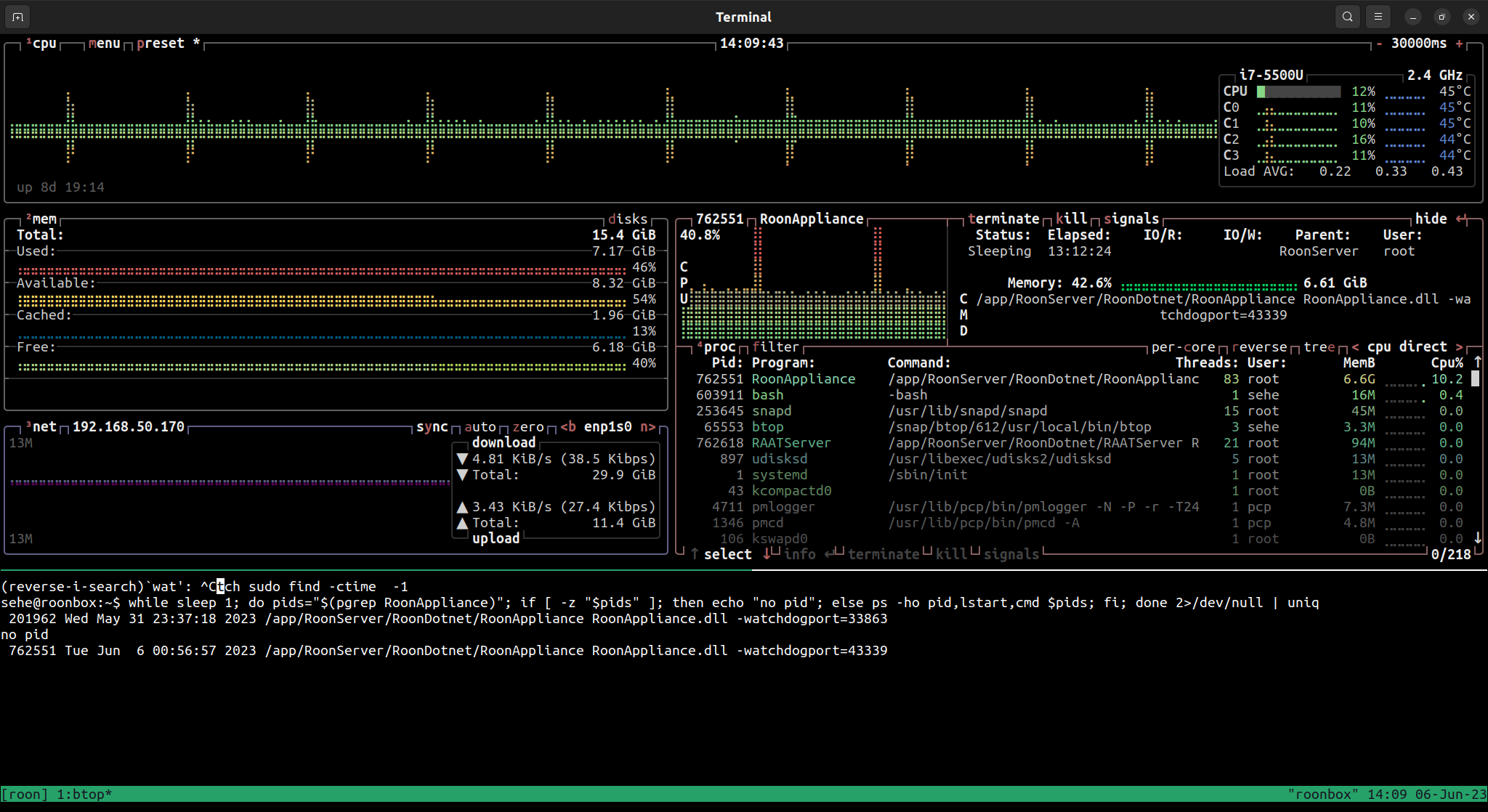
I could monitor by proxy just by using a thermometer above the Asus Mini unit.
UPDATE ~30 minutes later: 6.9G
Another hour later 7.5G
Since then I saw it rise to 9G, interesting dipping slightly to 8.2G, but by now it arrived at 12G, so there is still a strong trend. I’m wondering whether closing the desktop app helps stemming the leak. I’ll try that now for a while