96kHz Playback Issue with System Audio Stereo Hub HT (ref#0XJVK4)

Hi! What’s not quite right with Roon?

· None of the above quite fits

None of the above quite fits

· None of these quite match

Tell us what's going on

· 96kHz playback issue with System Audio Stereo Hub HT (Roon Ready)

Hi Roon Support,

I am experiencing a specific and reproducible 96kHz playback issue when streaming via Roon to my System Audio Stereo Hub HT.

Setup:
- Endpoint: System Audio Stereo Hub HT (Roon Ready)
- Firmware: System version 061 / Streaming version CR443GP_3683 (latest available)
- Speakers: Silverback 6
- Roon Core: NUC

Symptom:
Playback of 96kHz content stutters immediately from the first second — approximately 1 second of audio followed by 1 second of silence, repeating indefinitely.

Key observations that isolate the issue:
1. Only 96kHz fails. All other sample rates (44.1, 48, 88.2, 176.4, and 192kHz) play back correctly via Roon Ready.
2. 96kHz plays back perfectly when streamed directly via Qobuz Connect to the same hub, ruling out a hardware or network issue.
3. Roon's signal path shows no conversion — Roon believes it is sending a bit-perfect 96kHz/24-bit stream.
4. Workaround confirmed: enabling DSP in Roon to upsample 96kHz to 192kHz resolves the issue entirely.

This strongly suggests a clock or buffer configuration error specific to 96kHz in the hub's Roon RAAT implementation, while the Qobuz Connect code path on the same device handles 96kHz correctly.

I am aware of a similar documented issue with the Platin Stereo Hub HT (ref#0U6VHG), which shares the same underlying hardware platform. In that case, Roon diagnostics revealed the device was incorrectly advertising only 16-bit formats. I would appreciate it if you could pull diagnostics from my account to inspect what formats and clock configurations the System Audio Stereo Hub HT is advertising to Roon at 96kHz specifically.

Thank you for your help.

Tell us about your home network

· - Roon Core: Intel NUC
- Network: Sagemcom router, wired Ethernet throughout
- Endpoint: System Audio Stereo Hub HT (Roon Ready), connected via wired Ethernet
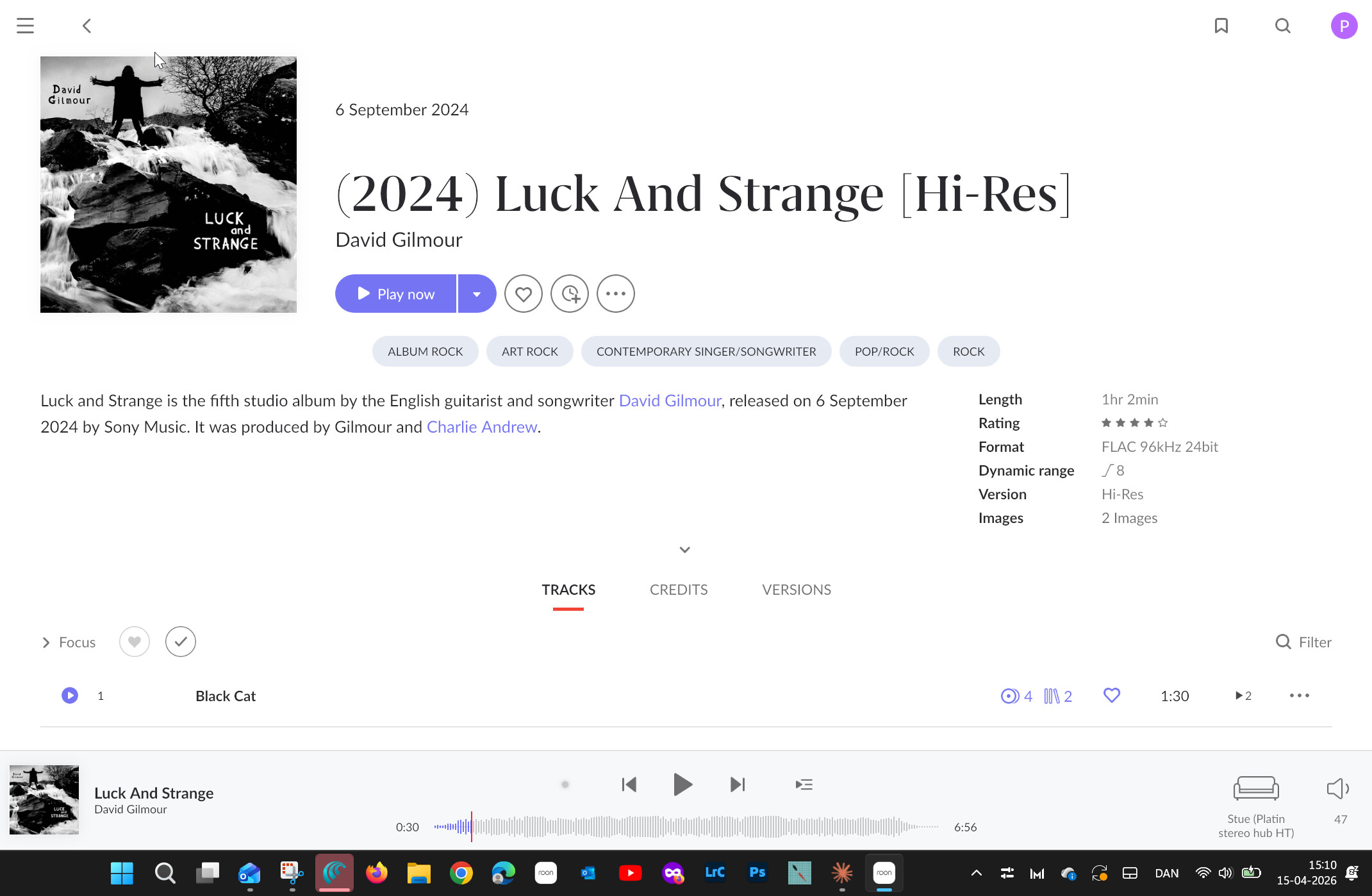
Hello @poul_bengtson,

Welcome back to the community after 6 years! Thank you for such a detailed and technically precise report—this level of troubleshooting is incredibly helpful for our team.

I have pulled the diagnostics from your account, and you are spot on with your assessment.

What the logs show

Looking at the RAAT (Roon Advanced Audio Transport) handshake between your NUC and the Stereo Hub, I can confirm the following:

  • Format Advertising: The hub is correctly advertising 96000/24/1|2 and 96000/16/1|2.
  • The Platform: As you suspected, the device identifies itself in our logs as a Platin Stereo Hub HT.
04/13 15:49:13 [Local 04/13 17:49:13] Trace: [Platin Stereo Hub HT @ 192.168.1.93:46727] [raatclient] GOT [2] {"info":{"unique_id":"Platincc9093320a00"},"flags":{"has_write_chmap":true},"transport":{"info":{"config":{}},"is_update_artwork_supported":true,"is_supported":true,"is_update_status_supported":true},"output":{"info":{"mqa_capabilities":{}},"supported_formats":"96000/24/1|2,48000/16/1|2,88200/24/1|2,96000/16/1|2,176400/16/1|2,48000/24/1|2,192000/24/1|2,88200/16/1|2,192000/16/1|2,44100/16/1|2,176400/24/1|2,44100/24/1|2"},"source_selection":{"is_supported":true,"info":{"config":{}}},"platform":[],"volume":{"is_supported":true,"info":{"config":{}}},"status":"Success"}

To help us investigate the “1 second on, 1 second off” stuttering further, could you please provide a specific timestamp (track name) when you reproduce the issue?

With that exact window, we can dive back into the logs to see precisely what is happening with the playback stream and the RAAT communication at that moment.

We’ll be standing by for that information!

Do you need more information?

Hey @poul_bengtson,

Thanks for the timestamp! We were able to review that specific track in a fresh diagnostic report from your Roon Server, and saw that the stream initiates cleanly and the handshake itself looks healthy, which is good news.

However, there is one notable flag in the logs, the clock sync line:

sync Platin Stereo Hub HT: realtime=29836843839439 rtt=500us 
offset=-68645849160us delta=-592947us drift=-8638138us in 30.36s 
(-284523.661ppm, -1024285.178ms/hr)

That drift figure is abnormal -284,523 ppm is orders of magnitude beyond what’s acceptable (typically <50 ppm for a stable clock). For context, -1,024,285 ms/hr means the hub’s clock is diverging from the Roon core’s clock by over 17 minutes per hour.

This is almost certainly what’s causing the stutter pattern you’re describing. Roon’s buffer is feeding audio faster (or slower) than the hub can consume it at 96kHz, creating that repeating 1-second play / 1-second silence pattern.

As a next step, I would perform a fresh firmware re-install on the hub and see if you run into the same issues.

Thank you!

Hey benjamin

I have made a fresh firmware re-install on the hub but the problem is not solved.

Thanks!

Poul

Hey Poul + Team Roon!

I believe I’m in the same situation as Poul here. I have the new Platin Stereo HT Hub paired over WiSA with Buchardt Speakers, 96kHz native content from TIDAL via roon indicates a “Lossless” output and exhibits this every-other-second dropout stutter.

Music from TIDAL+Local-ALAC/AIFF-content that is anything but 96kHz-native is converted to 96kHz and plays back as “High Quality” output.

After the next roon OS update (April 27 right?) I can do some Factory Resets and stuff in case that fixes the issues.

Link to my post here:

I can post screenshots or share logs if that helps.

@poul - hang in there!

Thanks for the follow up @poul_bengtson and for chiming in with your version of the issue @scottdavisalloneword.

Our team is taking a closer look at things, and we should have more information to share shortly. If you haven’t yet, I’d also get in touch with System Audio directly as well and share your findings.

Thank you :folded_hands:

Hi benjamin,

Thank you for your assistance so far.

I wanted to give you an update: I have reached out to System Audio regarding the issue, and they have confirmed that they will provide me with a firmware update intended to resolve the problem.

Once I have received and installed the update, I will test everything and report back to let you know whether the issue is fully resolved. If it persists, I may come back to you for further troubleshooting.

I appreciate your patience and support.

Best regards,
Poul Bengtson

Hi,

Quick update: I have received and installed the new firmware from System Audio, and everything is now working perfectly.

Thanks a lot for your help — time to sit back and enjoy the music!

Best regards,
Poul Bengtson