To confirm, the crash is happening within the Apple TV’s settings interface, not the TV:Remote app?
Correct. Settings → Apps → TV:Remote → Core Port Number → Crash. I can send you a video if needed.
I don’t think there’s much I can do regarding the crash. At that point, the TV:Remote app isn’t active, and the Settings app falls under Apple’s control.
There are a few threads online about similar crashes within Settings. The advice seems to be either reboot the ATV or update the firmware if possible.
Alright, thanks for looking into it.
Still love this app! Is there a way to center the text under the album art in the Album/Text view?
pretty cool app, thank you
is there a way to sort the album view?
just saw your earlier reply to a similar question, never mind
still a cool app
1 Like
Hey @Dirk-Pitt,
I tried using the core.services.RoonApiTransport.subscribe_zones function, just to see if I can get the lyrics that way with node-roon-api and node-roon-api-transport but it seems that the event LyricsChanged is never raised 
I tried to understand how they are doing it in display_ui.js (used for web display) so that LyricsChanged event is raised but cannot figured it out.
Did you tried it yourself ?
Unfortunately not. I’m not far enough along in my transcription of the API into Pascal.
radio streaming causes TV remote to repeatedly loose connection on all of my ATV boxes. Switching to other radio stations and streaming options does not cause the loss of connection issues. Wondering if others are experiencing the same issue with other radios station playback while using the remote app?
It’s probably the cover art for that station that’s causing the issue. I’ll have a look into what’s being used, the ATV doesn’t support all formats. I may of missed catching an image that’s not supported.
I’d have to add support for this.
1 Like
Thanks for your support of the Remote TV APP. it makes ROON life so much better.
I’m encountering exactly the same issue and I’m on TVOS 26.2!
Where exactly?? I don’t see it… just the IP address.
So I got a new iPhone 17 to replace my iPhone 13 mini (not that it should impact TV Remote) and I also got a Nucleus One to replace my NUC. I am unable to connect to TV:Remote on my Apple TV since I got the new devices.
Here are the steps I took:
-
Launched TV:Remote:
-
After not connecting, I copied the IP address and the port from Settings =>Displays:
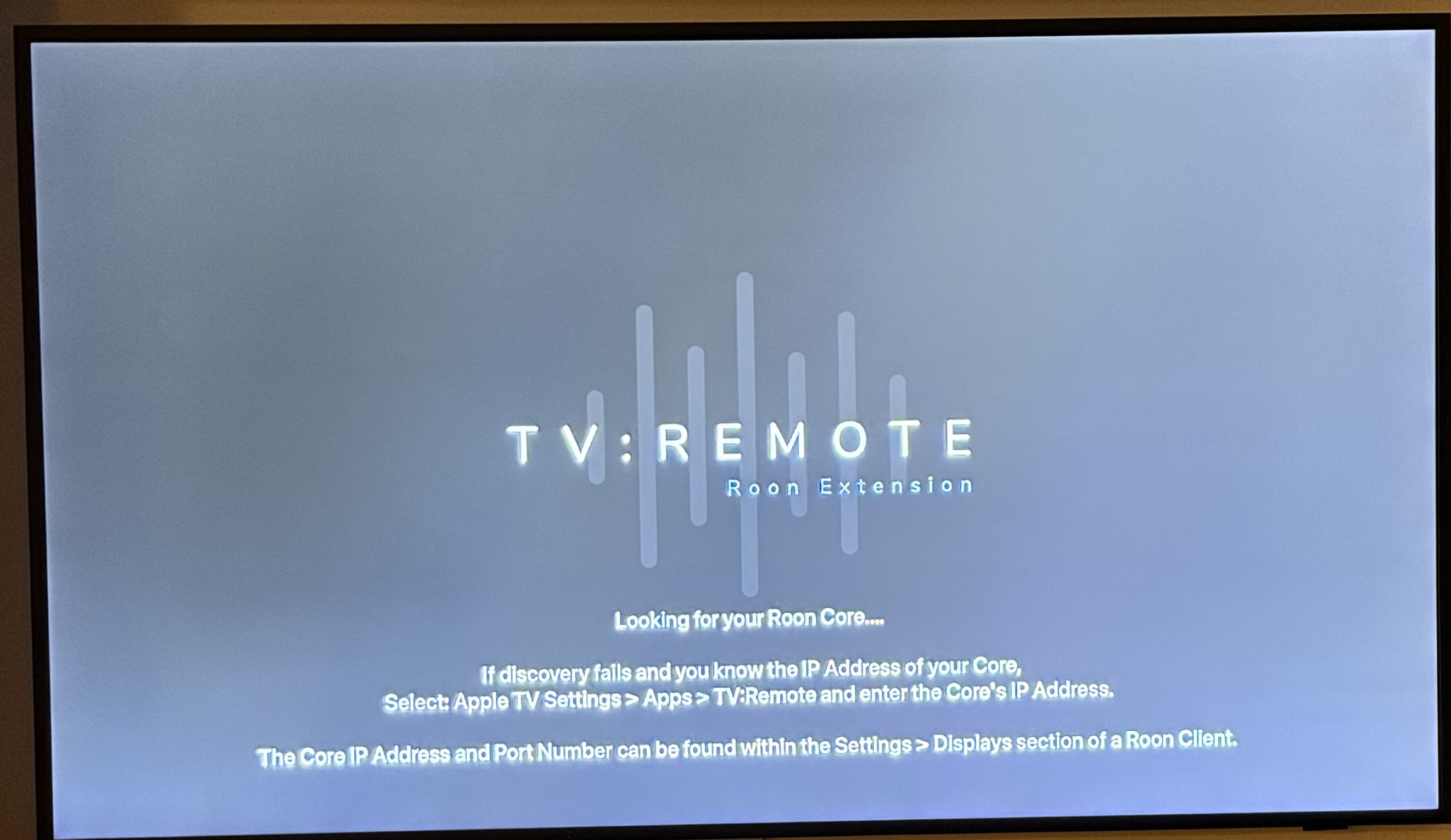
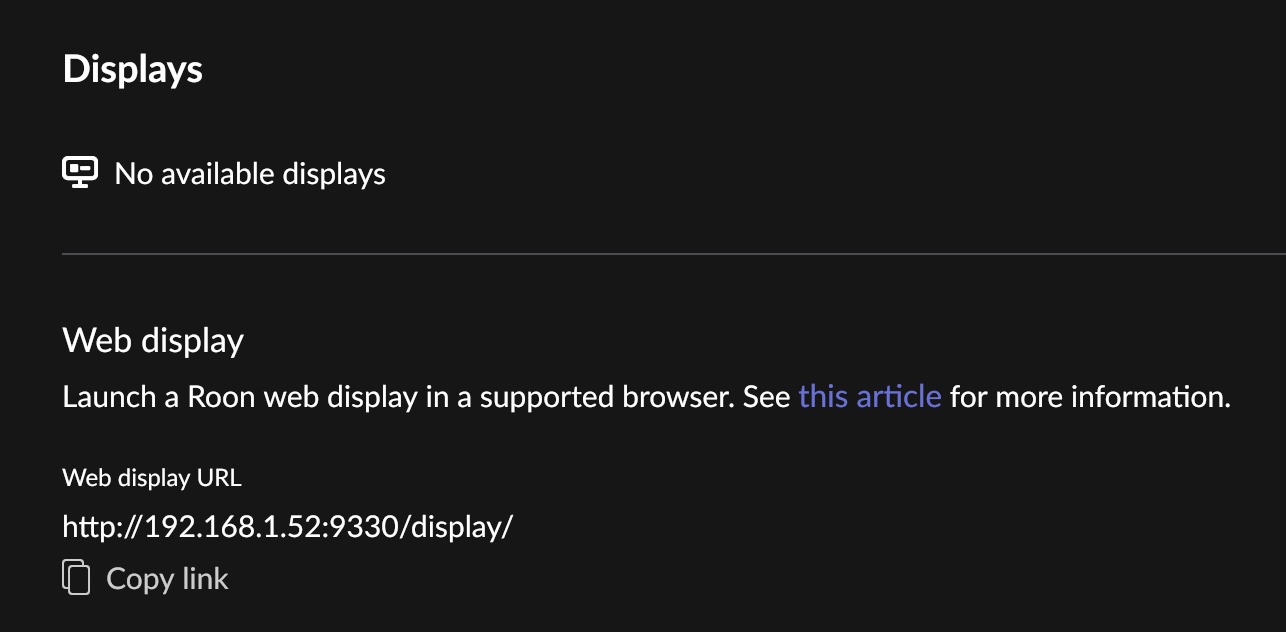
- I then entered them in Apple TV in Settings => Apps
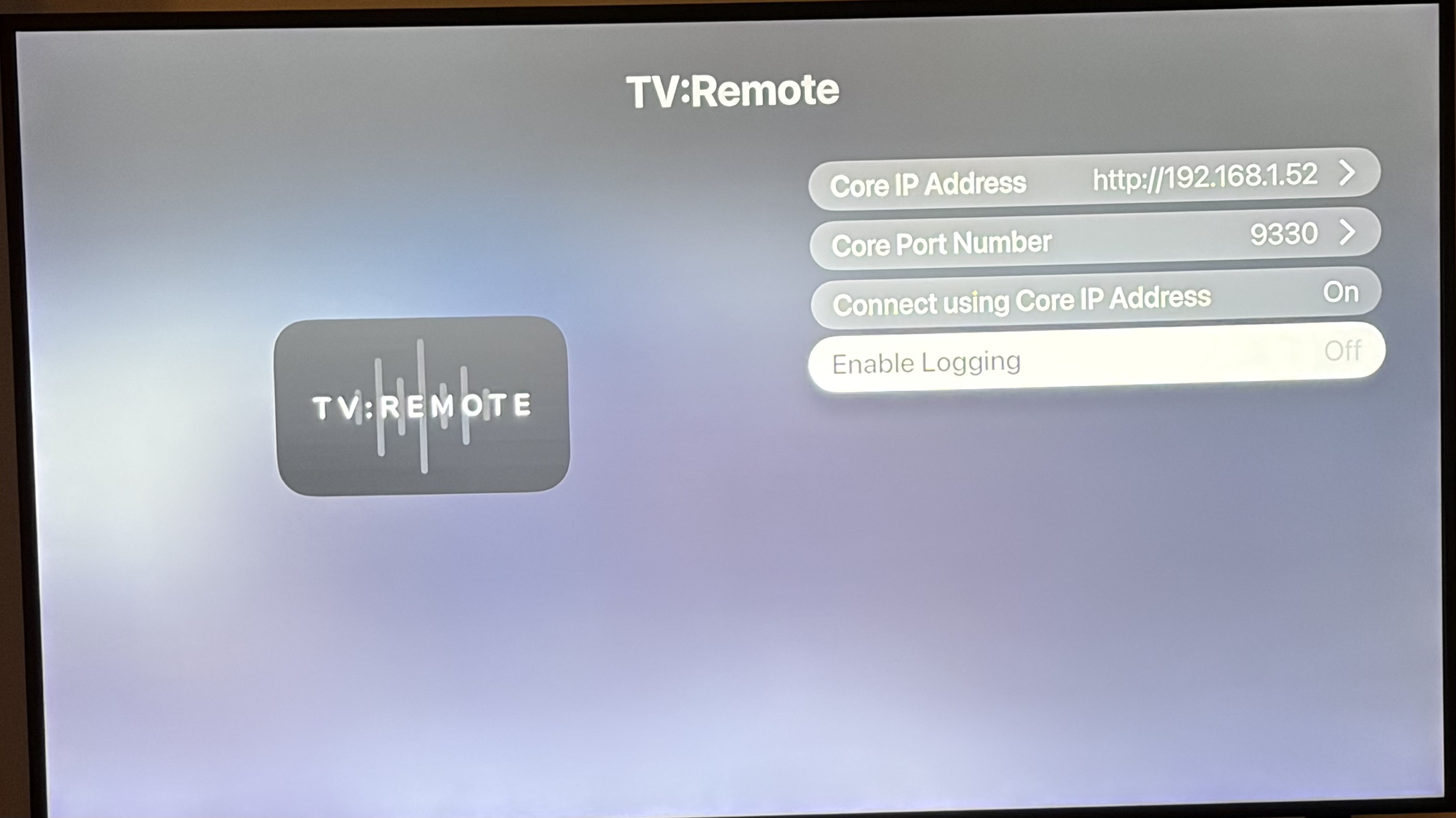
4: TV:Remote would then spin forever until I aborted by deleting the app:
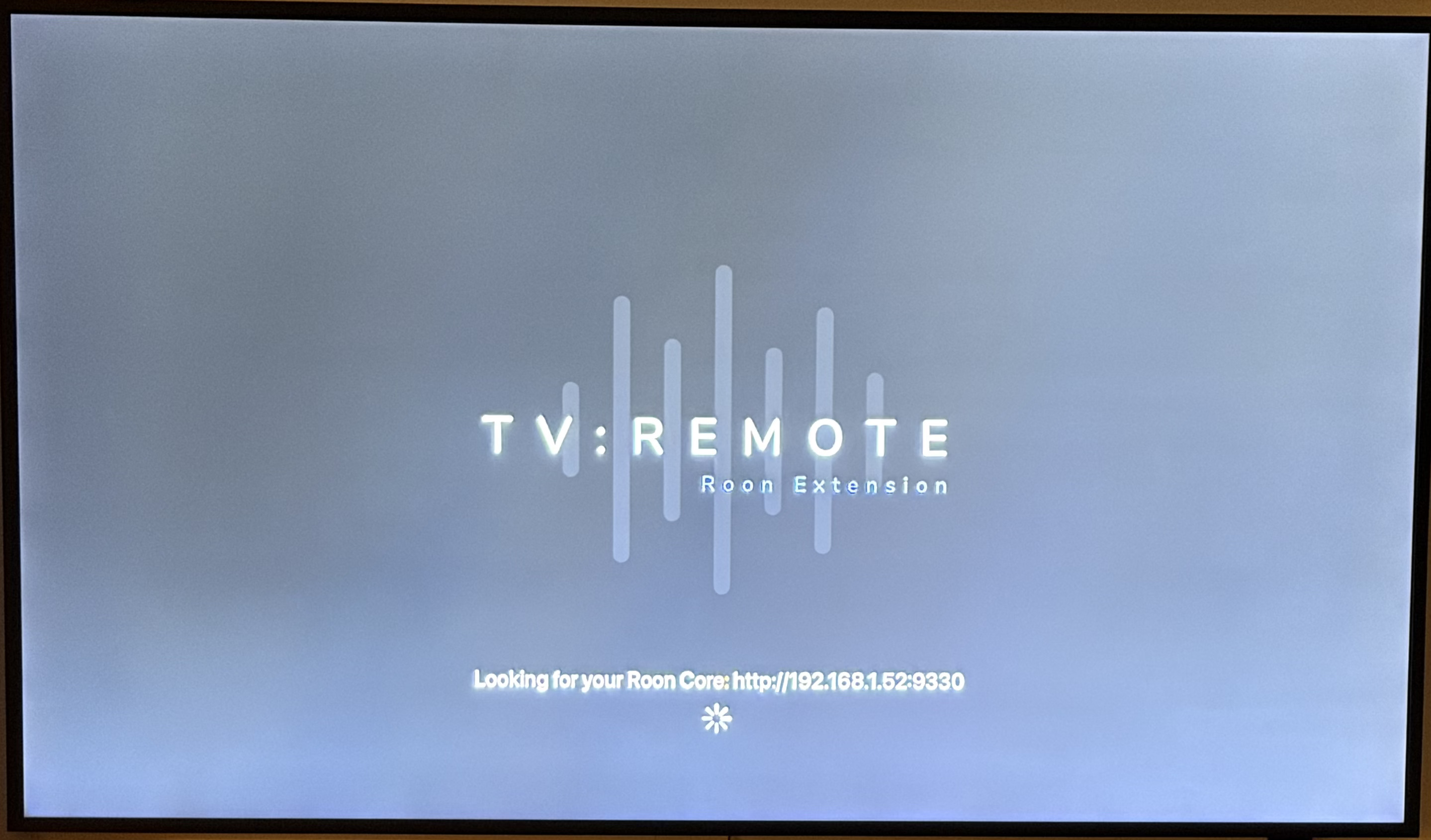
Also, I don’t see anything in Settings => Extension.
I’ve done this before (and commented in this and other threads-thank you), but I’m back again. What steps am I missing?
David
Try entering 192.168.1.52 as the core ip address, without the http:// prefix.
That did it, thanks!
On my Roon TV Remote on Apple TV it shows it wants to connect to Roon core on port 9100 but in the Roon app I can see that Displays should connect on port 9330. When I try to change the port on my Apple TV it fails. Is there a way to change the port on the Roon side? Or is the solution to reinstall the app on the Apple TV?
If the ATV Settings app is crashing when setting a port number please could you try the following.
Delete the app
Restart Apple TV
Reinstall from App Store
Open settings app and set the port number