I cannot get my Asustor NAS to connect to my streamer. I am using RoOn Server for Asustor, but it will not connect to my streamer, and also will not connect to my Roon app on ny phone all devices are on same LAN. If I run roon clinet from my PC all works fine, however all music files are on NAS.
Describe your network setup
Asustor NAS AS6704 Gen 2 via Netgear ethernet switch to PC and Cambridge Audio CXN V2
Make sure Roon on your AsuStore is the active instance of RoonServer by disconnecting from whatever server you are connected to and reconnecting to the server running on your AsuStore.
I have enabled diagnostics on your account so our technical staff can get some more insight into what’s going on here. The next time your Roon Server is active a diagnostics report will automatically be generated and uploaded directly to our servers
I’ve been keeping an eye on our servers, waiting for the aforementioned diagnostics report. For some reason it is not reaching our servers, even after I tried re-enabling diagnostics on your account. I also ran a quick test and I was able to submit a similar report from my setup here, so something else is going on. So we can move forward, I was hoping for now you could use the directions found here and send them to our Logs Uploader Service and let us know after, thanks!
Thank you. I have checked the roon server folder on the NAS and there are no log files to upload to you.. The issue appears to be eveno though the roon server says it is operating, it is looping when mI allocate the storage folder, as it restarts and then goes back to the same screen. Do my all my music files need to be in a specific folder on the NAS ?
Please post screenshots of what you see. When installing the app you have to provide a location for it to store its database, this is not the folder that contains your music files. From the installation instructions, you don’t have to provide any music file location during install:
This would then mean you have to configure your watched folder using a Roon remote after you successfully connected to a running instance of Roon Server in your network.
Hi I can see the NAS and its file structure without issue from my PC. If I install the Roon server on my PC everything works.. I have reinstalled Roon server on the NAS and restarted as you suggest. I have enabled ez-connect. If I try and connect from Roon appliance it cannot find the NAS yet the NAS IS showing in my windows explorer. I am stumped.
Would you kindly let us know after installing the Roon app on the Asusstore, have you created the database folder according to the instructions here?
Roon Server on ASUSTOR can write a stdout log file. To do this, create a file called ‘ROON_DEBUG_EXTERNAL_LOG.txt’ in your specified database storage location. Then restart Roon Server in the App Central. The new file will be used now to write the output of the stdout to it.
You can also manually download Roon Server’s log files. Access your database storage location with your computer (or use ASUSTOR File Explorer). The log files are stored in the Logs folder in the RoonServer and RAATServer directory.
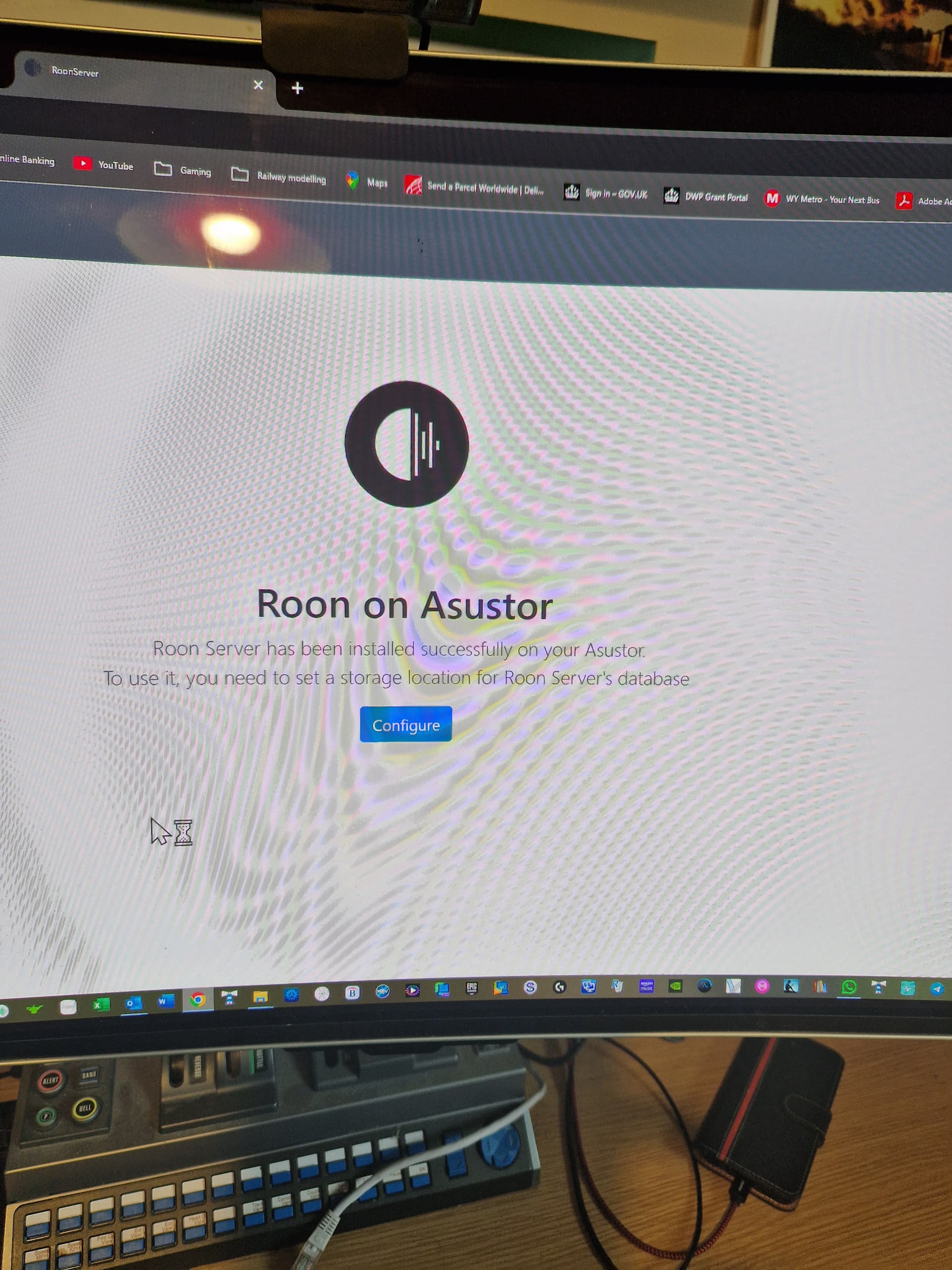
Created the log file, and restarted roon server. I am not seeing the screen showing the server details so I am now completely stumped.. It says it is installed but goes into a loop as soon as I try and add the music files folder. Whatever I add it reverts to the add music folder screen. I am not seeing the server details screen.
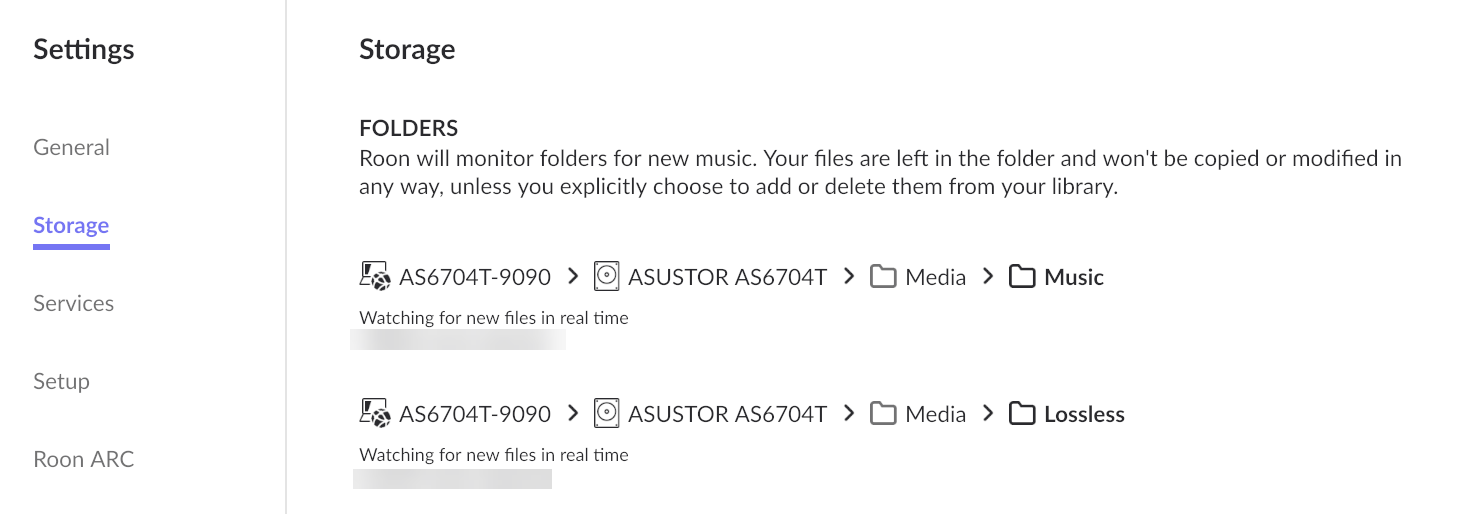
After connecting you should be able to select the folders holding your music under storage folders.
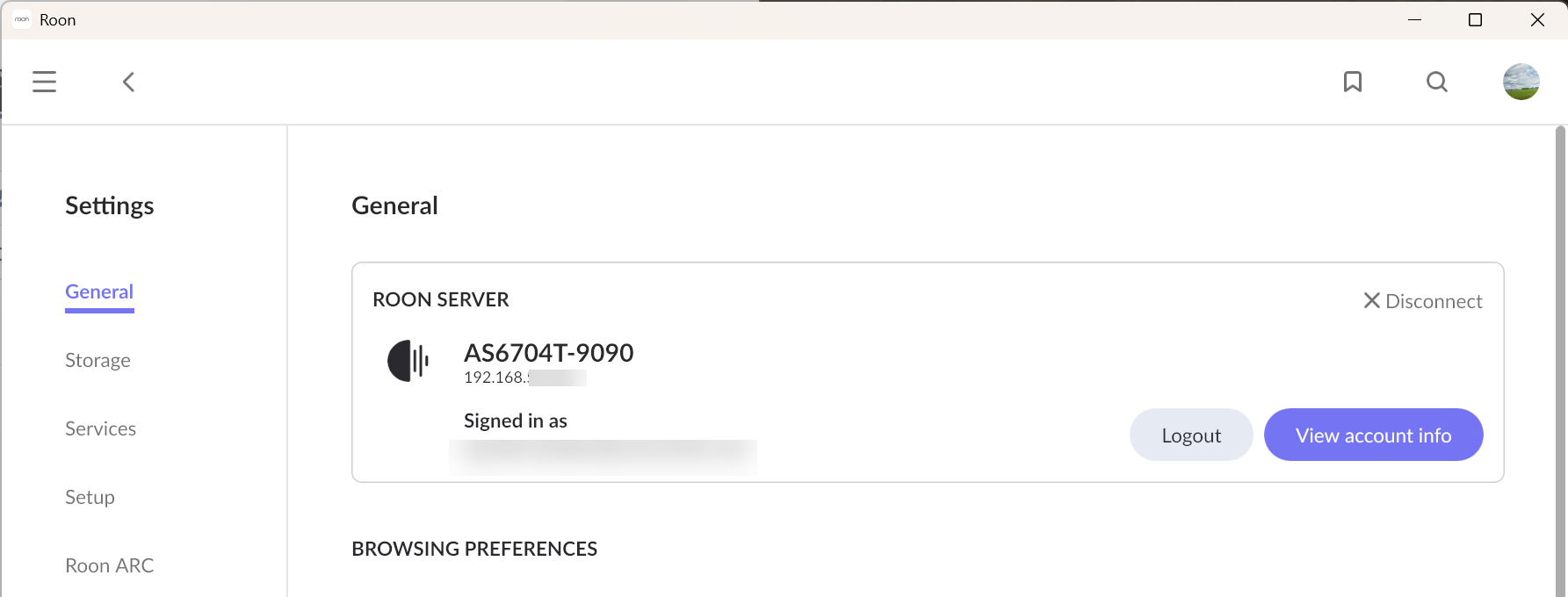
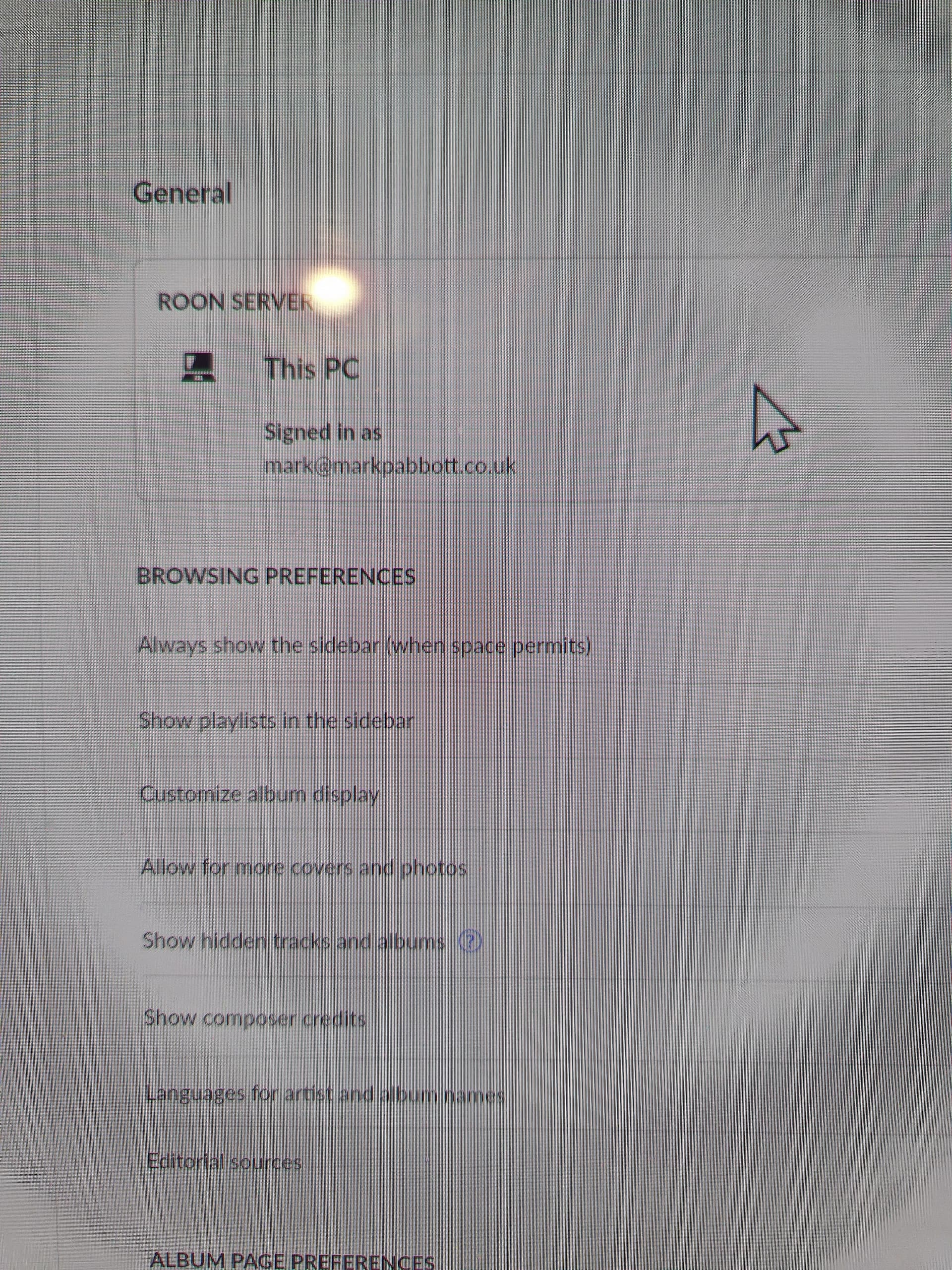
All this must be done from the settings page of your roon client. If your NAS does not show up as roon server in your windows client, as per the above screenshots show, it is not running.
Maybe you can provide screenshots of your settings/general and settings/storage screen to better understand what is going on.
Edit: ez-connect is not relevant in this context. I would recommend not using it unless you need to connect to your NAS from outside your local network.
Please note that music folders should only be added after Roon Server is fully installed and running, and this is done from a Roon Remote (for example, your Windows PC or phone).
If you are prompted to select a folder during installation on the Asustor itself, that folder is not for your music — it’s the database location where Roon stores its internal data.
To better understand what’s happening, could you please take screenshots of each step you perform during the installation and setup process on your Asustor NAS?
This will help us see exactly where the loop occurs and what screen you’re referring to.
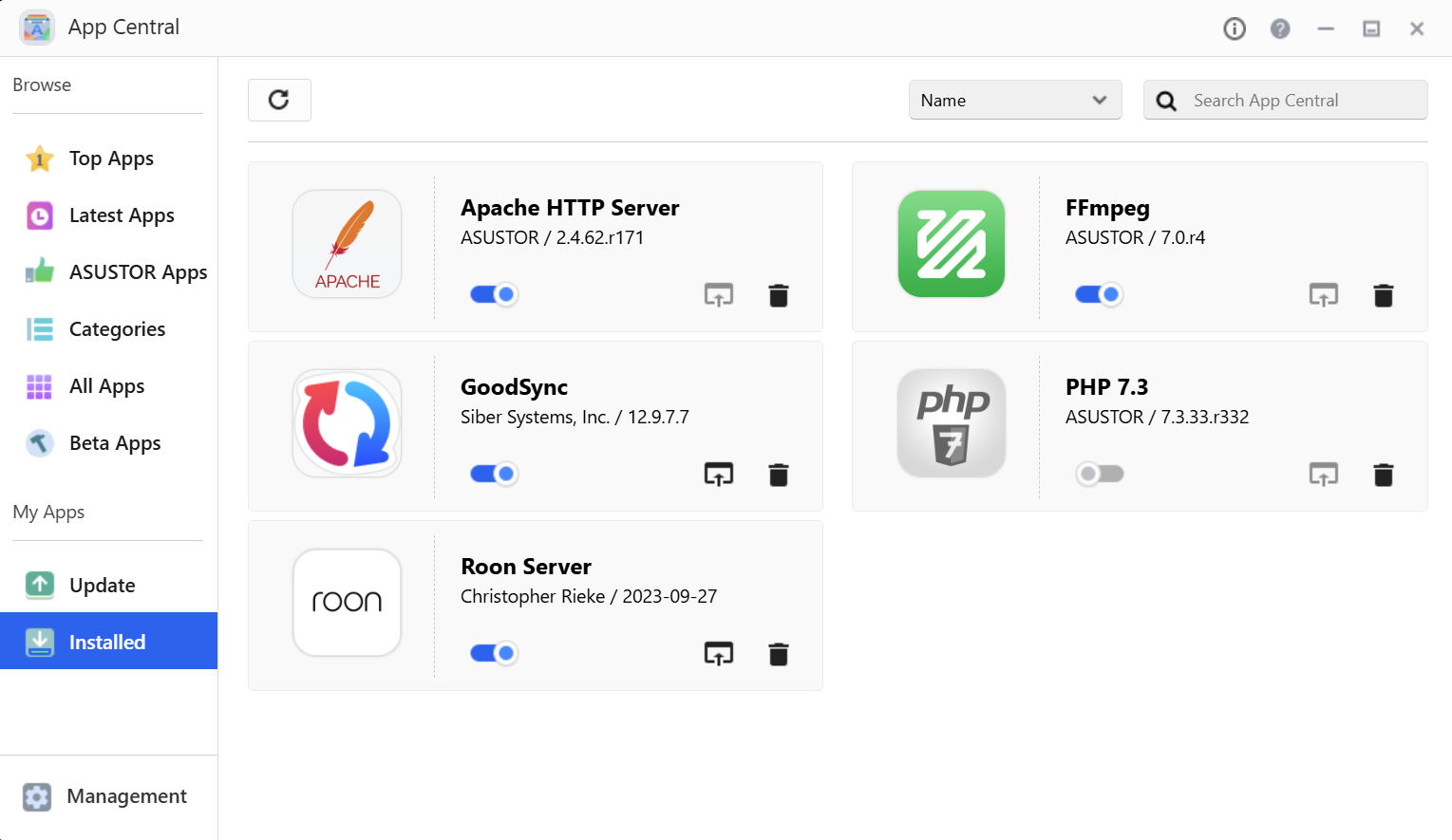
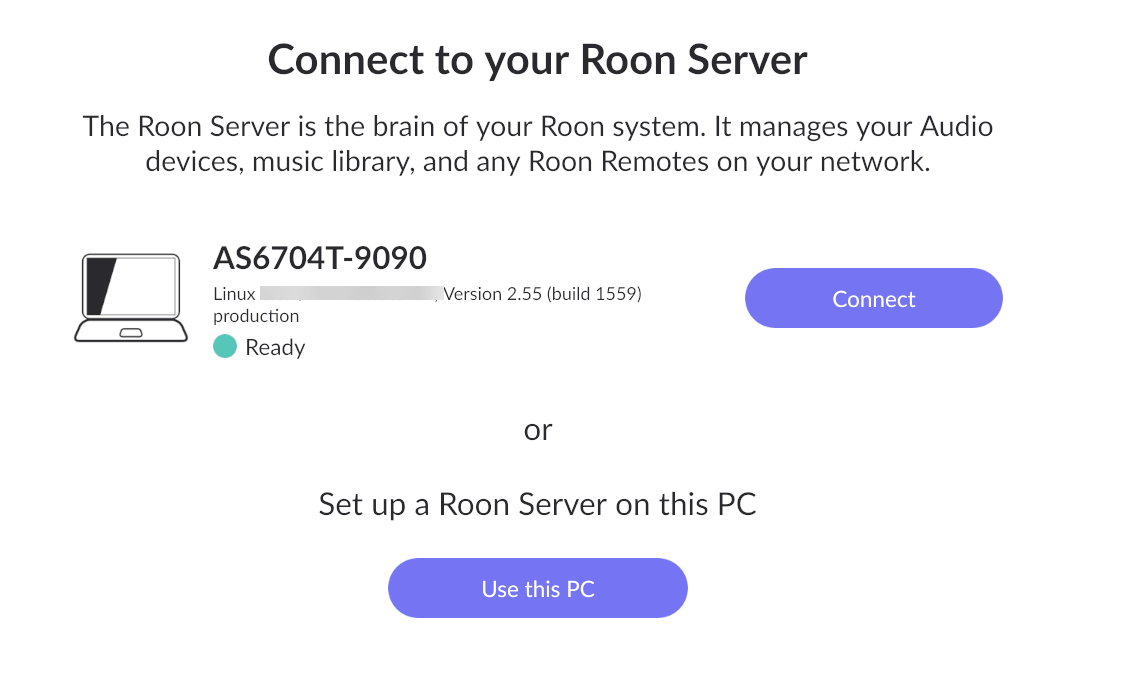
Please see attached screen shots showing Roon installed on my NAS but it is not being seen by the Roon client on my PC. see screen shot.
I have disabled ez-connect as suggested.
Also when I do access the Roon server on the NAS it asks me to select a folder for the music files which I do but it then just reverts back to the same screen see screen shot attached.
Please see response to Joachim showing screen shots as requested, The issue appears to be that my Roon client cannot see the NAS roon server app ? even though I can see my NAS in windows explorer without issue.
No it does not. It asks for a folder to hold its (internal) database. This is not your music folder!
Note: Roon Server is not running unless you complete the setup process.
Likely reason is missing access rights for the folder given. Maybe @Joachim_Herbert knows more about suitable folder locations and needed access rights as he seems to have setup running on an ASUSTOR device.
You need to disconnect from the local Server you’re currently connected to (see your last screenshot) to see other available Servers (which you currently likely don’t have because you need to finish the setup in your NAS).