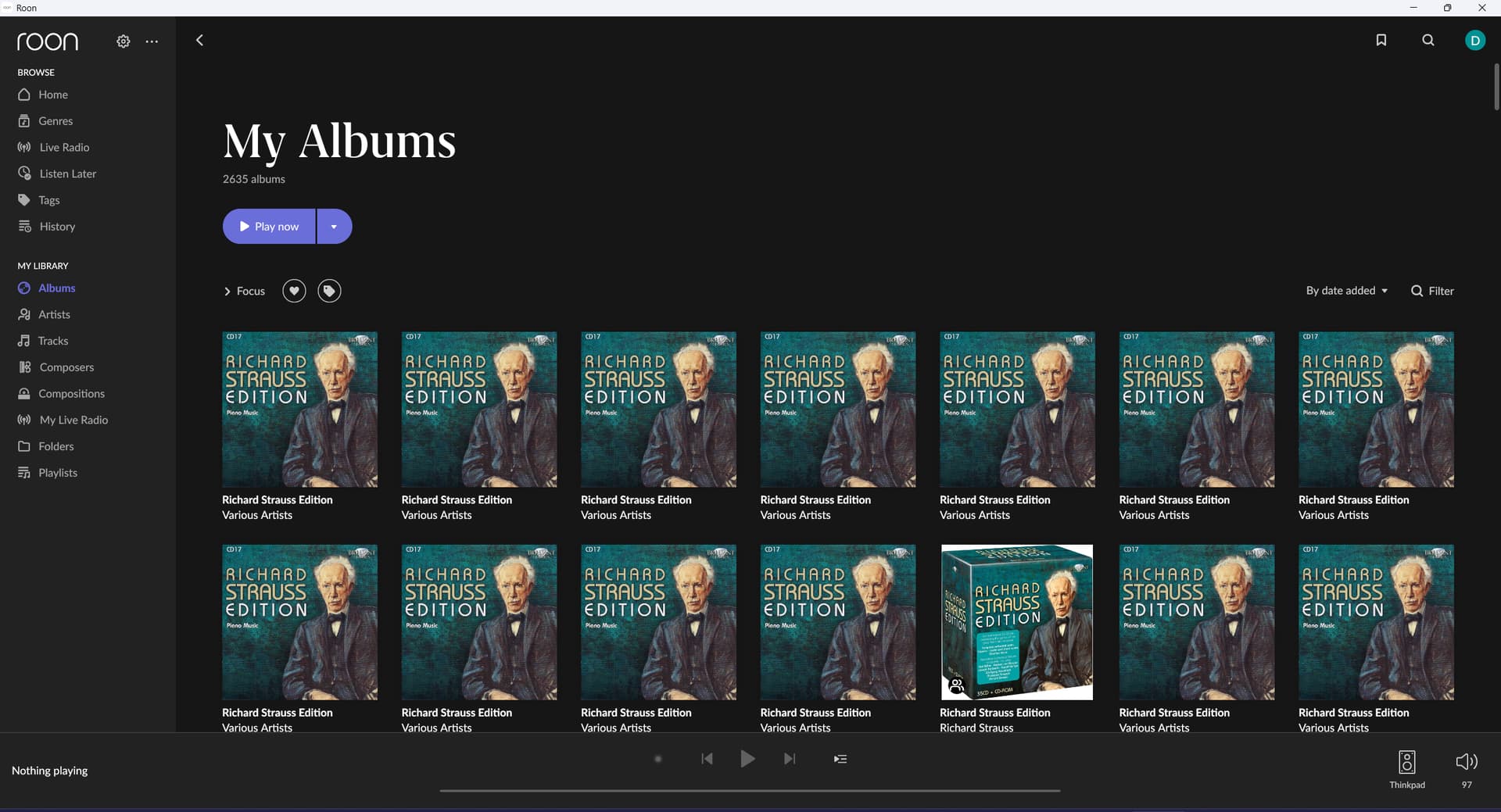
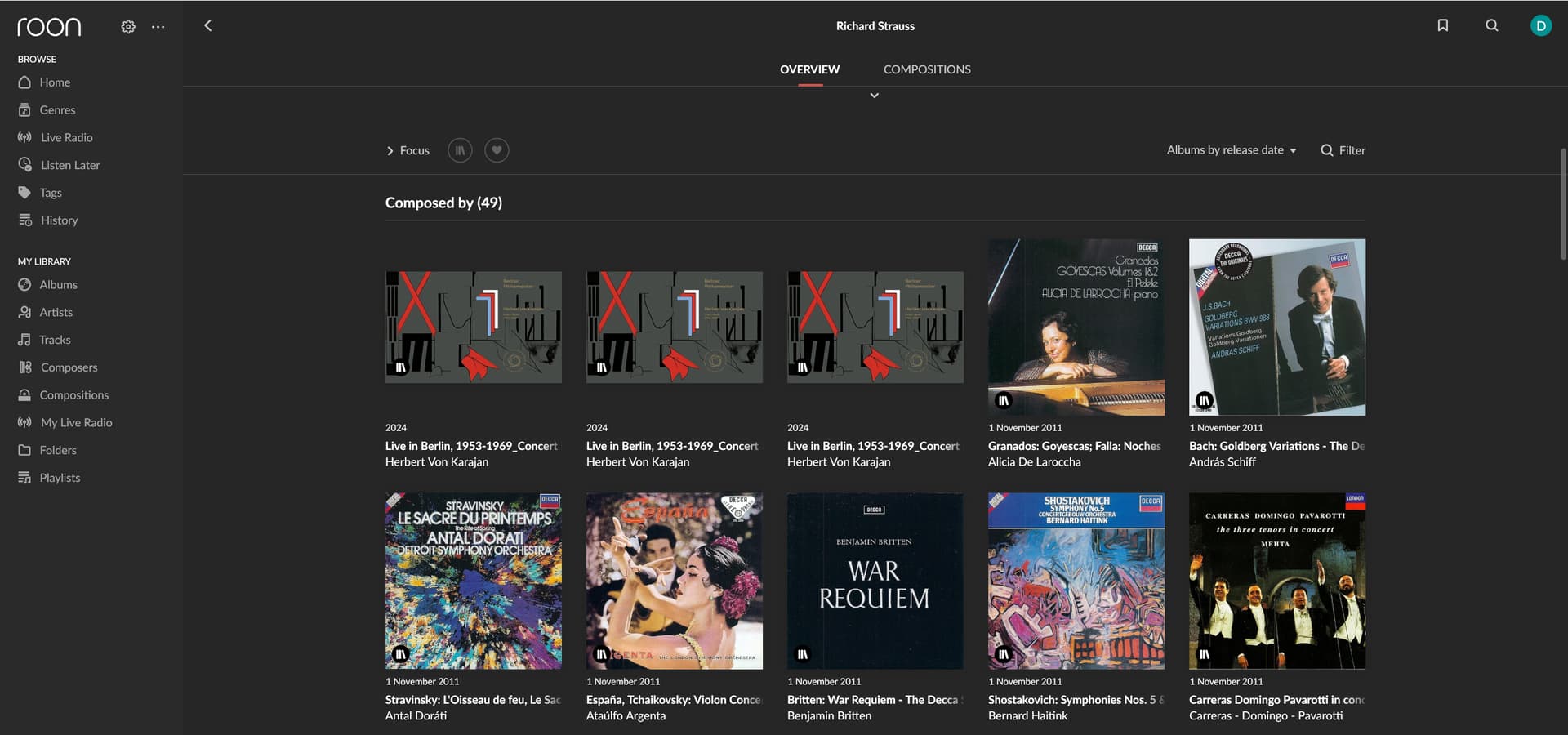
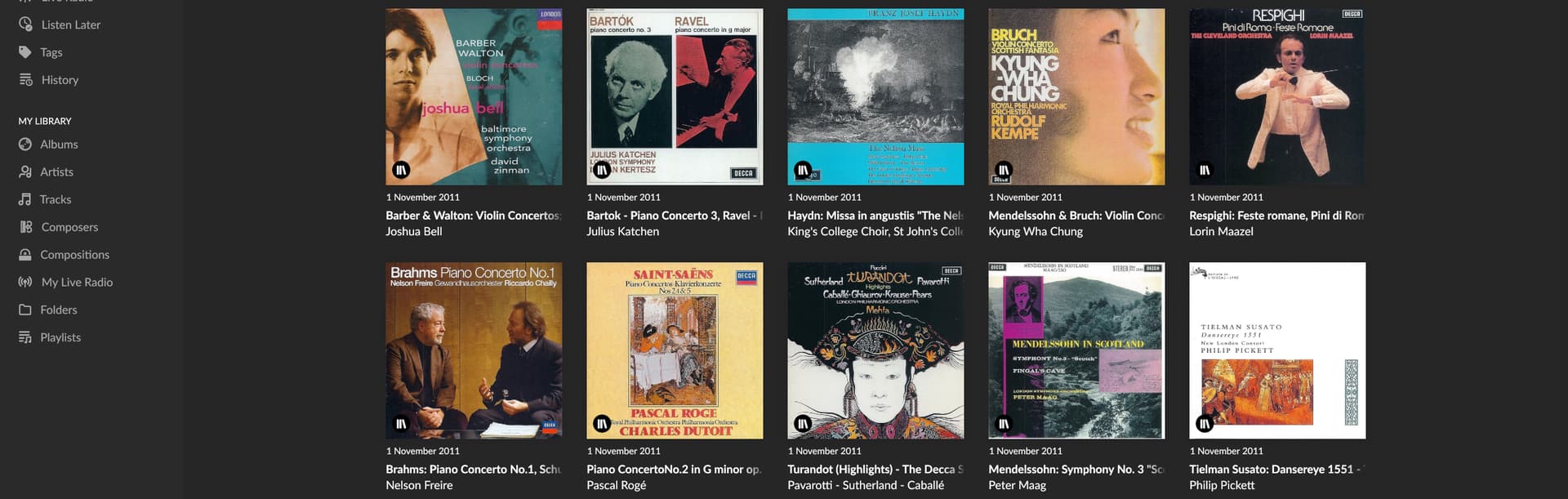
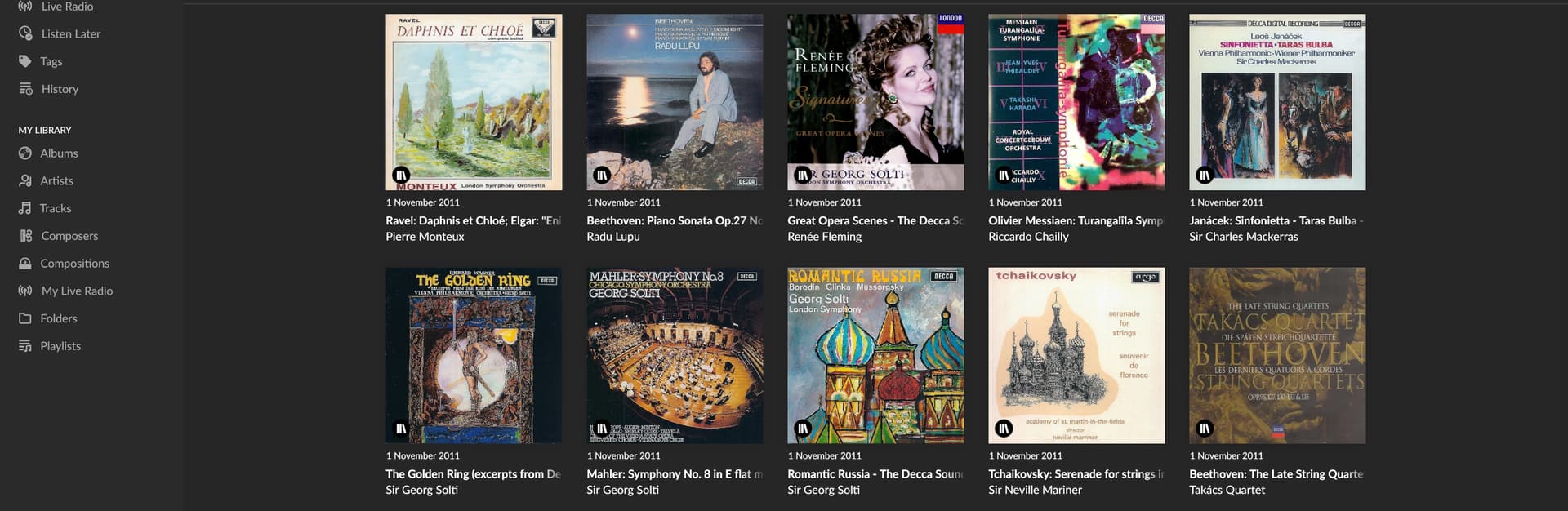
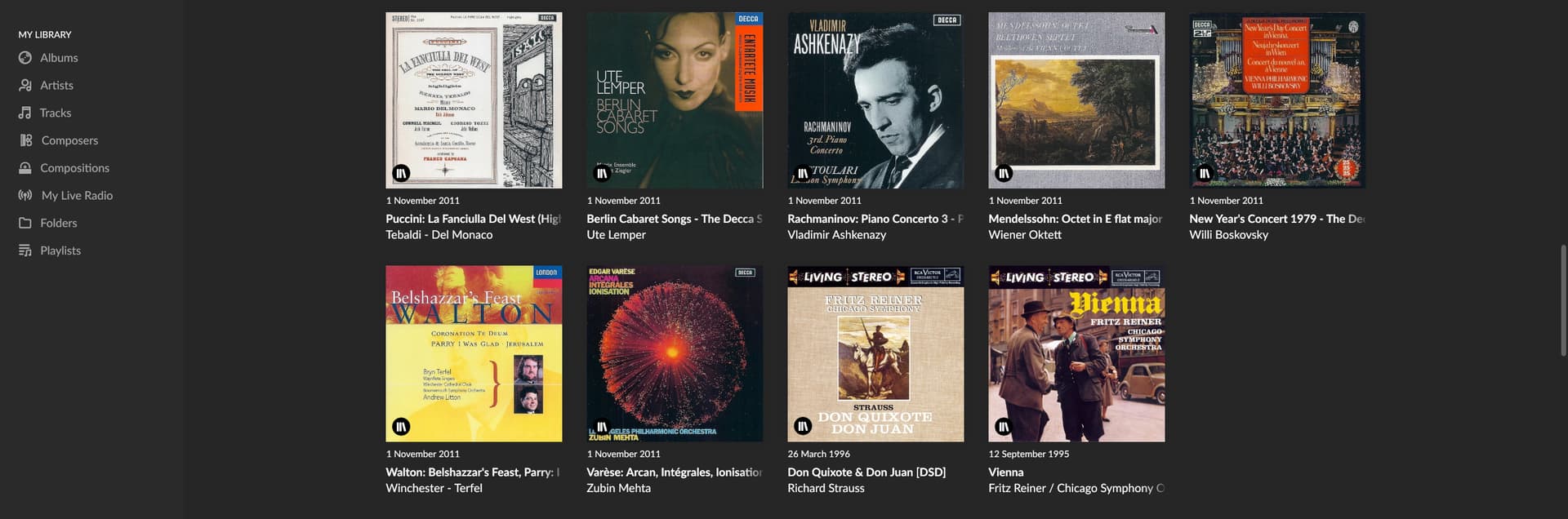
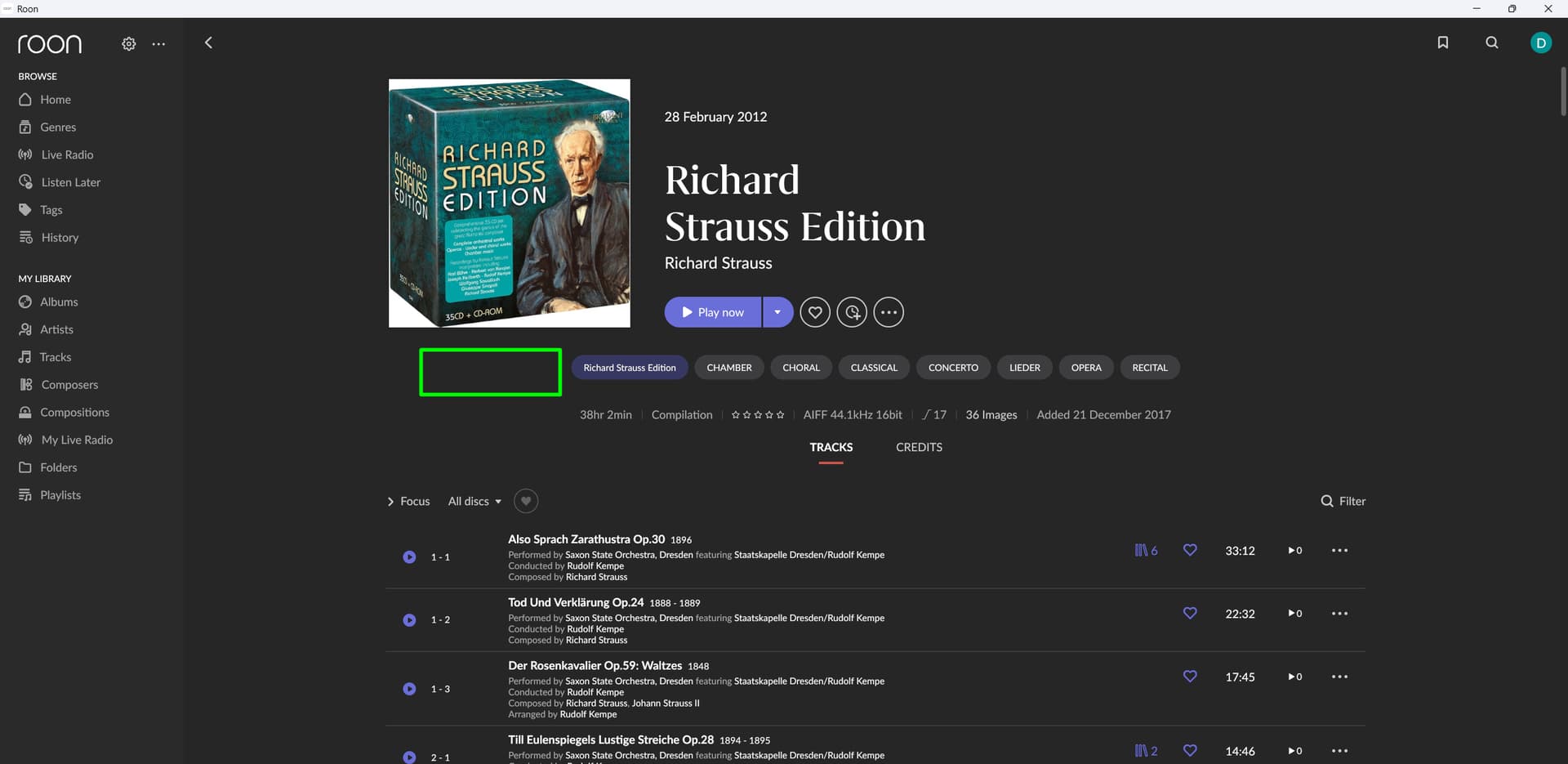
Is there a way to block Roon from identifying an album, or even better a boxset, when importing. Case in point: Richard Strauss Edition of Brilliant Classics is identified, but messing up completely displaying the seperate albums. I would like to only use the file metadata whilst importing, but only for this set. I.e without any impact on my existing database. Is this possible?
You can just go into this album and unidentify it by (pardon me for not being in front of Roon right now and using generic terms) using the Edit > Identify capabilities and putting it back to the “None of these look right” setting.
Unfortunately, for a boxset, the damage is done.
And for some unknown reasons, once it becomes a mess, no way to get it cured.
I recently have ripped and imported 2 boxsets:
Leonard Bernstein - The Symphony Edition.
Imported perfectly as individual albums with my album covers
Richard Strauss Edition - Brilliant Classics
Used the same methodology/structure.
No way to get it to my liking. E.g. I get 35 albums with the same cover (with 35 covers available to scroll by)
This will ultimately depend on several factors. Roon’s treatment of multi-disc box sets has several known compromises and real client bugs that the team is working to iron out - particularly when only partial metadata is available (ie. for only some of the volumes/CDs).
Within your own files:
Does every file in every volume/CD of the box set have the same album title?
Are the disc numbers in order (ie. 1-60, etc.)
We’ll need to take a look at the particular box sets you’ve mentioned internally, so please upload them here:
Roon’s handling of the individual CD/volumes also depends on whether some or all of the CDs have been identified in our metadata servers.
In the case where we do have metadata for the separate albums/CDs/volumes, we usually advise users to tag the files as if they are separate albums (which you might have done). Next, manually identify the separate albums (which you seem to have done).
In the case where Roon’s servers only have overall boxset metadata, and not complete disc-level data, then there are two options to try to get the artwork consistent at the disc-level and/or box set-level:
a. Tag the albums as separate albums and painstakingly use the manual identification wizard to identify the “partial” album against the full box set. This has a known bug in which Roon will erroneously identify some albums as others.
b. Tag the albums as a single box set with single title, identify it as the whole thing, then attempt to use the client to split the discs. This doesn’t work well either.
We can certainly illuminate precisely what’s failing and determine whether it’s tied to a known client bug with image handling for box sets (more likely) or a metadata issue.
Please review the suggestions above and provide the files when you have a chance. We’ll take a look and proceed from there. Thanks!
Thanks for your feedback.
I am happy to work with you on these 'boxset" issues as much as I can, so please do not hesitate to make any requests.
Now on your request to upload the box set I am struggling with, as the format is AIFF, the totata size is 23,2 GB. My available upload bandwidth is (upto) 30 Mbs.
Do you really want me to upload the whole set? I have no problem doing so, but it will take days to get it completed.
I have compressed the whole boxset to the lowest quality mp3 (I know that this is not natively supported by Roon, but supported through Windows, so I have this works for you).
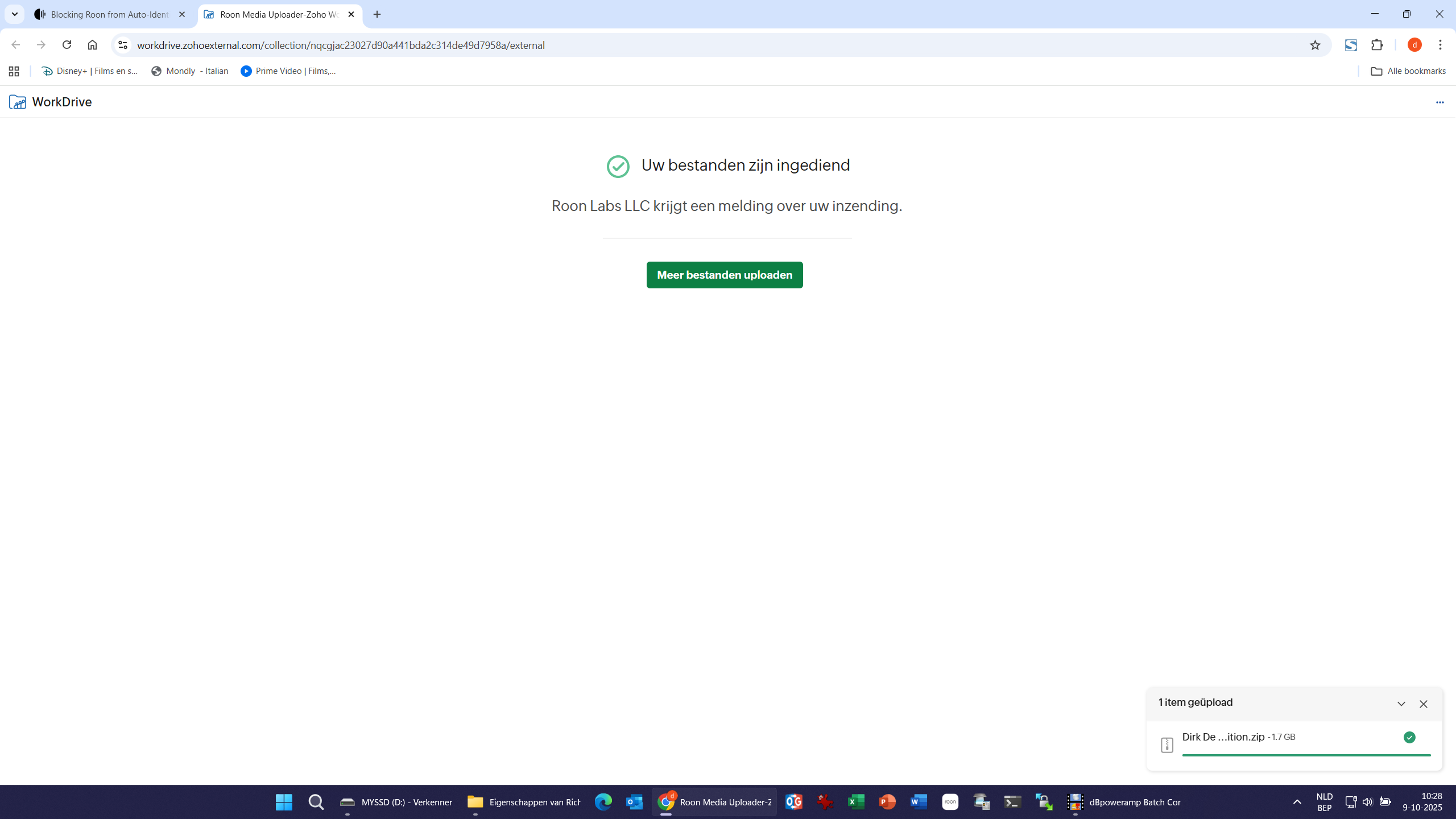
As such I have been able to upload the boxset:
I also checked that the metadata still is contained within the mp3 files.
Please let me know if this is workable for you.
If not I could try to compress with the strongest level in flac, but I doubt it will result in a file < 5GB in total.
Dirk
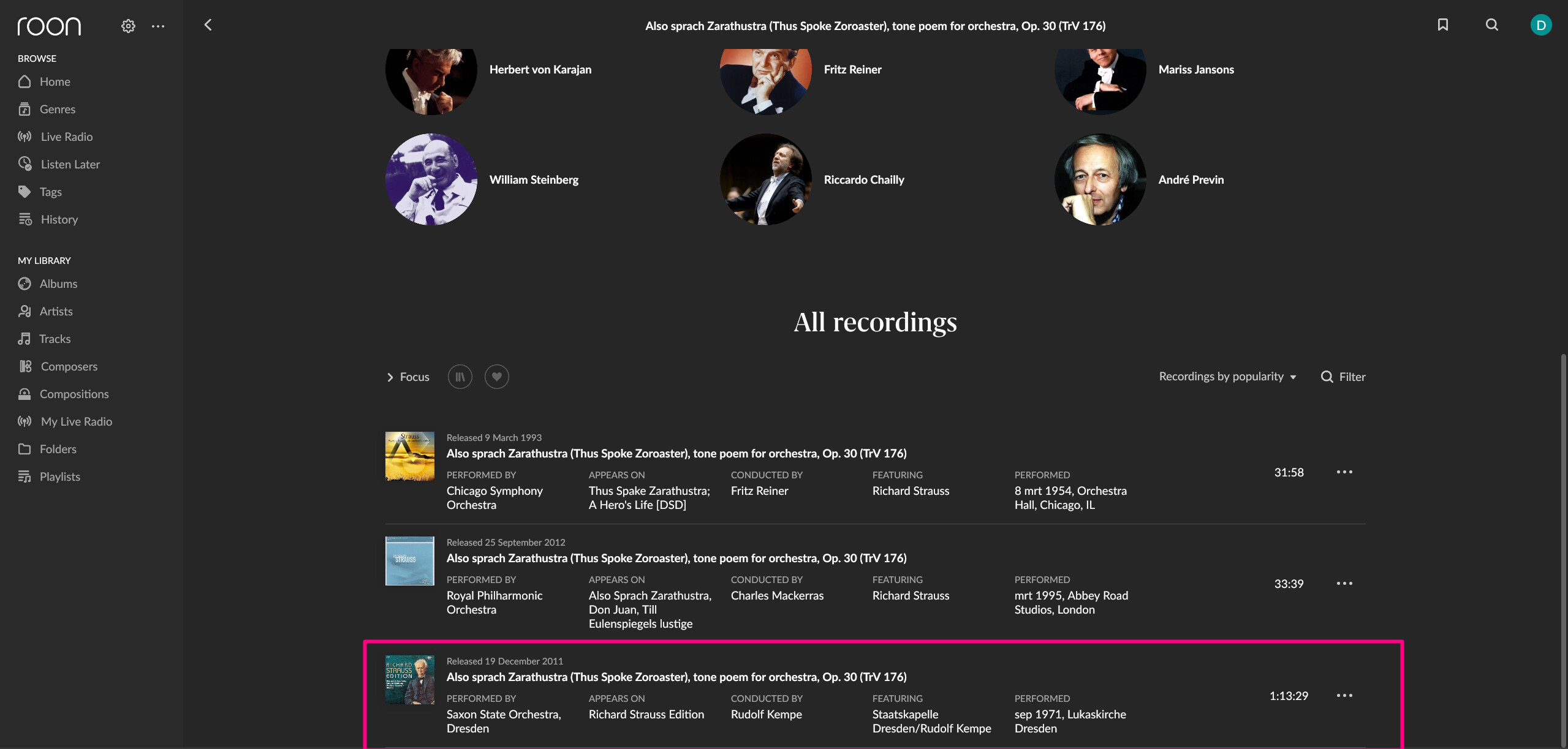
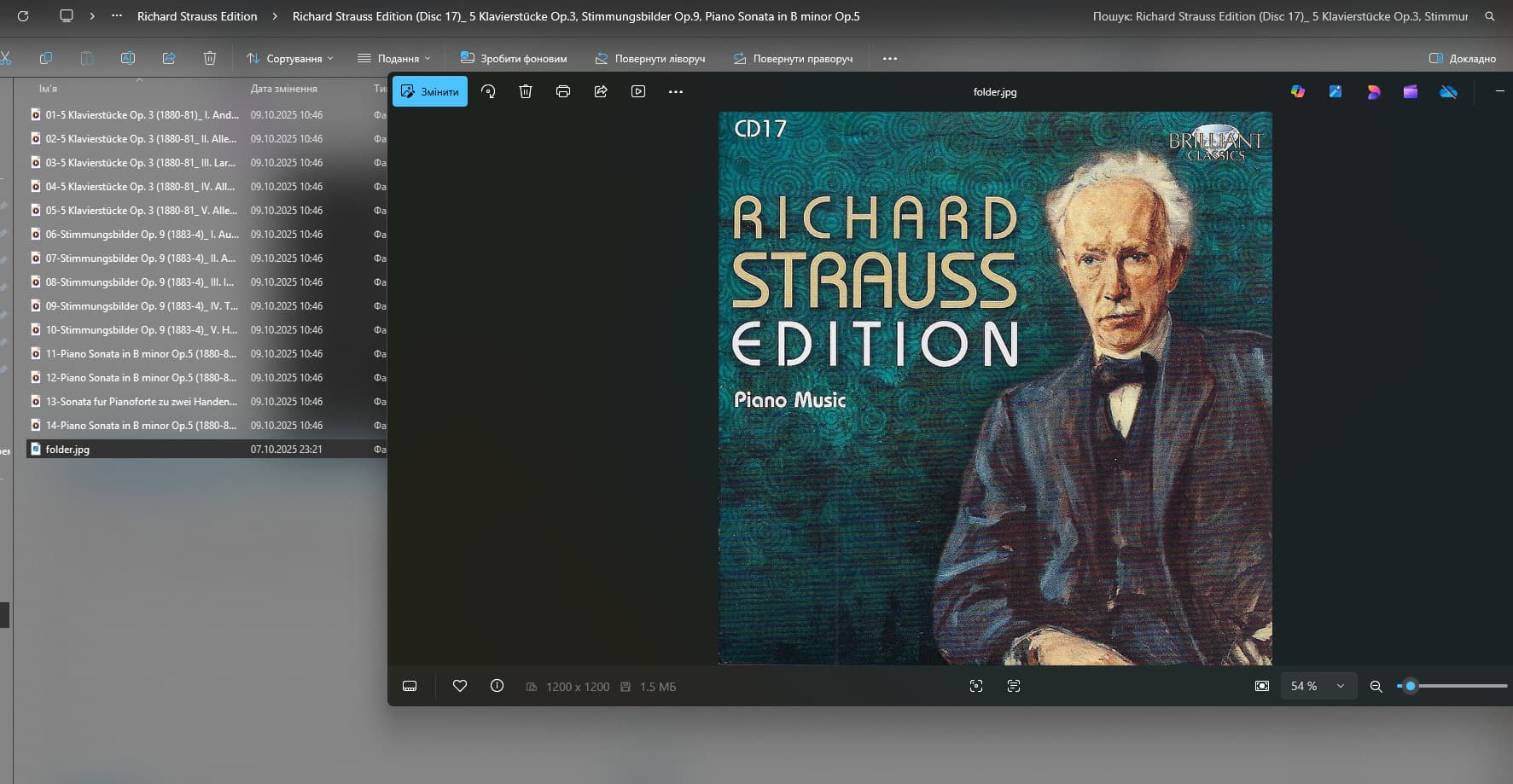
After (lots of) trial and error, it seemed there was 1 album (disc 17)) that was creating all this chaos.
When I copied album per album into Roon, I succeeded to have a clean interface (not necessarilly the one I favour) as long as disc 17 was not copied.
Checking and even rewriting metadata with different programs (dBPoweramp & mp3tag) did not help.
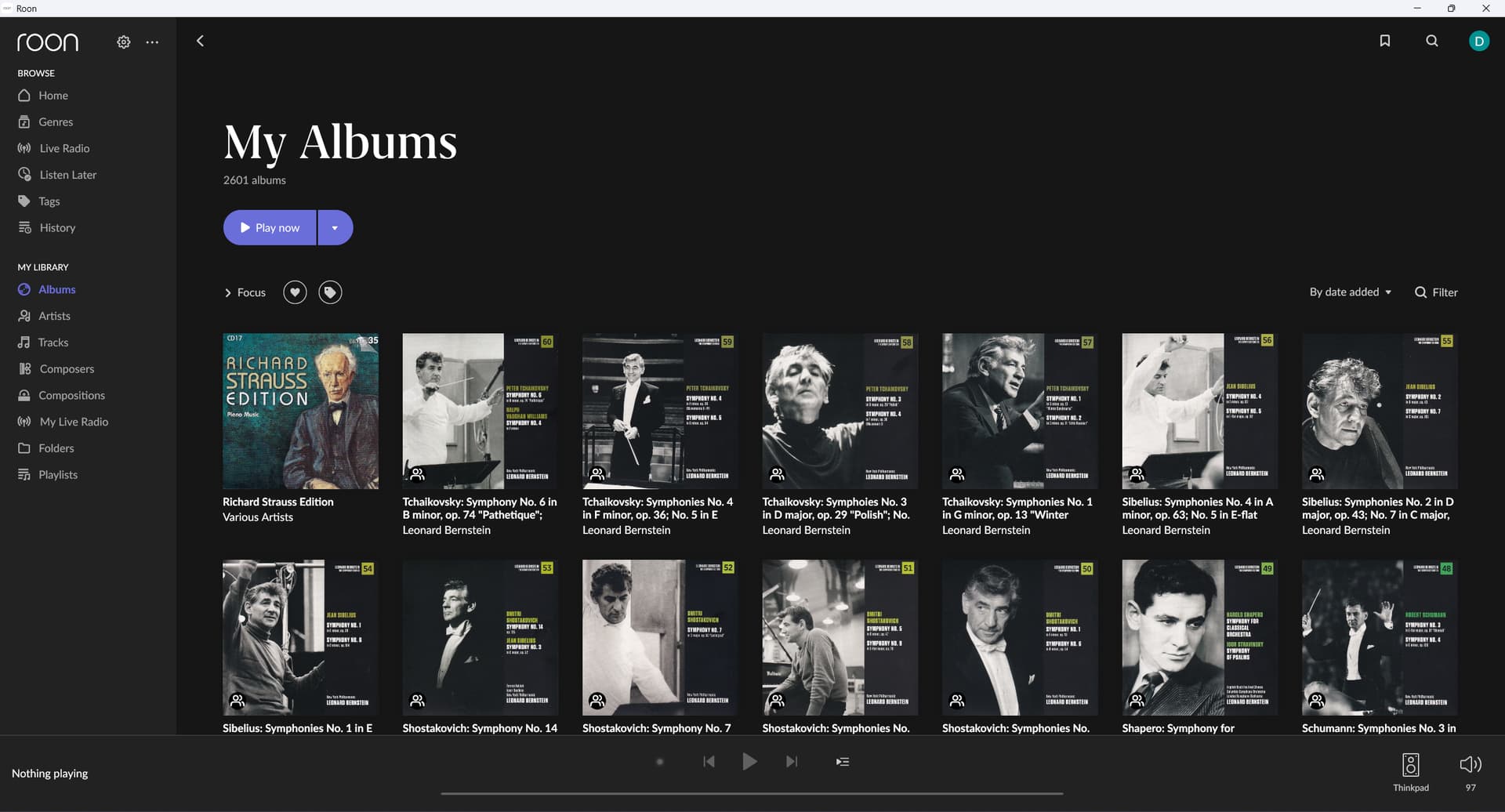
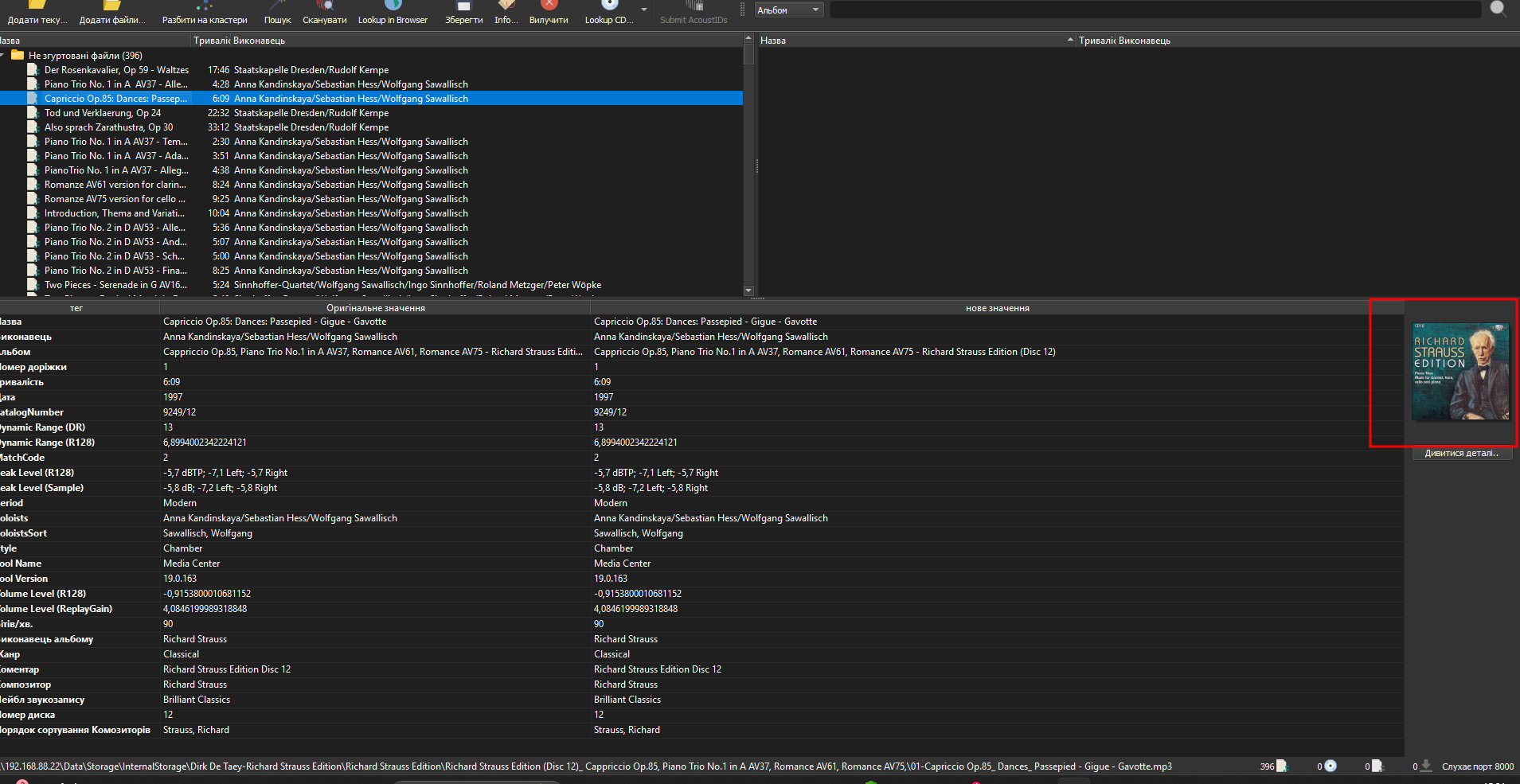
So, in the end, I re-ripped the album and that at least took care of all the chaos:
It is still not the result I prefer to see (look at the Leonard Bernstein - The Symphony Edition albums for that)
(And one other minor thing: I now get the album cover of the latst album I copied (disc 17), i.e . I need to remove and recopy disc 1 in order to see album cover 1 to make any sense)
In this case of ‘stapled’ album covers, the trick seems to be to make the cover you want to be displayed the biggest.
In this case I enlarged the cover of album 1 to 1225x 1225, and as a result it is now showing as ‘preferred best’.
I’ve just imported the files you attached, and I can confirm that each album folder contains a folder.jpg file with the same picture you mentioned as being “messed up.” Additionally, each MP3 file also includes an embedded cover image.
Could you please clarify what the expected behavior in Roon should be in this case?
How exactly did you move the albums — one by one?
Were you adding them to the root folder or to the box set folder?
And did you move them using drag & drop or via SMB/File Explorer?
I am very sorry, but I am quite confused by your questions.
I did copy some albums one by one, some in groups of five,some in groups of ten - removing them again when issues arised.
In every case: every single time I disabled the storage location in Roon before copying files to the watched folders, and only enabling it again when the files were copied completely.
I added the albums to the boxset folder.
And did you move them using drag & drop or via SMB/File Explorer
I used ‘drag &drop’ method, but the files are residing on my Audiolinux server, whilst I am performing all the actions from my Windows 11 laptop.
There I have defined a Network connection to the drives in my aAudiolinux server containing my music albums.
**
**
The desired behaviour is like the ‘Leonard Bernstein’ boxset. All individual albums, each with their own album cover, as shown in all presented picturs before.
If it is possible for that boxset, why not for the Richard Strauss boxset?
Thanks for the detailed follow-up and information! Based on what you’ve described, it seems like you’ve done everything correctly so far - and that the issues you’re dealing with may not be metadata related, but more so with Roons application logic.
We don’t have any additional troubleshooting steps at the moment, but we have a ticket in for further investigation with development. We’ll share updates once the development team has implemented or tested changes related to these issues.
I would like to come back one last time to this topic.
This morning, I made some ‘corrections’ to the metadata of the Richard Strauss Edition albums.
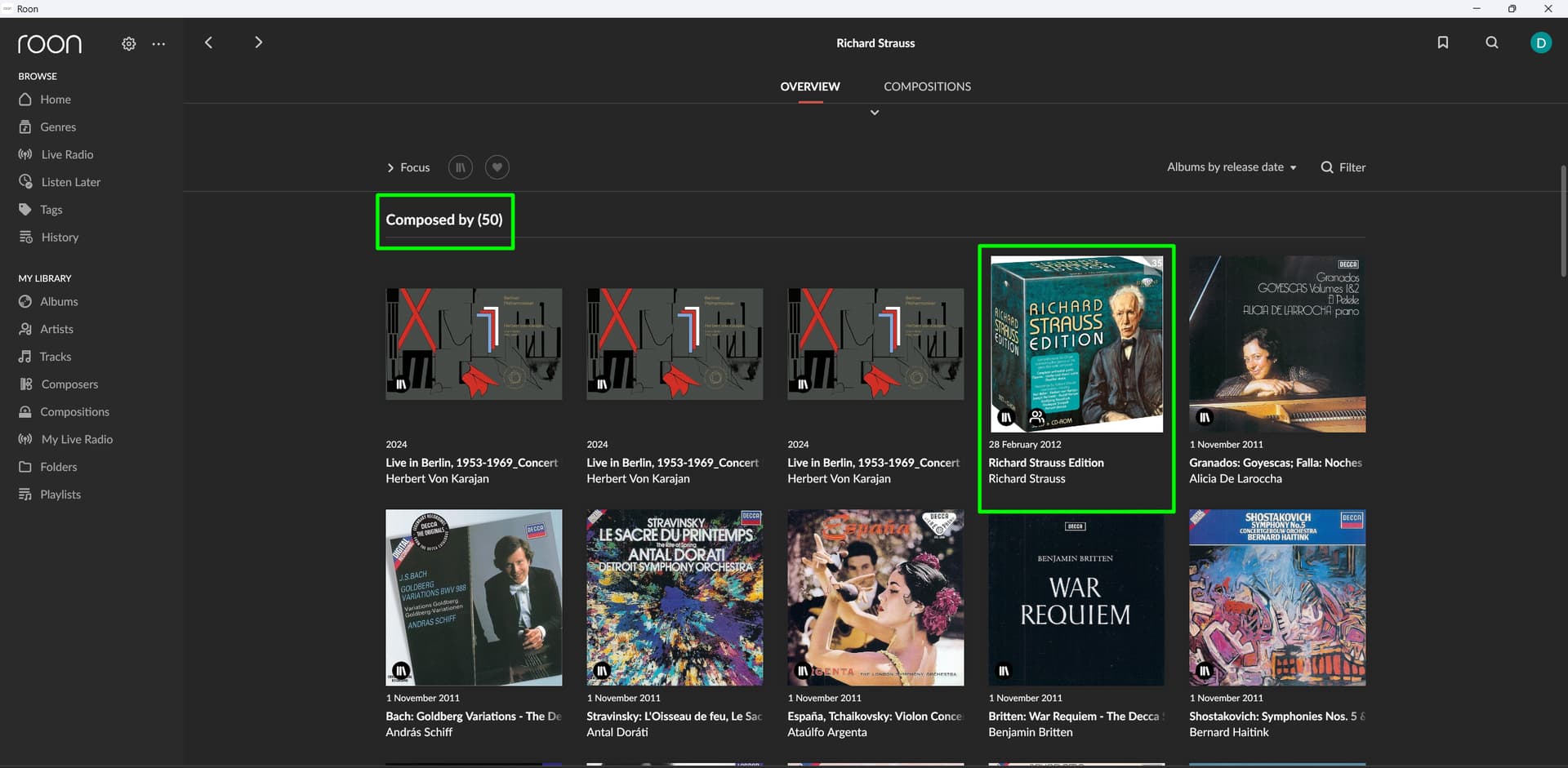
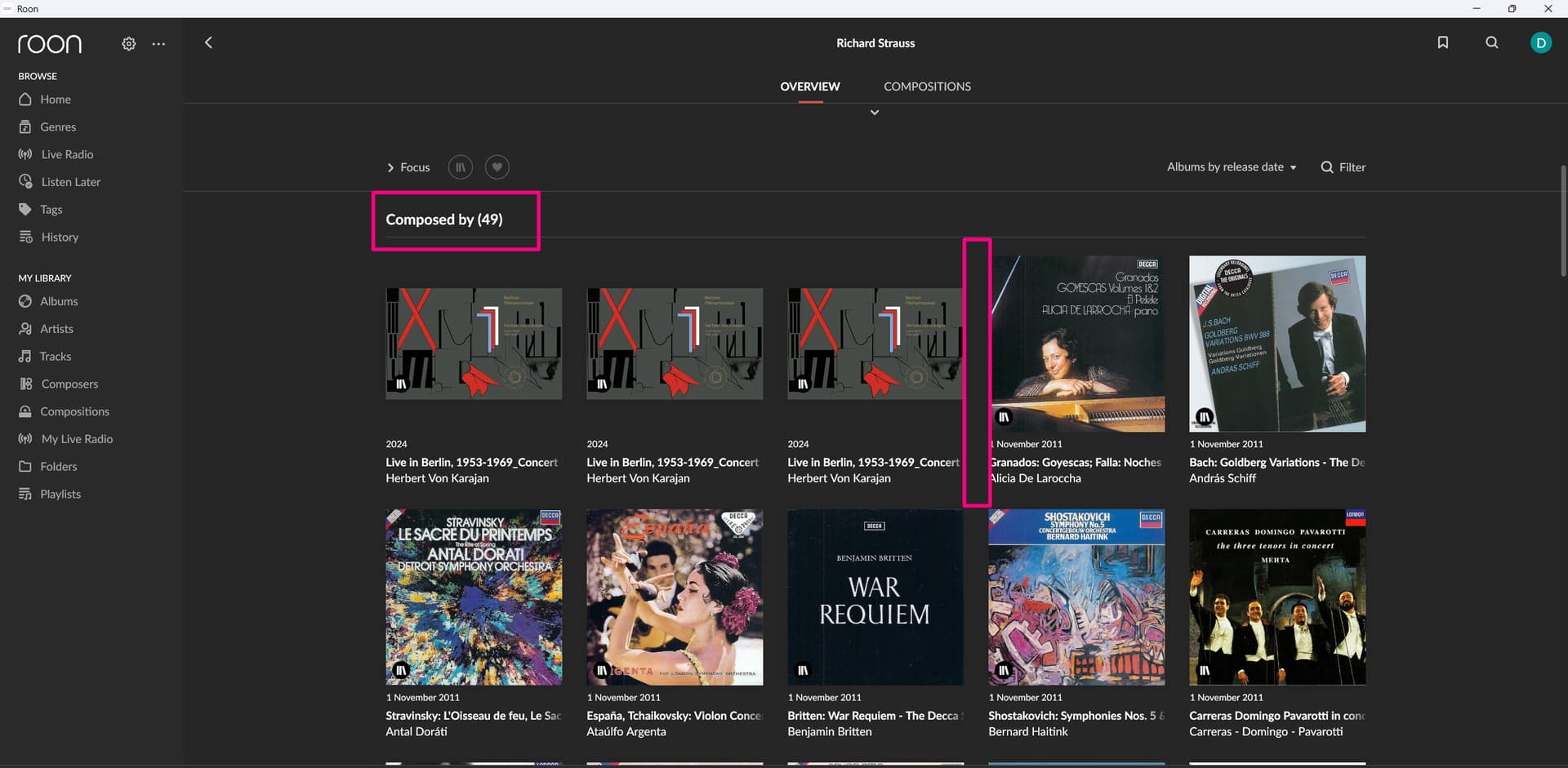
After rescanning/identifying by Roon, I was happy to see the album to appear also in the composer overview:
I have understood there is a known bug in Roon.
But I still wonder how a ‘boxset’ can first be identified and reported correctly by Roon, and little time later is removed again.
Have you tried categorizing Richard Straus exclusively as a composer rather than a composer and/or primary or album artist? Normally I would set the primary artist link at the top of the page as Various Artists rather than Richard Strauss for a big composer box set like that. Sometimes there is a dominant performer (conductor/orchestra/soloist etc.) so I would set that instead of Various Artists, but not the composer. There doesn’t seem to be a dominant performer with that Brilliant set so you may have more luck with Various Artists. But be warned, although roon navigation will be more consistent it may not be what you expect if you are used to having composers and performers jumbled up.
With Classical roon has different navigation logics for composers and performers and I think you might be seeing those conflicts.
I have given it a try,
I changed all Album artists to one of the artists of the album (most of the time the conductor).
Name of the Composer (Richard Strauss) only to be found in the Composer field, as suggested.
Unfortunately, results remain the same: the boxset is in My Library, but not be seen in the Composer Overview.
Hang on. The Karajan has Richard Strauss compositions but the others in your screen don’t, so they shouldn’t be showing up in a Richard Strauss overview.