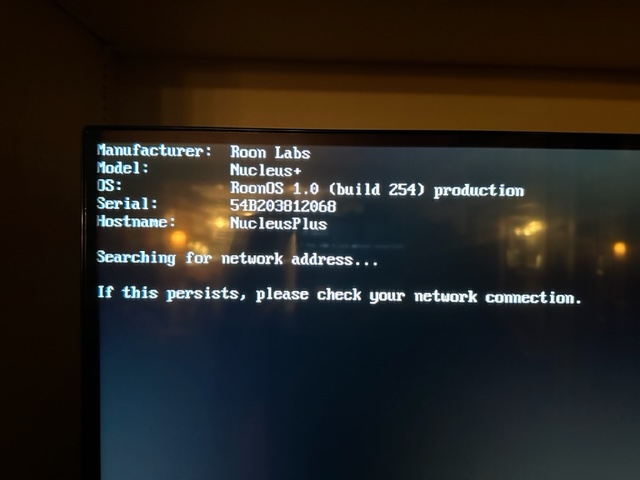
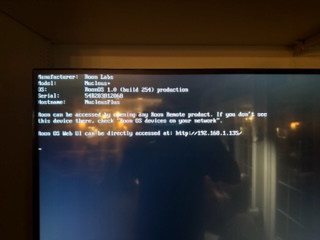
After having my motherboard replaced on my nucleus + August '22, my Roon has been running perfect until two weeks ago, now I cannot connect to my nucleus + again. I’m running Ventura 13.3.1. I turned off my firewall, no help. IP address looks good. Cannot connect with my iPad either. Try to connect with http://nucleusplus.com and http://nucleusplus.local. I’m running off a MacBook Pro with the above mentioned address number.
I can confirm that it’s been over 20 days since your Nucleus was last seen by Roon servers. If you could connect a monitor and let us know what (if anything) you are seeing it would help. If possible, post a photo here too!
I logged into the web address and was able to connect and it said everything was okay, but when I updated my core and peripherals (iPad) it shut down. It said make sure Roon core is on and connected to the same network. Now I cannot get the message to come back on the monitor again.