Hey @Alan_C,
Thanks for the update! We were able to review fresh server logs that show what you restored wasn’t your old library, which is why you’re seeing only Tidal. Let me explain what happened and how to fix it.
When you ran the restore, Roon restored this backup:
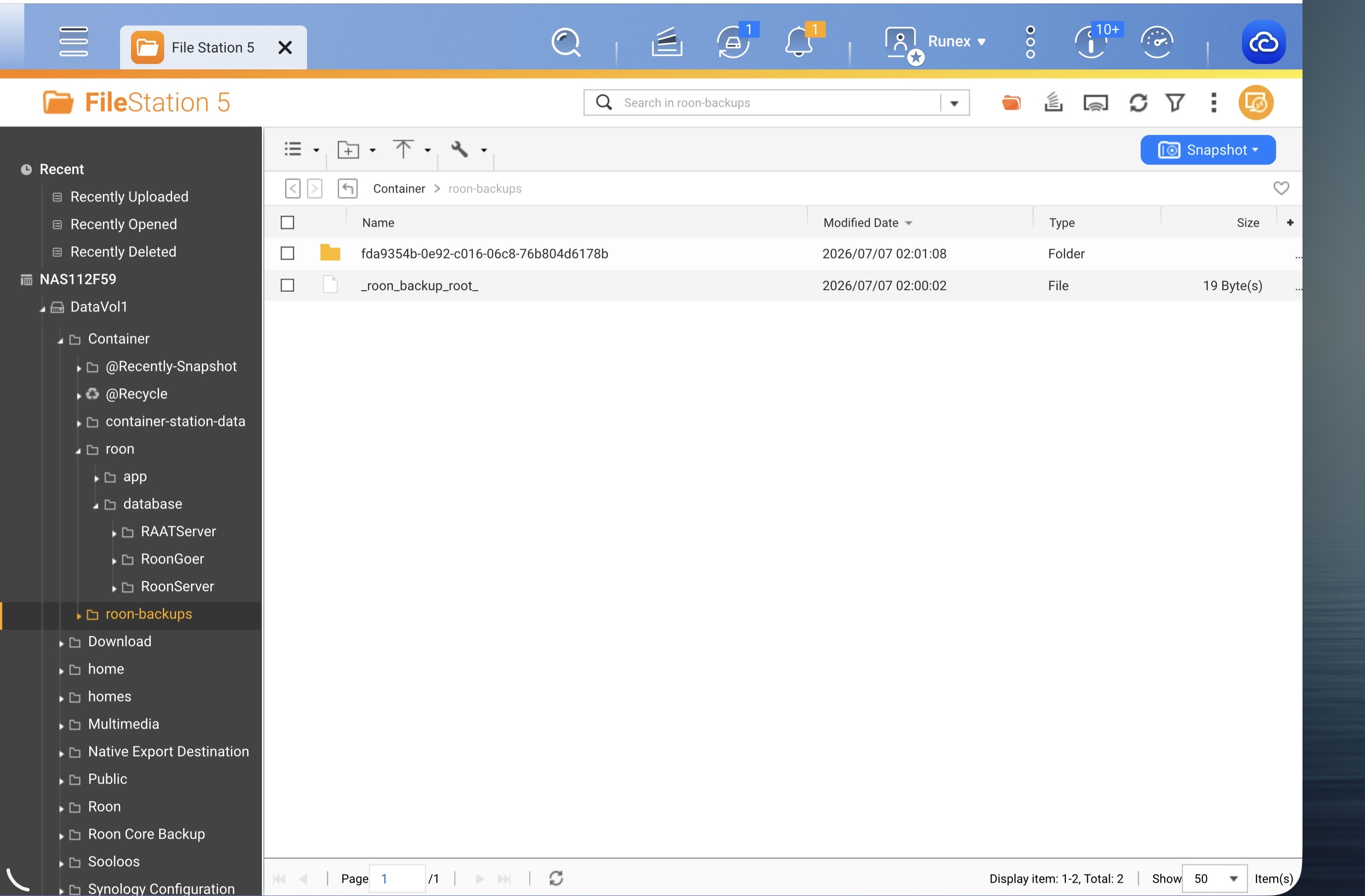
serial=fda9354b… backup=b_20260715090001
That fda9354b is your new Docker server, and that backup is the container’s own automatic nightly backup, which has only ever contained your Tidal library. So the Tidal-only result is exactly what that backup holds. Your current database confirms it: 3,494 albums and 47,151 tracks, and every one of them is from Tidal. None of your local files are in it.
Why your old backup didn’t show up as a choice
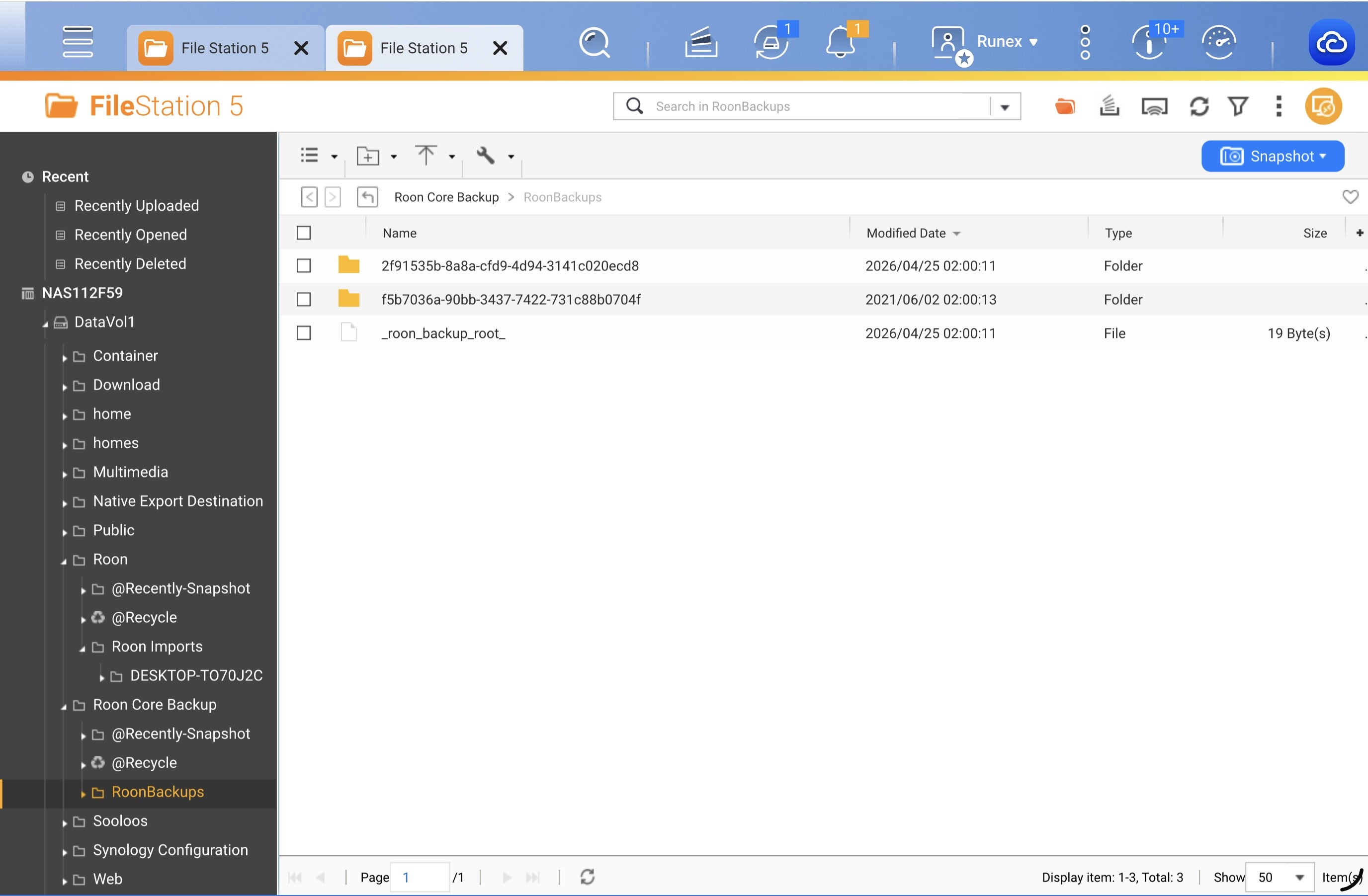
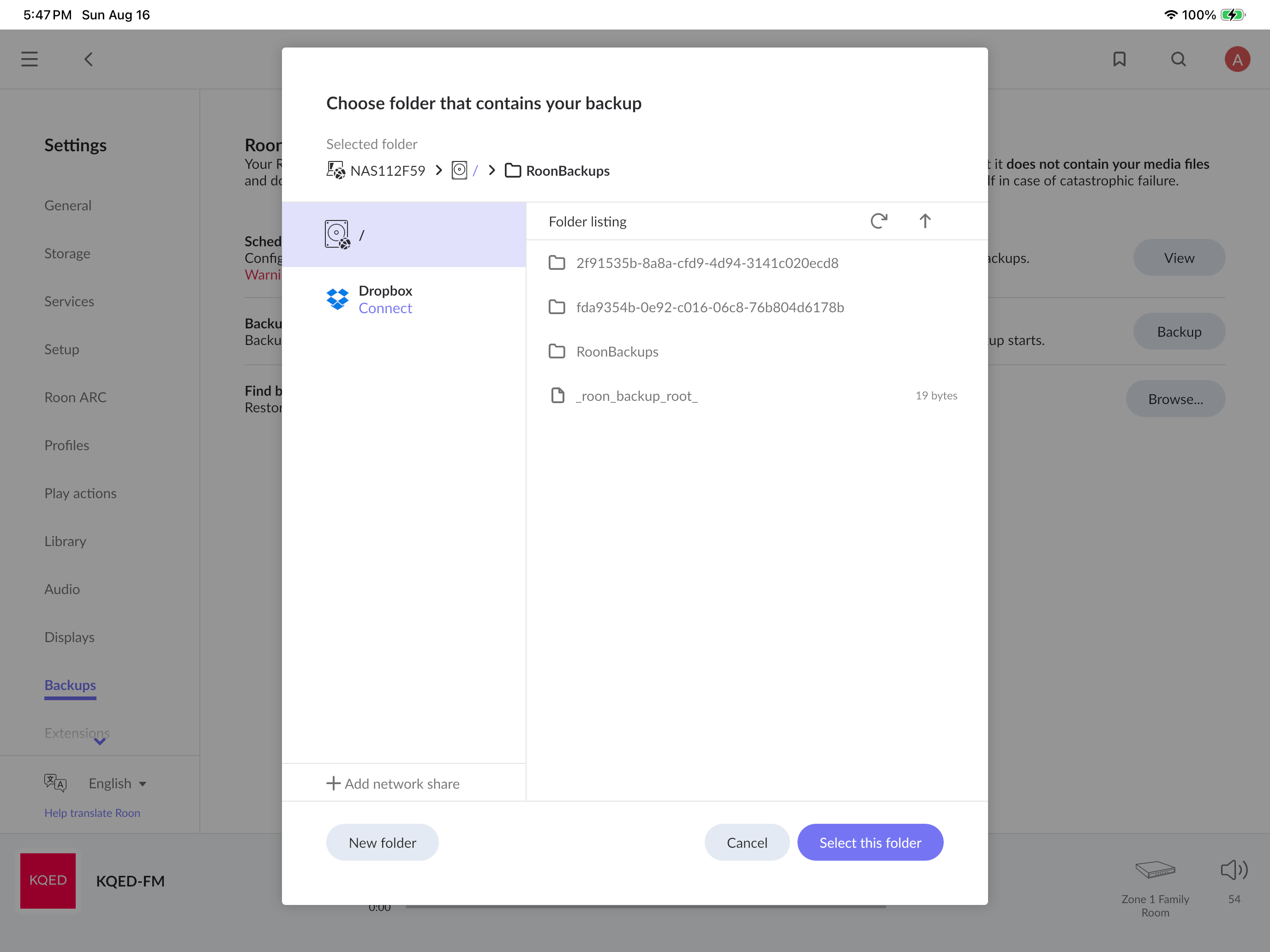
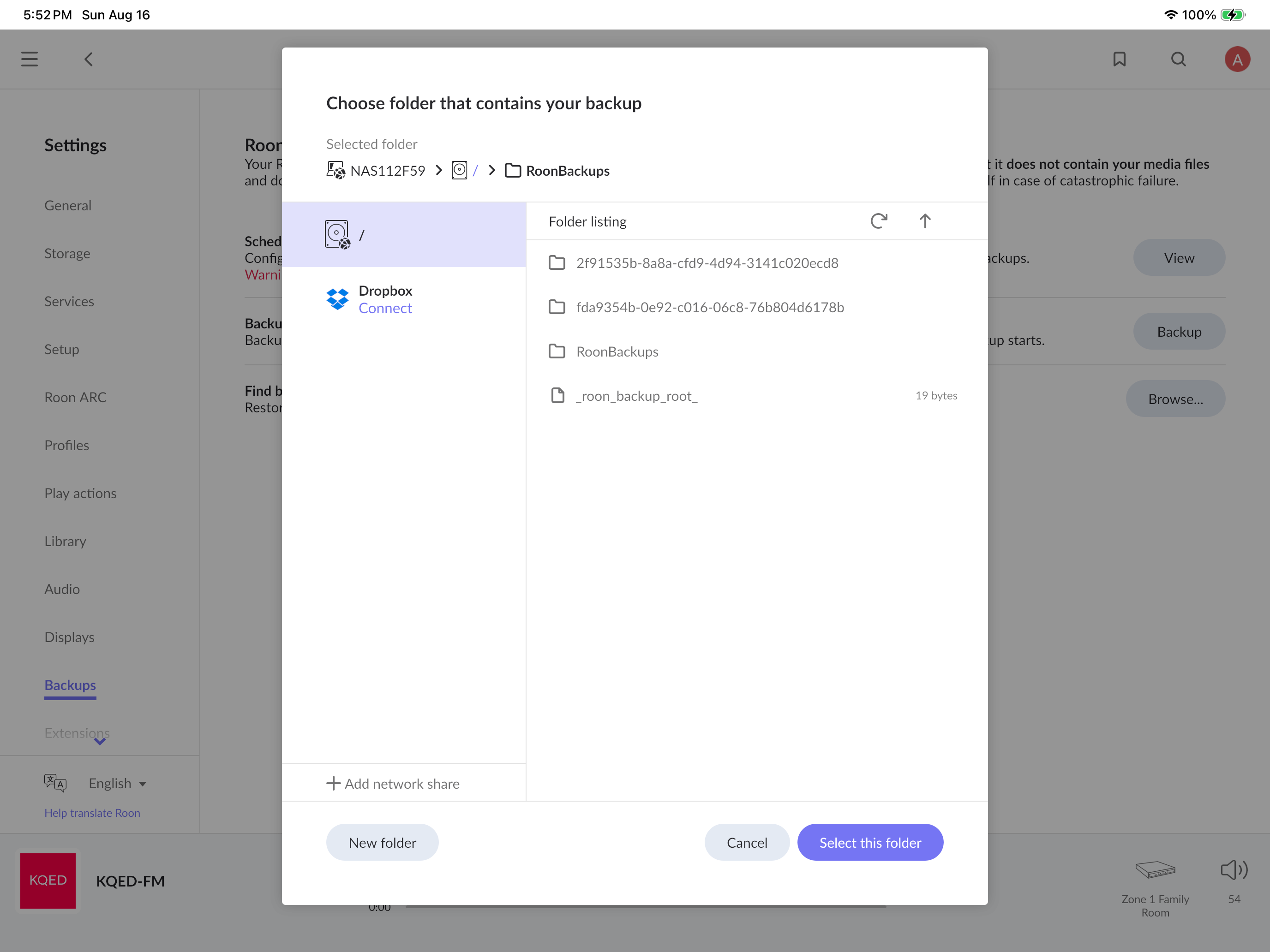
Each time Roon looked inside the 2f91535b… folder (that’s your old, pre-Docker server, the one with your CDs and playlists), it reported that it couldn’t read the backup marker file:
could not read id file: /RoonBackups/2f91535b…/roon_backup: NotFound
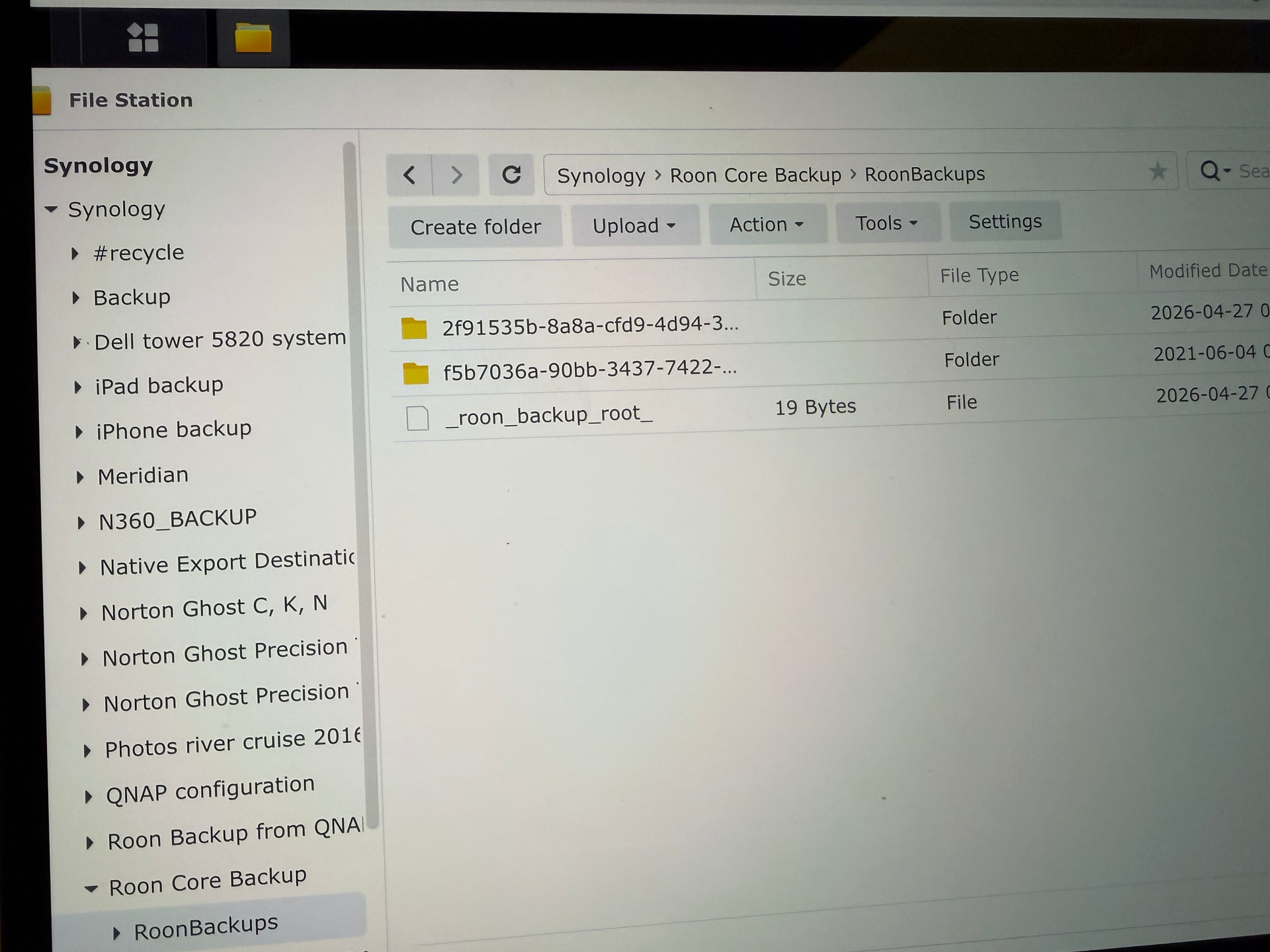
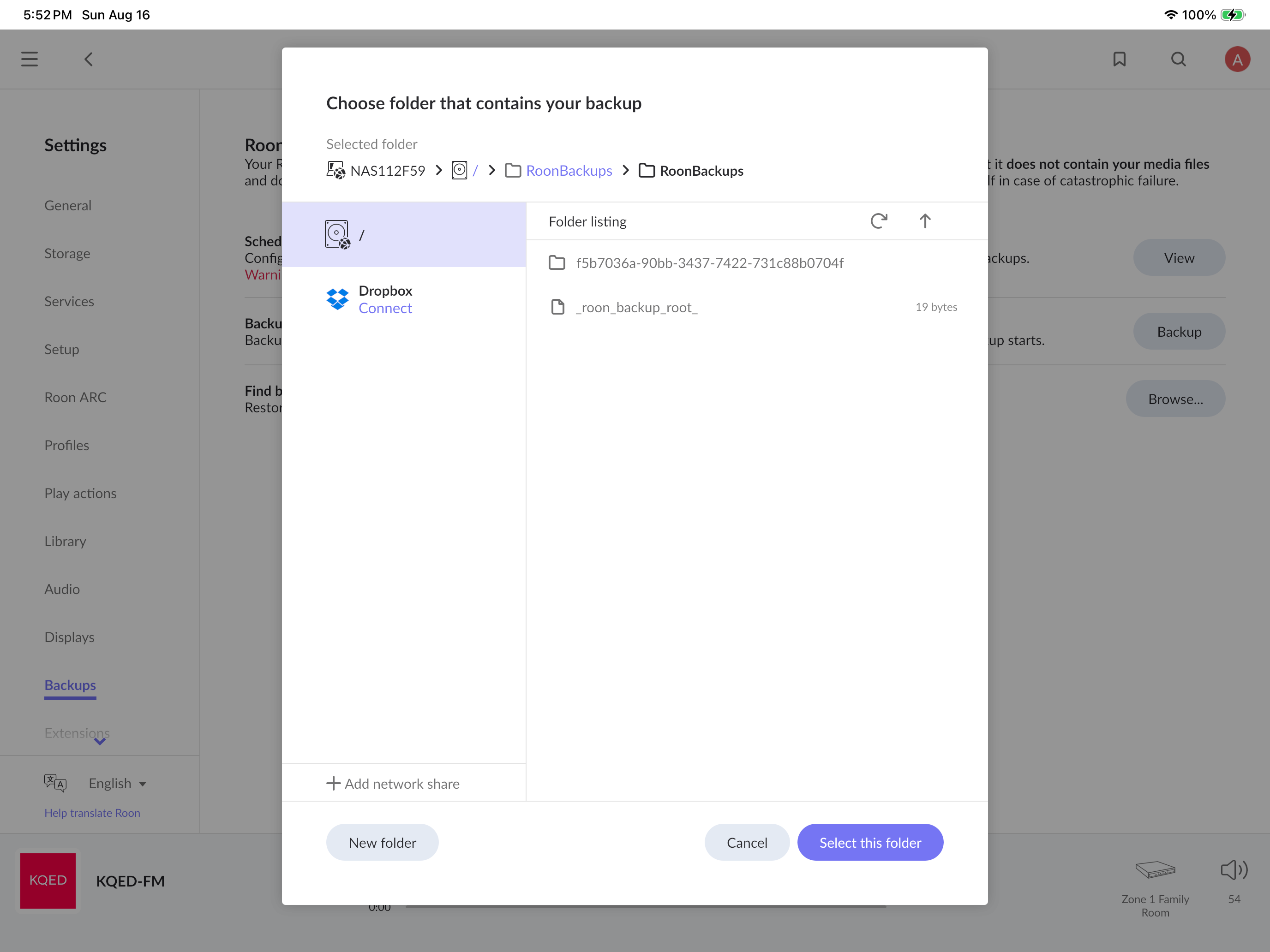
Because that marker is missing, Roon doesn’t treat 2f91535b… as a valid backup, so the only thing it offered you to restore was the Tidal-only Docker backup. This usually means the copy into the container didn’t bring the folder’s inner files along completely.
Step 1, Let’s verify the old backup is intact
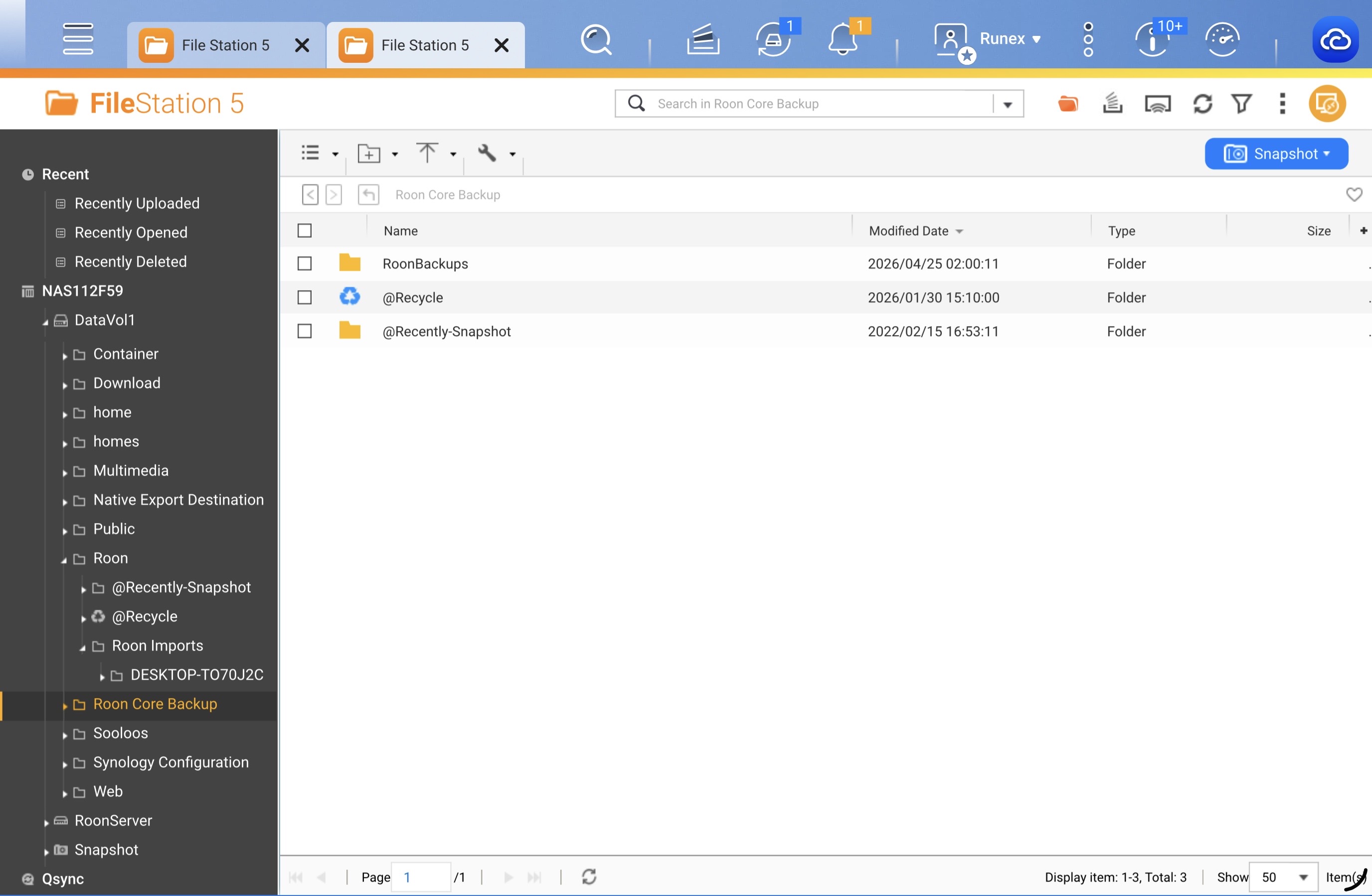
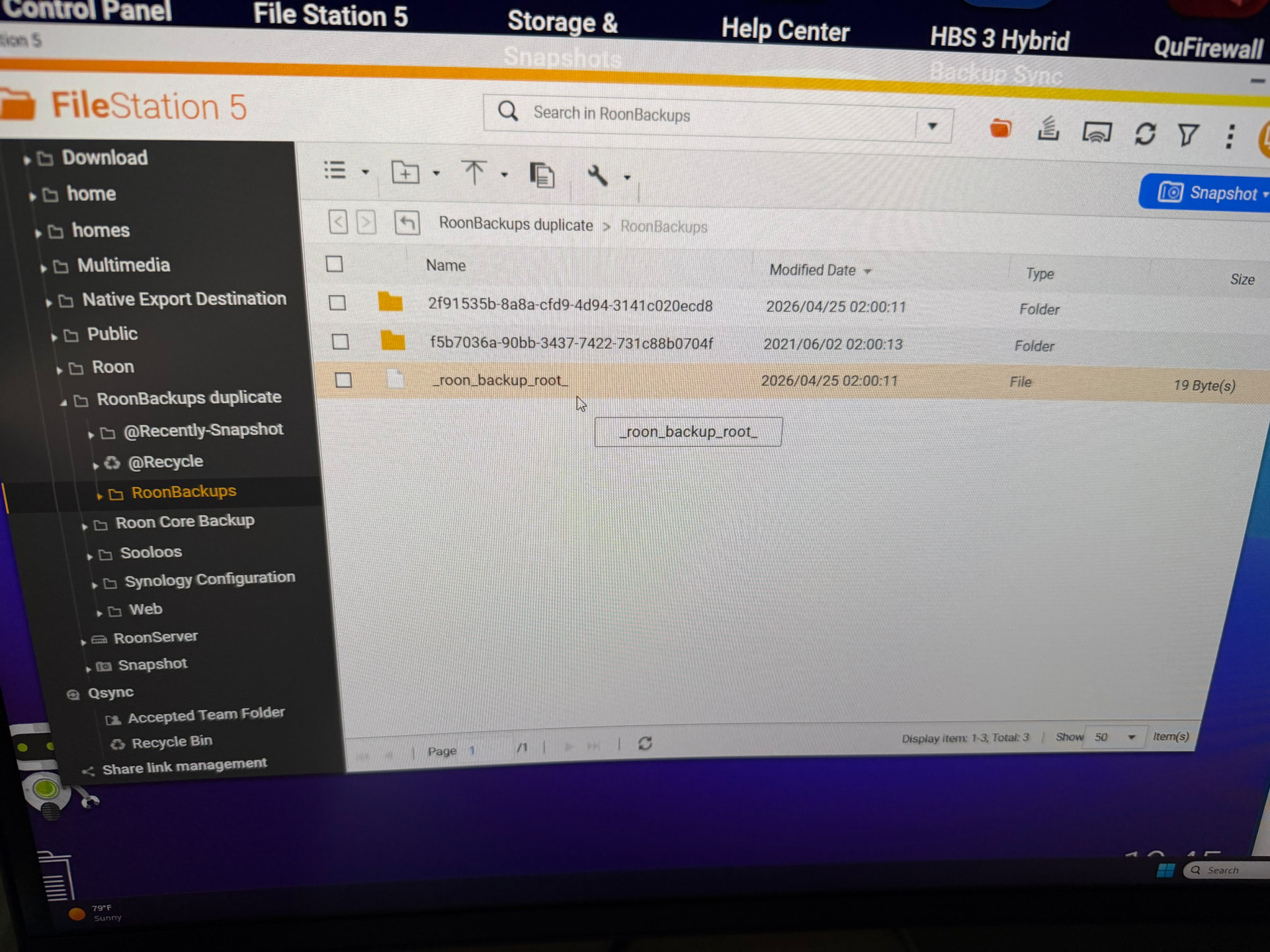
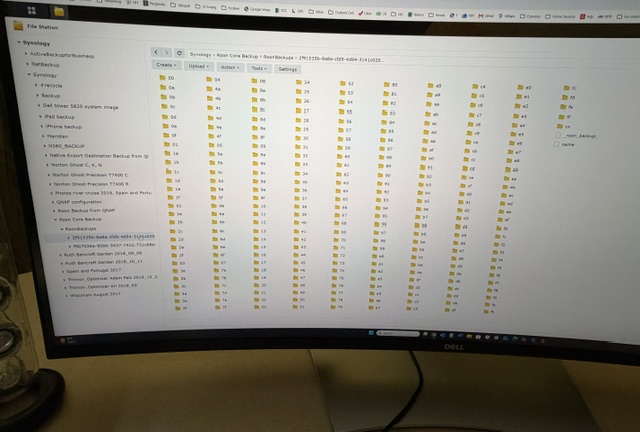
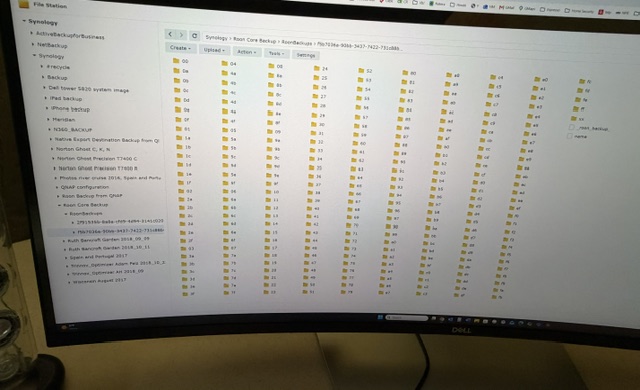
In File Station, open the folder you copied in and go into 2f91535b-8a8a-cfd9-4d94-3141c020ecd8. Tell me what you see inside. A healthy backup will contain:
- a small file named
_roon_backup_ (no "root"), and
- one or more folders named like
b_20260425…
If those are missing or the folder is empty, the copy was incomplete, please re-copy the entire original
RoonBackups folder again, making sure hidden/system files are included, and confirm
_roon_backup_ appears inside
2f91535b….
Step 2, Restore the correct backup
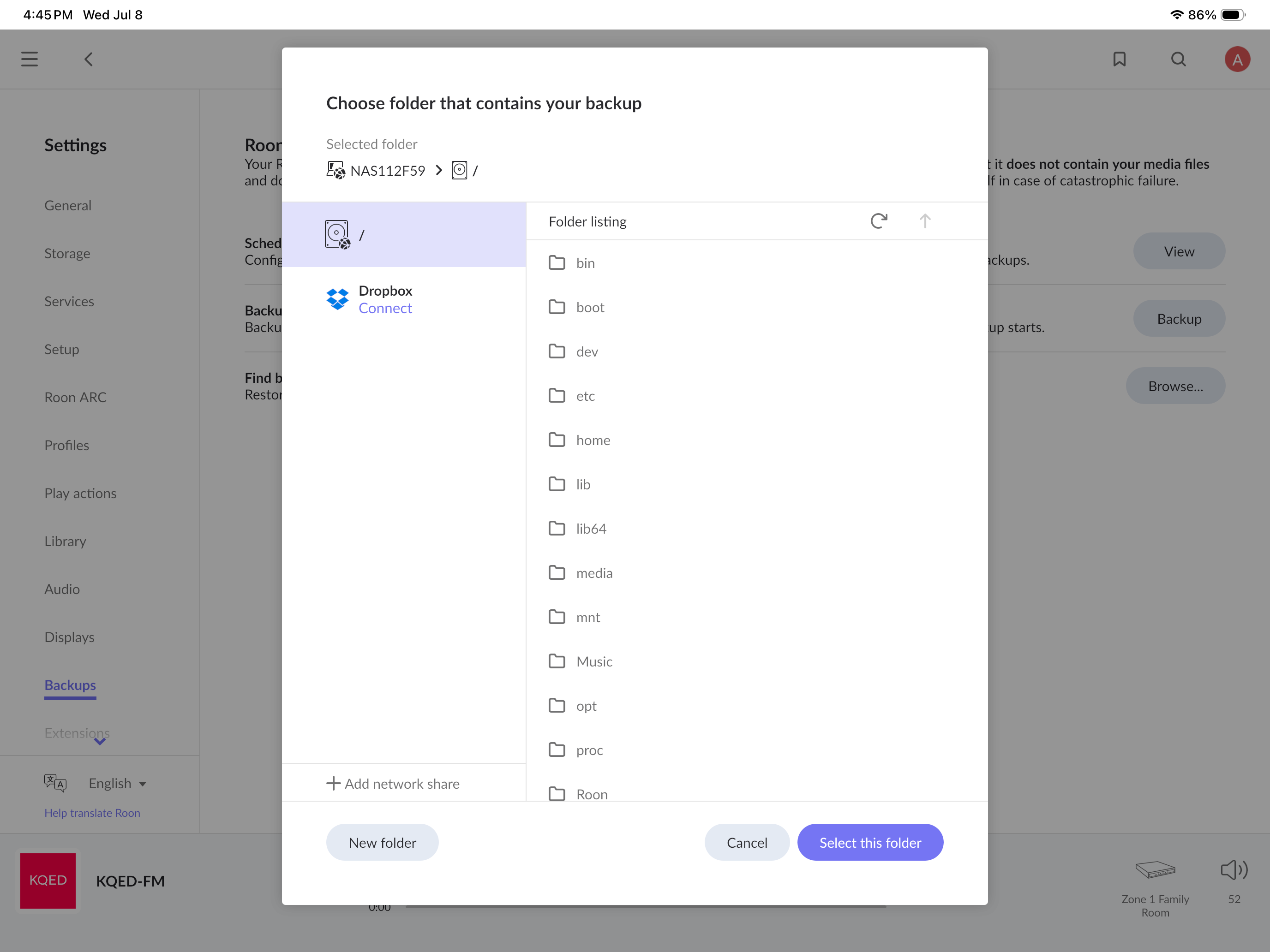
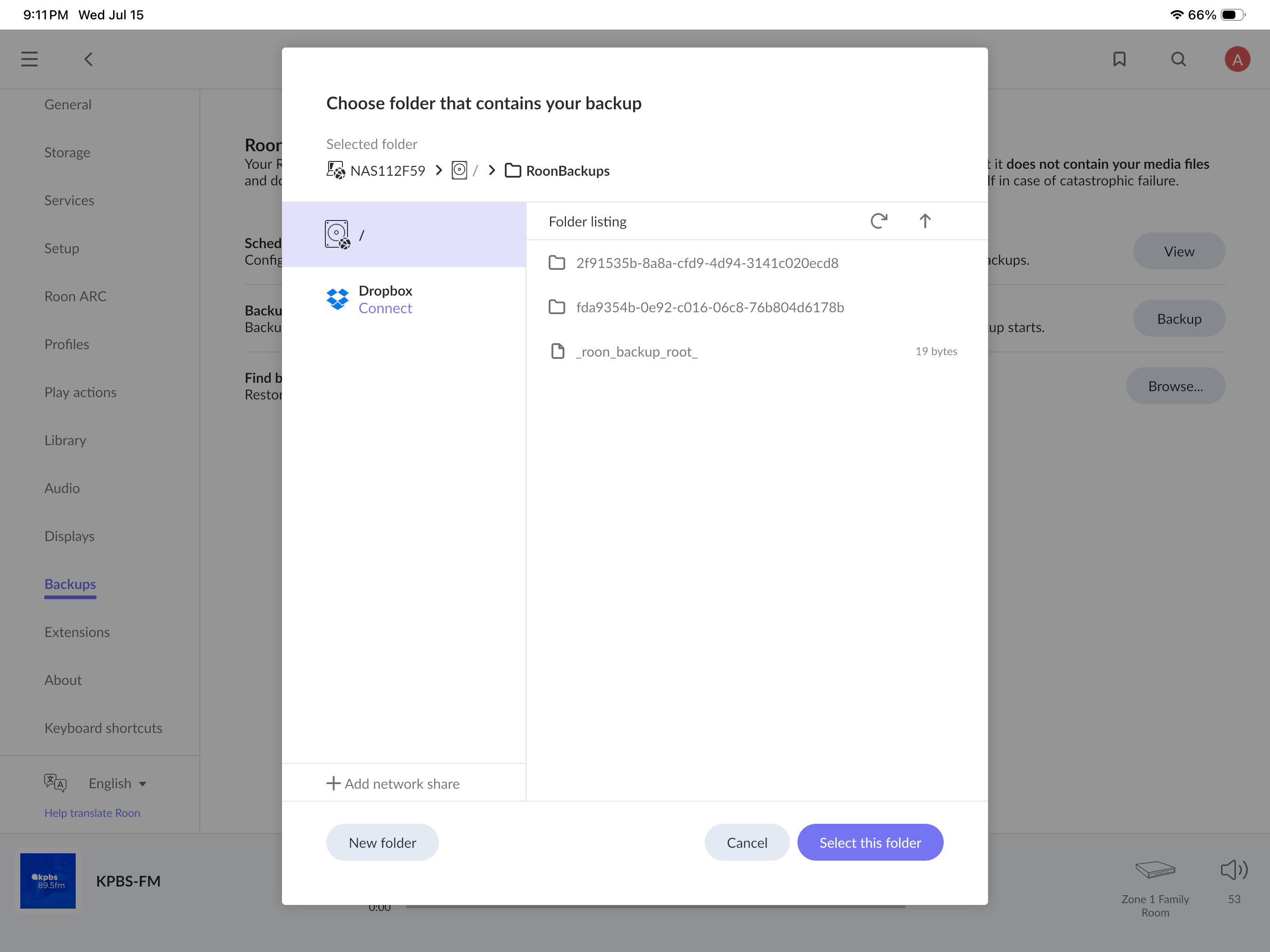
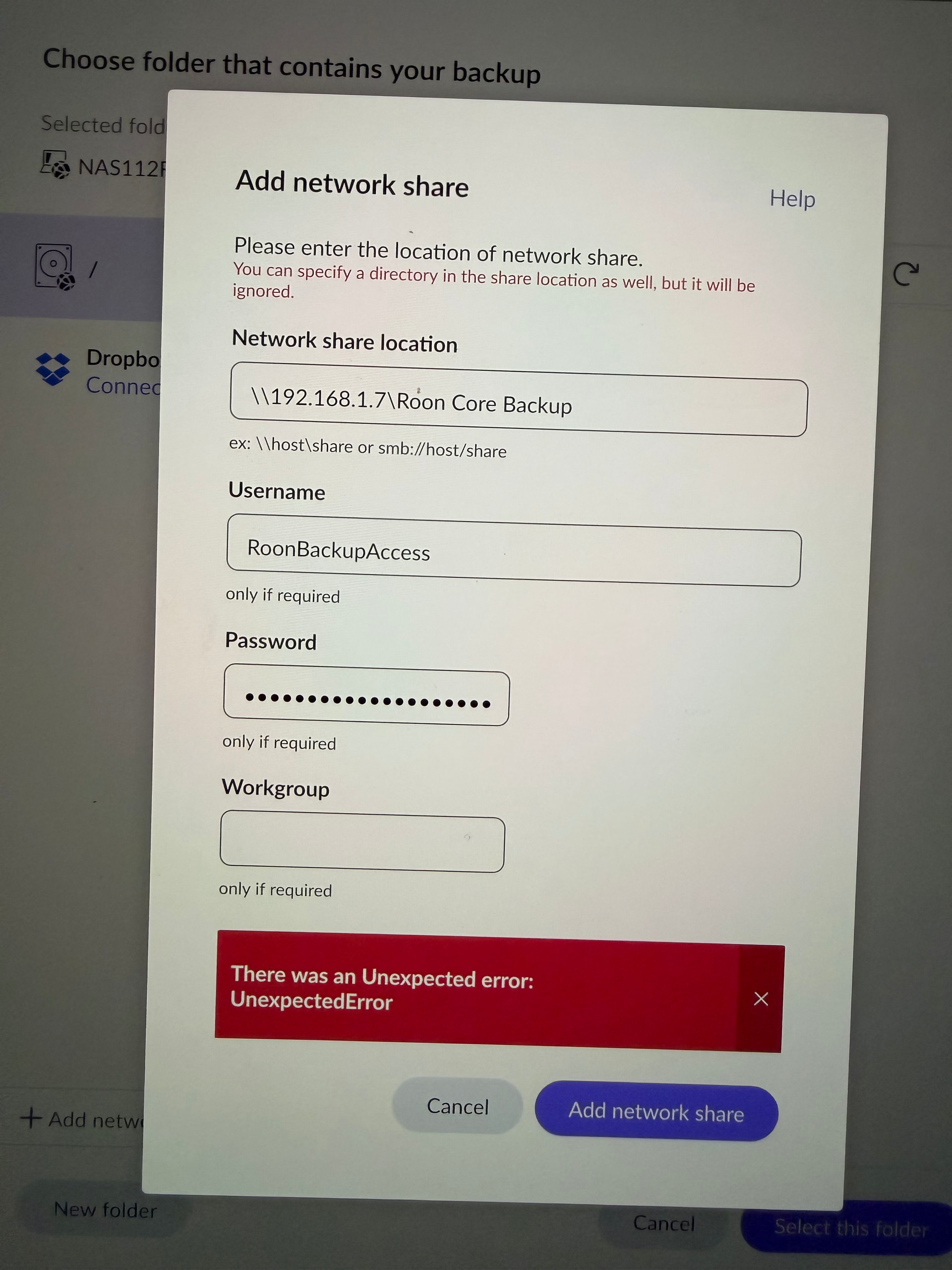
Once that marker file is present, go to Settings → Backups → Find backups and point it at the RoonBackups folder itself (the one containing roon_backup_root). You should now see a backup listed under your old server with an April date. Restore that one. This replaces the current Tidal-only database and brings back your playlists, edits, and history.
Step 3, Reconnect your CD files
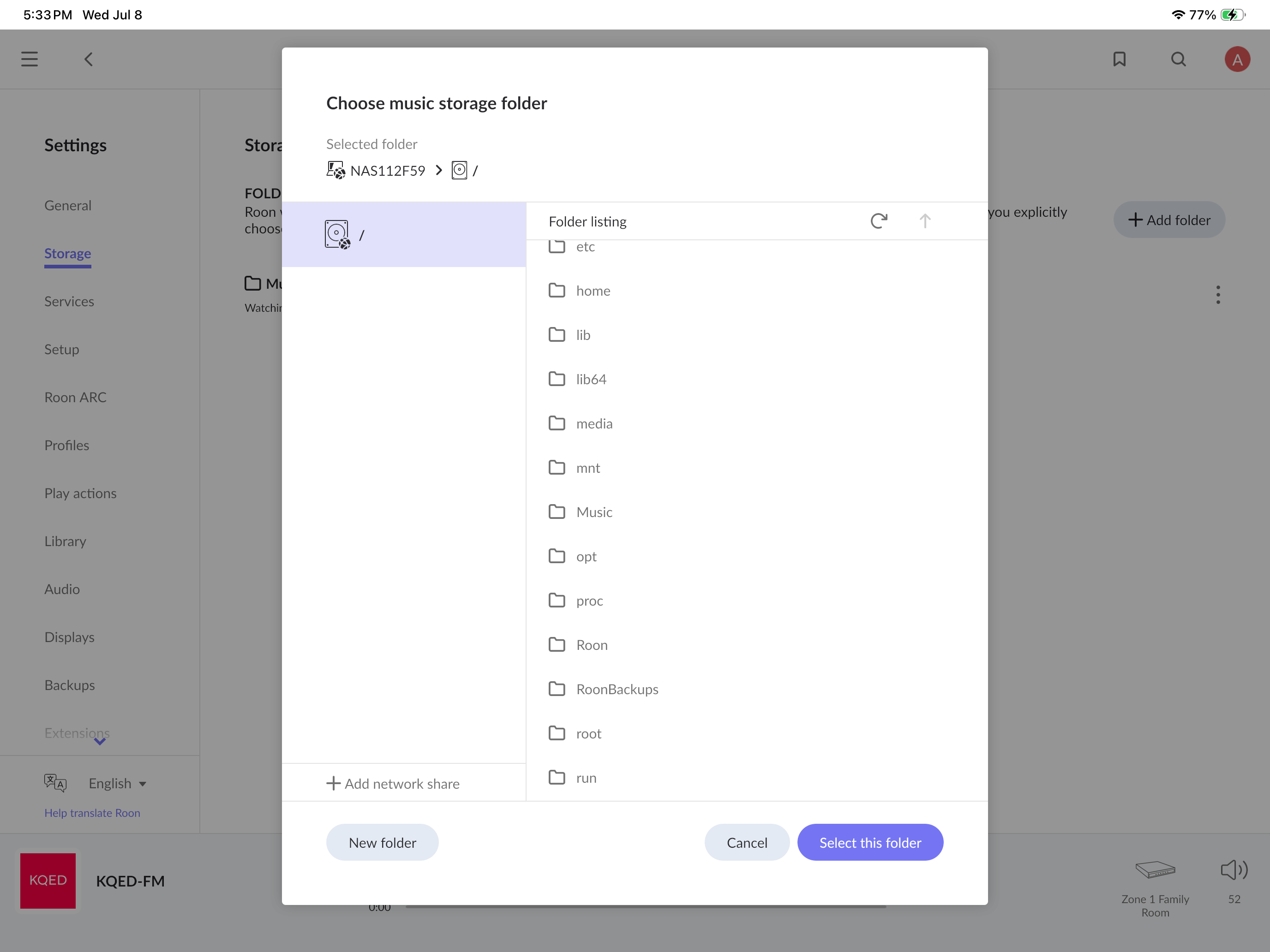
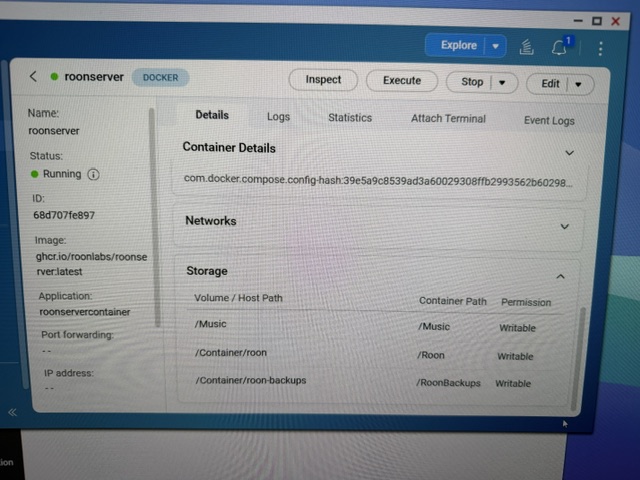
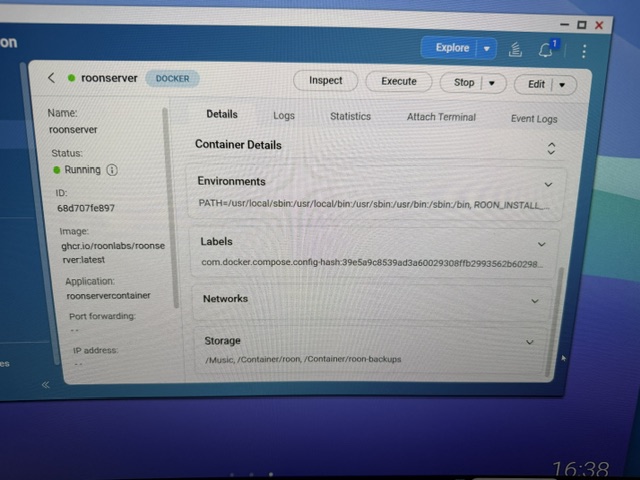
Even after the correct restore, your 2,000 CDs will show as unavailable until Roon can see the actual music files. Right now your only local storage is the container’s empty default /Music folder, so the files aren’t reachable. Once restored, go to Settings → Storage and add the folder on the NAS where your ripped CDs actually live (bind-mounting that folder into the container first, the same way the backup folder is mapped). Once Roon scans it, the albums will reconnect to your restored library.
So the order is: verify → re-copy if needed → restore the old backup → add your music folder as storage. Send me what’s inside that 2f91535b… folder and we’ll take the next step from there.