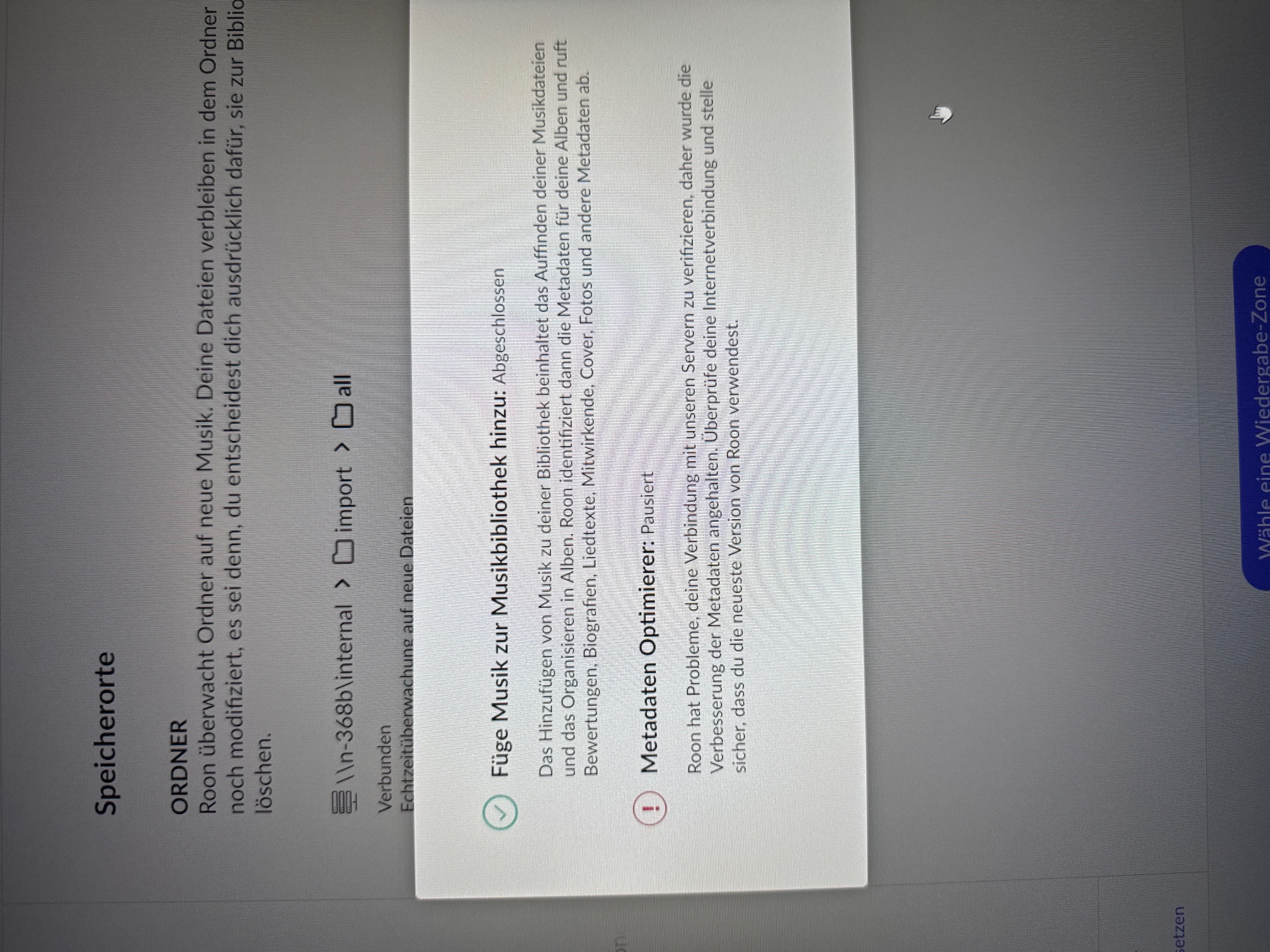
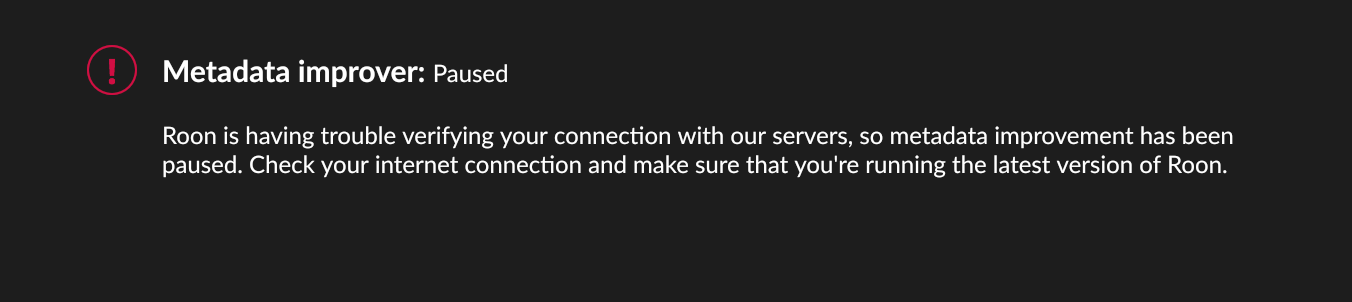
· This morning I was playing music, it stopped and I found the message "Metadata Improver : Paused. Roon is having trouble verifying your connection to our servers." I rebooted my Nucleus. I was then only able to play music from my local storage, not Tidal. Then the music cut out again and I can no longer access my Marantz receiver, which has been my main audio zone since started using Roon years ago.
Tell us about your home network
· FIOS router and extender, no VPN, using iPad for software. No other network problems.
After more testing, the problem seems to be with the network connection in my receiver, not a Roon problem.
· "Metadata improver: Paused" This error occurs on startup. Mac PC hosting Roon rebooted, router rebooted, same thing. ISP speed ok and all other network connections okay.
Tell us about your home network
· T-Mobile 2 GBPS fiber with new modem, Asus Zen WiFi router
· My Roon app suddenly won't connect to my server - just spins at log in. I am using SGC Sonictransporter as server and seems fine. Have rebooted server, tried logging onto a second server I created on my laptop (no luck there either), have turned router on and off, have played around with Microsoft Defender, multiple hours all with no luck. Tidal streams fine to my directly to my streamer / dac (Lumin U2 mini and dac - Merason Frerot). I am at a loss of what to try next....
Tell us about your home network
· not sure I can figure out make of router says Fibre+ Gateway 3.0 (XB8), have two switches one a Silent Angel and one an Uptone Audio etherregen (feeds sonic transporter and Lumin U2 mini hardwired)
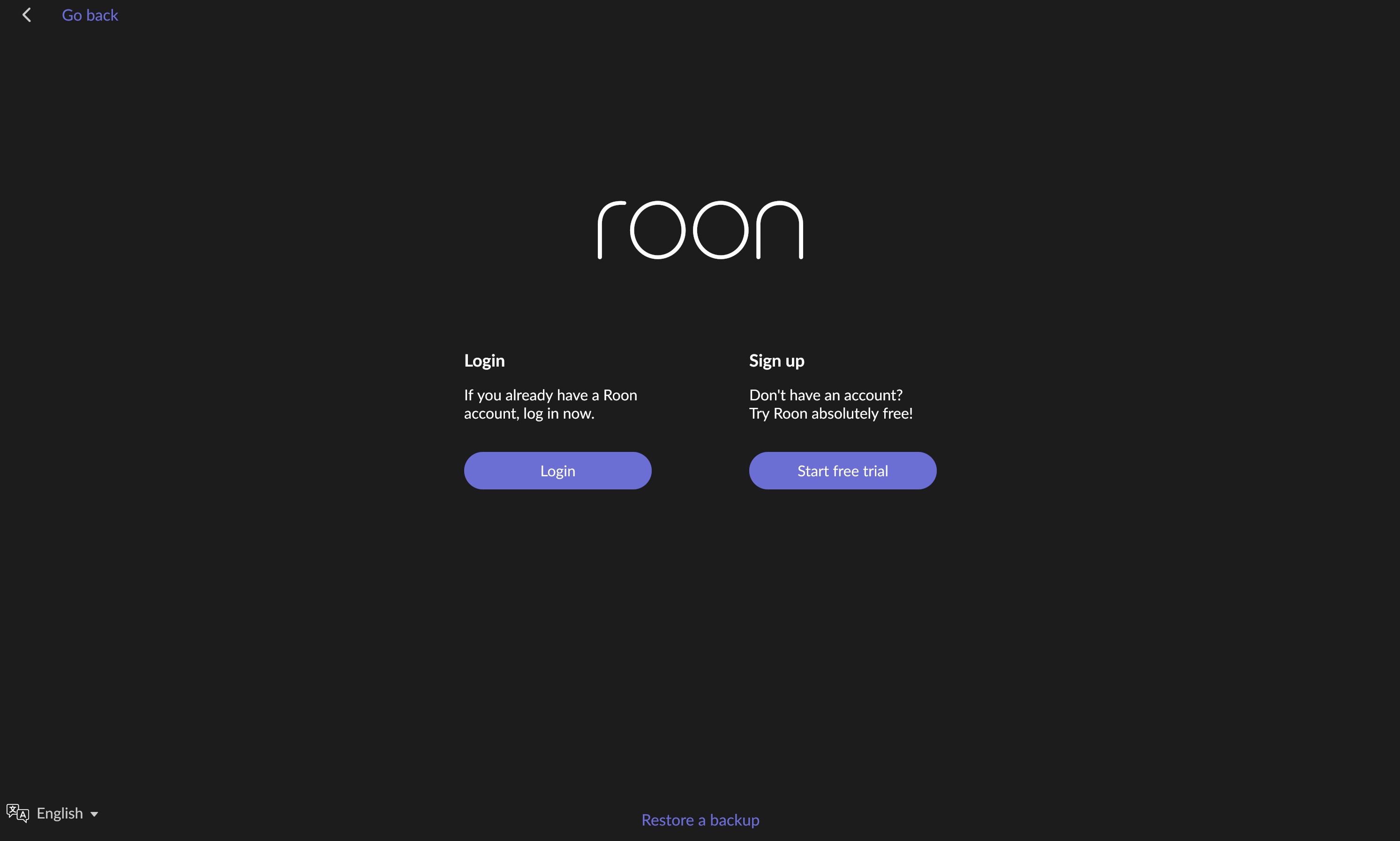
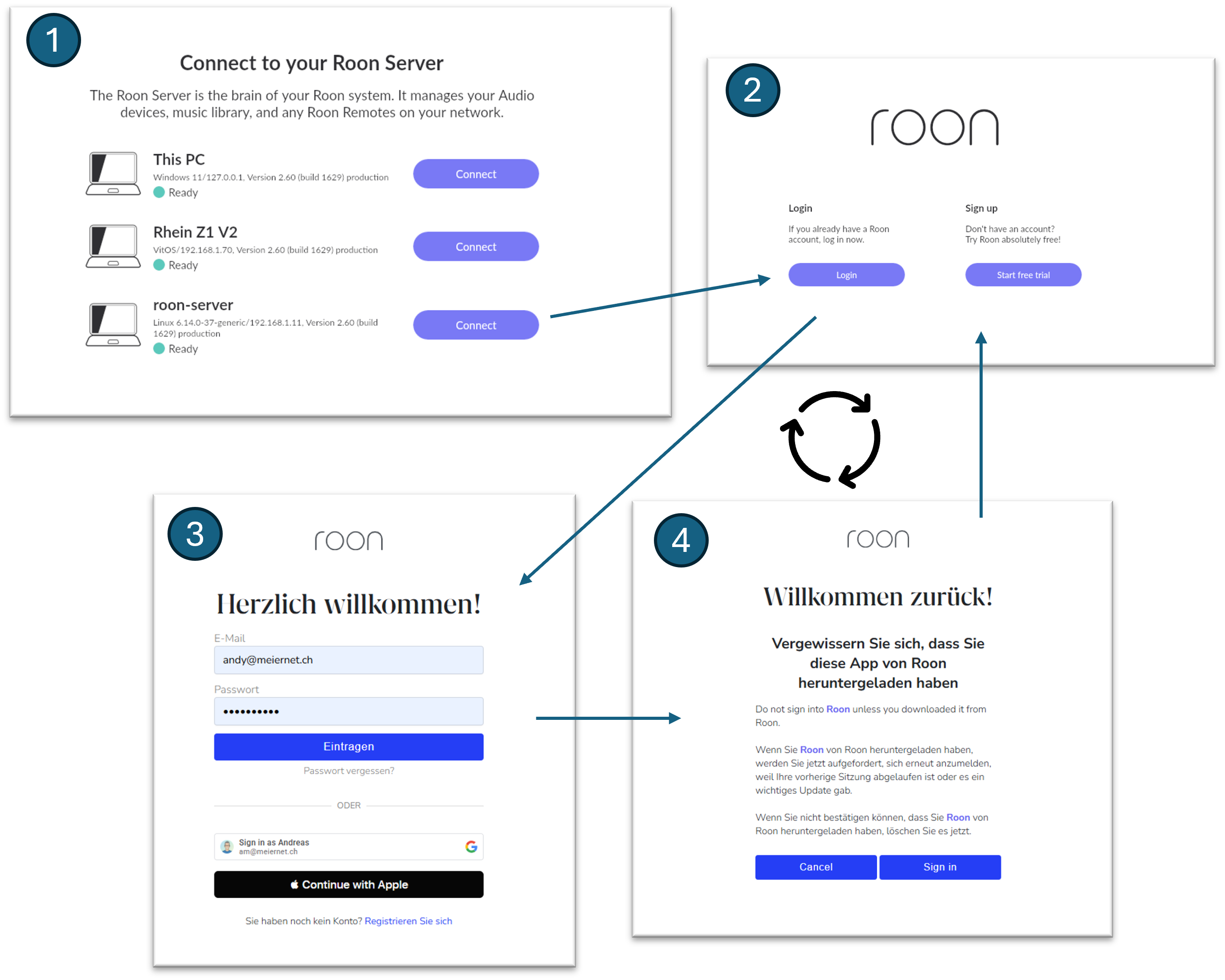
· I am unable to get my Roon Server to login. It just keeps taking me back to the "login" and "sign up" page under the Roon logo and never goes past that screen. What started this was that I was unable to connect to Roon search earlier today so I logged out to see if that would fix the search issue and now I can not get into Roon at all now. Please help and thank you!!
Tell us about your home network
· I use an ASUS RT-AX88U router and I have not changed any settings in the last several years since all is and has been working fine
· My problem began with an error message that suddenly appeared about metadata paused. After reading several community posts about this issue I tried rebooting my router, the computer where the Roon server was installed, and my Auralic streamer end point. Problem persisted. I tried restoring a catalog backup. I tried uninstalling and reinstalling the server but now I’m unable to log into my account as I get into a loop that continuously sends me back to the login page without actually logging me in.
Tell us about your home network
· I’m using am m4 imac to run the roon core. It connects to my Auralic streamer via wifi. This setup has worked fine until today.
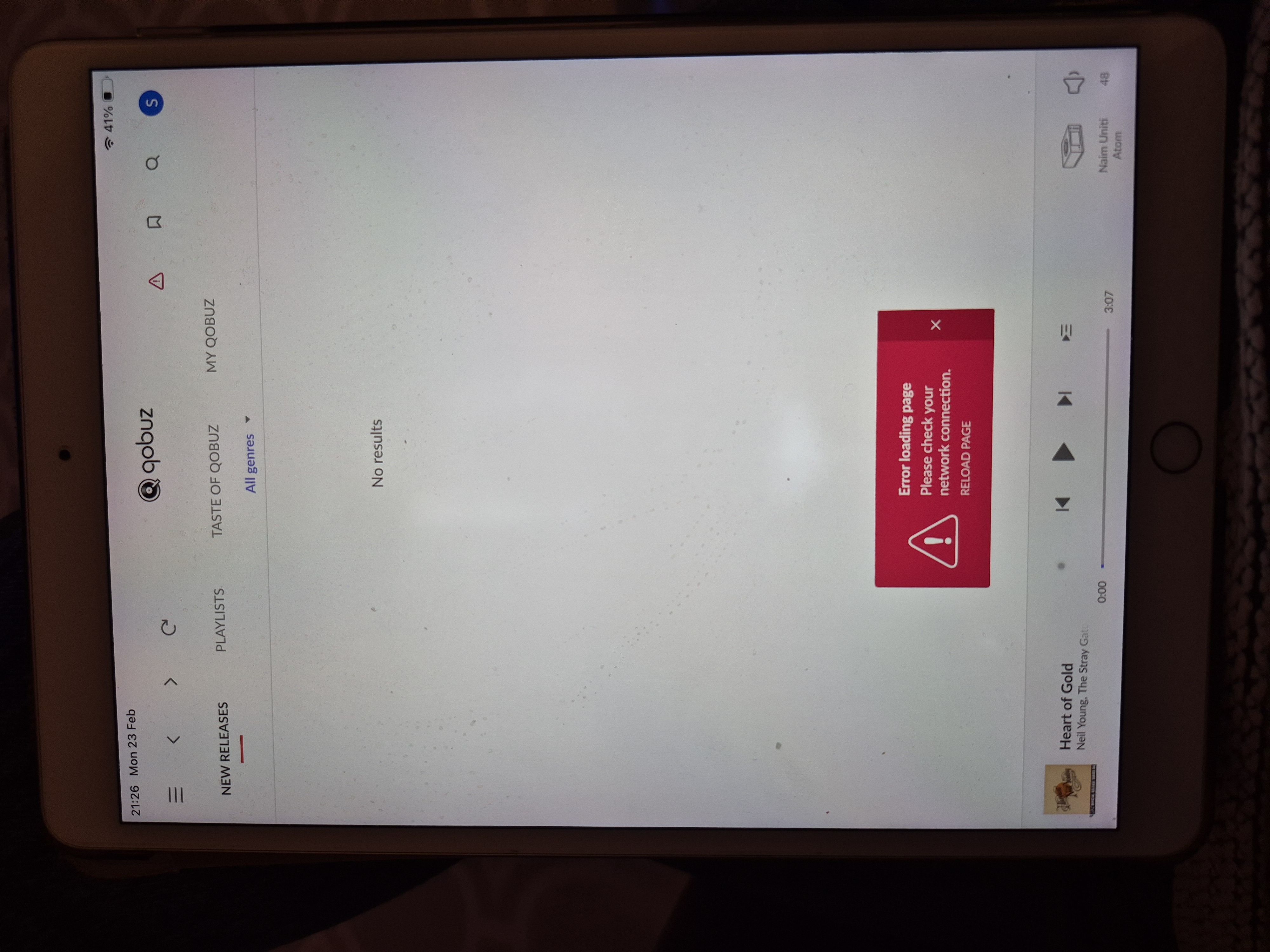
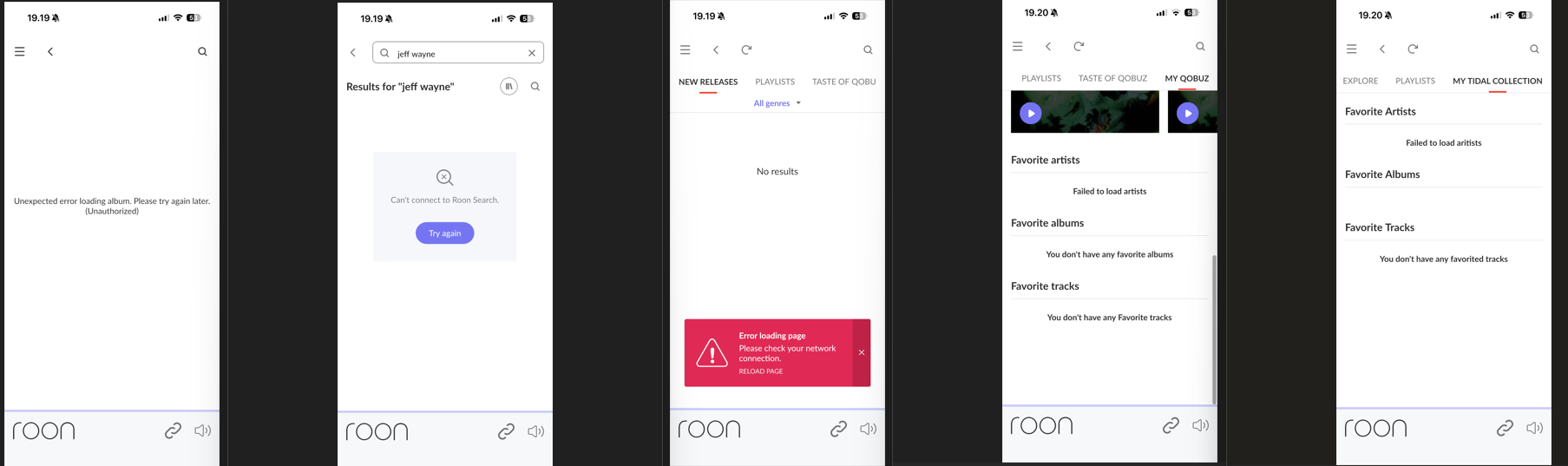
· Roon won't play Qobuz files. If I go to the Qobuz page in my Roon app, there's nothing listed un New Releases, TAste of QObuz. Under My Qobuz I get a series of error messages, eg "Failed to load artists", "You don't have any favorite albums" [I do!], etc. I can play Qobuz directly in the Qobuz app. Roon app settings show Qobuz connected. I've restarted my Roon Core server and the app, doesn't fix it
Tell us about your home network
· eero 6+. eero app says my network is working properly
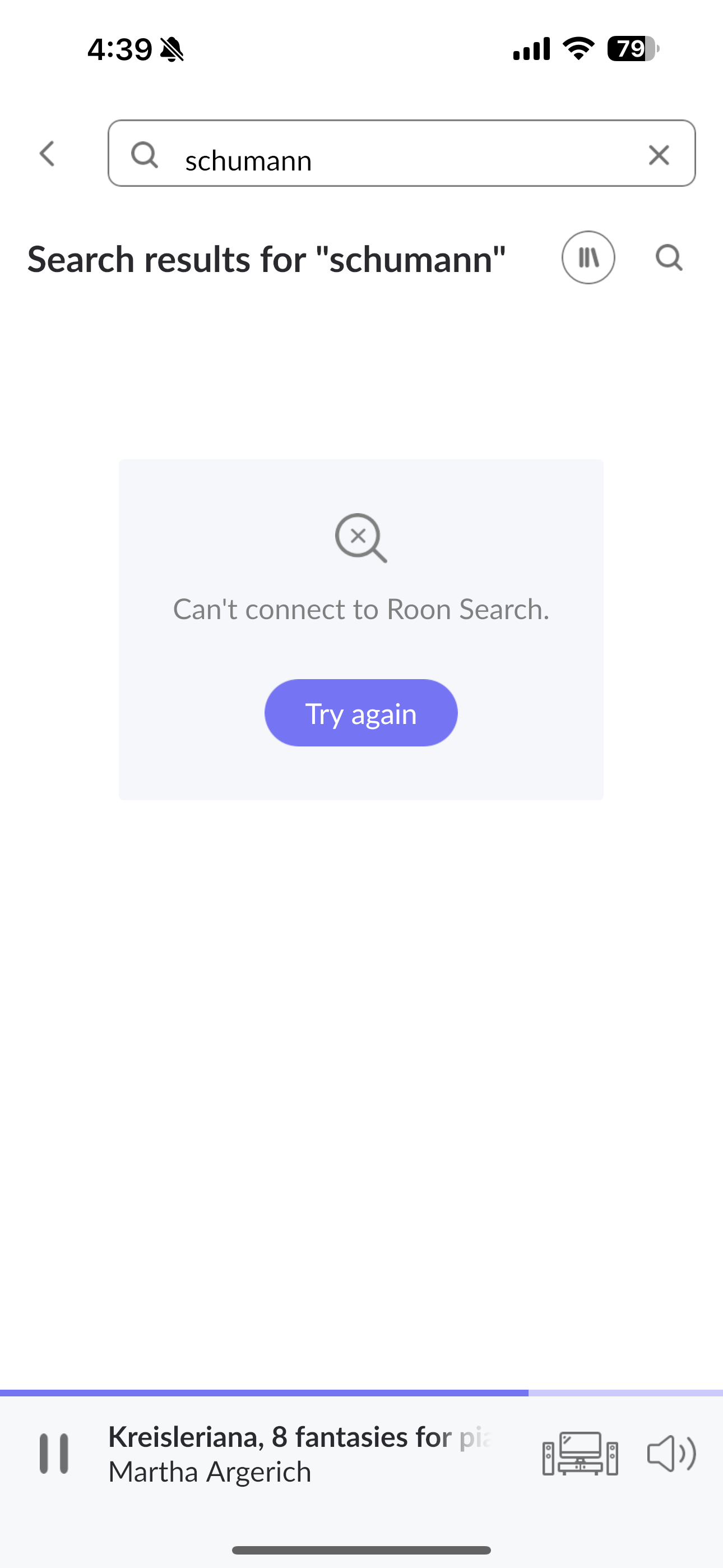
· Since approximately 21:30 I can no longer connect to Roon search. I restarted Roon server but the problem continues. I also checked my internet connection which functions ok. Nothing has changed in settings etc. Maybe a general error?
What is the operating system of your Roon Server host machine?
· Linux Server (Ubuntu, Fedora, ArcLinux...)
What kind of device are you using to perform the login?
· Android
Where are you trying to login?
· I can't log into Roon
Please try to restart your Roon Server by closing the Roon Server app in the taskbar (MacOS), task manager (Windows) or rebooting your Roon Server machine.
· No, the issue remains the same
Different device
· I am able to switch to the diffrent device
Are you still facing the issue on the different device
· No, the issue remains the same
Record the timestamp
· 2026.02.23 20:24:14 UTC
Describe the issue
I can't login to the roon server from any roon app on any device (two android, one ios and one windows). I even installed a second roon server to test this and created a second roon subscription (my main subscription runs on [moderated: private email address removed], my test subscription is [moderated: private email address removed]). In all cases I get stuck in a login loop. I logs me in cvorrectly, then redirects to the roon app and then requests to log me in again. The login on the roon webpage works.
Describe your network setup
I have fiber internet. All roon servers are connected over lan. Everything worked before the weekend. I just returned and now i does not work. The entire network is fine
Please try to restart your network setup by unplugging, waiting 30 seconds and then replugging in your networking gear.
· No, the issue remains the same
Please select how you've connected your Roon Server to the internet
· Roon Server is connected by *Ethernet*
Have you checked your firewall settings to ensure that Roon is allowed through?
· Roon still won't connect even after checking this aspect
Have you verified that Roon Server is on the same subnet as your Remotes?
· My Remotes and Server are on the same subnet and I still can't connect
Sometimes the issues can be resolved with a reinstall of your Roon Remote app. Let's try to perform a reinstall and see if it helps.
· I've reinstalled the Roon Remote but it did not help
What is the operating system of your Roon Server host machine?
· *Roon Optimized Core Kit* (ROCK)
Select any of the following components that are present in your local network setup
· None of the above
Describe the issue
trying to login. Click on my account and Roon is trying to connect but it returns to the same account details with doing the same. Many times tried, but no results.
What is the operating system of your Roon Server host machine?
· Windows
What kind of device are you using to perform the login?
· Windows
Where are you trying to login?
· I can't log into Roon
Have you been redirected to [https://account.roon.app](https://account.roon.app) (the Roon login page) in your browser?
· Yes
Please try clearing the browser cache and cookies for the [l](https://account.roon.app/)ogin page where you have been redirected
· No, the issue remains the same
Content / Popup Blockers
· No, the issue remains the same
Temporarily try to use a different browser
· No, the issue remains the same
Please try to restart your Roon Server by closing the Roon Server app in the taskbar (MacOS), task manager (Windows) or rebooting your Roon Server machine.
· No, the issue remains the same
Different device
· I cannot switch to a different device
Are you still facing the issue on the different device
· No, the issue remains the same
Record the timestamp
· 3:55 PM CST
Describe the issue
caught in endless loop between the roon app login window and it opening the firefox window saying if not redirected click here and the roon app login window briefly flashing but never moving on from that. Only option is to click login again then it opens up yet another window in the browser, same as before
· Immediately after completion of an "update all" today, Roon has no search connection and a message stating that the metadata helper has been paused. The Roon Core PC has a solid internet connection, as do all devices involved, with no errors reported by an routers, etc. except from Roon. The source of issue definitely seems to with Roon and/or the Core's connection with Roon servers in the cloud/under Roon's control.
Attempted restarts & reboots of all devices including Core; to no avail.
My Core’s running on a dedicated Win10 PC with clients running on Win11, MacOS & iOS. The issues persist on all devices, again indicating that the issue is remote/on Roon's end of a needed connection.
Warning message under the exclamation sign icon: "Metadata improver: Paused Roon is having trouble verifying your connection with our servers, so metadata improvement has been paused. Check your internet connection and make sure that you're running the latest version of Roon."
Any attempted search (even when the local Library icon is lit) results in a popup that reads:: "Can't connect to Roon Search" with a "Try again" button, which upon clicking just repeats the same popup.
Tell us about your home network
· Enterprise grade Peplink Balance Two router, and TP-Link infrastructure with both wired and wireless connectivity. Roon Core is on a wired connection directly into the Peplink, which is the interface to our ISPs, as well as the perimeter firewall and DHCP server. TP-Link Omada gear picks up the local connectivity via Ethernet and WiFi.
· Problems connecting to Roon search and services - can't see my collection on tidal or qobuz - when searching I get "Can't connect to roon search" - get "Error loading page" but Qobuz, Tidal and Naim apps works with no errors
· I try to log into my Roon core, get directed to the Roon website, log in and then it goes right back to my app and tells me to log in again. Seems to be stuck in some sort of loop
Tell us about your home network
· I have been using standard Comcast high speed internet
· Hello, I updated my NUC to RoonOS 2.1, and now I can no longer connect the Roon app to my account; it's stuck in a loop. Log in – Welcome back! Select an account – I select my account, it's the only one available – Redirecting, please wait – then log in again. A new window opens every time. When I log out and log back in, I get the message “Make sure you downloaded this app from Roon,” and then the whole thing starts all over again. I restarted the NUC, tried with the tablet and the Windows PC app, tested with different browsers, but the result is always the same. I tried Database Backup and performed a Roon Database & Settings Reset. Info from the tablet: RoonOS 2.1 (build 271) - Version 2.60 (build 1629)
I would be grateful for any help.
Best regards Peter
Translated with DeepL.com (free version
Tell us about your home network
· Simple network with Fritz!Box 7590 as router, PC and NUC on LAN, and tablet via Wi-Fi. No additional devices, no VPN. Tablet is only for Roon.
What is the operating system of your Roon Server host machine?
· Roon Optimized Core Kit (ROCK)
What kind of device are you using to perform the login?
· Windows
Where are you trying to login?
· I can't log into Roon
Have you been redirected to [https://account.roon.app](https://account.roon.app) (the Roon login page) in your browser?
· Yes
Please try clearing the browser cache and cookies for the [l](https://account.roon.app/)ogin page where you have been redirected
· No, the issue remains the same
Content / Popup Blockers
· No, the issue remains the same
Temporarily try to use a different browser
· No, the issue remains the same
Please try to restart your Roon Server by closing the Roon Server app in the taskbar (MacOS), task manager (Windows) or rebooting your Roon Server machine.
· No, the issue remains the same
Different device
· I cannot switch to a different device
Are you still facing the issue on the different device
· No, the issue remains the same
Record the timestamp
· 21:57
Describe the issue
I have Roon Server installed on my NUC. Everything was working fine until 8:00 PM this evening. After that, I couldn't play music on Tidal. It said it was updating metadata. I logged out of Roon and reset my password. I started Roon from a Windows PC and now I can't log back in. It always sends me back to the Roon login page
What kind of performance/speed issue are you experiencing?
· Can't connect to search or search takes a long time to complete
Please try to reboot your Roon Server
· No, the issue is still the same even immediately after a reboot
Please try to reboot your networking gear (Router/Switches/etc.)
· No, the issue is still the same even after a reboot
Is there any change in behavior if you try to navigate to Roon Settings -> Library and set both Background and On-Demand Audio Analysis to Throttled or Off?
· No, the issue is still the same
Does the issue happen on multiple Roon Remotes (controllers) or just one?
· Issue happens on multiple remotes
Router Domain Name System (DNS) change
· I was able to change my router's DNS servers but it did not help
What is the operating system of your Roon Server host machine?