I would like to add a view things:
Hardware has been running with 100% uptime, NUC Hardware (RAM, SSD etc) hardware checks out 100% ok.
Over the almost 7 years running Roon I had quite a few database corruptions (always caused by updates). But restore was a lifeline.
I have 30 backup generations and so far I have tried 7/30, including the newest and oldest, after completion Roon comes up with corrupt database.
Since I have stopped collecting CDs and I am mostly listening to Quobuz for years now, loosing the database would mean to loose EVERYTHING.
Also: The obscure restore procedure no longer works (as is) on Windows 11. On fresh Windows 11 installation, default policy prevents access to unsecured SMB shares (for very real security reasons).
Time to include a sane backup/restore that operates by exporting/importing by value, instead of just copying out files that may or may not be corrupt.
Thanks for reaching out and letting us know. Can you please confirm the exact error message you see when trying to restore the database, preferably with a screenshot? We’ve enabled diagnostics for your account and I am seeing a strange error I haven’t seen before, I’m escalating this error to the team for review. Please confirm the above while we look into this error.
Reply to your direct mail: Another restore attempt:
May 15th 19:30 (UTC+2)
ROCK 2.1 build 271
Roon 2.66 build 1658
Stopping Roon Server using Rock Web UI
Connect to Rock share, renaming \ROON\Data\RoonServer to RoonServer_1
Starting Roon Server using Rock Web UI
I connect to the new Roon Server using the Windows App
I press continue when asked for added the Music folder
No thanks for music services
Finish to Audio devices
My local music now gets added anyway. Just to be sure I wait until its finished, takes just a few minutes for my 2020 ripped CDs
I go to settings, backups, Find Backups
I connect to my local SMB share on a QNAP
I select the Folder
The List of Backups is correctly listed
I have Backups every 3 days from 2026 Feb 16 should be 30 total
I select 2026 May 9, Version 2.64 (build 1646) production
Restore is fast, takes just around 2 minutes
The App says to press Relaunch, I click
After a few seconds the Roon Core is listed, I connect
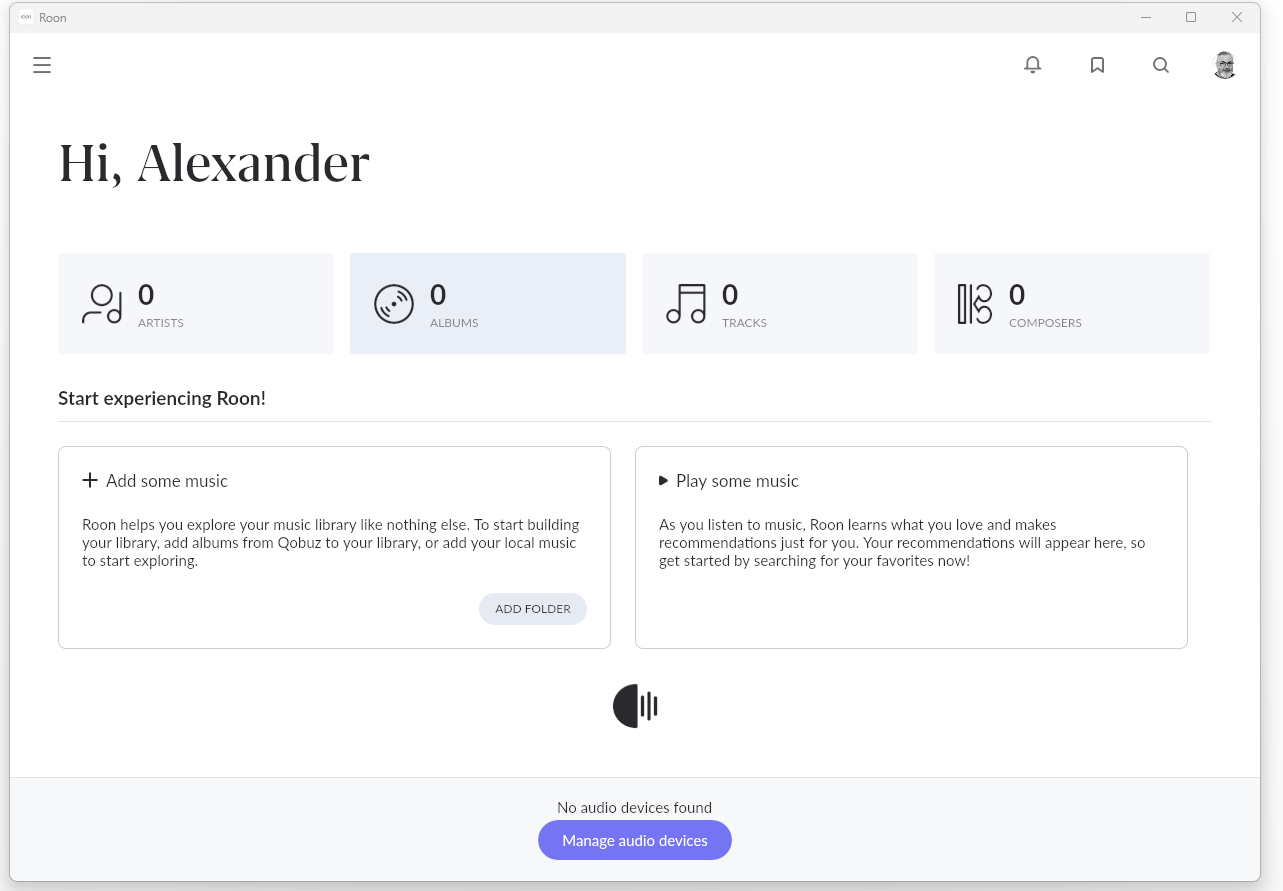
19:53 (UTC+2): The Server comes up with “Hi, Alexander” and the moving logo (screenshot)
at this point, nothing happens…
Its 20:24 (UTC+2). 30+ Minutes have passed.
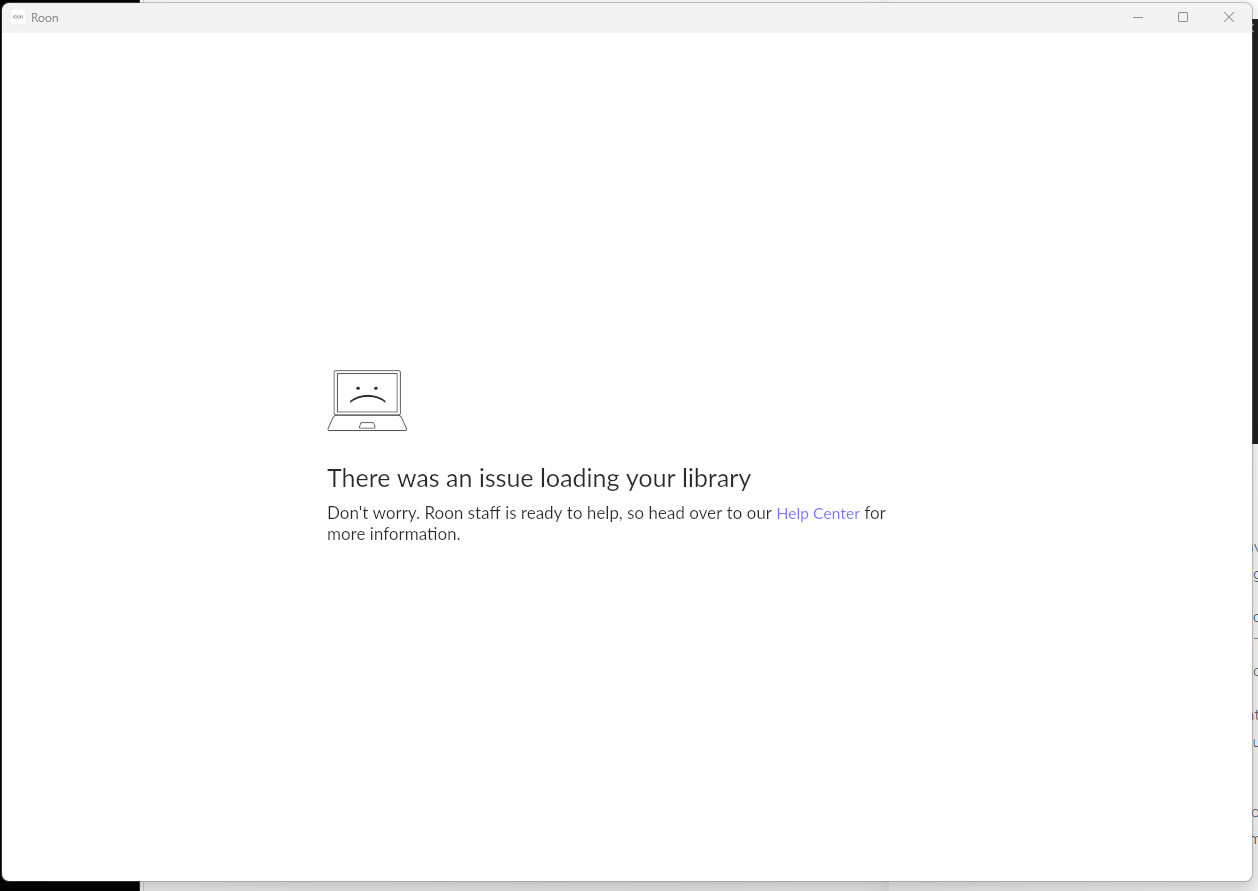
I close and reopen the Windows app. I comes up with “library loading issue”. (screenshot)
I have 10 Backups (and secondary Backup generations), but they all restore as corrupt as well.
I am suspecting a Roon product defect/bug corrupted the LevelDB based KV store (lets not call it a “database”)
My hardware and infrastructure check out 100% ok.
If no one answers or if there is no effective support, what are my options?
I could just start over, having lost all data.
I could try finding other ways to contact Roon an emphasize that I am a paying customer.
I could contact computer or hifi media to discuss Roon support
I suspect they are scratching their heads trying to figure out a) the cause and b) the fix…
Personally, I would just start over, but keep the backups for a possible future fix, but it’s your call. Your option 2 won’t affect the situation; option 3 might make you feel better and option 4 is the one to go for if you see no value in keeping Roon.
I have a similar issue, but on a Linux Mint Machine:
My topic was closed without a solution so I would be happy to get further support. I know that a solution can be tricky but it would be nice to hear that someone has my issue on his topic list…
Thanks so much for all your patience here - @Geoff_Coupe is quite correct in that our team is still investigating the issue further, and we haven’t received any updates or additional information to share quite yet. You have our apologies there, as I can absolutely empathize with you regarding not being able to reliably use your existing Roon database.
As soon as we have more information to share, you’ll be notified. We very much appreciate your ongoing patience in the meantime