Noted, the reason I initially asked you is because I recognised your name in previous DietPi release notes ! 

For USBridge SIG, i use this :
http://3.230.113.73:9011/Allocom/DietPi/
But DietPi_v6.26m1 is a Strech build … i made a mistake ?
There is the Buster USBridge SIG package ?
I did an upgrade Strech to Buster with in final, the last version of NAA… but with Linux DietPi 4.19.118-v7+ kernel, i broke ethernet module…
The last module precompiled by Allo is for 4.19.115 
6.26m1 USBridge SIG image >> 6.30.0
root@DietPi:~# cat /etc/os-release
PRETTY_NAME=“Raspbian GNU/Linux 9 (stretch)”
NAME=“Raspbian GNU/Linux”
VERSION_ID=“9”
VERSION=“9 (stretch)”
VERSION_CODENAME=stretch
Thanks, but the problem is to make an upgrade to Buster with good ASIX (internal USB ethernet) driver.
I agree, but this is a different issue, not NAA related and more on ASIX or ALLO’s sides isn’t ?
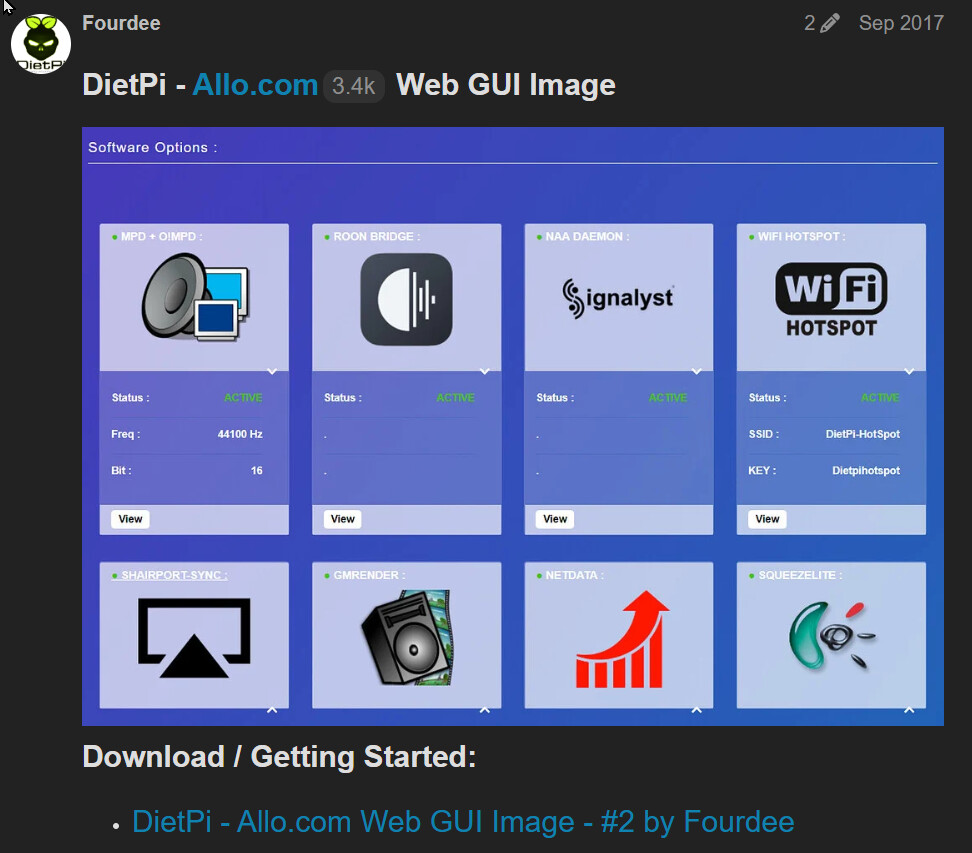
Will DietPi + Allo Web GUI act as Roon Remote ?
No … Roon Bridge only.
ALLO Web GUI makes IP, USB and other settings easier But nothing to do with Roon Remote.
1 Like
Yes, but when you said :
For USBridge Signature version (RPI based), DietPi is already on Buster so latest NAA versions (4.1.1) is available from jussi laako (Signalyst) repository, manual install is easy.
It’s wrong, but a problem that could be solved by Allo. If you want both Buster + NAA 4.1.1, no problem but the sound is choppy and I guess it’s because of Asix.
You are right and I would like Allo to make an updated DietPi image available (Buster + NAA + Asix for the latest kernel 4.19.118).
But Allo is not very present here … 
Mais on peut en parler sur forum-hifi, in french !!
1 Like
Sure, tout à fait !
this one does not match with Pi 4b
Has anybody tried to run DietPi with Dragonfly Red attached as DAC? I’ve seen just very old threads about that topic and no information at the DietPi website either.
Many thanks in advance!
Has anyone tried running the Allo GUI in 2026? I know it’s dated and well past its prime. Wanted to experiment with it nonetheless, but the default logon does not work. I seemed to have gotten the latest version on the DietPi site and installed, but no further than that.
Richard
Where does login not work, on console/SSH or the web UI?
And on which RPi model did you try?
Allo GUI is dated, but I do still update it by times, just recently crafted the commit history onto the exact Laravel commit it seems to have built upon, to be able to rebase it easier onto modern (Laravel) versions, and rebased it onto Laravel 8 for now. But I barely find the time for it: GitHub - MichaIng/DietPi-AlloGUI: Allo GUI audiophile web interface for DietPi OS · GitHub
E.g. I always wanted it to gracefully handle non-installed audio software it supports, so we can add support for new software, but not require them to be installed. Instead they would be shown as uninstalled, like it is the case for the WiFi Hotspot until actually installed.