· The Nucleus boots up and I can connect to it in the Roon app without issue, but I have a question about configuration/storage/attached devices
Describe the issue
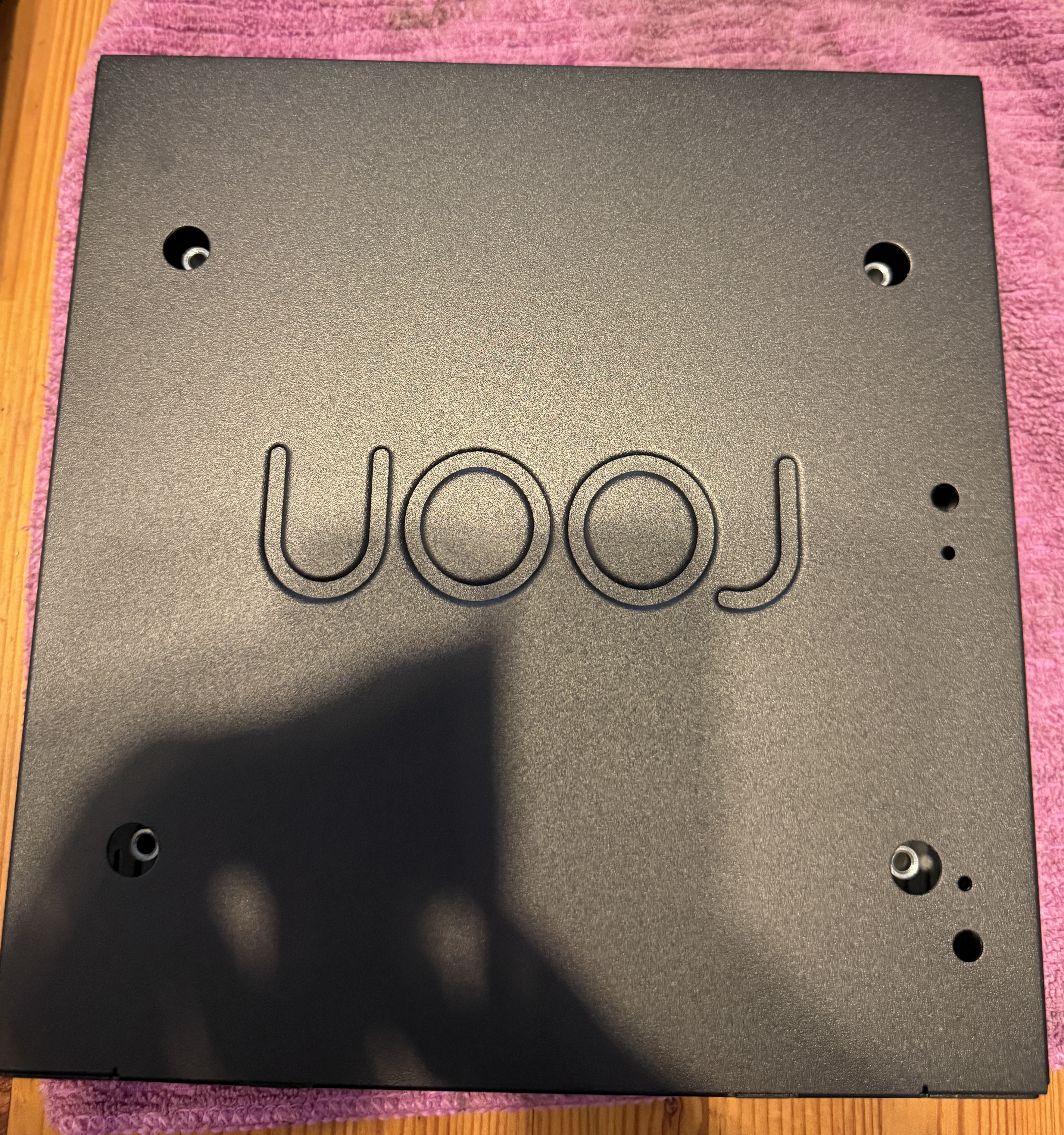
I am trying to upgrade the RAM in the Roon Nucleus One. As suggested in the FAQ, I have opened the top of the Roon Nucleus One by unscrewing the 4 long screws from the bottom.
I can now remove the top cover. But now there is yet another cover inside. How does one remove this? I do not see it mentioned anywhere in the FAQ files.
Yeah… Hence, following the write up, you can imagine my surprise upon removing the 4 long screws from the bottom, lifting up the cover and then finding another internal cover…
Here is the video guide on how to replace the SATA cable on the Nucleus One, but it also shows the disassembly process. Please let us know if there are any other questions or concerns.
Thanks for that. That explains it. I have this question tho: what size Philips screwdriver does one use for the small screws on the back and the two on the side? I tried to use the smallest point Philips screw I have at hand on the two side screws (where the output points are) and it seems to require an even smaller tip. Any suggestions/guidance would be much appreciated.
But the video makes it seem so easy to do. I just wanted to also check to see how tightly screwed are these small screws?
Sorry but I had to change the link to text because the discourse software will otherwise change the amazon link for no good reason into a no longer working (in the sense of sending you where it was intended to) version. Please use copy and paste.
We can’t tell right now the exact size of the screw on that side because we’re yet to prepare an article for RAM upgrade. However, standard precision toolkit should work fine.