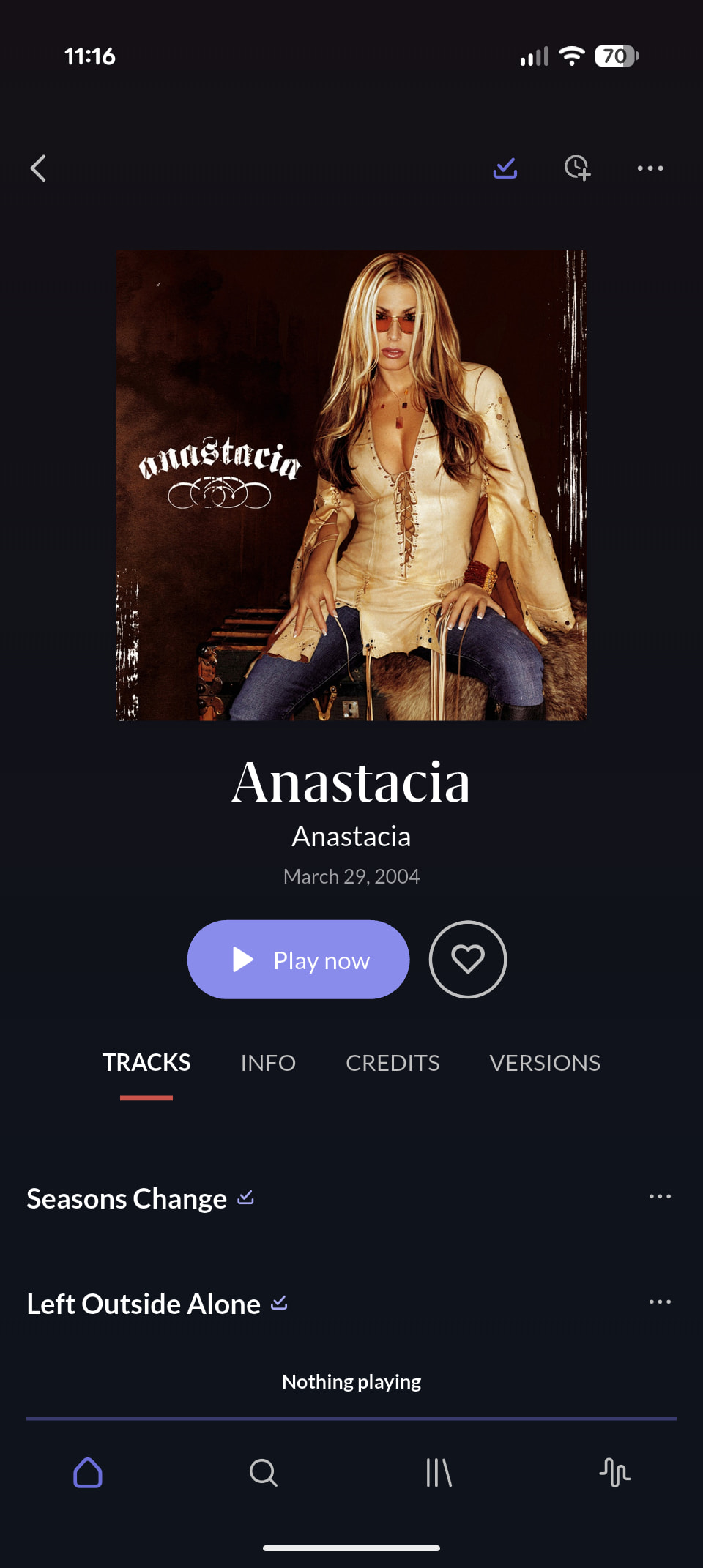
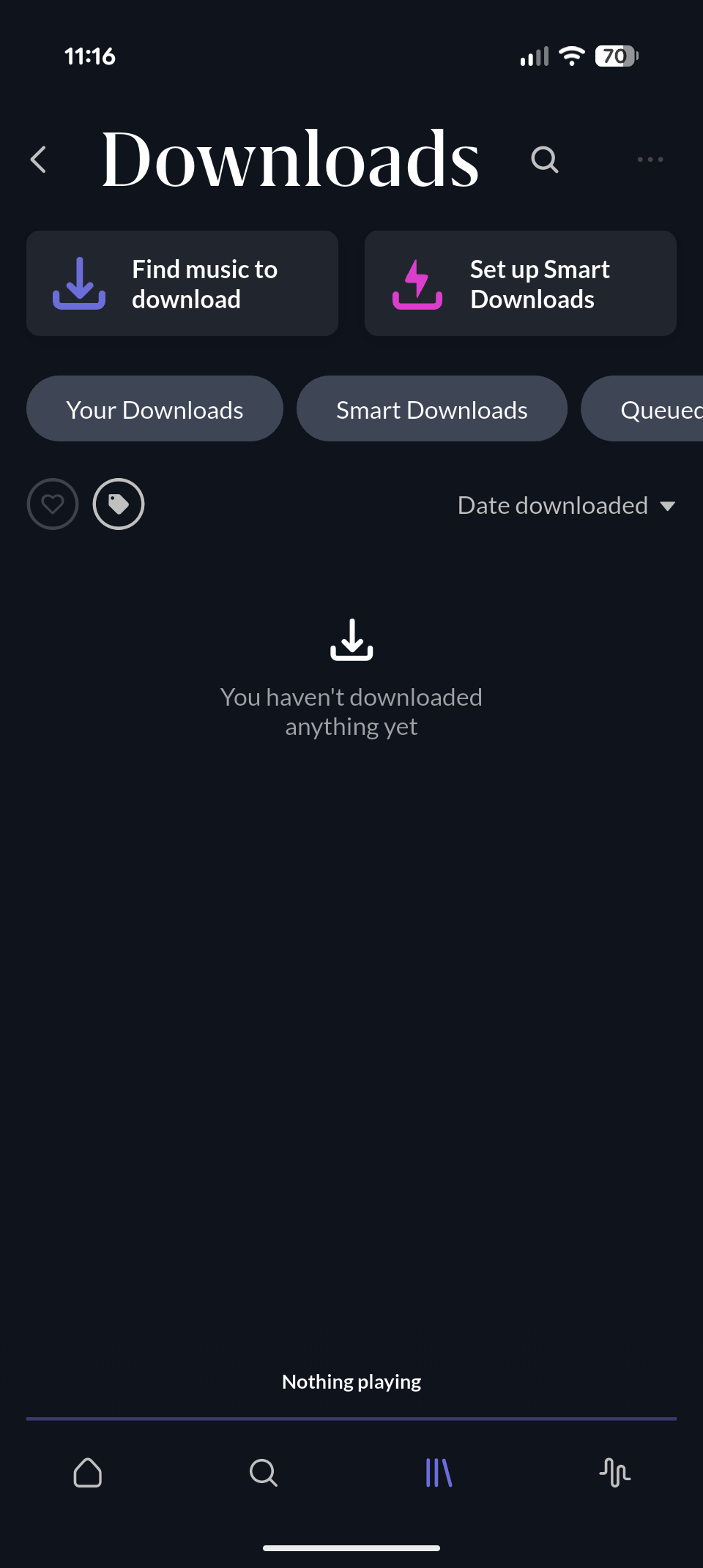
· Downloaded music does not show up in the downloaded folder on Roon ARC. It is there but the only way I can play it when I am offline is via the added recently or played recently tabs. This has been going on for a few months at least. Another major issue is that when I am offline (even when my music would show up in the downloaded folder) is finding what I want to play. Why can I not use the artist or album tabs to find my downloaded music when I am offline? This seems like a very simple add. Another issue I have with ARC is that when I am playing music and the track selected ends if the next song ARC picks is not a downloaded track there is a small chance that it will crash the app. If it picks a track from Qobuz there is a very high chance that the app will either hang or crash and by high I mean well over 50% of the time. I had to turn on the "Limit Roon radio to library" option because of this. Happened in all different areas and connection types, my server is connected to gigabit fiber so that should not be it as I routinely upload 10 gig files in only a few minutes.
Tell us about your home network
· I have Wifi 7 and an extensive ethernet network.
I tried going into settings and selecting Remove all downloads from device, and then re-downloading something, but the issue remains. I haven’t done a full re-install of ARC yet.
Thanks for reaching out and for the detailed report.
We’re sorry to hear that you’ve been running into these issues with ARC. We’d like to investigate this further, especially the behavior where downloaded music does not appear correctly in the Downloads section and the app hangs or crashes when playback moves to a non-downloaded or Qobuz track.
First, could you please confirm the following?
Which device and operating system version are you using ARC on?
Which version of Roon ARC is currently installed?
Does this happen only when ARC is fully offline, or also when you are online but playing downloaded content?
Do you still see the downloaded tracks listed under Recently Added or Recently Played after fully force-quitting and reopening ARC while offline?
Additionally, could you please make a screen recording showing the issue as you reproduce it? Once recorded, please upload the video to our File Uploader here:
Please also let us know the exact time and date when you reproduced the issue in the recording. This will help us correlate the behavior in the video with the relevant logs.
Regarding offline browsing: at the moment, ARC’s offline/downloaded-content navigation is more limited than the full online library experience. That said, your feedback about being able to browse downloaded content by Artist or Album while offline makes sense, and we’ll make sure it is passed along to the team.
I have been very busy with work so have not had time to check back in here for an update.
In your original questions the downloads would not show in the downloads section when I was online or offline but the downloads were there. The only way to play music when I was offline was to use the recent activity section and pick from the recently played or added sections.
The crashing would happen when I was not on wifi and the app would pick a song from Qobuz, this would crash the app and it happened many times. It would also happen when it would pick a non downloaded song but at a much lower frequency.
Another crash happens with my server or at least the app thinks that the server crashes is when I try to download music to ARC. It will randomly crash when I do this, normally after a few downloads but tonight before I updated the server it crashed out on the first try. I then have to wait for the server to load back up / connection to come back up and start again.
When I was looking into this before I read that deleting the app and reinstalling it would fix the download issue so I did that. For the ~week that I have been using it so far so good on the downloads showing up.
Having updated the nucleus this morning and I have downloaded 30+ albums so far and the server has not crashed. The updated to 2.66 seemed to have fixed that issue.
In a non related issue can we get better art work on ARC? I think the album cover is a huge part of music and I have high quality covers embedded in the files. Why is the artwork tinny when we are offline?
I will updated again in a few days if the other issues have been fixed or not.
Samsung Fold 7, ARC 1.77.404 Build 100404, Roon version 2.66
To help our team investigate why your high-quality embedded covers aren’t displaying as expected in ARC, could you provide a bit more visual and technical data?
Screenshot: Please share a screenshot of the “tiny” or low-res artwork as it appears on your screen (especially when offline).
Sample Files: It would be very helpful to have the actual music files for testing on our end. Could you upload a folder with one or two of the affected albums? This allows us to see how ARC is processing your specific embedding method versus its internal cache.
Once the upload is complete, let us know here so we can grab them for the dev team. Aside from the Fold 7, do you notice this same low-res behavior on any other mobile devices?
This (covers either entirely missing or only displayed as small low-res images, when offline) has been an issue for years and reported many times before. Just a few quick examples out of many:
Many more can be found by starting from these search results
I can confirm that. Nothing has changed here for years.
Even after recent reinstallation of server and ARC (with re-download of all content) the same problem exists. Still no images while offline.
Not much has changed also in Android Auto experience - crashes, GUI losing control over playback and often very long delay between action in GUI and its result makes ARC almost completely unusable with Android Auto while offline.
The original report and subsequent replies really reflect a constellation of issues in ARC, most of which center around the CarPlay/Android Auto experience, and all of which result from poor connectivity handling. I’ll do my best to summarize them here:
obviously, tracks don’t play or fail to keep playing. In this case, we need to further distinguish between streaming tracks (which download directly to the phone from Qobuz/Tidal/KKBox servers and don’t pass through your Roon Server) and local tracks (which obviously upload/download directly from your server to your phone).
Poor artwork handling. Greyed-out images, missing artwork, incorrectly sized artwork, and/or low-res artwork. This will be a question of both cache handling and also artwork downloading during periods of poor connectivity.
Crashing when picking Qobuz tracks (@roon1’s issue)
Crashing during downloading. This is very unlikely to be related to connectivity and usual a data transfer limitation imposed by the phone operating system on the app when the database reaches a certain size. We can investigate further, but we’ll need to know a specific timestamp.
The goal here is to delineate what we’ve already ticketed for investigation/improvement and what issues are new or distinct. Much of what’s been reported here is, obviously, long overdue, but there’s new work in the pipeline to resolve it.
Thanks for your posts and we’ll watch for your replies here.
My server crashing when I download music was fixed with the last update (I hope).
The artwork handling is not fixed and as others have said this has been an issue for a long time. Right not I am playing a song on my Fold 7 with the big screen open and the artwork is around 1 inch / 2.54 cm square and looks comically tinny. This is with it connect to the server via WiFi as well. A 100% of my collection has embedded artwork and nearly 100% of it is at ~1500x1500 pixels or larger. Even if ARC does not read the embedded image why did the server not pull a similar sized image to download with the music? Media Monkey and Poweramp (which are the two programs that I have used extensively on my phones) both have zero issue reading the high quality embedded artwork and blowing it up to take up a large section of the screen.
This issue and the major issue of no SD Card support are the two most lacking features that I want to see fixed for my use case.