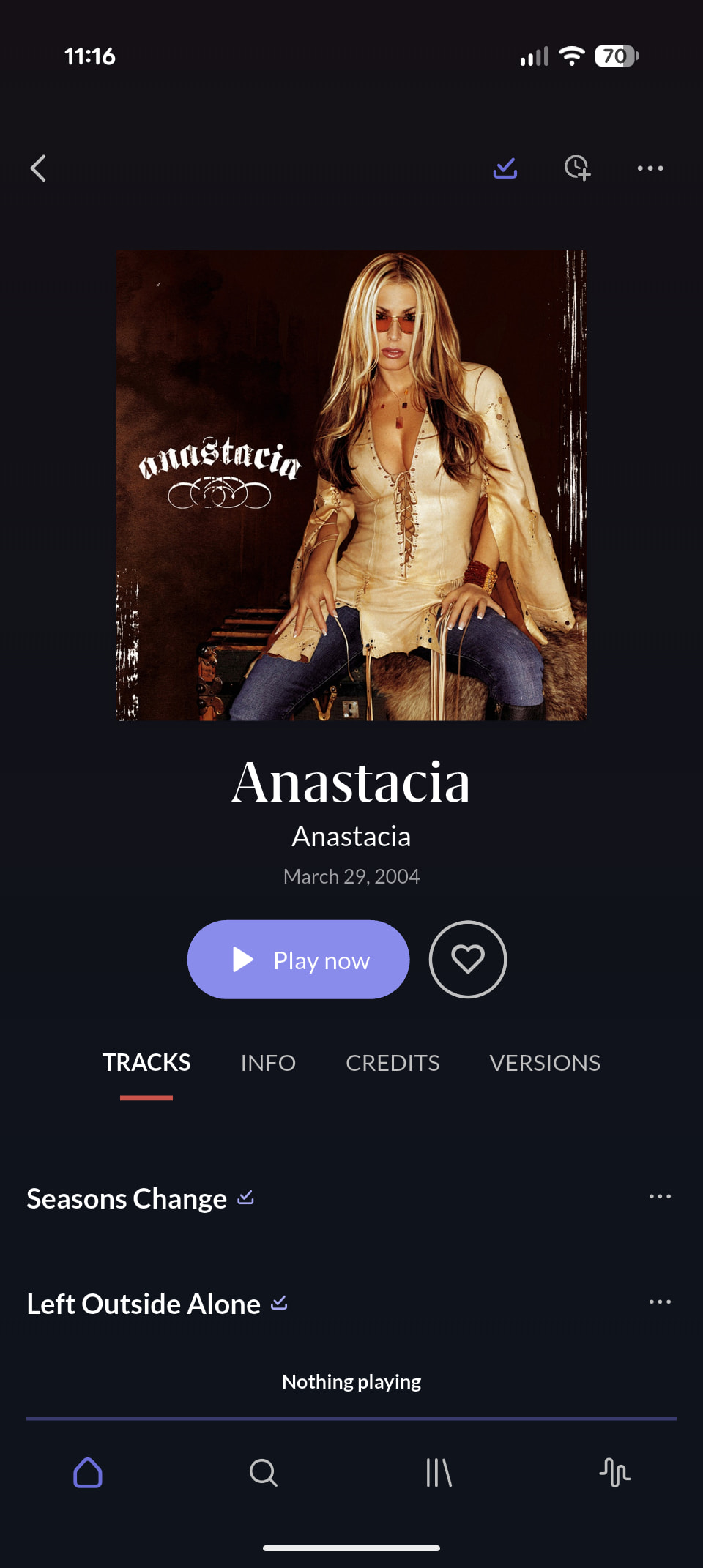
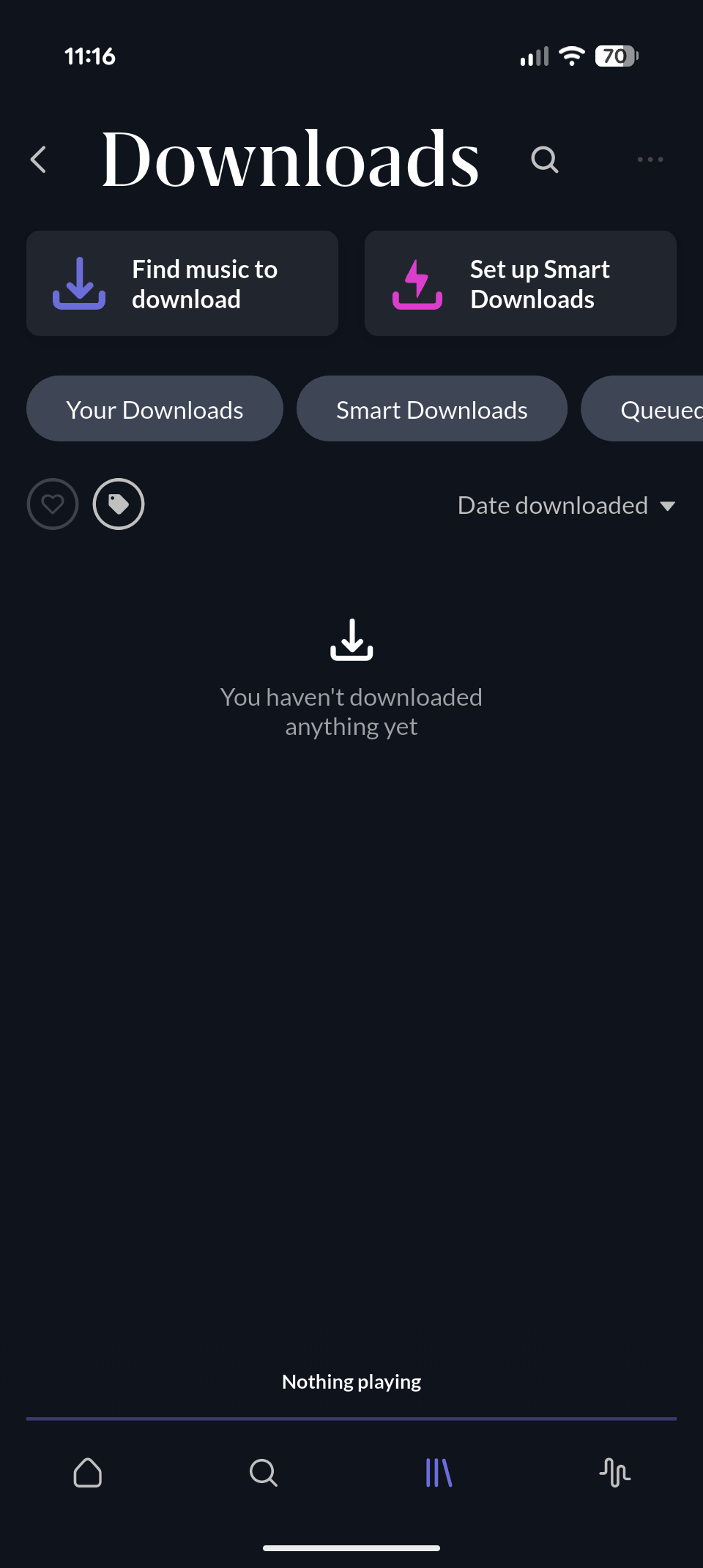
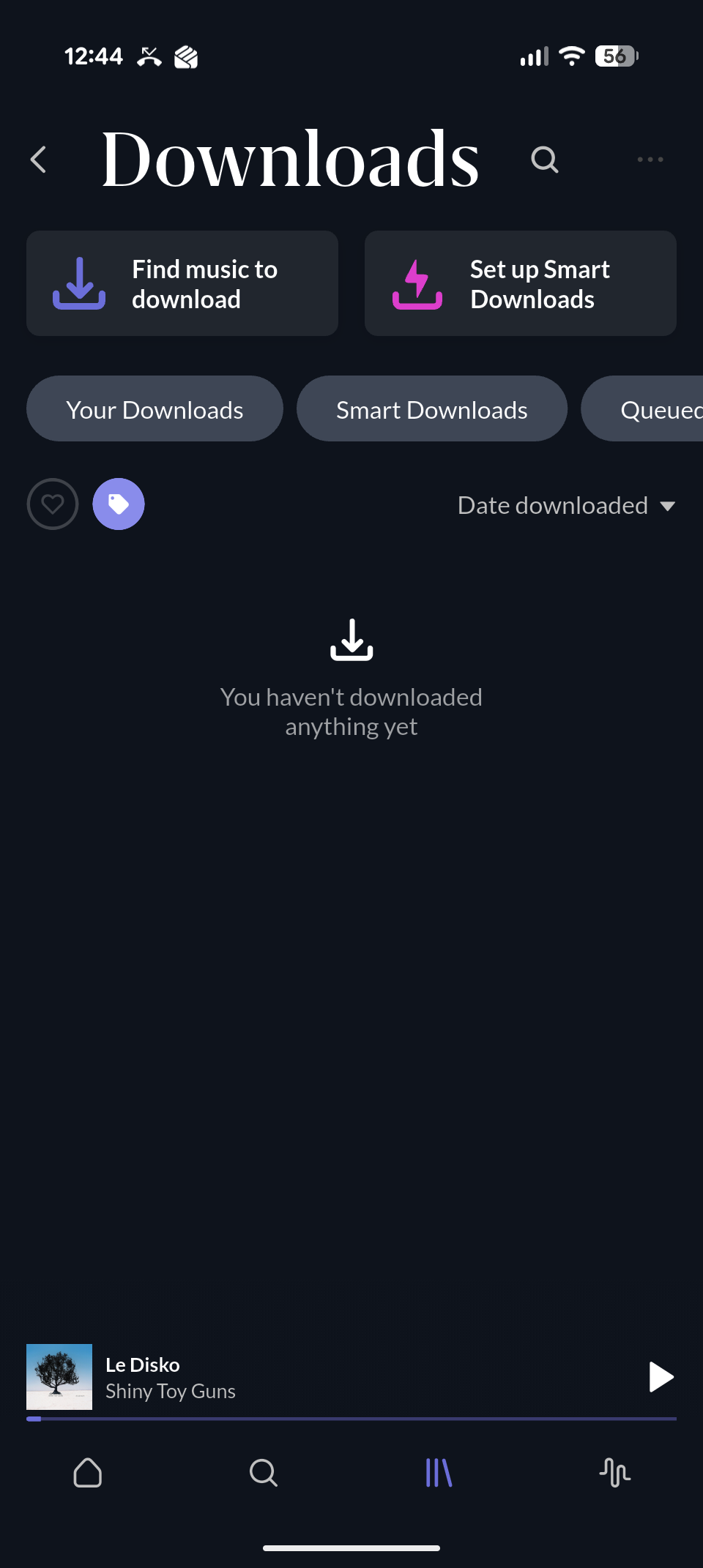
I tried going into settings and selecting Remove all downloads from device, and then re-downloading something, but the issue remains. I haven’t done a full re-install of ARC yet.
I was playing around a bit and selected the Search icon (the magnifying glass at the top, to the right of Downloads), and all the downloaded albums appeared and are now showing. I don’t think I’ve ever used that Search icon before
Interesting, thank you for the follow-up. Please let us know if these disappear again, or any future downloads don’t show up as expected in the Downloads browser. We’ll keep this open until we pin down the cause.
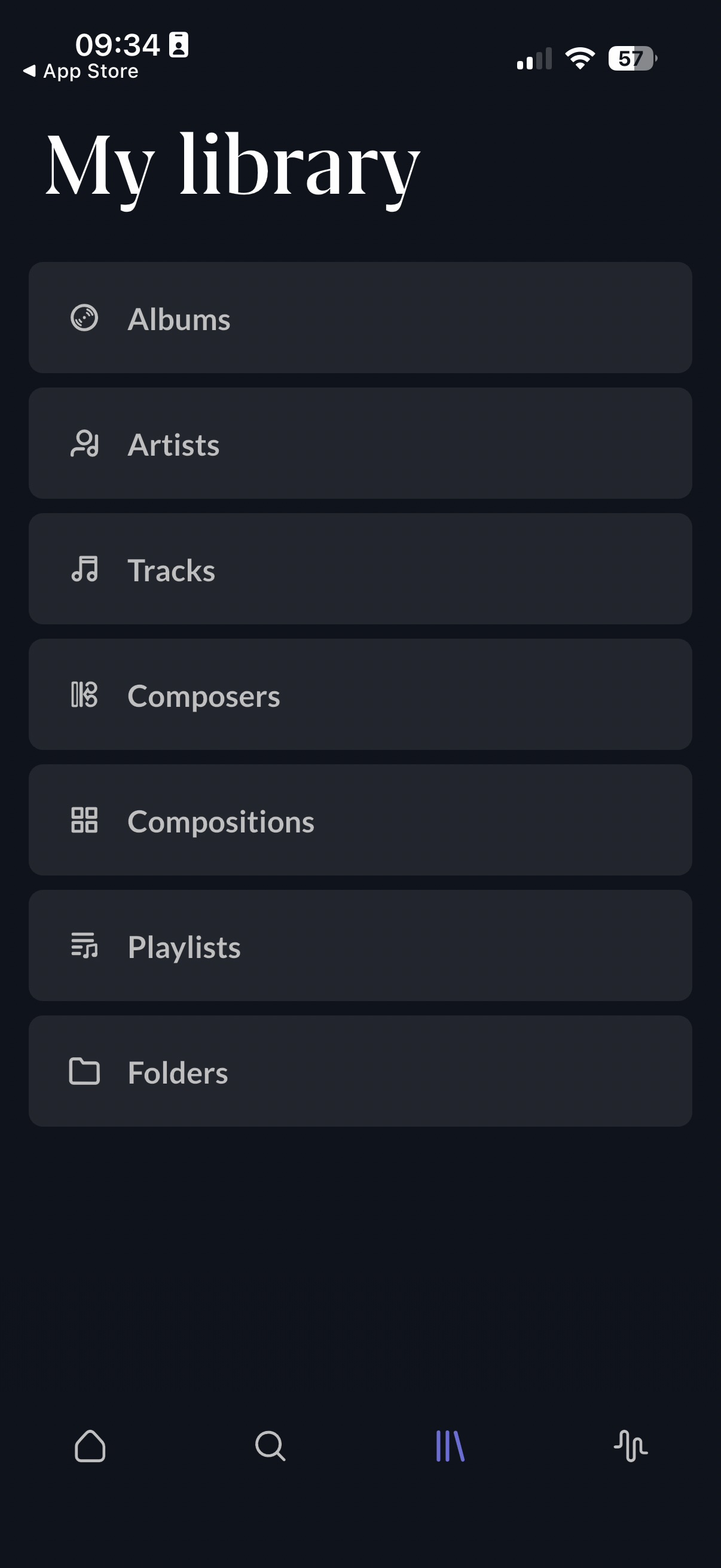
· The ‘downloads’ folder in room arc has disappeared. Smart downloads are enabled; room arc & server versions are current. Arc is connected and will play library items fine. There is just no way to view or access downloads. I have tried deleting and restoring the app: no effect. It may be unrelated, but I also see no folders in the folder browser view (but all my music is visible in the other parts of the interface)
Tell us about your home network
· Official docker image running on Synology NAS; remote access for Arc via Tailscale. All working fine.
Thanks @connor. I meant to put it in the original report—apologies if I missed it—but I have indeed tried deleting & reinstalling the app. This made no difference, in my case at least.
Fixed it! Posting this here in case anyone else runs into a similar problem.
The issue turns out to be that the Roon Server install (using the recent native Docker release on a NAS) had lost the ability to ‘watch’ the relevant folder on the local machine. This wasn’t immediately apparent: everything already in the Roon library was still showing up and playing back quite happily. But anything new in the watched folder was not being added, and… I’m guessing, but I suspect that the ‘downloads’ feature relies on the watched folder(s) to do its thing. It only occurred to me to check because in addition to the downloads function not appearing in the ARC UI, I also got a messaging when trying to use the ‘folders’ view that there were “no watched folders”, which didn’t make any sense. It also appears, then, the if the ARC app cannot see any watched folder, it also entirely removes the ‘download’ section on the Library screen (which is quite confusing).
I expect that the watched folder got disconnected during the upgrade to the Roon native Docker install.
@connor — thanks for your help! The above might be suggest a couple of UI improvements which could identify this issue (and the resolution) more easily to the end user.
 Get Help With Roon