I’m sorry to hear you’re still having issues @telosman33 - please let us know the name of the track playing the next time you experince this and we’ll take another look.
Thank you!
I’m sorry to hear you’re still having issues @telosman33 - please let us know the name of the track playing the next time you experince this and we’ll take another look.
Thank you!
I’ve been starting a group of four Sonos end points up at night before I go to sleep to see if Roon will be running when I wake up. What I’m finding is it typically losses control after about two hours - quite disappointing!!
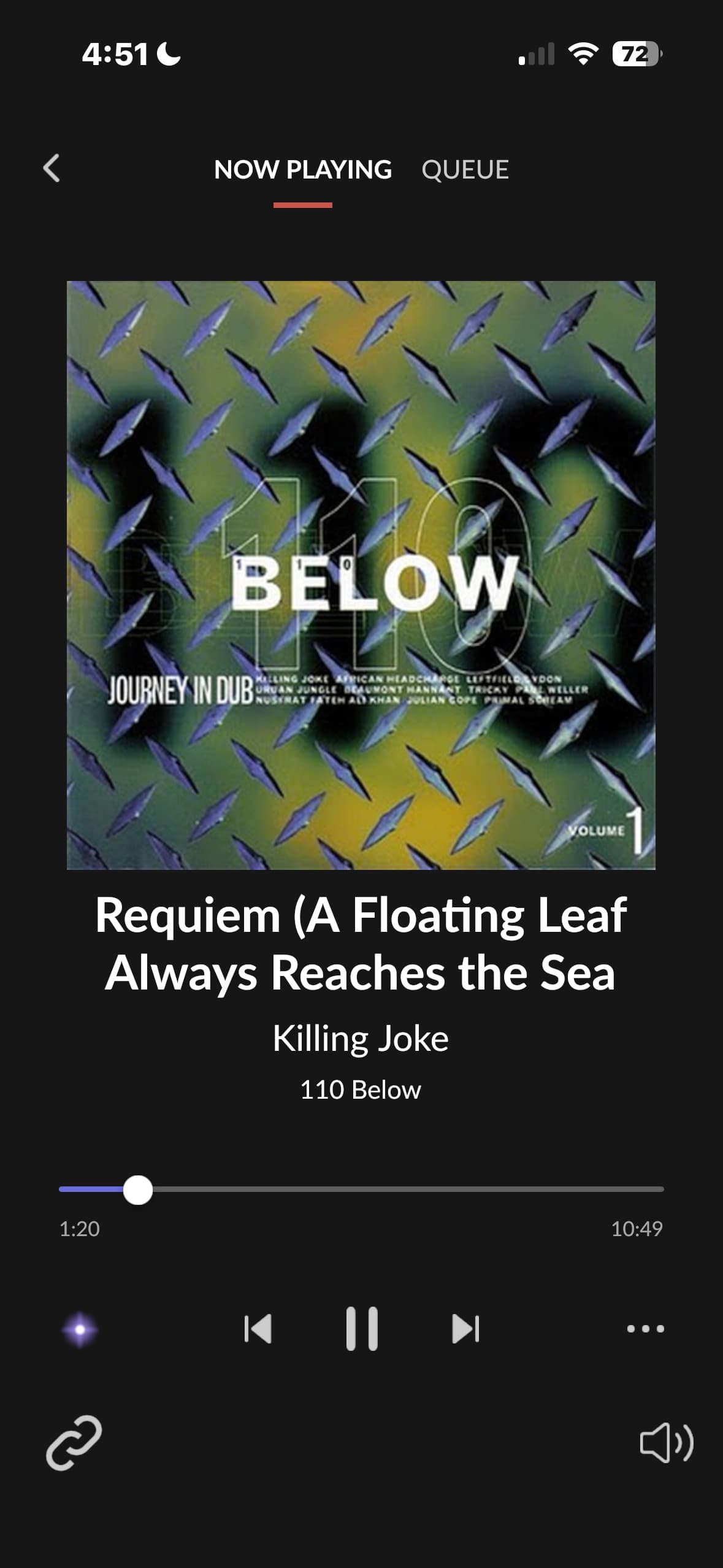
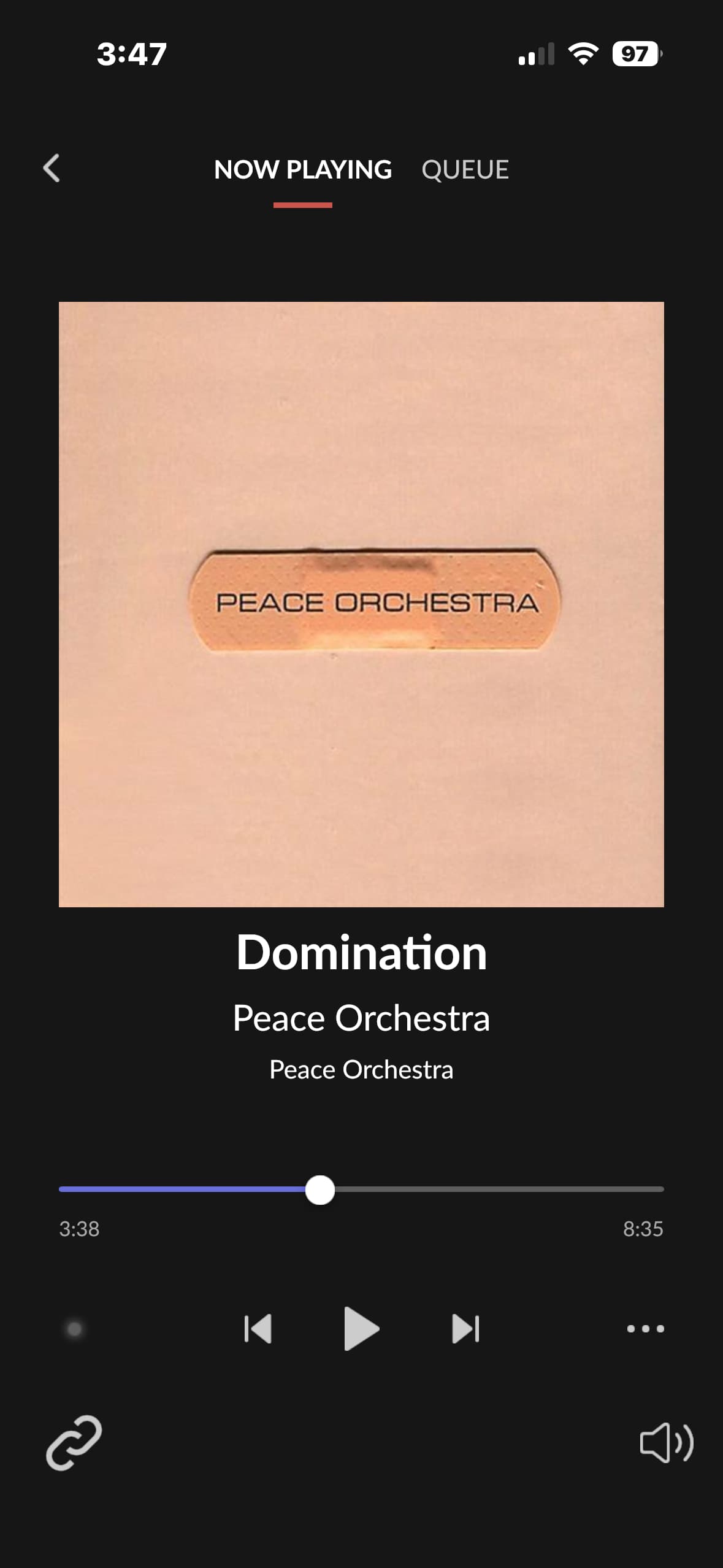
Last night I started up an album (110 Below) and could see Roon stopped while playing a Roon radio track of Double Drums by Peace Orchestra
No, it was not helpful - the issue the Roon software restart solved was the stale device ID’s, not the issue of Roon losing control of output devices
Thanks for that @telosman33 - we’ve found the timestamps in a fresh diagnostic report, and it’s precisely what we need.
You have my apologies here if this has already been discussed, but what current firmware version are each of your sono devices running?
Can you check you’re running at least Sonos firmware (15.3) across each device? Let me know what you find - thank you! 
Every speaker in my Sonos system is build 17.7 except a 1st generation Play 5 and my Sonos Boost which are build 17.2.2
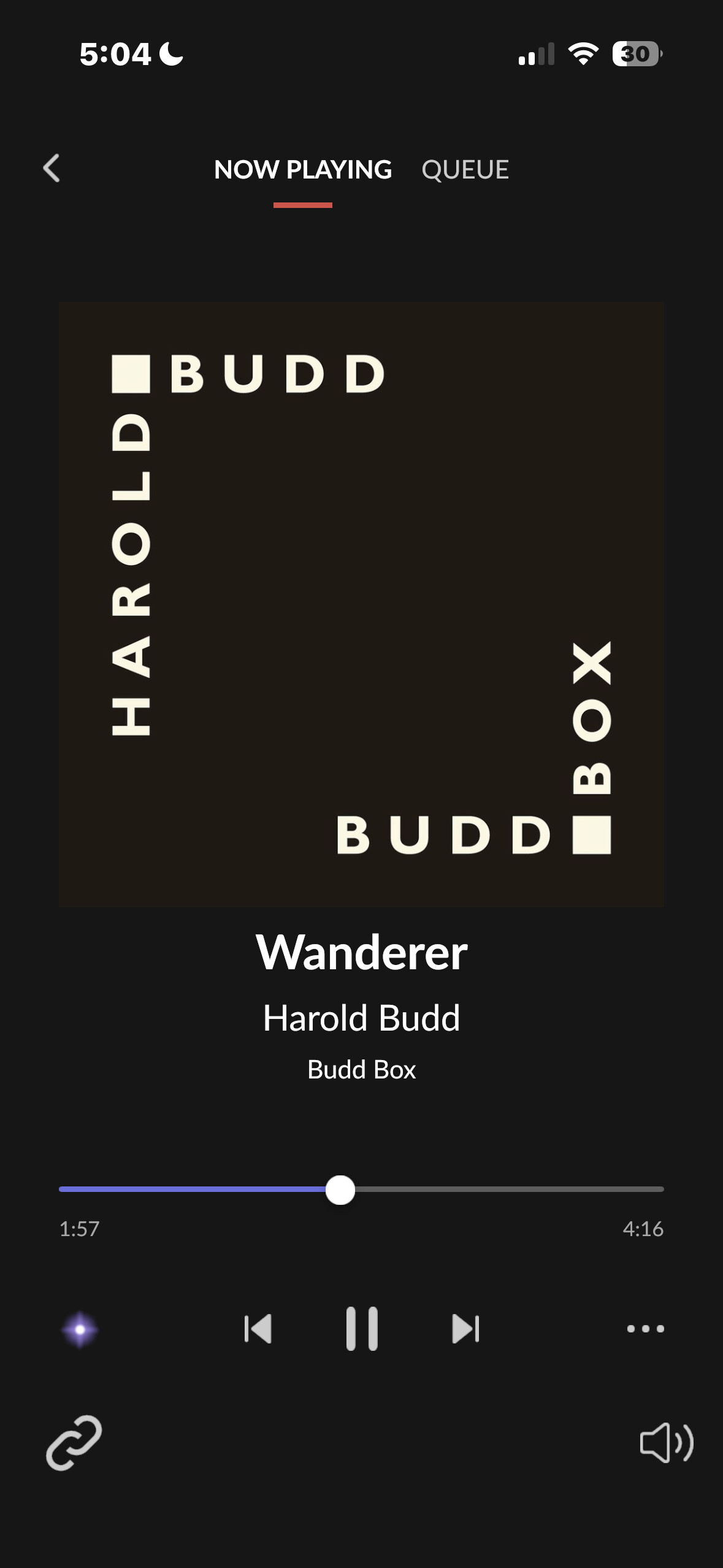
Once again last evening I started some music playing around 5am, and it stopped about 4 plus hours later as I slept. Today, I have had nothing but issues trying to play Roon through Sonos - so much so that I am converting back to using my Sonos app to enjoy my music. This is all so disconcerting - I expected Roon to be a sophisticated and stable music server. Are you able to give me any useful advice, because so far this has been an exercise in futility. Also begs a question, what is stopping Roon and Sonos from collaborating to make Sonos products Roon Ready?
Further info:
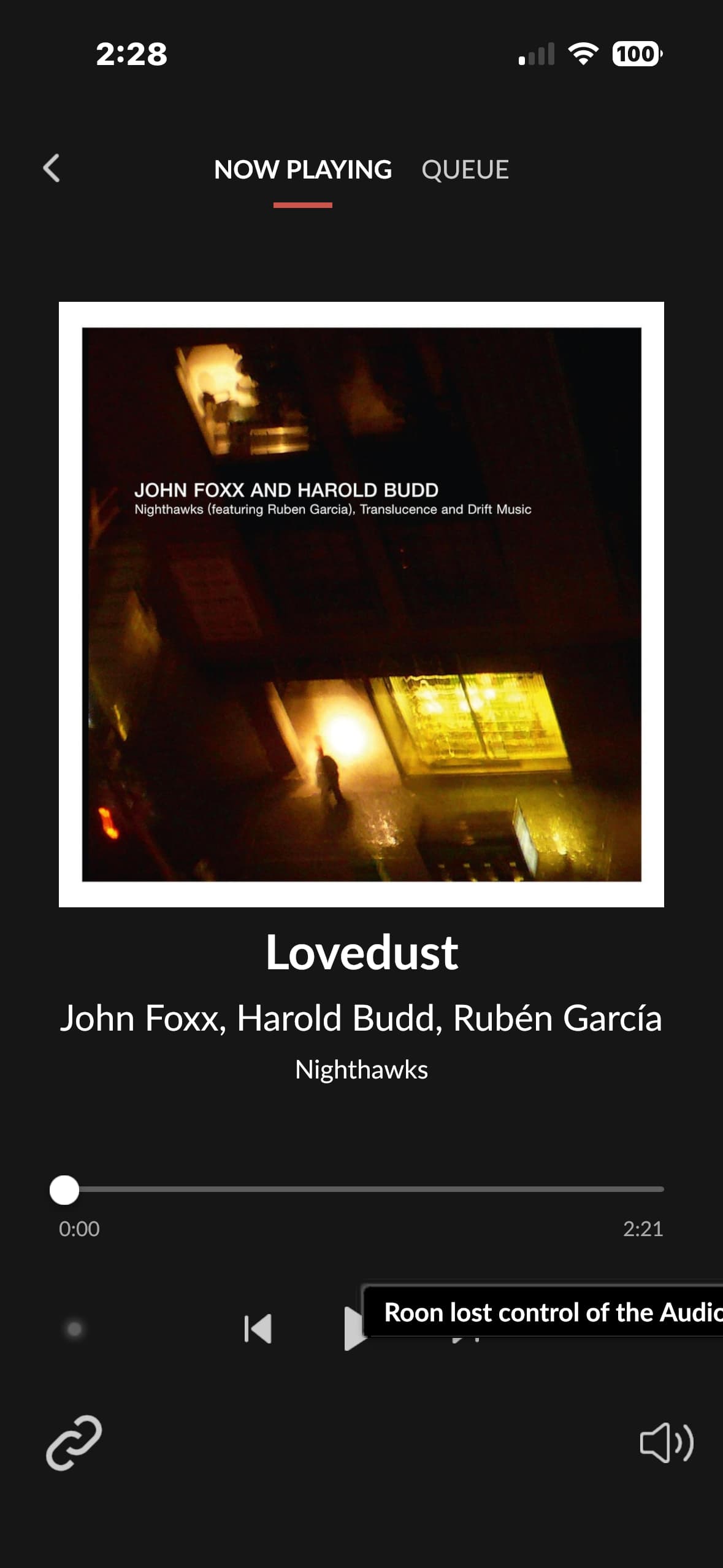
I just lost control of a couple of my Sonos speakers
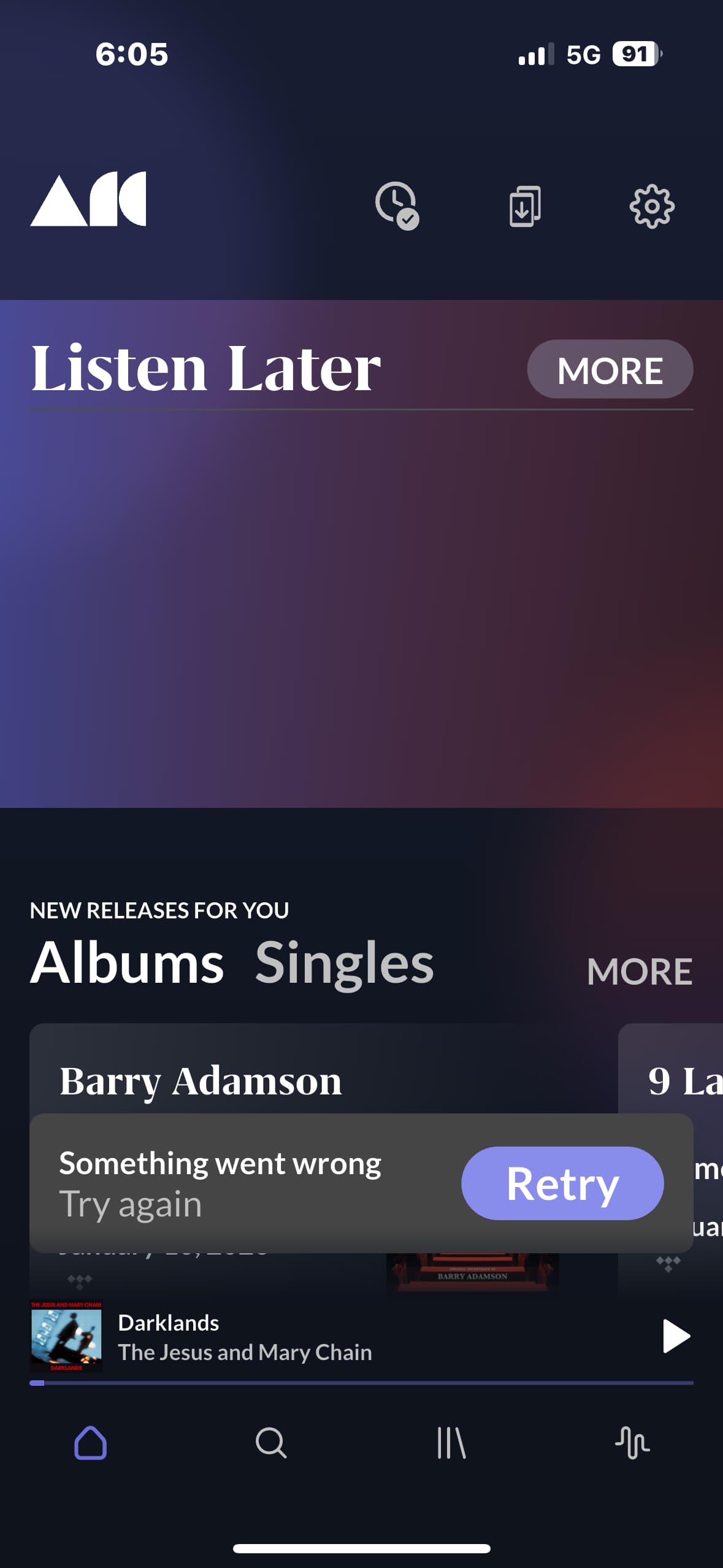
I did a restart on the Roon server software and a reboot of my router, which has now made the speakers “available” to Roon, but when I try and play a selection through Tidal, it does not start playing. Switching to direct control through the Sonos app, my selection plays.
Hello @telosman33 ,
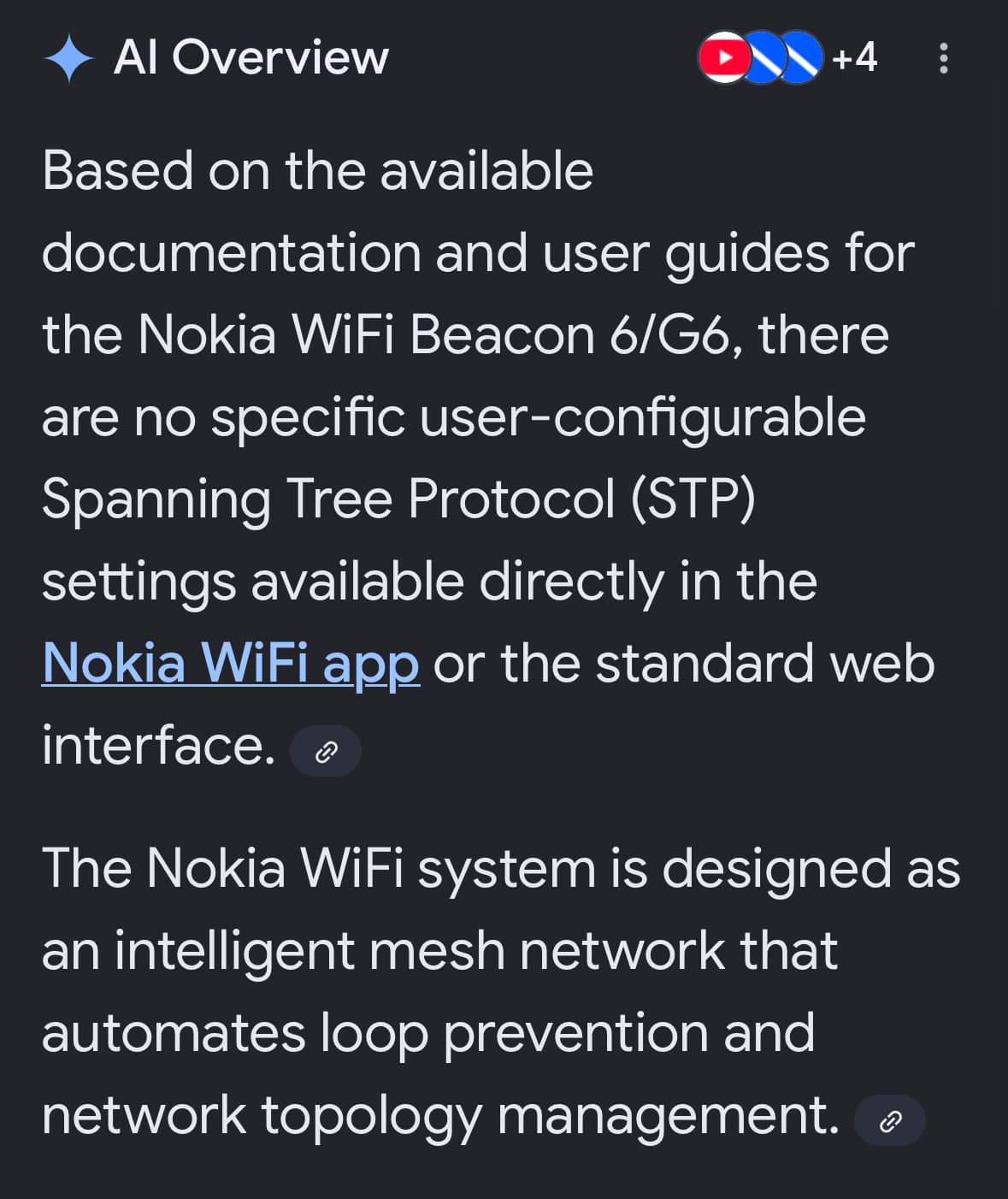
Thanks for letting us know. We will review diagnostics with the team and revert to you once we’ve had a chance to look into the logging. I wonder if this issue could be network related, the setting Spanning Tree Protocol has caused similar Sonos issues in the past, is it by any chance enabled on your router?
Any more suggestions?
Hi @telosman33,
We don’t have any additional information or updates to share at this time. Our development team has a ticket in that isn’t directly related to your issue, but may potentially help, no matter.
This should be included in the next few Roon updates, you can keep track of our software releases here:
Hi @telosman33,
We’ve enabled some additional diagnostics for your account. At your convenience, can you please restart RoonServer twice to enable them? The second restart is essential.
This should provide the additional insight the team requires to move this case forward.
Thank you again for your patience.
When you say “restart RoonServer” do you mean a software restart?
I have done two software restarts. And I’m assuming this is for troubleshooting only and Roon has yet to solve the issue with Sonos connectivity?
Hello @telosman33
Before we proceed, we want to gently note that while Sonos manufactures numerous products that are compatible with Roon, there is no formal partnership between Sonos and Roon Labs. Nonetheless, we are fully committed to investigating this issue and finding the root cause of the dropouts you are experiencing.
To get a better understanding of what is happening under the hood, we have enabled additional extended diagnostics on your account.
For these diagnostics to take effect and for us to capture the necessary logs, please follow these steps:
This timestamp and zone information will help us pinpoint the exact moment in the new logs and identify the pattern.
We look forward to your reply!
Lately, I have not been able to log any particular issues because of my work and travel schedule. However, I will note a couple of annoyances I have encountered - it seems there is an issue when I have my “living room” stereo set of Play 5’s in a group with another couple of Sonos speakers - the music does not play consistently in stereo more as the left channel drops out, then re-engages quite frequently. It seems if I listen to this stereo pair separately that the drop out does not occur. Currently I have not been grouping the Sonos Port that is listed as “media room” since it seems to cause stability issues. I can probably did up a few older screen shots of when issues have occurred, but I cannot always supply a definitive time the issue has occurred - I see the “Roon lost control of Audio device” after the fact when I come into a silent room that music had been streaming in.
Hi @telosman33,
Thanks for the update. When you have more time to look into this, please let us know the exact local time and date of the issue occurrence, as @vadim mentioned in his latest reply. We’ll be standing by until then, thanks!
We wanted to follow up here with a little more context.
On larger networks with multiple endpoints and grouped Zones, Sonos and Roon can run into Layer 2 instability driven by multicast handling and dynamic network topology changes.
Sonos devices behave like network bridges, especially when SonosNet is in use or when speakers are a mix of wired and wireless connections. As a result, traffic can shift between wired and wireless paths while the network simultaneously makes its own adjustments to maintain stability and prevent loops. At the same time, Roon relies on continuous multicast (mDNS) communication for device discovery and control.
When these behaviors overlap, even a brief interruption in multicast traffic or a momentary change in the active network path can cause Roon to lose visibility of a device or see it fall out of sync. Successive releases have made rediscovery and retry fairly robust; Roon won’t immediately let go of the device without attempting to save the stream. On more complex or mesh-based networks, these transitions can happen frequently enough that device mapping starts to feel inconsistent. Grouped Zones, which depend on stable, uninterrupted communication, are typically the first to show issues, appearing as sync drift, dropouts, or “lost device” errors.
Roon can only react to what the network presents. It’s for this reason that we’re not able to resolve Sonos-related sync vulnerabilities in one clean release, but have instead implemented tactical retries and other patches in step with advances in Sonos firmware.
Please let us know if you encounter these issues moving forward. As you’re aware, we’ve enabled more verbose logging to help make progress on this issue and improve the experience long-term.