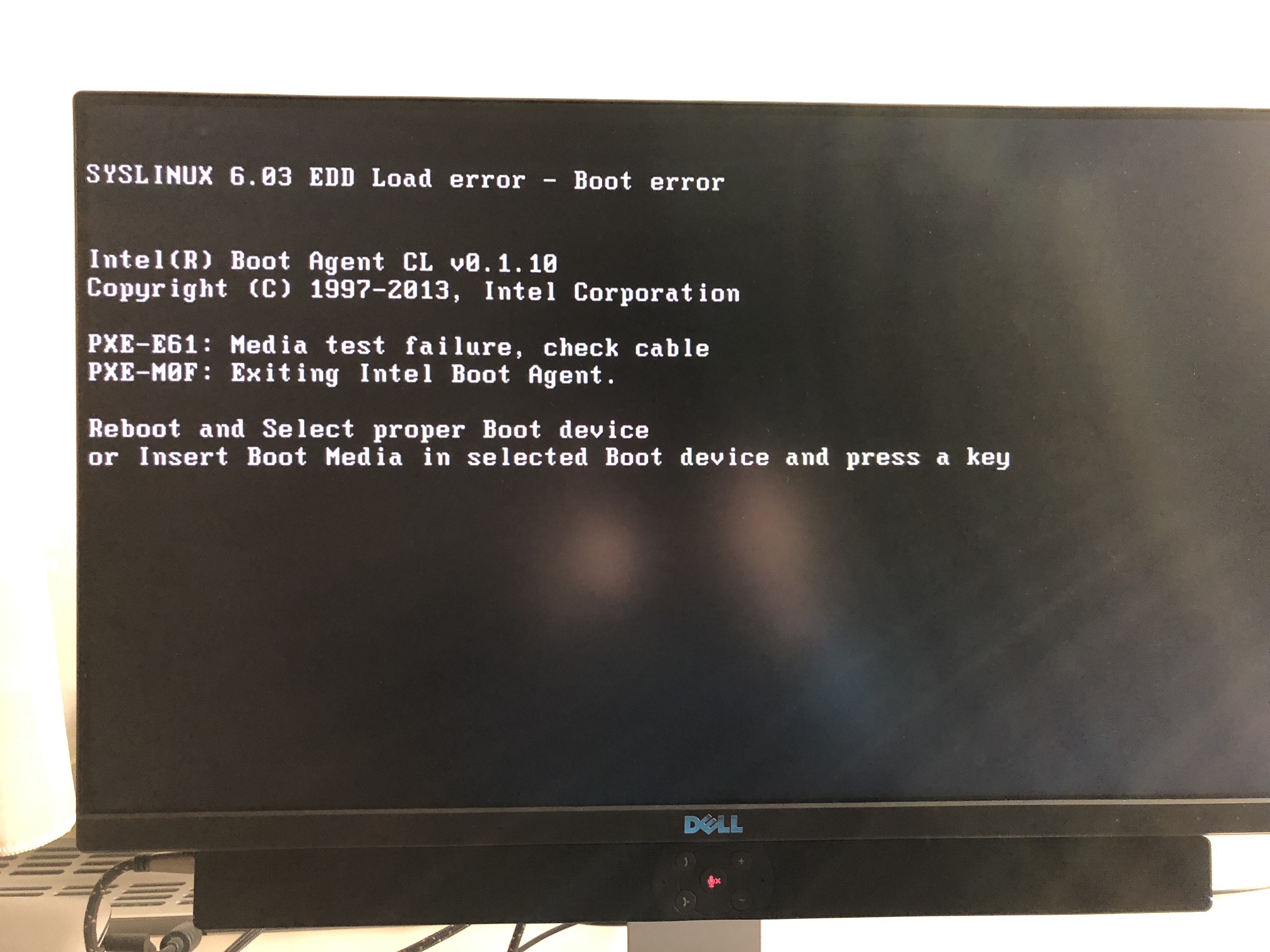
I’m new to Roon and recently bought a used Nucleus. It worked fine after I set it up and added my Tidal and Qobuz accounts. That is until I went on vacation and unplugged it. When I got back I plugged it back in but it wouldn’t start. Connected to a monitor via the second HDMI port, it shows me “SYSLINUX 6.03 EDD Load error - Boot error”. I am also attaching the photo with the full message. Can anyone help me with information on how to bring it back to life?
I hope to find understanding among the forum members.
I’m sorry to hear about your troubles. Syslinux is a BIOS bootloader, and it would seem that a bootable partition on the SSD can’t be found. I thought the Nucleus used GRUB, so please confirm if any other drives are connected, e.g. a USB pen drive.
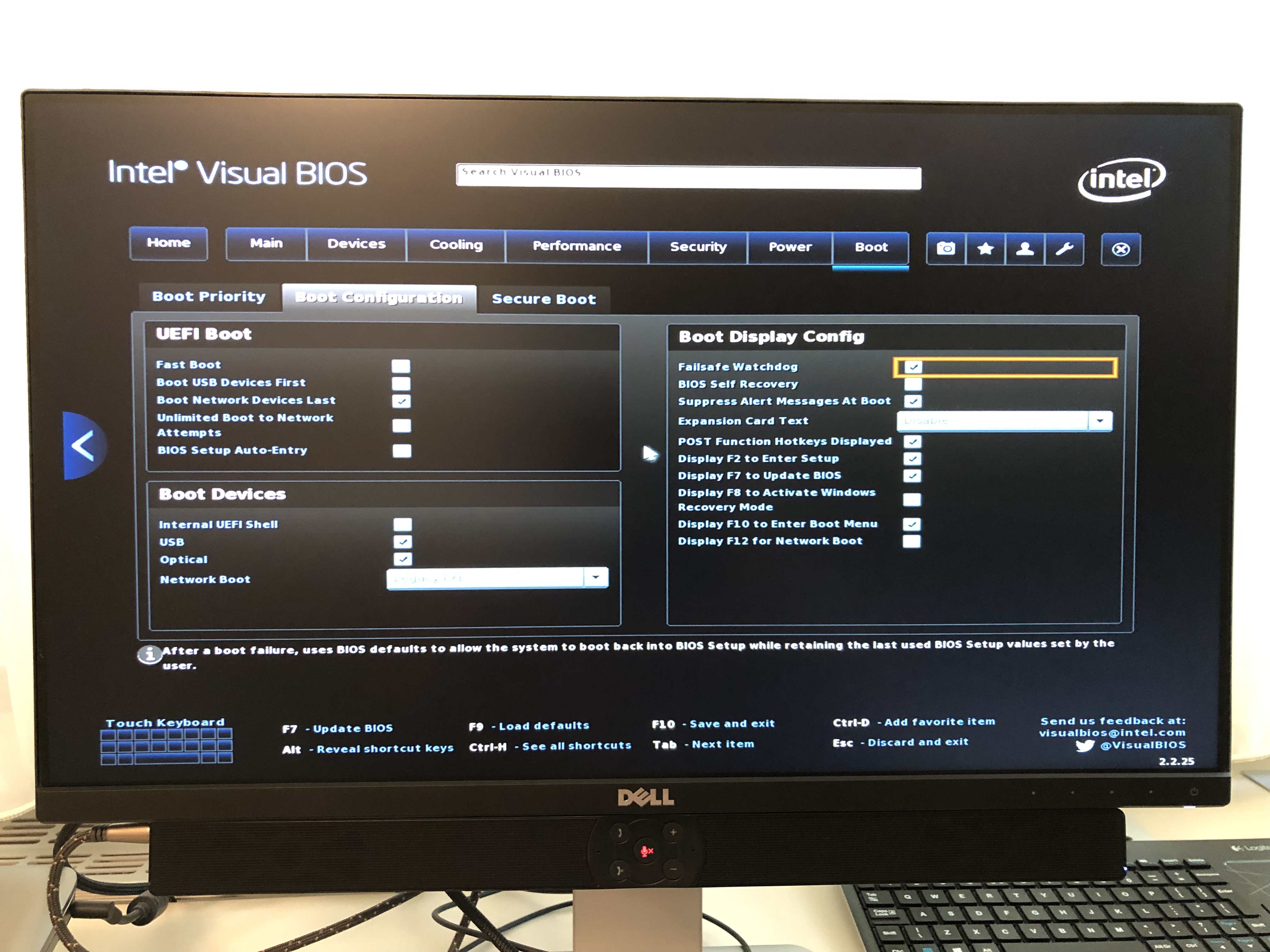
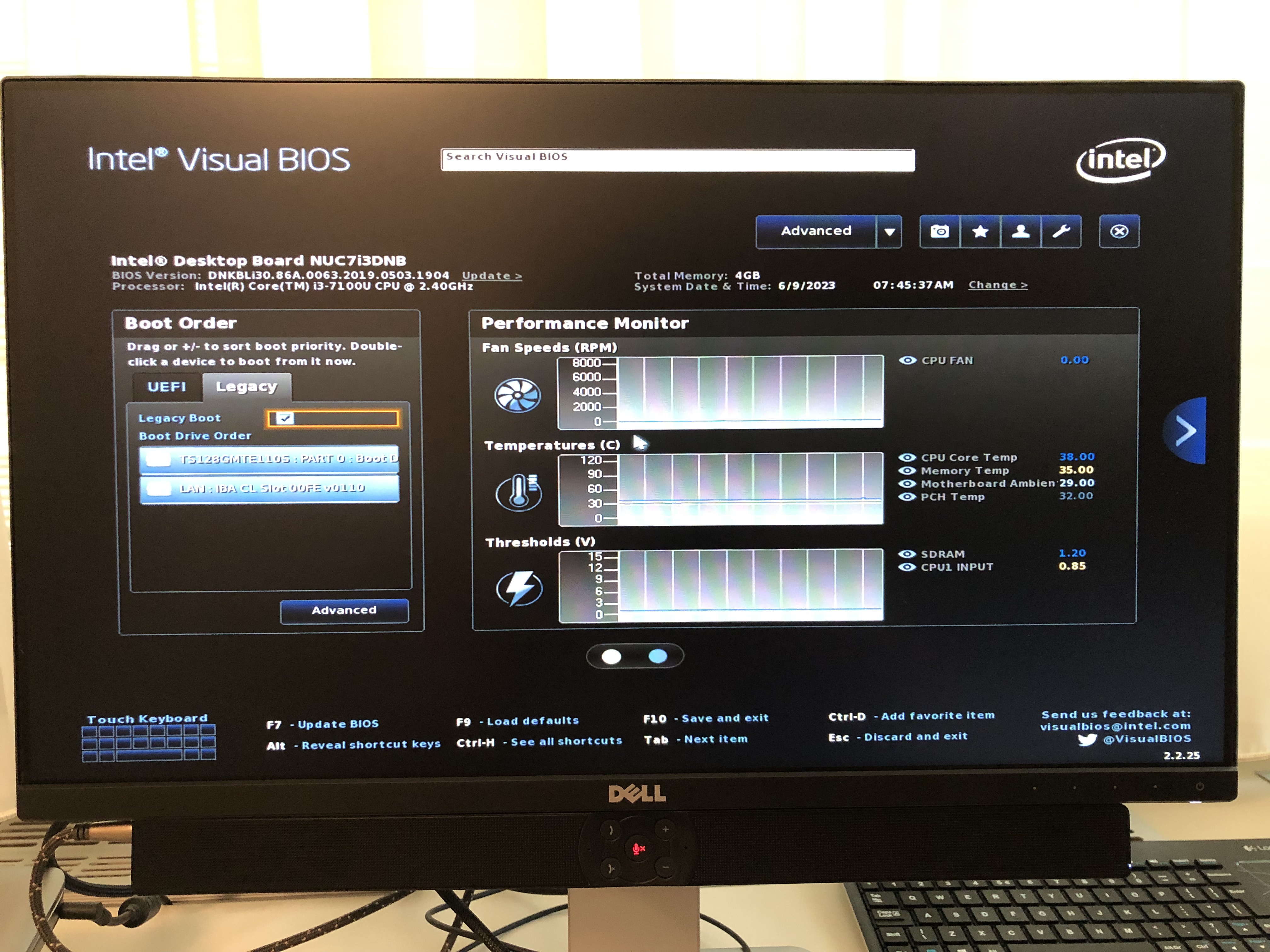
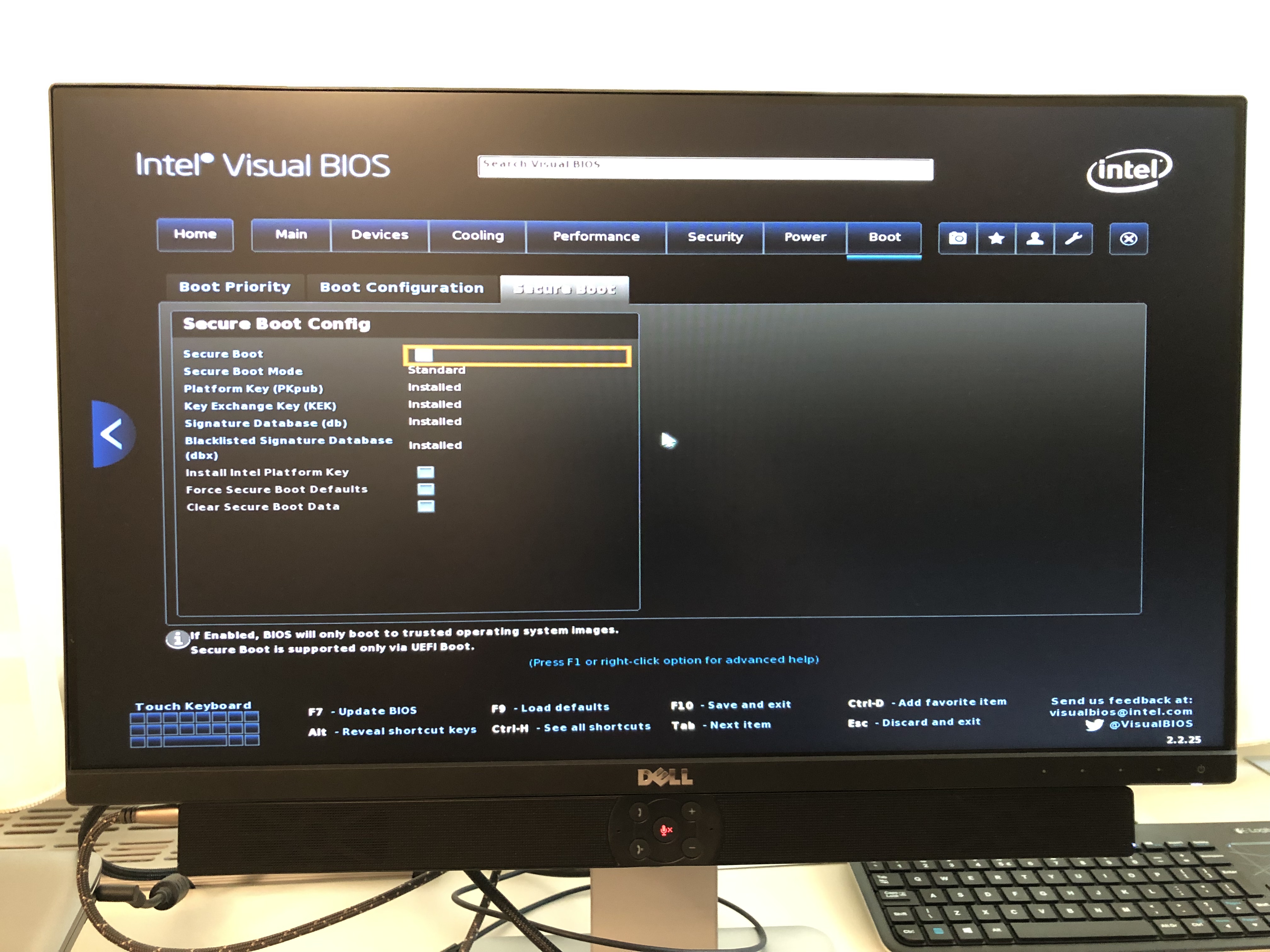
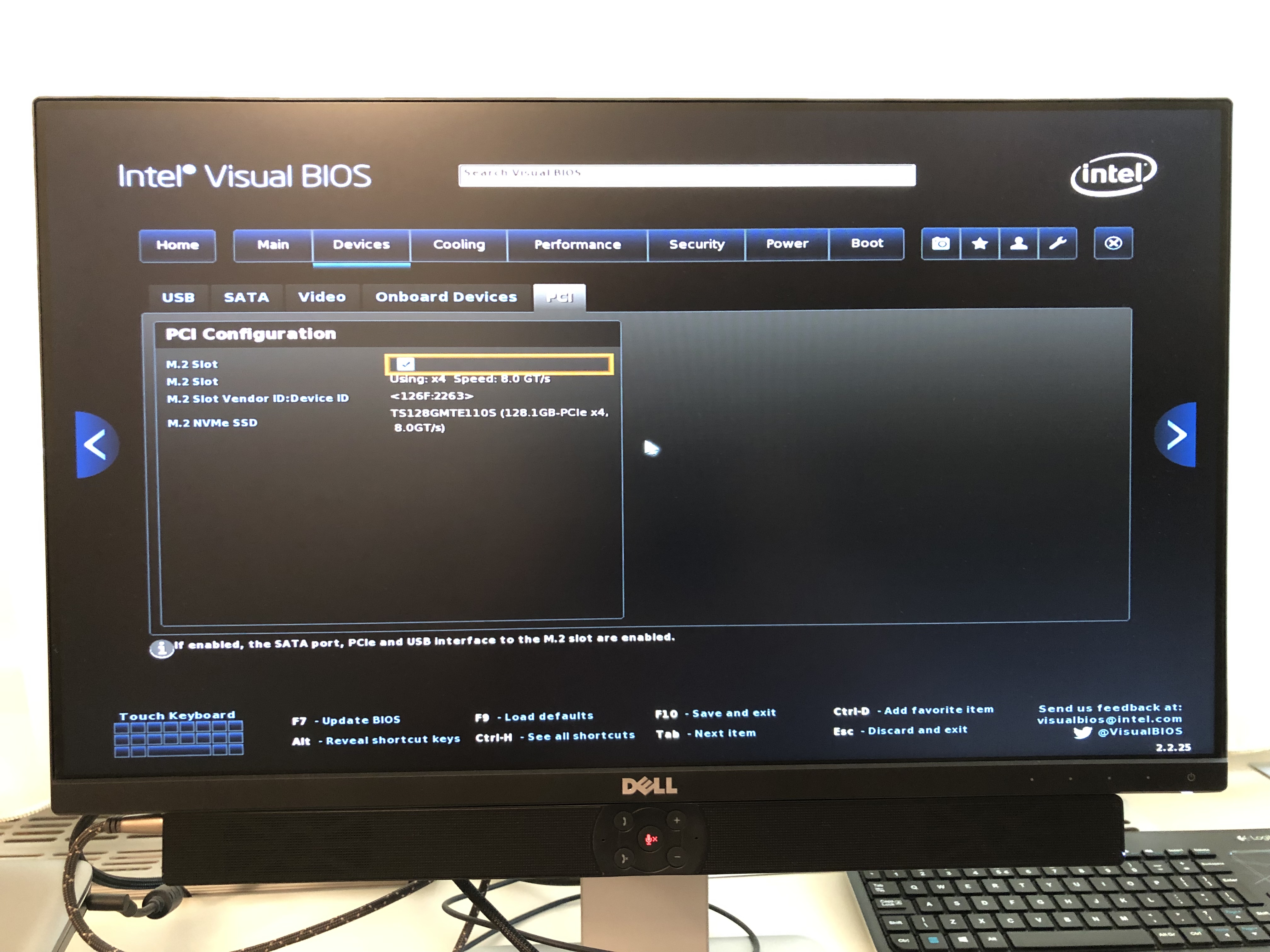
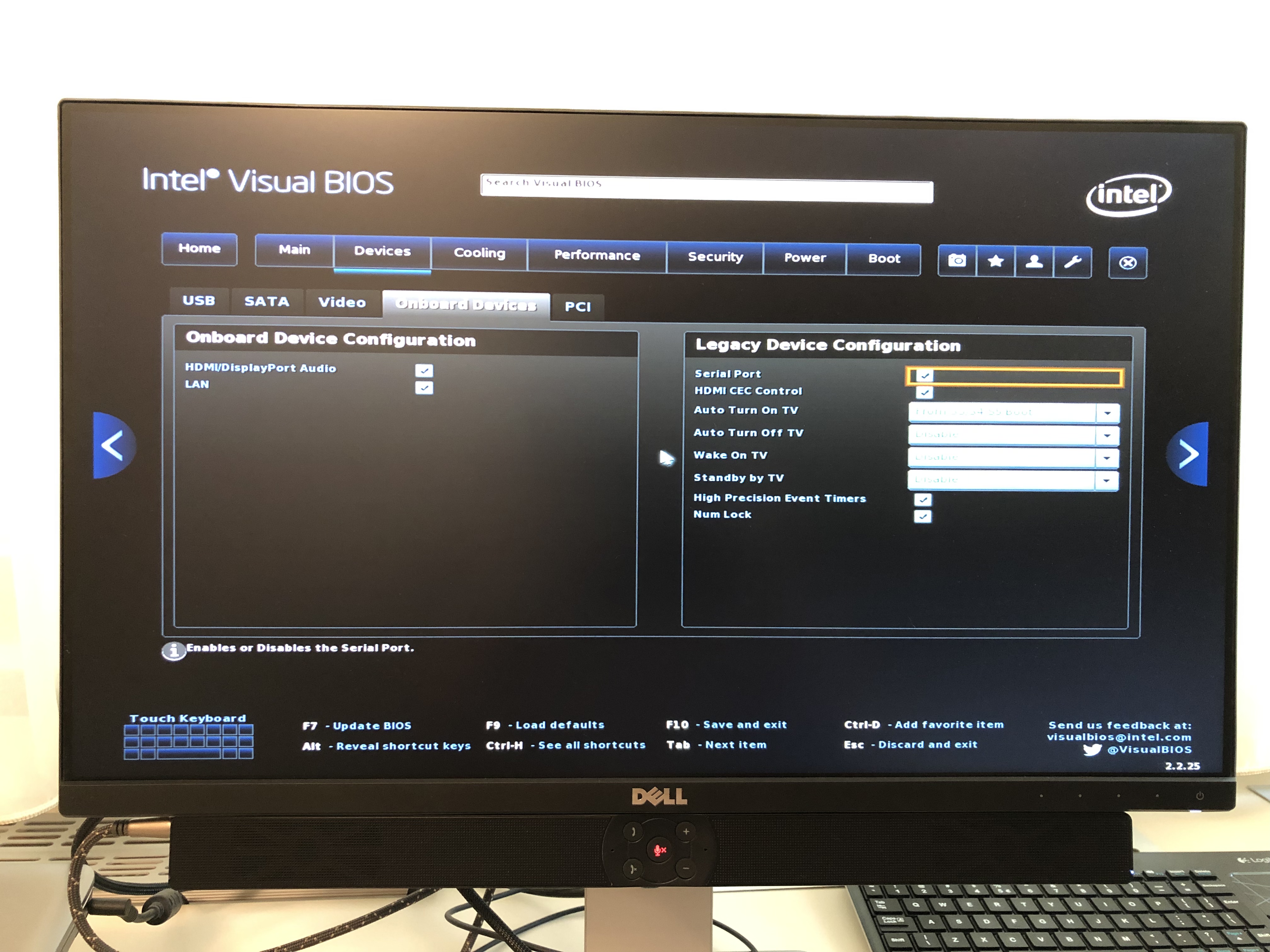
Furthermore, it would be helpful if you could share a screenshot of the boot and SATA screens … press F2 when powering on the Nucleus.
I have nothing else in the usb ports and no other SSD or HDD with music libraries. I only use Tidal or Qobuz. As far as I can remember, it sees the Transcend 110S SSD in the BIOS. I’ll take a screenshot when I get home. Thanks for the reply!
You are partially correct. Rev A uses SYSLINUX. Rev B uses GRUB2.
Agreed. It seems strange that the SSD partition disappeared. I assume you bought it 2 weeks ago? It looks like it was factory reset 2 weeks ago. It hasn’t been logged in for a week now. Anything happen a week ago?
Don’t worry. It’s not hard to reset it back to stock, even if it means replacing the SSD. That is easy and inexpensive to get locally.
Let’s make sure the SSD is “dead” though. What can you tell me about the unit’s history in the last month?
I bought the Nucleus from a member of an audiophile group in Romania. Of course, I did not receive any proof. He claims he bought it in Germany a long time ago, without specifying exactly when. I did the reset myself, because the device was still active on the old owner’s account. I used it for a few days, then went on vacation. Due to the fact that where I live there are frequent power outages due to summer storms, I thought it best to unplug it while on vacation. When I got back I tried restarting it by plugging it in but it wouldn’t work. Afterwards, I did some research and came up with the information I shared with you earlier.
I’m back with the BIOS info. I took several screenshots. I hope these help you. I bought an SSD identical to the one in Nucleus. I am trying to clone it but I don’t know how much this will help. If you have a better solution, I would be glad if you could share it with me.
I would have gone with a different drive. One of the Samsung Pro models.
You don’t clone it. You would install Rock. Then let @danny know and support can update that to the version of RoonOS for the Nucleus. After that you restore a backup.
If you put ROCK on the Nucleus you are 90% of the way there. Roon then need to log in to change it to a Nucleus identity. I can’t see any reason why they would not do that so long as they have verified it is indeed a Nucleus.
As mentioned above, I would have opted for a better quality M.2 fitted also.
On thing to remember, is that if you do load ROCK, you don’t want to use it much until it has been updated back to the Nucleus version of RoonOS. Why? The Nucleus RoonOS has specific code to protect the CPU from thermal damage in a fanless case, ROCK does not have this code.
I read about this, thank you! I knew this and that was why I didn’t install ROCK until now. Tomorrow, even though it’s Sunday, I’ll try to see if it’s a problem with the CMOS battery. I’ll try after that, if nothing changes, to clone the old SSD. Only after that I will install ROCK and try to get in touch with someone Roon accredited to help me with the firmware.
Do not clone anything. Follow the Roon instructions for installing ROCK on your Nucleus, then message @danny and request upgrade to Nucleus. It’s easy if I can do it, which I did. I tried to find the exact instructions and link them for you, but I can’t find them.